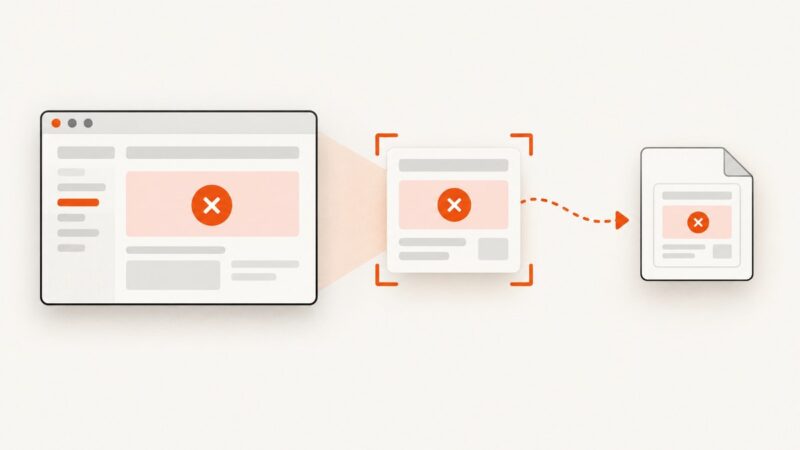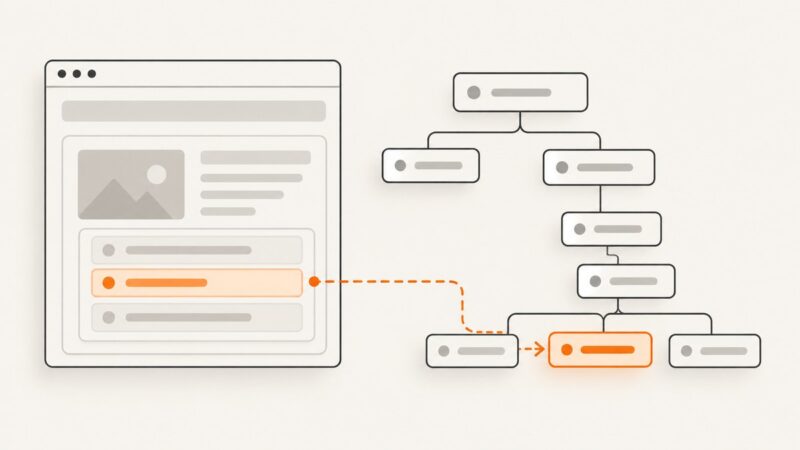
How to Find Elements in Puppeteer with Descendant Attribute Selectors
Use a CSS descendant selector to find elements by attribute anywhere inside a container. Learn when to use locators, query methods, child selectors, and Shadow DOM selectors.
Use a CSS descendant selector to find elements by attribute anywhere inside a container. Learn when to use locators, query methods, child selectors, and Shadow DOM selectors.
Reduce image bytes without making pages look bad: resize correctly, choose WebP or AVIF, compress by content, and serve responsive images.
Record a video playing in your browser with a user-approved tab, window, or screen capture. Learn how to save the recording, include audio, and troubleshoot missing video.
Troubleshoot missing failure screenshots in Cypress, Playwright, and pytest, and make sure CI preserves the images your team needs to debug failures.
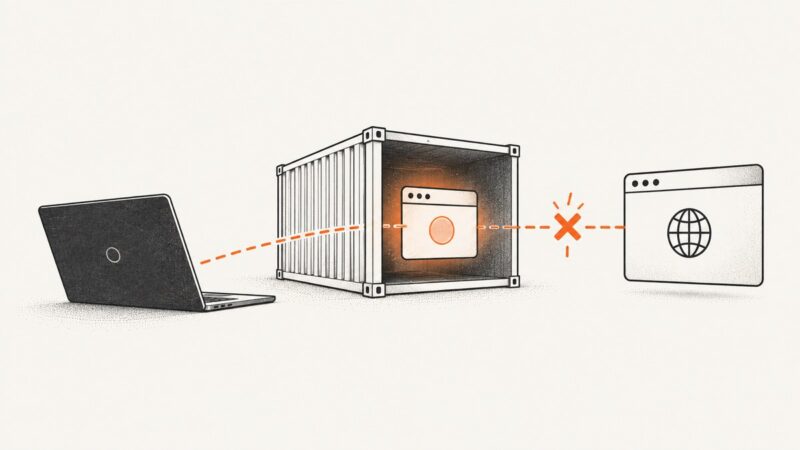
Diagnose Puppeteer browser disconnects in Docker with browser logs, container checks, and a step-by-step troubleshooting guide.
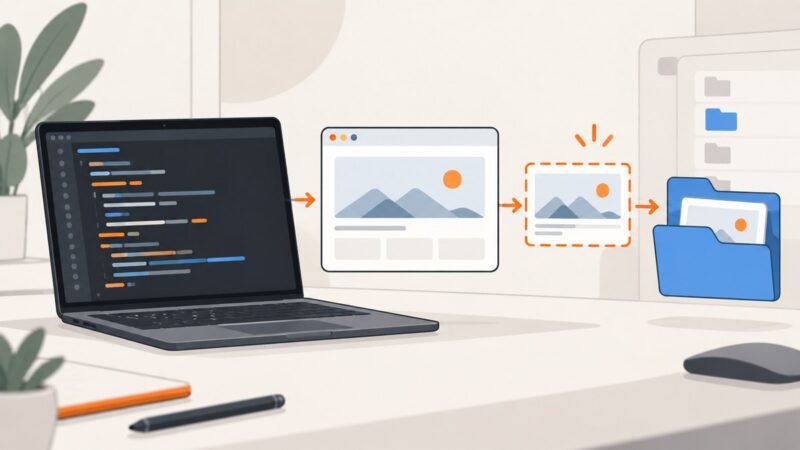
Create a folder safely, save Selenium PNGs reliably, avoid overwrites, troubleshoot paths, and compare browser capture with ScreenshotNeo.
Embed a PNG with the right path, accessible alt text, responsive sizing, troubleshooting steps, and a ScreenshotNeo option for generated screenshots.
Missing ngx-graph text, links, or black regions in html2canvas usually point to SVG rendering, asset, or canvas-size limits. Diagnose them step by step, then choose a reliable export path.
Share login state between headless Chrome tabs with Playwright or Puppeteer, transfer it safely between contexts, and troubleshoot missing cookies.
Generate a jsPDF document in memory and upload it as raw PDF bytes or multipart form data with browser fetch, plus debugging and production tips.
Learn how to place a PNG in HTML, reference it safely, or embed it as Base64 in one standalone file.
Diagnose Selenium NoSuchElementException errors, repair CSS locators, and use explicit waits that match the page state you need.
Read a disabled input’s live value in Selenium with property APIs, verify its state, handle frames and custom controls, and troubleshoot common failures.
Use cy.viewport() to size Cypress’s application viewport, or configure the headless browser screen separately for screenshots and video.
Hide a div with Selenium in Python using JavaScript, waits, iframe and shadow DOM handling, verification, troubleshooting, and screenshot alternatives.
Fix missing SVGs in html2canvas and jsPDF with the right renderer, CORS settings, diagnostics, and a direct SVG-to-PDF path.
Configure Chrome headless, locate elements reliably with Selenium findElement, wait for dynamic pages, and fix common no-such-element errors.
Learn what “Uncaught [object Object]” means in headless Chrome, how to capture the real exception, isolate failures, and fix screenshot errors.