How to Capture Screenshots Only When Tests Fail
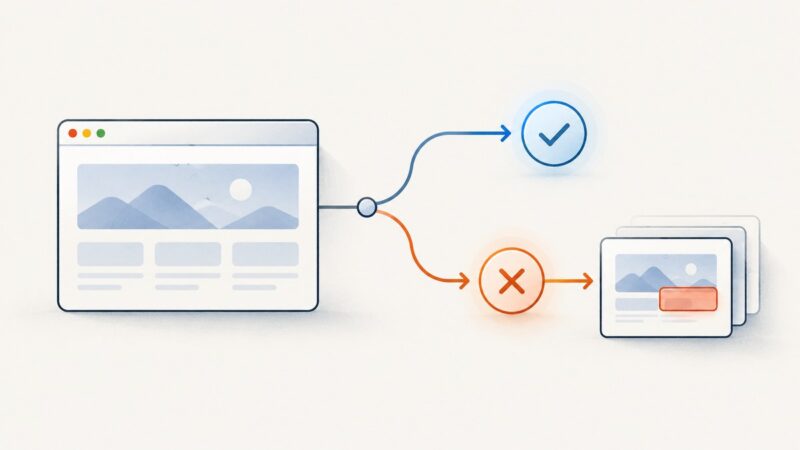
Configure Playwright or Cypress to save screenshots when tests fail, then retain and inspect those images as CI artifacts alongside your test diagnostics.
Configure Playwright or Cypress to save screenshots when tests fail, then retain and inspect those images as CI artifacts alongside your test diagnostics.
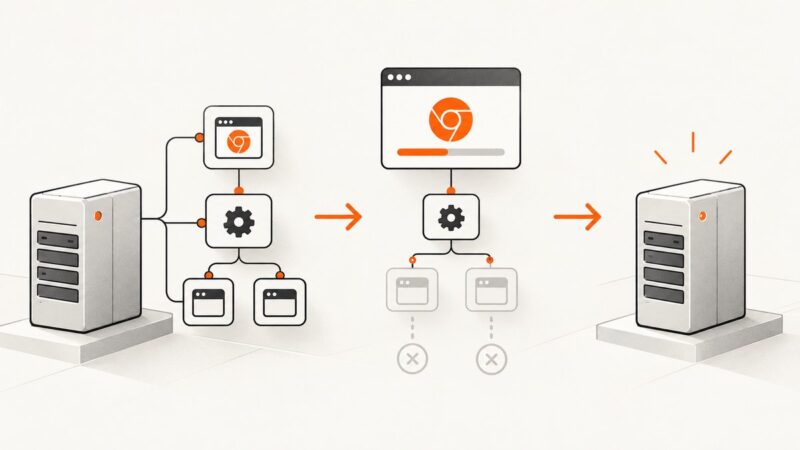
Learn how to close ChromeDriver reliably in Selenium TeamCity builds, diagnose orphaned processes, and configure cleanup without killing other builds.
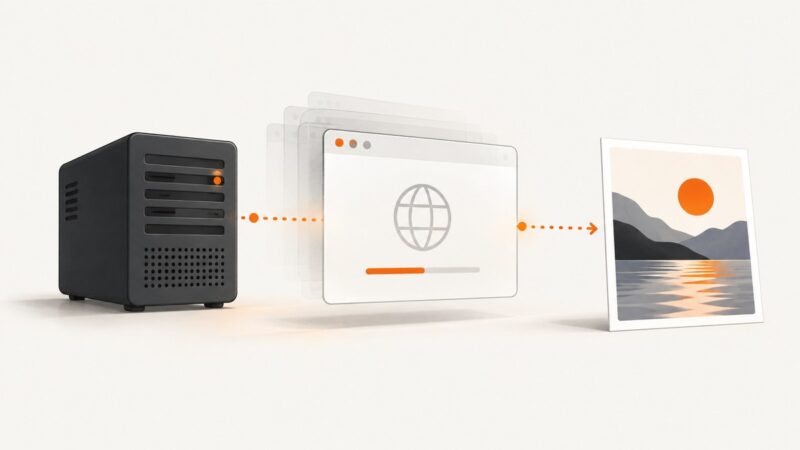
Run Selenium in headless mode to capture screenshots without a visible window. Includes Chrome, Firefox, CI fixes, full-page capture, and API alternatives.
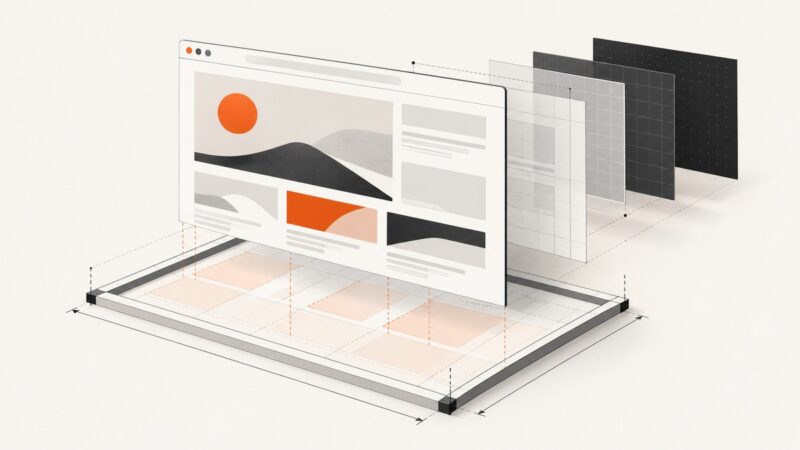
Set a predictable html2canvas width by coordinating element CSS, windowWidth, canvas width, scale, and full-page dimensions.
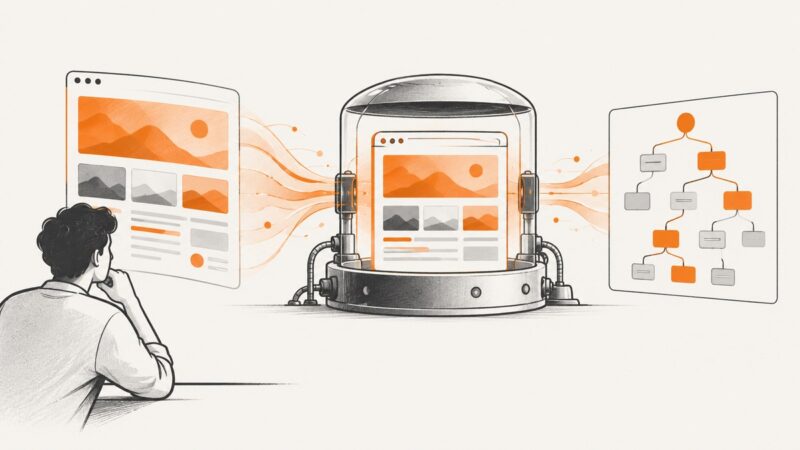
Use Selenium’s page_source to save a headless browser’s HTML, and learn when to use live DOM serialization, how to wait, and how to handle frames.
Replace deprecated jsPDF addHTML calls with the maintained html() method. Fix missing dependencies, blank or clipped PDFs, missing images, and CSS differences.
Build an Apify crawler that captures screenshots for a list of URLs and saves each image to key-value storage. Includes a runnable Actor, storage guidance, troubleshooting, and an API alternative.
Chrome can print PDFs from Headless, but no documented --landscape flag exists. Use print CSS or DevTools for reliable landscape output.
Diagnose ChromeDriver, Chrome startup, and GPU subprocess crashes with evidence-led checks for versions, flags, drivers, sandboxing, and headless mode.
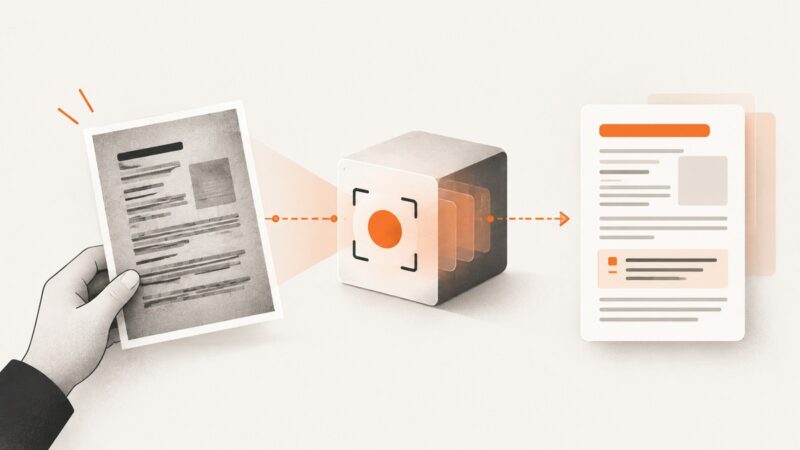
Send an image to a vision model, request faithful transcription, validate uncertain text, and know when dedicated OCR is a better fit.
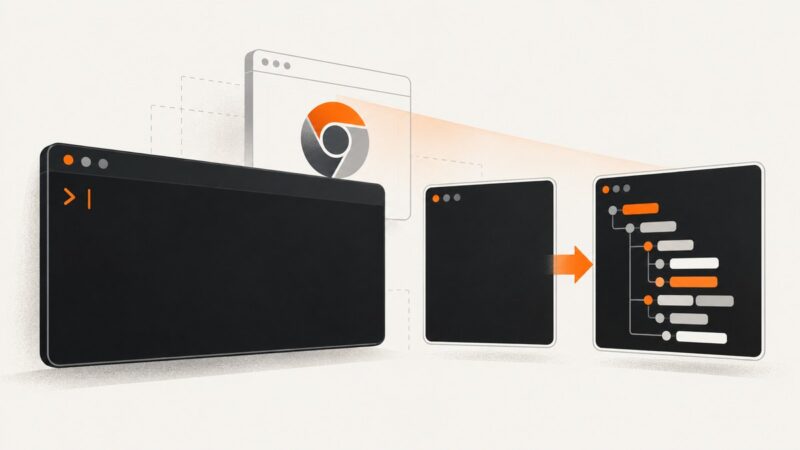
Diagnose empty Chrome Headless --dump-dom output by checking stdout, timing, scripts, URLs, binaries, versions, and exit codes.
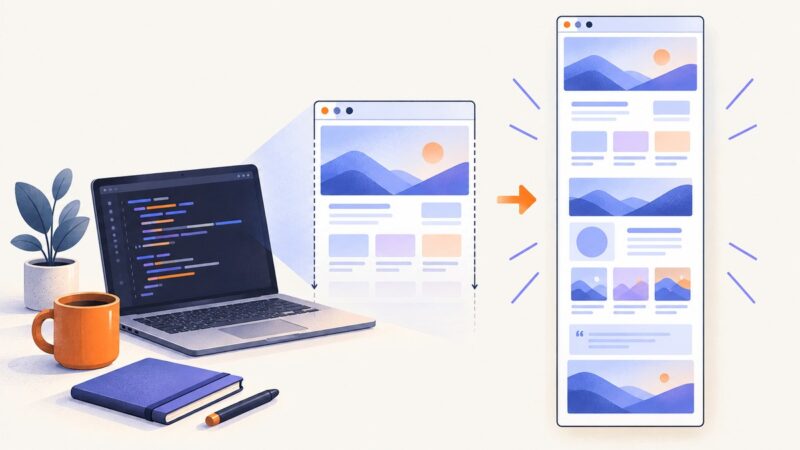
Capture an entire rendered page with Puppeteer using fullPage:true, handle lazy content and formats, troubleshoot failures, and compare an API option.
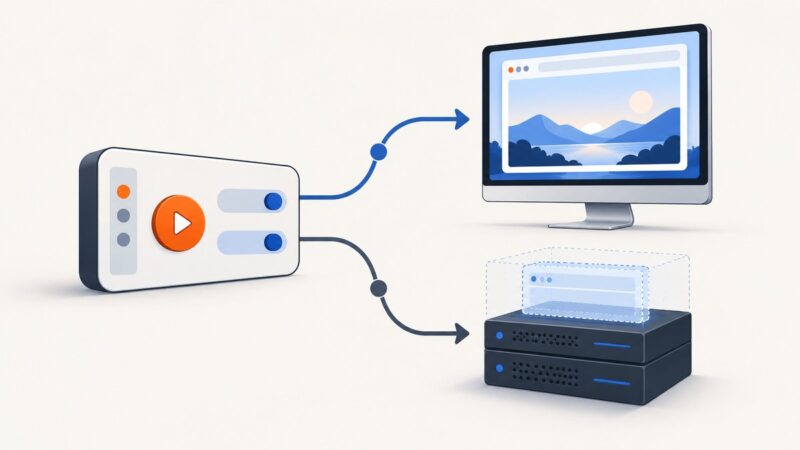
Configure Selenium to run Chrome visibly or headlessly, handle version differences, troubleshoot failures, and automate screenshots without browser setup.
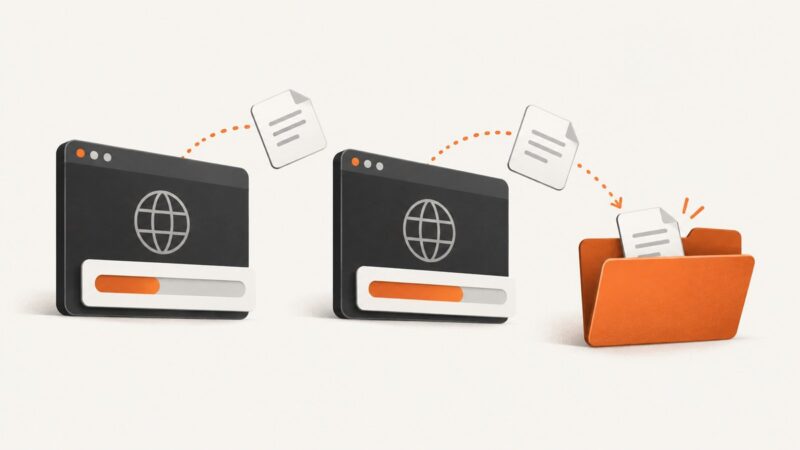
Fix a headless Chrome download that stalls in Python by checking the browser’s destination, download permissions, session lifetime, and local or remote setup.
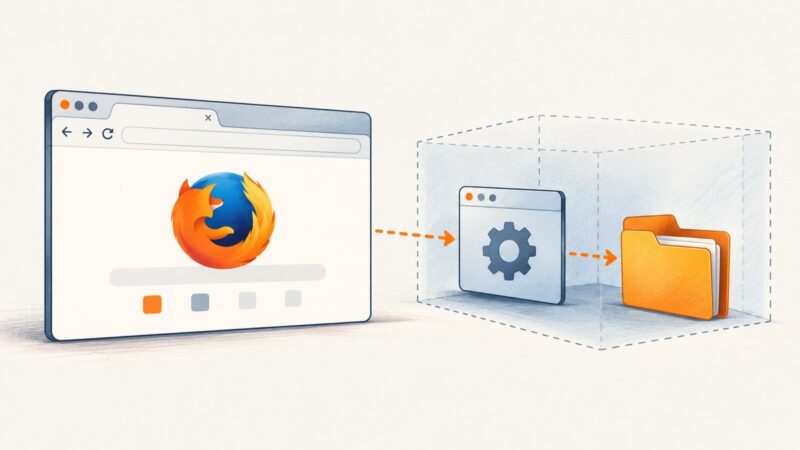
Firefox’s status 1 error means the browser exited during startup. Check geckodriver logs and profile access to find the cause, especially with Flatpak Firefox.
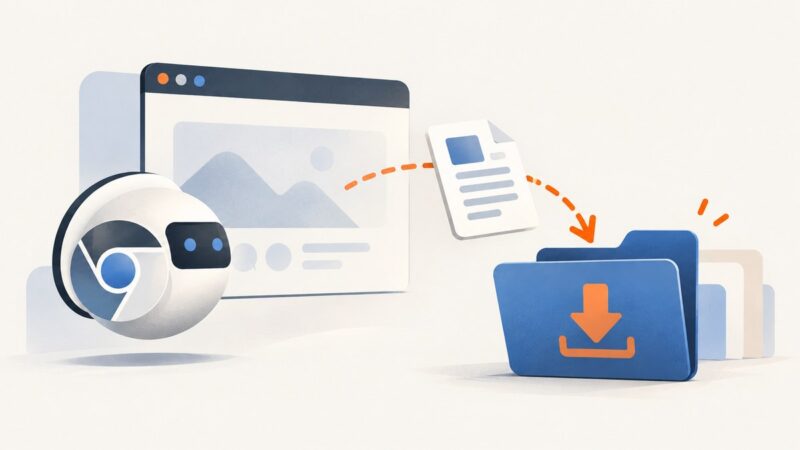
Configure Puppeteer, Selenium, or CDP so headless Chrome saves downloads to a writable directory, then verify completion before your job exits.
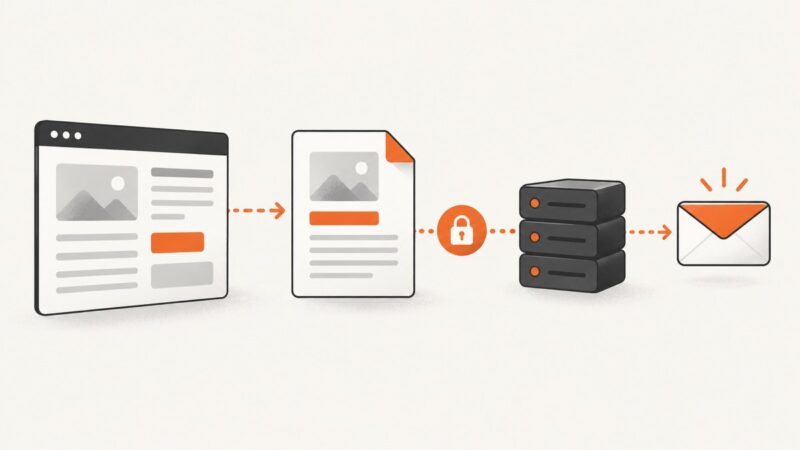
Generate a PDF in the browser, upload it as a Blob, and let your backend email it safely with multipart FormData.
Learn why html2canvas misses Font Awesome icons in Firefox and follow a practical diagnostic flow for fonts, CSS, cross-origin assets, and timing.