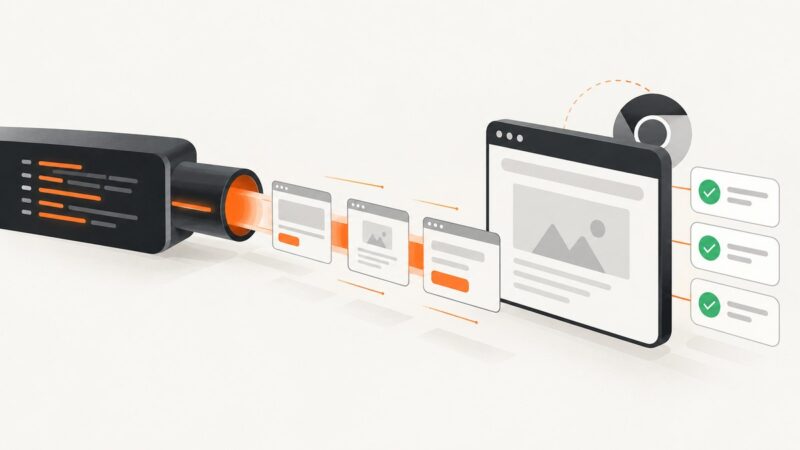
Why Headless Chrome Runs Forever and How to Stop It
Headless Chrome does not exit automatically. Learn which process is waiting, how to clean up Puppeteer, Playwright and Selenium, and how to diagnose hangs.
Headless Chrome does not exit automatically. Learn which process is waiting, how to clean up Puppeteer, Playwright and Selenium, and how to diagnose hangs.
Capture an entire webpage in Firefox, automate full-page images with code, and avoid cookie banners and failed-load costs with ScreenshotNeo.
Use Chrome’s unified headless mode, then control viewport, profiles, versions, waits, and diagnostics to make Selenium runs more like headful Chrome.
Build a durable Selenium evidence report with NUnit XML, screenshots, CI artifacts, troubleshooting, and a ScreenshotNeo shortcut.
Learn how to capture a webpage after it renders, including full-page screenshots, lazy-loaded images, loading timelines, automation, and troubleshooting.
Selenium IDE’s current command reference does not document a native screenshot command. Learn the plugin and WebDriver options, with runnable code and troubleshooting.
Run Selenium-controlled Chrome on Heroku with JavaScript enabled. Configure the current Chrome for Testing buildpack for dynos or Heroku CI, then launch Chrome headlessly from Node.js.
Read a local JavaScript file in Ruby and execute it in Capybara’s Selenium Chrome session, with timing, drivers, errors and alternatives covered.
Fix Puppeteer exposeFunction and selector failures by checking contracts, frames, timing, teardown races, and version-specific behavior.
Capture an entire webpage on iPhone, inspect it, and save it as a PDF or image—even when the Full Page option is missing.
Run CodeceptJS with Playwright Chromium in headless mode locally or in CI, with configuration, debugging, WebDriver options and a browserless alternative.
Set a Puppeteer page’s CSS viewport with page.setViewport(). Learn when to use device emulation, resize content or control headless screen geometry instead.
Scope PDF-only CSS to a dedicated export root, avoid cascade surprises, handle print media and page breaks, and ship reliable html2pdf output.
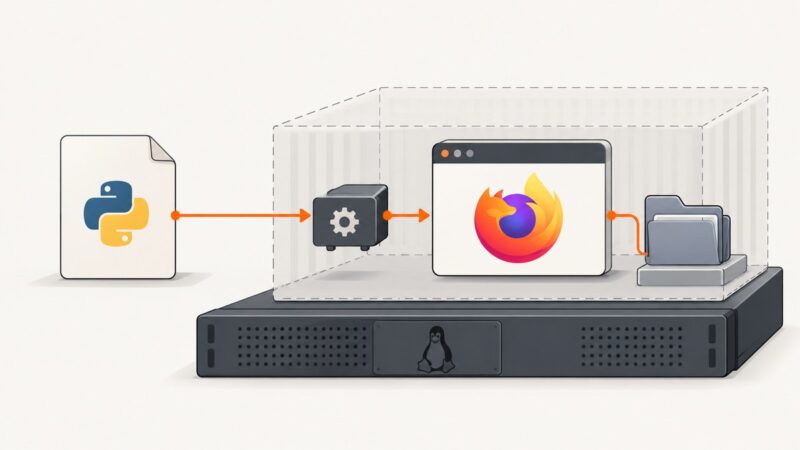
Diagnose Firefox startup hangs on Ubuntu by checking geckodriver logs, Snap packaging, profile access, and headless settings—with runnable Python fixes.
Learn why PhantomJS Selenium misses AJAX content and fix it with explicit waits, request logs, page error diagnostics, and reliable alternatives.
Diagnose slow Puppeteer runs and failed downloads by separating browser launch, page work, and file saving. Includes runnable fixes and a ScreenshotNeo option.
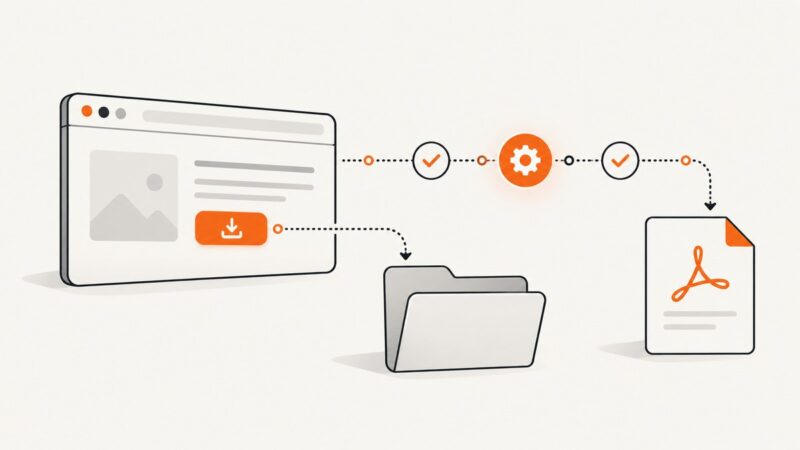
Configure Selenium downloads, wait safely for files in CI, and distinguish PDF downloads from page printing with Capybara.
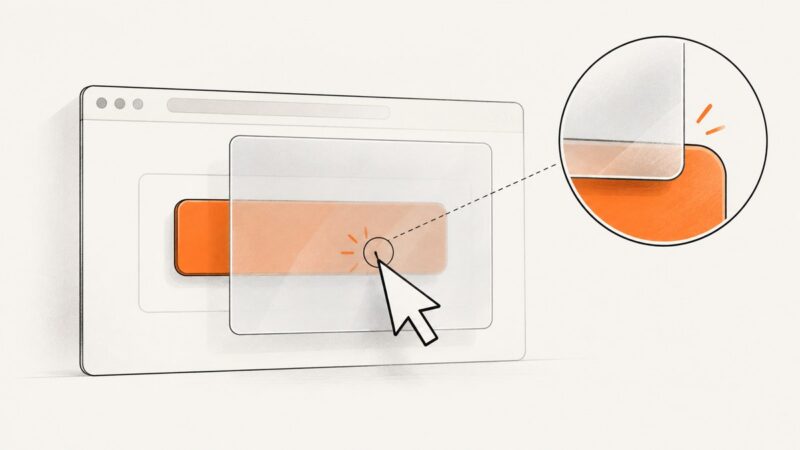
Fix Selenium click errors in headless Chrome by inspecting the blocked click point, synchronizing page state, and choosing the right interaction.