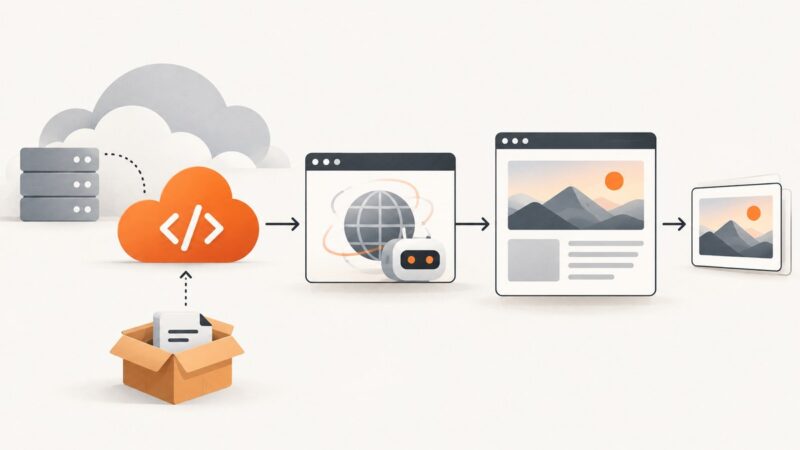
How to Run Playwright in an Azure Function
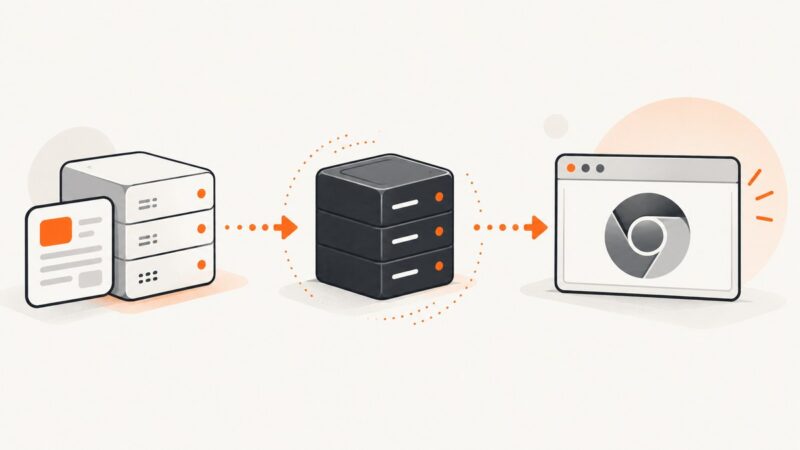
Deploy Playwright reliably in Azure Functions with Linux, browser binaries, Flex Consumption, containers, troubleshooting, and a no-browser API option.
Deploy Playwright reliably in Azure Functions with Linux, browser binaries, Flex Consumption, containers, troubleshooting, and a no-browser API option.
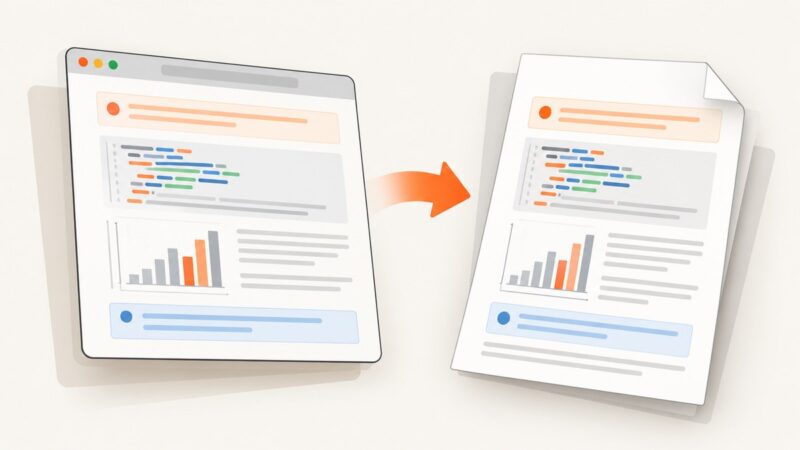
Generate a document from a dashboard by choosing a published template, supplying its expected data, previewing the result, and downloading the finished file.
Save an entire webpage as an image with Firefox, Edge, or iPhone Safari. Learn when to use a PDF, browser tools, or a screenshot API.
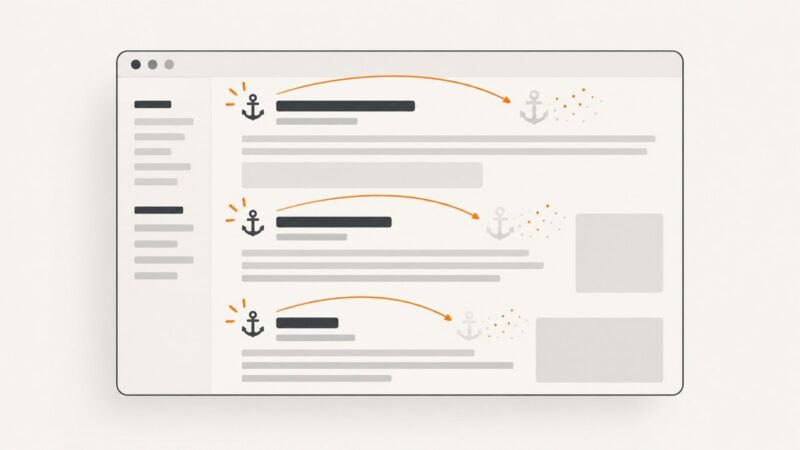
Remove every link with Puppeteer, disable navigation while keeping text, handle frames and shadow DOM, and avoid common timing mistakes.
Capture reliable Chrome screenshots with Selenium in headless mode, including waits, viewport control, troubleshooting, and a browser-free API option.
Configure Puppeteer downloads, pop-ups, new windows, and file choosers reliably with runnable code, timeouts, cleanup, and troubleshooting.
Keep R Markdown colors in Puppeteer PDFs with print CSS, the right media type, and background settings. Includes runnable R and Node.js workflows.
Inspect an element, verify its XPath in Chrome DevTools, and use a stable Selenium locator in headless Chrome. Includes frames, waits, and fixes for common failures.
Troubleshoot Wallaby and headless Chrome crashes with a step-by-step checklist for browser setup, launch flags, caches, workers, and diagnostics.
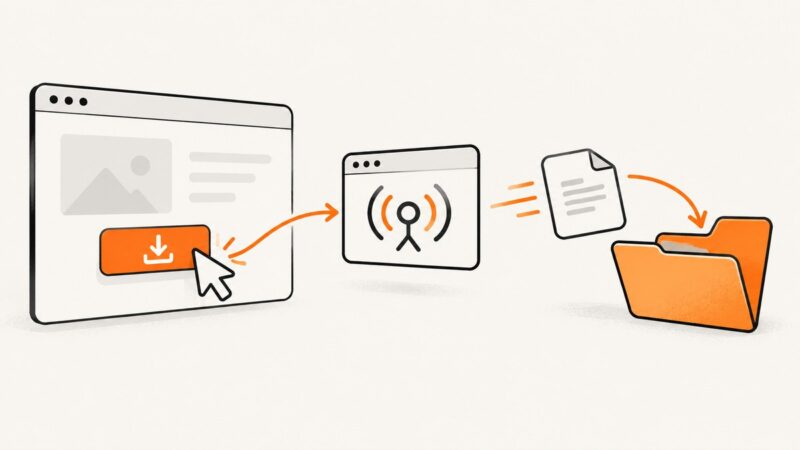
Fix Playwright download timeouts, missing files, remote browser errors, and disappearing downloads with reliable JavaScript, Python, and Java patterns.
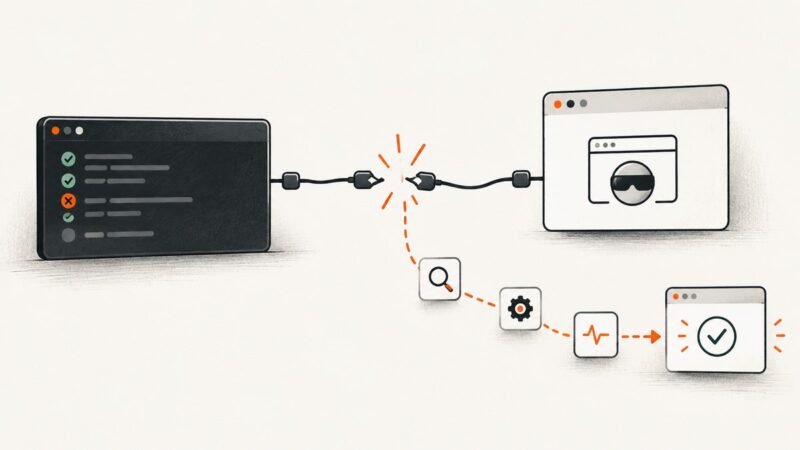
Fix Puppeteer failures called from PHP by isolating the PHP, Node.js, and Chromium boundaries, then applying reliable launch and timeout diagnostics.
Capture a Playwright popup reliably, wait for redirects, read its final URL, and troubleshoot missed or empty new-tab URLs.
Fix missing, tiny, overlapping, or unstyled Playwright PDF footers by checking the option, template markup, CSS scope, margins, media mode, and runtime.
Learn how to add your own font to Canva or Adobe Express, check file and plan requirements, and fix common font-upload problems.
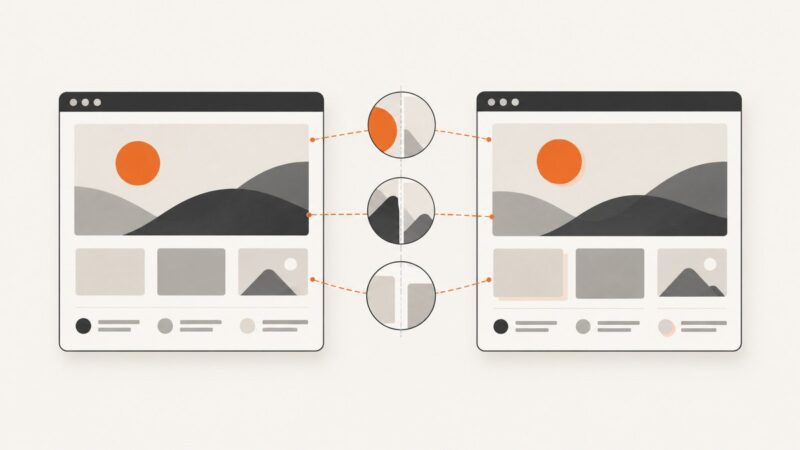
Build repeatable Playwright screenshot tests by controlling the browser environment, dynamic content, animations, and comparison tolerances.
Set an exact Chrome viewport in Robot Framework with SeleniumLibrary or Browser, verify the result, handle mobile emulation, and avoid common sizing errors.
Fix Playwright’s missing Chromium error on Vercel with bundled browsers or @sparticuz/chromium, plus deployment checks and troubleshooting.
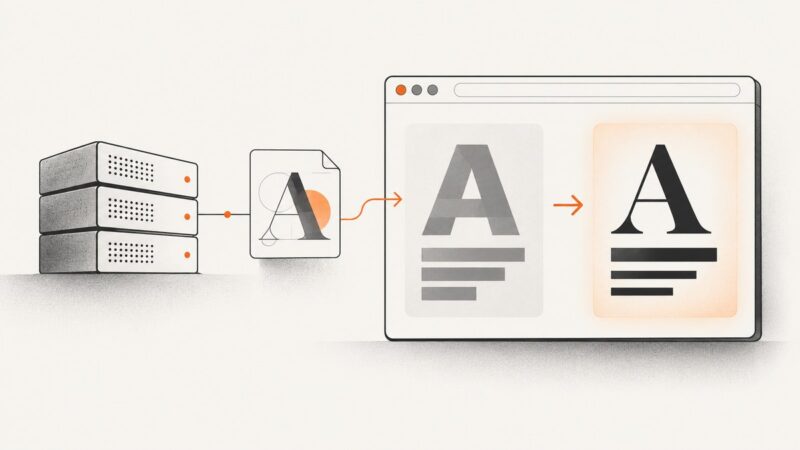
Diagnose missing production fonts in Playwright by checking runtime dependencies, installed fonts, web-font requests, and capture timing.