How to Verify That an Image Displays Correctly with Selenium
Check whether an image loaded, appears at the expected size, and looks right with Selenium waits and screenshot comparisons.
Check whether an image loaded, appears at the expected size, and looks right with Selenium waits and screenshot comparisons.
Fix Selenium’s “WebElement object is not callable” XPath error by removing the extra call and using the WebElement API correctly.
Learn how to format changing HTML data for A4 print and PDF output, handle pagination, prevent awkward splits, and capture reliable PDFs.
Learn which official TikTok data routes fit research, app development, and user-authorized exports—and what their access limits mean in 2026.
Trace Puppeteer failures from browser discovery and Linux dependencies through sandbox, container, headless-mode, and page-level problems—with fixes for each.
A cautious Python workflow for retrieving and parsing public Naver pages, with access checks, resilient HTML handling, and clear limits on what current documentation confirms.
Configure Firefox page traffic through a proxy in Puppeteer for Node.js, with working code, proxy scope, authentication limits, troubleshooting, and alternatives.
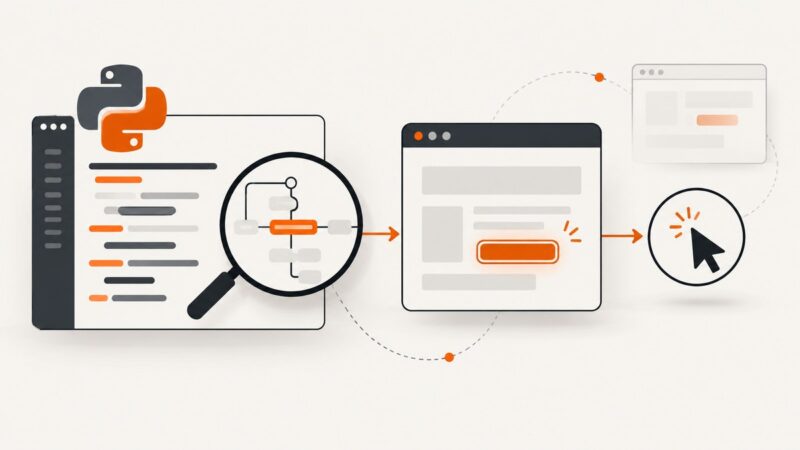
Learn how Selenium’s click command works, write reliable clicks in Python, Java, and JavaScript, and fix intercepted or non-interactable clicks.
Learn how to collect Yahoo data responsibly, use yfinance for Yahoo Finance, and understand the limits of scraping rendered pages.
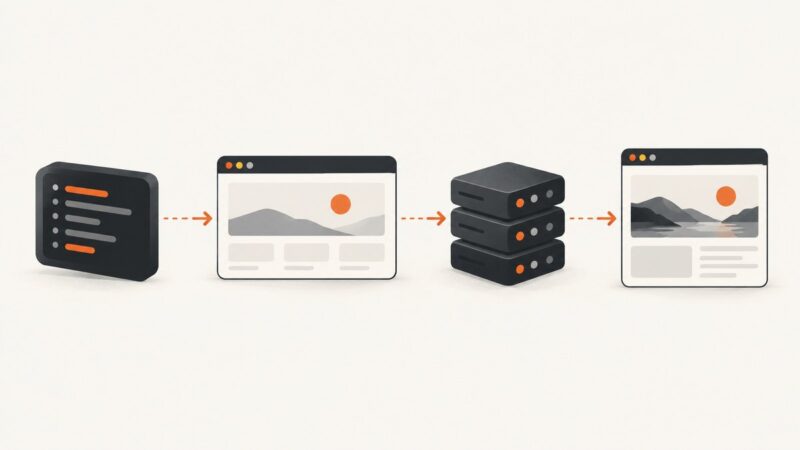
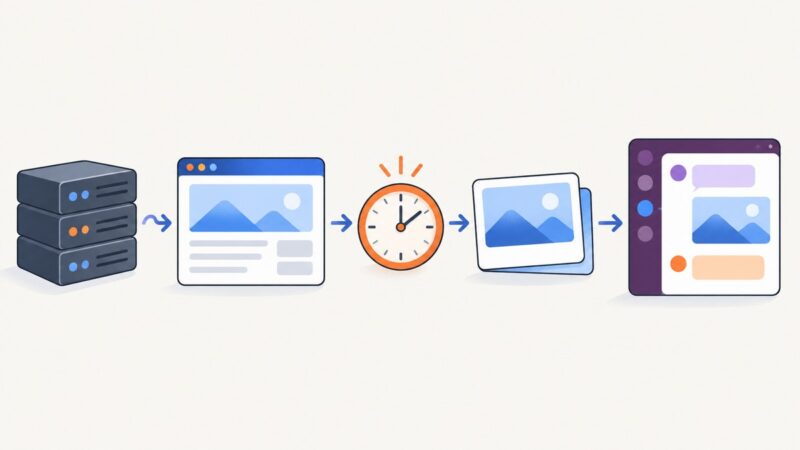
Capture a webpage on a schedule, upload it through Slack’s current file API, and post a reliable image with retries, alt text, and alerts.
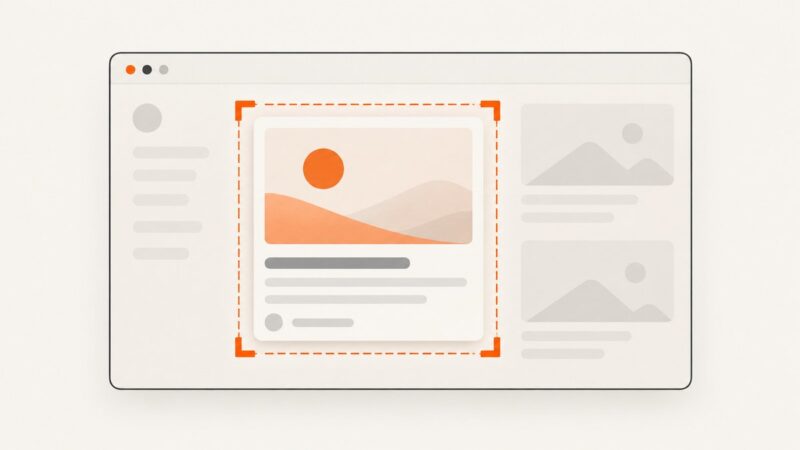
Capture a specific Selenium element with AShot, diagnose incorrect crops, and account for coordinate providers, scrolling, and device pixel ratio.
Capture reliable mobile website screenshots in Ruby with Ferrum, Chrome emulation, full-page handling, troubleshooting, and a hosted API option.
Learn how to locate, wait for, click, and verify email links in Selenium WebDriver with reliable Python examples and troubleshooting.
Check a page for expected text on a schedule, report failures to Uptime Kuma, and restart a service only after a safe recovery check.
Learn authorized ways to remove watermarks from website screenshots, what quality you lose, and how to capture a clean image from the start.
Set separate Playwright timeouts for page navigation and screenshot capture, handle failures cleanly, and troubleshoot slow or stuck screenshots.
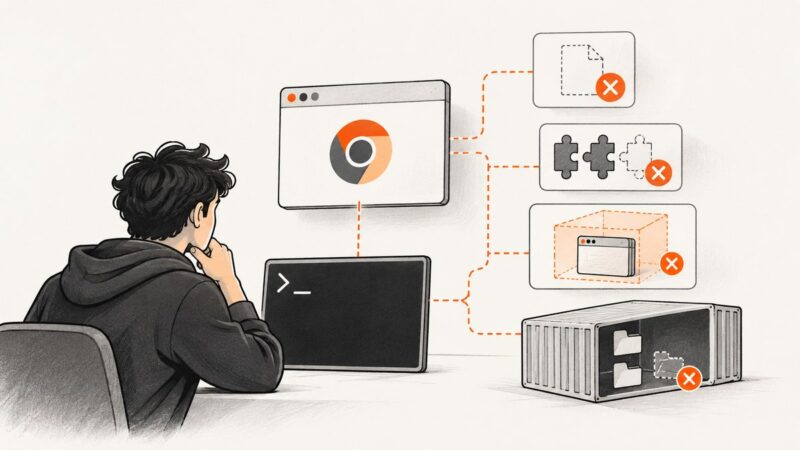
Fix Puppeteer’s “Chrome not found” error in Laravel Sail by installing Chrome in the right container, correcting its path, or using Selenium.
Loop through URLs with Splinter, save reliable screenshots, and diagnose connection refused errors by finding the failing endpoint.