How to Build an HTML Screenshot Reporter for MSTest C# Selenium
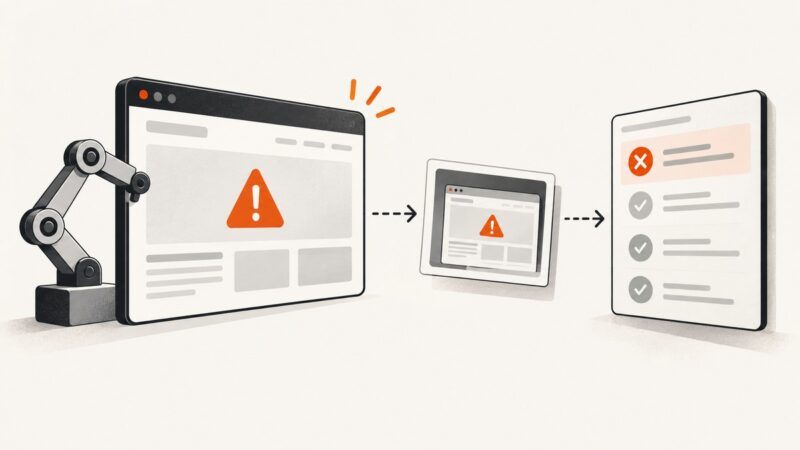
Capture failed Selenium tests in MSTest, attach screenshots to results, and generate an HTML report that travels with your CI artifacts.
Capture failed Selenium tests in MSTest, attach screenshots to results, and generate an HTML report that travels with your CI artifacts.
Capture webpages with Screenshot Machine using HTTP GET, control viewport and rendering, diagnose errors, and compare a simpler ScreenshotNeo workflow.
Leboncoin scraping requires written authorization. Learn the legal, privacy and technical workflow for an approved data integration in 2026.
Capture a website for free with built-in Windows, Mac, browser, phone, and Linux tools. Learn when to use a full-page capture and how to check it before sharing.
Learn how to find browser requests, verify authorization, replay documented calls, and build safer scripts without depending on private endpoints.
A bar in the middle of a Selenium screenshot may be page content, an iframe, or a capture-region issue. Diagnose what it is before changing the screenshot code.
Reduce Selenium screenshot time by measuring capture separately, shrinking capture scope, testing headless Chrome, and tuning encoding safely.
Collect job posting data with Python by choosing permitted sources, extracting stable fields, handling pagination and duplicates, and saving clean records.
Add local or remote MCP servers to Zed, verify they are active, control tool permissions, and troubleshoot agent-specific configuration boundaries.
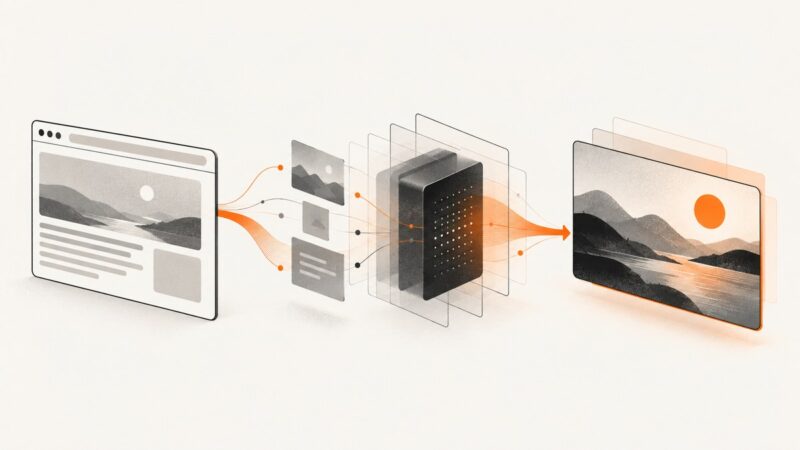
Generate an OG image from URL data, publish valid Open Graph metadata, automate renders with APIs, and troubleshoot previews across social platforms.
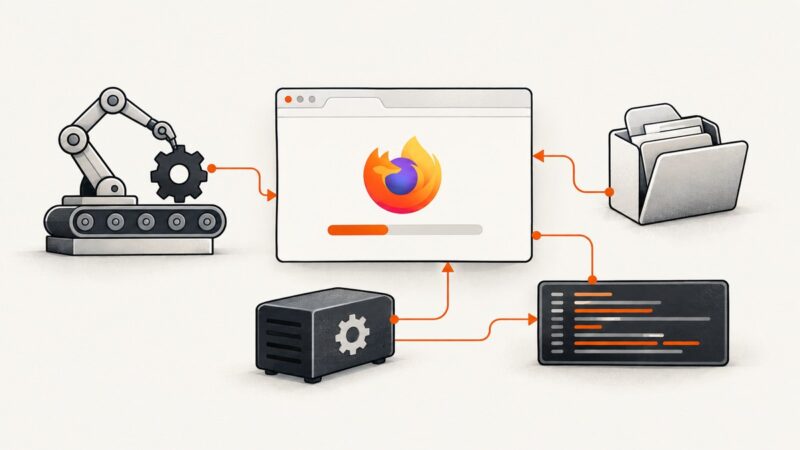
Fix Selenium hanging at “Launching Firefox…” with trace logs, binary checks, profile permissions, Snap and Flatpak guidance, and a reliable diagnostic sequence.
Save screenshots with php-webdriver, capture failures before PHPUnit closes the browser, and keep the resulting files as CI artifacts.
Use Product Hunt’s official GraphQL API to collect products, votes, makers, rankings, and timestamps without prohibited page scraping.
Create an Open Graph image, publish it at a stable URL, and add the metadata that helps link previews show the right artwork.
Capture rendered screenshots or raw HTML in Behat with DrevOps, Mink, browser drivers, custom steps, CI troubleshooting, and ScreenshotNeo.
Selenium can find a link in the DOM even when it cannot be clicked. Diagnose hidden elements, timing, overlays, iframes, and stale locators.
Learn how to capture, time, convert, and export screenshot sequences as smoother GIFs, with practical FFmpeg and GIMP workflows.
Learn what online ping tests measure, how to check latency and packet loss, and why a timeout does not always mean a website is down.