How to Take Full-Page Screenshots in Selenium While Zoomed In
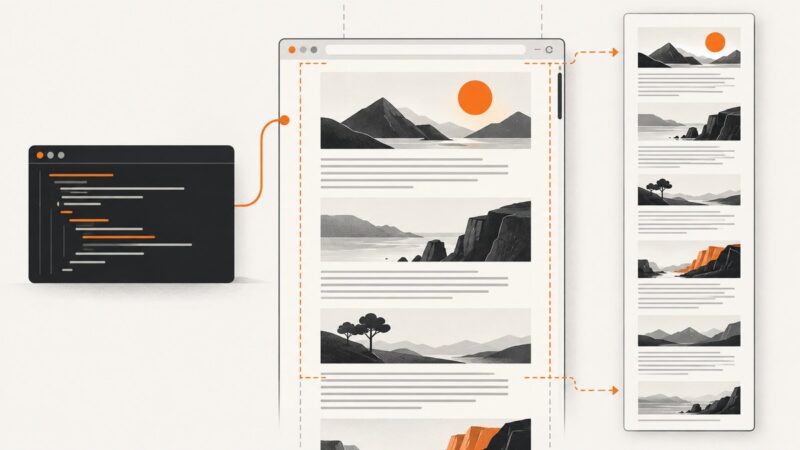
Capture an entire Selenium page at 125% zoom without cropping, repeated headers, or missing lazy-loaded content.
Capture an entire Selenium page at 125% zoom without cropping, repeated headers, or missing lazy-loaded content.
Learn to send custom headers with browser fetch and XMLHttpRequest, handle CORS and forbidden fields, and choose the right Node.js runtime.
TikTok Shop API access is limited by role, region, and purpose. Learn how to verify authorization before collecting listing data.
Capture an entire Firefox document with Selenium Marionette in Python, save PNG or bytes, handle errors, and compare browser automation with ScreenshotNeo.
Run JavaScript stored in Ruby strings with ExecJS or MiniRacer, choose the right runtime, handle errors, and avoid common deployment traps.
Build a reliable Python price tracker: choose permitted sources, normalize prices, store history, detect changes, and send alerts safely.
Select dates reliably in HTML, custom web, and native calendar controls with Appium and Selenium, including contexts, locators, validation, and verification.
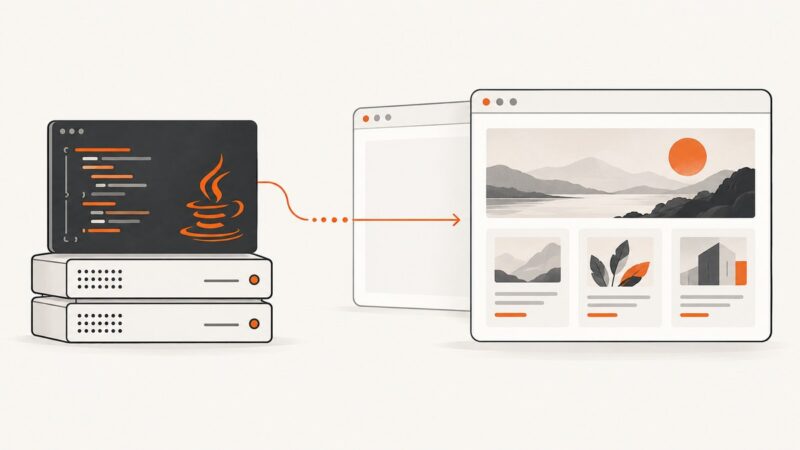
Render JavaScript-heavy websites in Java with Playwright, HtmlUnit, or an embedded browser. Learn when to navigate, inject a script, and wait for the page.
Embed a PDF with an accessible iframe, responsive sizing, fallback links, correct headers, CSP, and practical fixes for download and viewer problems.
Capture one element with Selenium or crop an arbitrary screenshot rectangle with OpenCV. Includes runnable Python code, coordinate guidance, troubleshooting, and an API shortcut.
Learn browser, Playwright, Puppeteer, and API methods for viewport, full-page, element, and automated webpage screenshots.
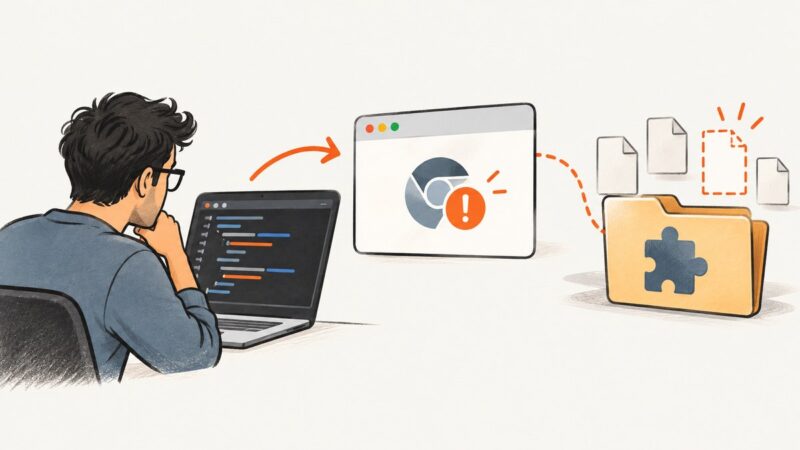
Diagnose Chromium’s “Manifest file is missing or unreadable” error in Selenium by checking extension paths, manifest files, remote browsers, and startup policies.
Save every Selenium screenshot without overwriting files, capturing too early, or hiding failed writes. Includes robust Python code, waits, retries, and alternatives.
Learn the compliant way to monitor Business Wire releases with newsroom alerts, RSS, licensed feeds, and an authorized scraping workflow.
Capture one webpage panel or region with Puppeteer using ElementHandle.screenshot() or a clipped Page.screenshot(), with reliable code and fixes.
Learn when Java’s ScriptEngine is enough and when a page needs a browser-like environment. Run JavaScript strings with HtmlUnit and choose the right rendering approach.
Select elements by attribute in Cheerio with CSS selectors, extract values safely, and troubleshoot empty results with runnable Node.js examples.
Scroll an internal div, capture its visible viewport, and stitch the full contents with Watir WebDriver. Includes iframe, lazy-load, and troubleshooting guidance.