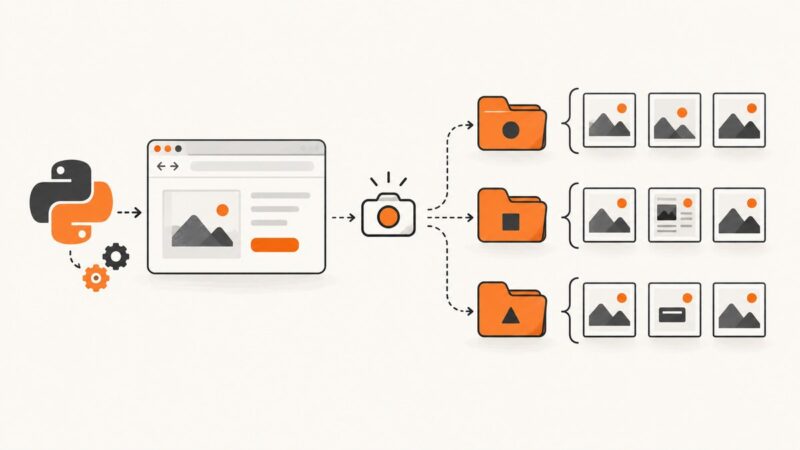
How to Name Selenium Python Screenshots with Test Names and IDs
Build safe, unique Selenium screenshot filenames from pytest test names, parameter IDs, workers, and runs—with hooks, code, and fixes for collisions.
Build safe, unique Selenium screenshot filenames from pytest test names, parameter IDs, workers, and runs—with hooks, code, and fixes for collisions.
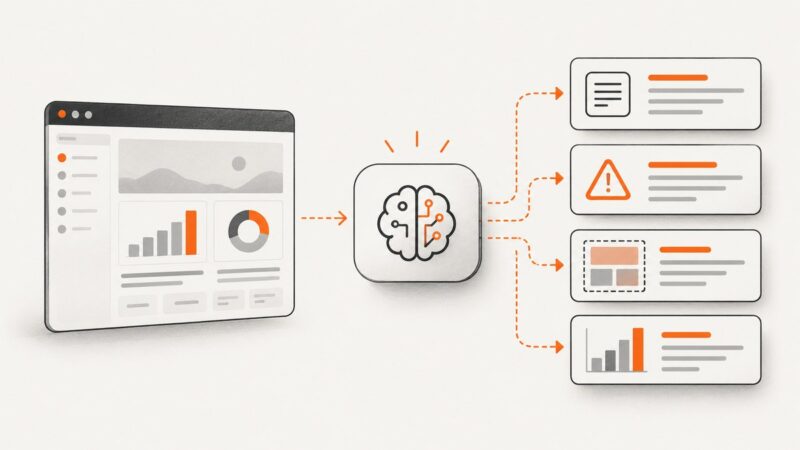
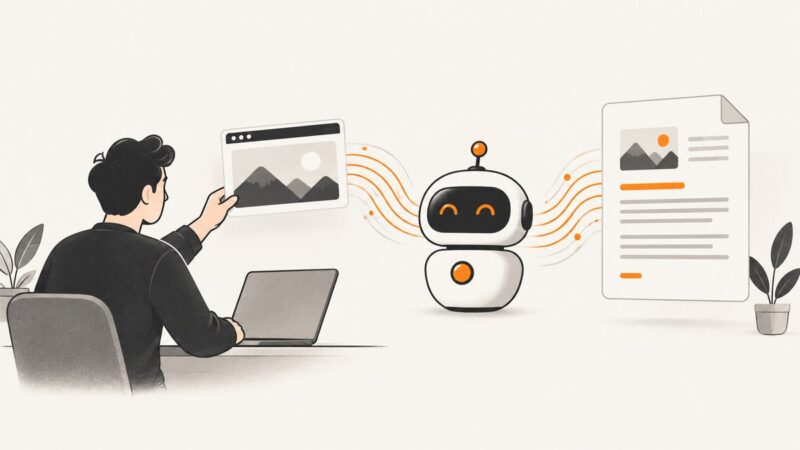
Learn how to give screenshots to AI, ask precise questions, extract text, debug errors, improve results, and verify what the model sees.
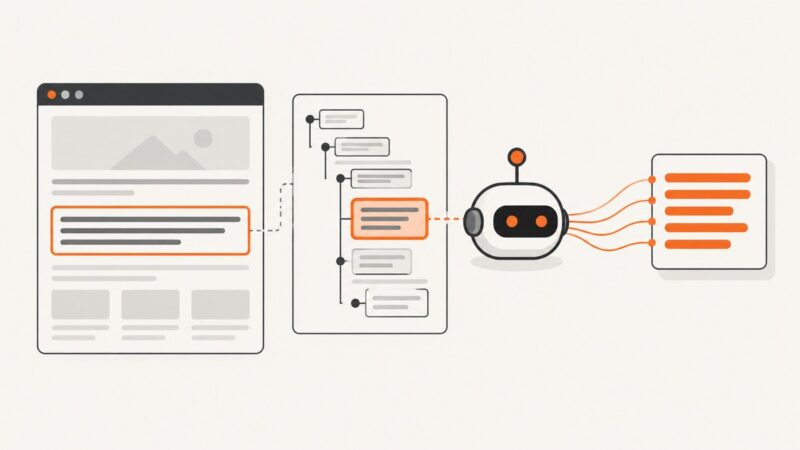
Extract rendered or raw div text with Playwright and Puppeteer, handle iframes and timing, and troubleshoot missing or unexpected content.
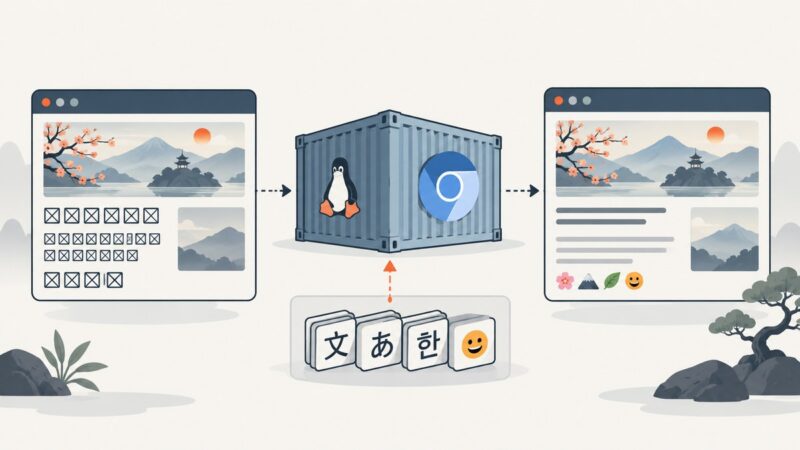
Fix tofu boxes in Chromium on Alpine by identifying the missing glyph, installing matching fonts, rebuilding, and testing the real container.
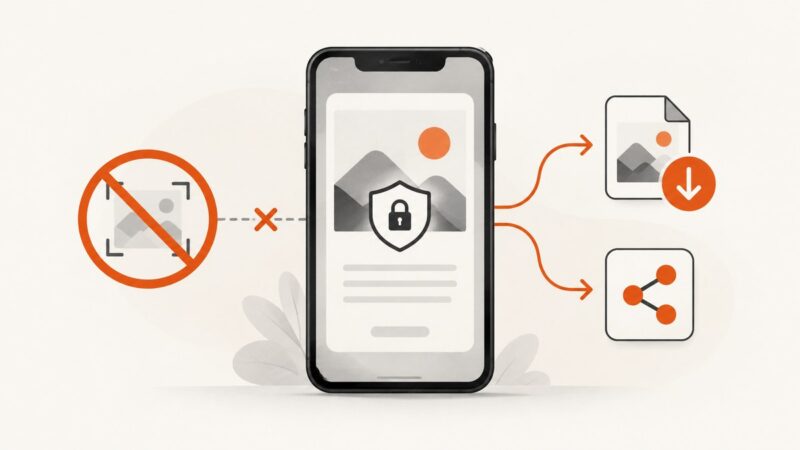
A blocked screenshot is usually a security control. Learn what FLAG_SECURE does, which alternatives are legitimate, and what works for authorized testing.
Diagnose ChromiumWebBrowser lag in C# by separating rendering, WPF layout, JavaScript, loading, and shutdown problems.
Learn how to transcribe, translate, and explain screenshot text with AI, verify uncertain characters, and use Apple Live Text when it fits.
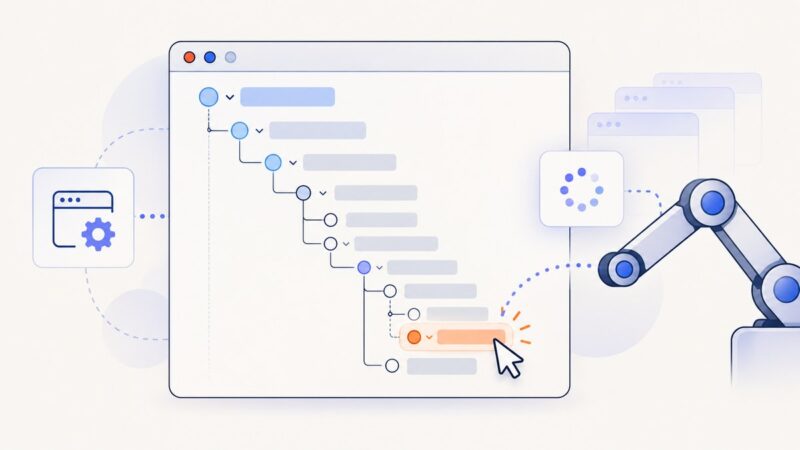
Locate nested tree nodes relative to a stable parent, wait for the right state, and reacquire elements after every rerender with Selenium WebDriver.
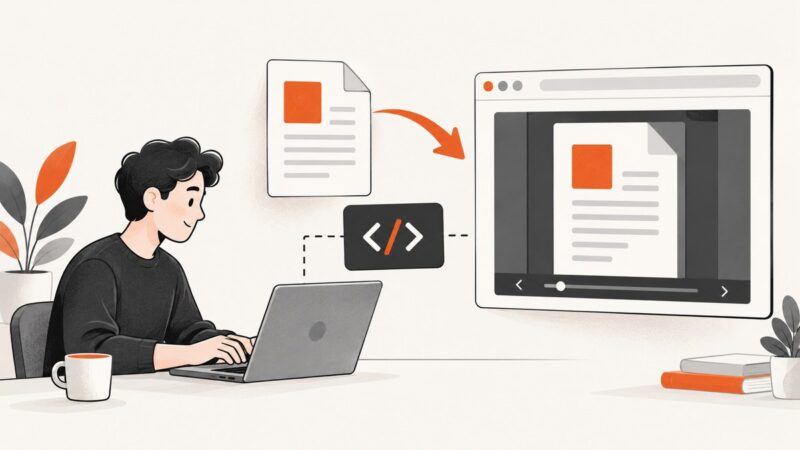
Embed a PDF with Adobe PDF Embed API: get a client ID, run working code, choose modes, handle mobile limits, and fix common errors.
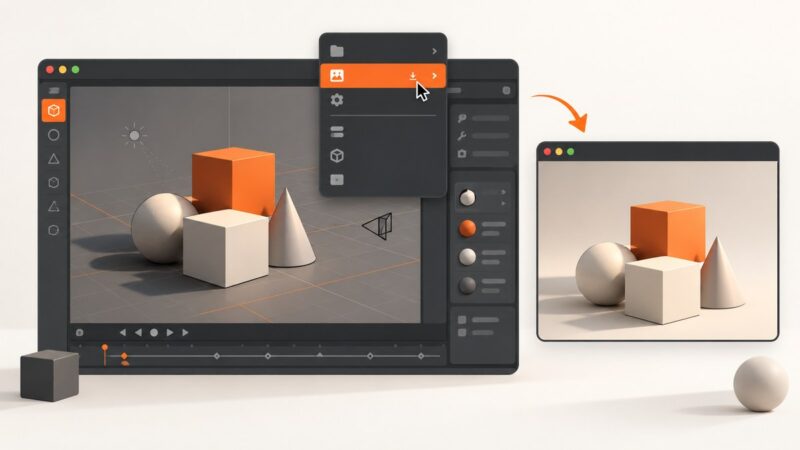
Capture Blender’s full window, one editor, or a clean 3D scene with the right built-in command for your goal.
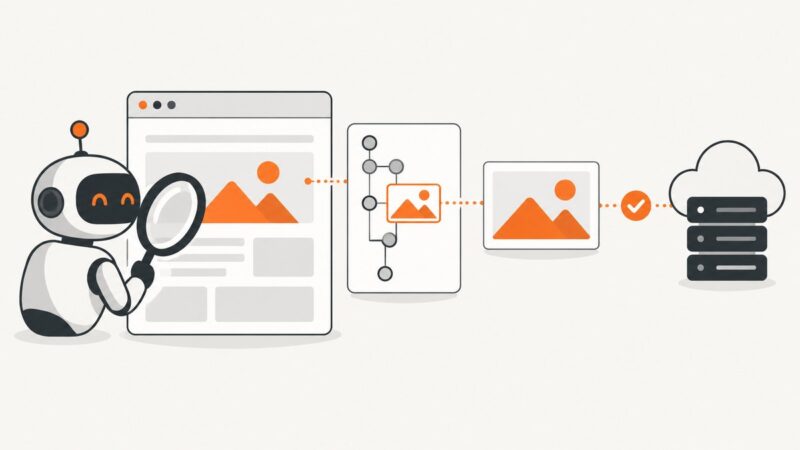
Use Selenium visibility plus complete and naturalWidth checks to verify that an image element appears and loaded successfully.
Open and render HTML in Brave, capture the page, then export the image as JPG. This guide covers visible and full-page captures, quality, and automation.
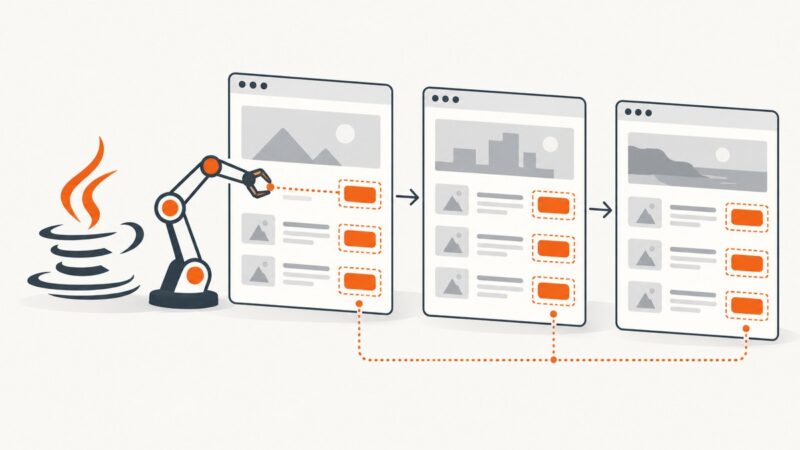
Use findElements for every XPath match, then loop through pages with explicit readiness checks and collect values before navigation.
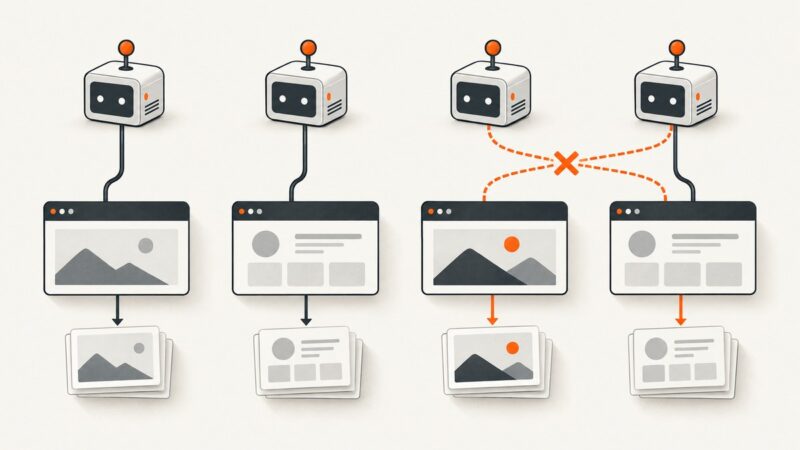
Learn why parallel Selenium tests capture the wrong page and fix driver ownership, hooks, cleanup, naming, and concurrency issues.
Fix overwritten files, full-page captures, browser elements, and multi-monitor screenshots in Python with Playwright and PyAutoGUI.
Mirror an authorized website for offline use with HTTrack, preserve images and links, handle JavaScript limits, and troubleshoot missing assets.
Fix Selenium datepicker locator errors with stable selectors, explicit waits, iframe handling, stale-element recovery, and runnable examples.
Fix Selenium clicks that land in the wrong place by checking overlays, scrolling, timing, iframes, stale elements, and click coordinates.