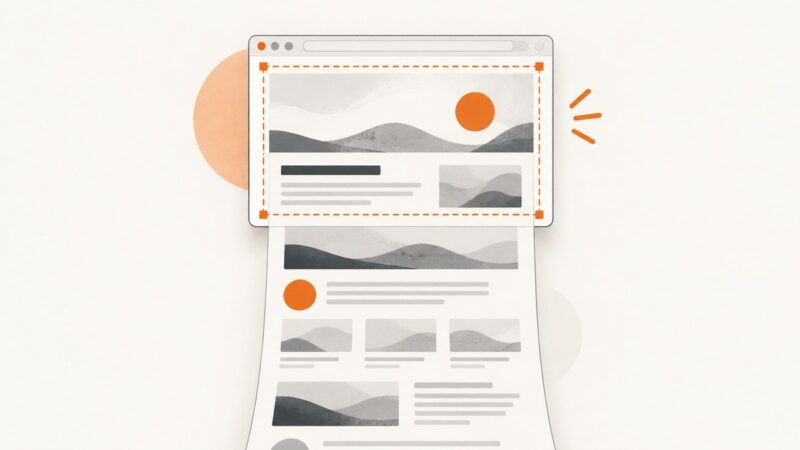
How to Take a Screenshot in Edge Browser
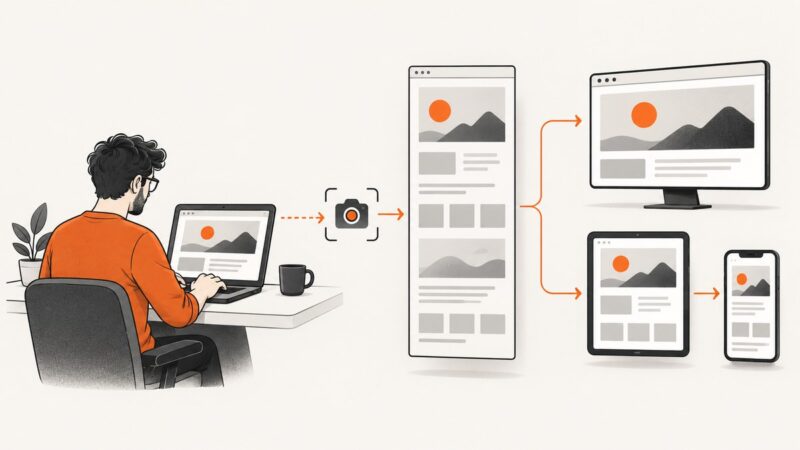
Use Edge’s built-in Screenshot tool to capture a region or full webpage, plus reliable fallbacks and an API option for automation.
Use Edge’s built-in Screenshot tool to capture a region or full webpage, plus reliable fallbacks and an API option for automation.
Capture Unity’s final rendered frame as a PNG, choose the right path, handle supersize and stereo options, and avoid Android save-timing bugs.
Capture Selenium screenshots as in-memory bytes or Base64 in Python, Java, and JavaScript, with timing, scope, errors, and API alternatives.
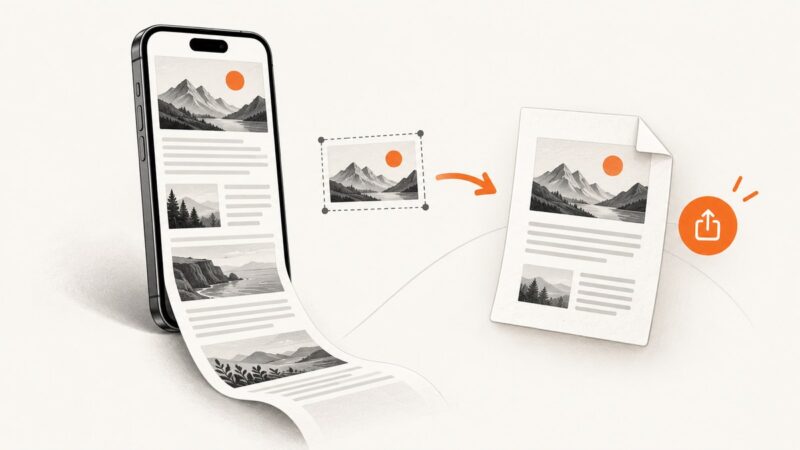
Capture an entire webpage on iPhone, save it as a PDF, and send it by Messages, Mail, or AirDrop.
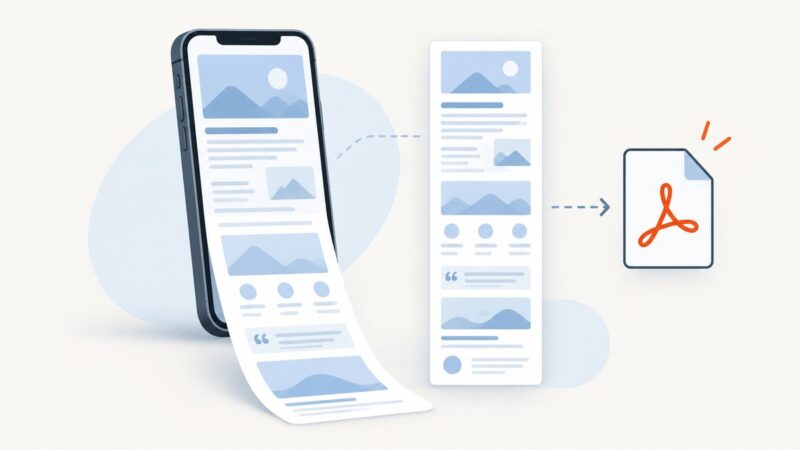
Capture an entire webpage on iPhone iOS 26, inspect and crop it, then save it as an image or PDF.
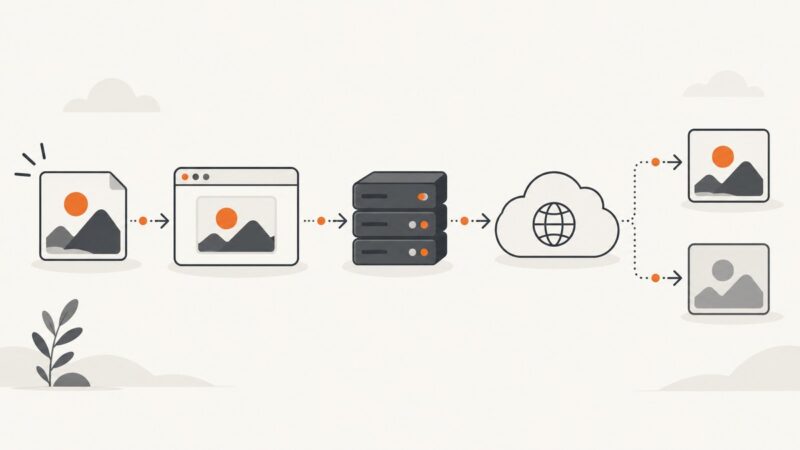
Diagnose WebP display failures by checking responses, fallbacks, WordPress processing, rewrites, CDNs, and browser support.
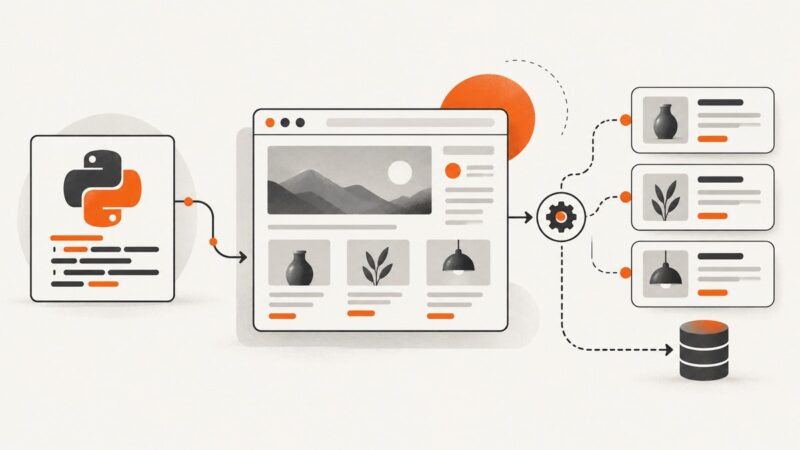
PHP GD edits images; it does not render web pages. Use a headless browser for capture, then GD for cropping, resizing, and output.
Open Chrome DevTools with menus, shortcuts, Inspect mode, or a startup flag on Windows, macOS, Linux, and ChromeOS.
Use Selenium and Python to scrape JavaScript-rendered pages reliably with explicit waits, stable locators, extraction patterns, troubleshooting, and API alternatives.
Learn how to remove, replace, redact, or extend screenshot content with Photoshop Generative Fill and Microsoft Designer.
Learn why Android blocks screenshots, how to identify app and administrator restrictions, and which authorized alternatives you can use.
Create clearer website screenshots by choosing the right capture scope, viewport, scale and validation method for each job.
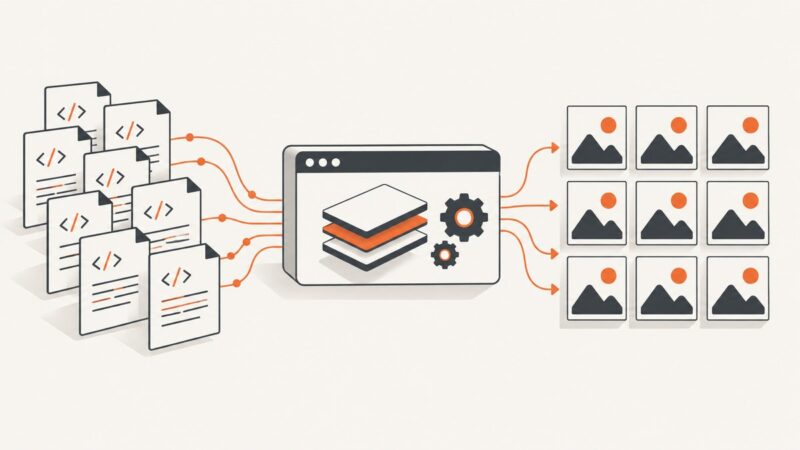
Render HTML in a real browser, capture JPEGs in batches, and handle timing, sizing, failures, and quality with Puppeteer, Playwright, or an API.
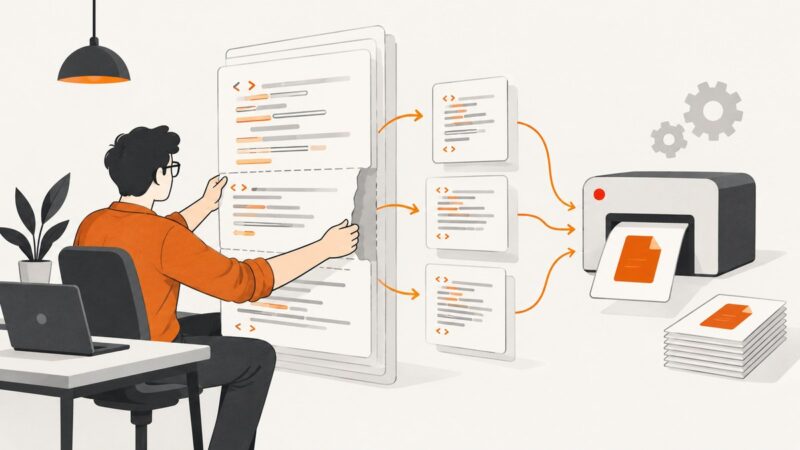
Fix mPDF’s pcre.backtrack_limit HTML error by chunking WriteHTML input, tuning PHP safely, and reducing table and CSS complexity.
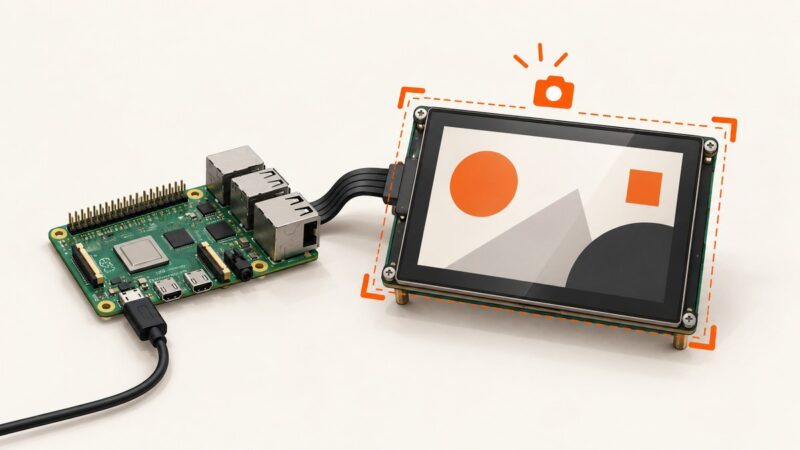
Fix black, empty, or incomplete Kivy screenshots on Raspberry Pi by choosing the right capture API and checking providers, renderers, and OpenGL.
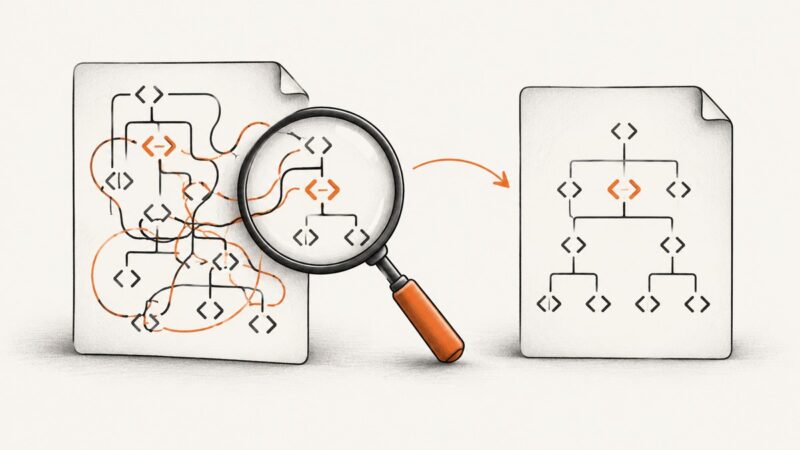
Fix an invalid nested head tag by checking HTML nesting, generated markup, and renderer input, then validate the smallest failing document.
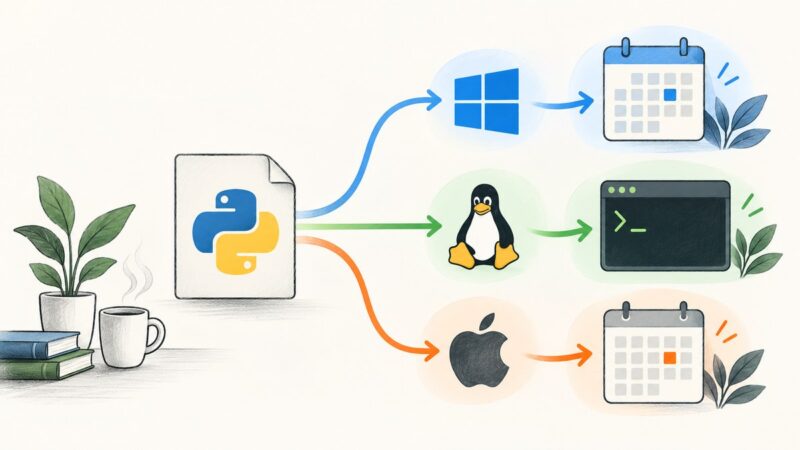
Schedule a Python script every day on Windows, Linux, or macOS with reliable paths, logs, virtual environments, time zones, and troubleshooting.
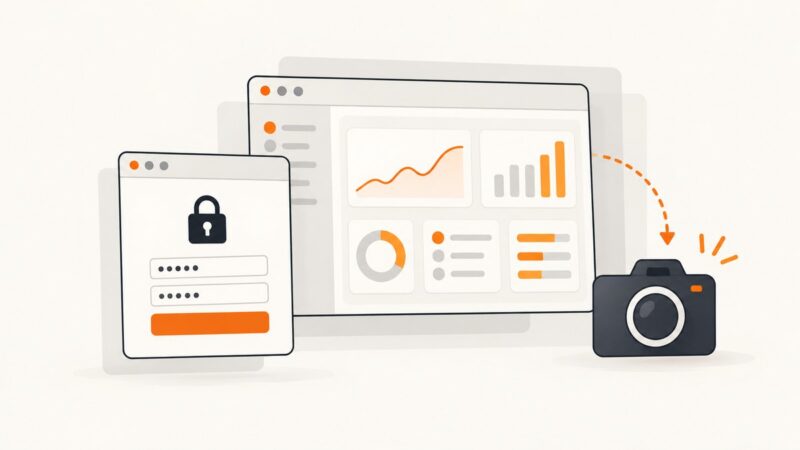
Authenticate with HTTP Basic Auth, verify the protected page loaded, then capture reliable Selenium screenshots with Python, JavaScript, and full-page options.