How to Make Selenium Wait for Background XHR Requests
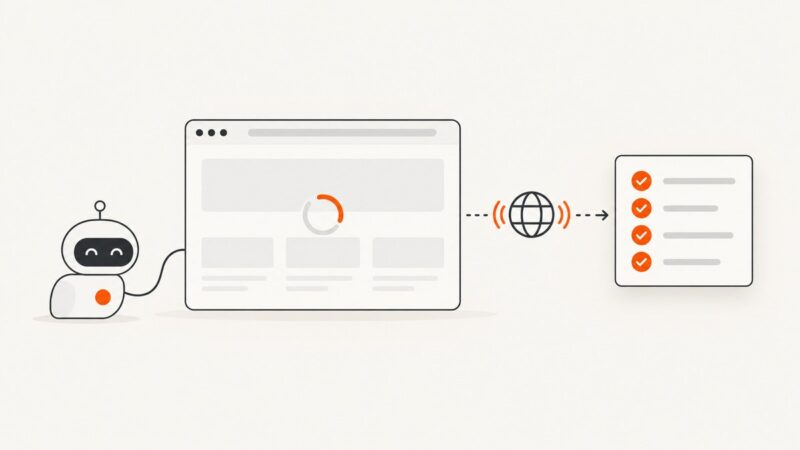
Learn reliable Selenium waits for background XHR requests with explicit conditions, async callbacks, timeouts, troubleshooting, and runnable examples.
Learn reliable Selenium waits for background XHR requests with explicit conditions, async callbacks, timeouts, troubleshooting, and runnable examples.
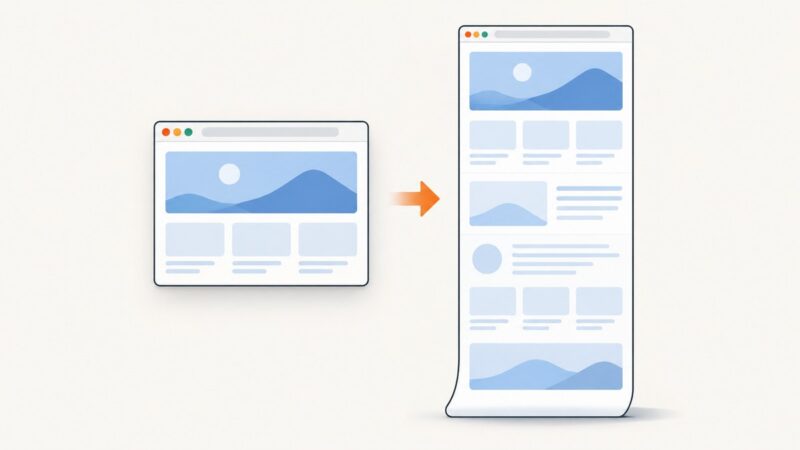
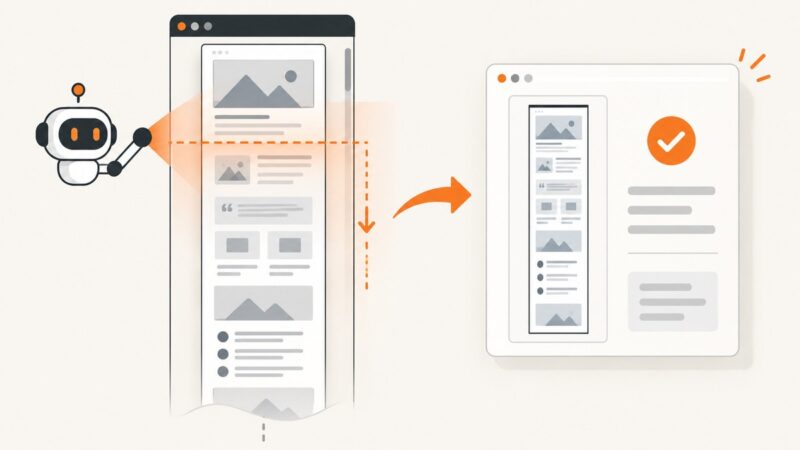
Capture an entire webpage in Chrome with DevTools, including content below the fold, plus fixes for lazy loading, long pages, and failed captures.
Share a screen, select a region, or upload a screenshot so an AI assistant can answer focused questions about what you see. Here are the current workflows, privacy checks, and limits.
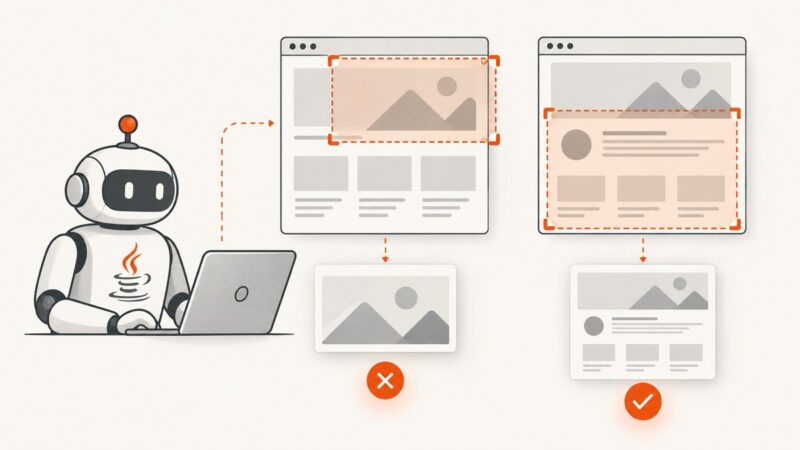
Fix Selenium Java screenshots that capture the wrong area by choosing the right target, viewport, frame, and full-page API.
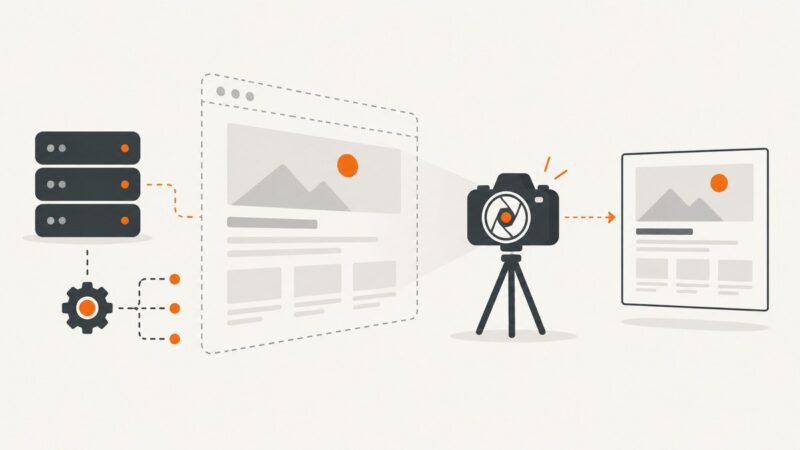
Capture Angular canvas pixels, styled components, or exact browser output without losing dimensions, CSS, or cross-origin assets.
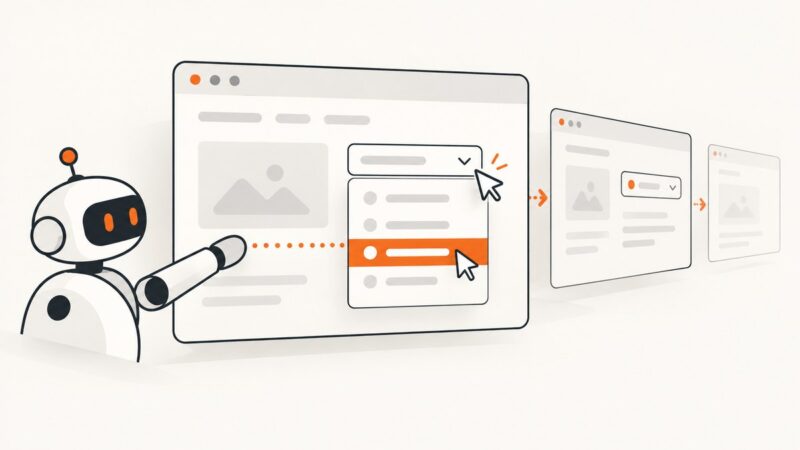
Learn how to open JavaScript div-based dropdowns, select an option reliably, wait for dynamic state changes, and verify the result with Python Selenium.
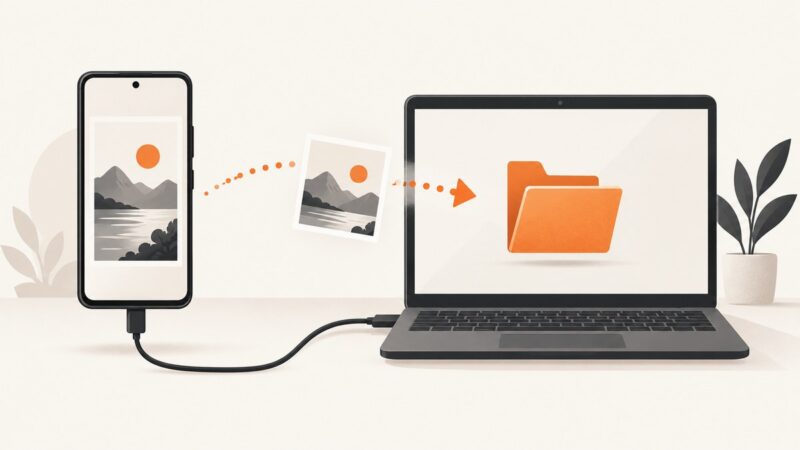
Capture an Android device display from your terminal with adb screencap -p, save it locally, target specific devices, and troubleshoot common errors.
Capture Phaser’s rendered canvas with its snapshot API, save the image, and learn when a browser screenshot is needed to include HTML overlays.
Capture any DOM element as a PNG in vanilla JavaScript with html2canvas, handle cross-origin assets, geometry, quality, exports, and failures.
Configure Serenity to capture entire pages, keep screenshots readable, and avoid common Chrome, memory, and storage problems.
Restore image loading in Selenium ChromeDriver with the right profile preference, remove blocking flags, and troubleshoot managed policies.
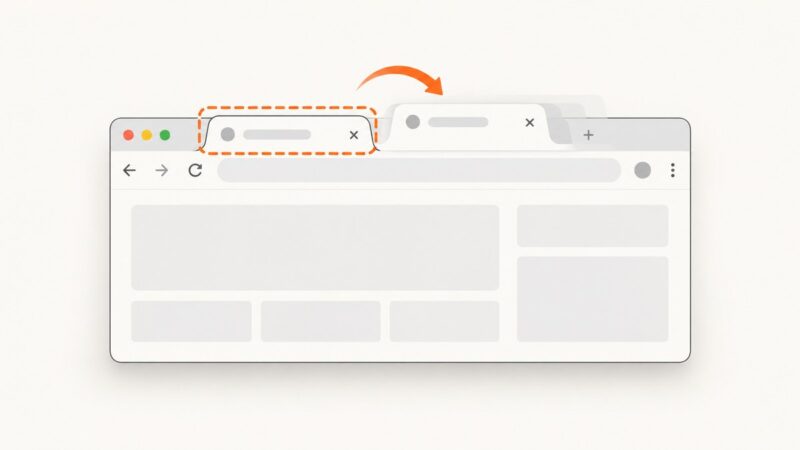
Capture the right Chrome tab when a new tab opens with screenshots, recording, permissions, troubleshooting, and a hosted API option.
Fix html2canvas tainted canvas errors with CORS, a safe same-origin proxy, and practical diagnostics for exports that fail.
Yes. Configure Chrome or Firefox for headless execution, load the page, and call Selenium’s screenshot API. Learn viewport, element, and full-page options.
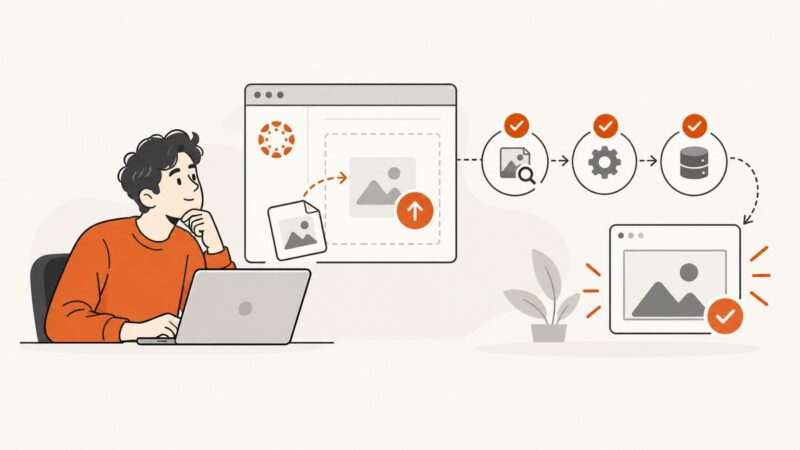
Fix Canvas screenshot problems by checking submission type, browser settings, file access, and URL captures with this step-by-step guide.
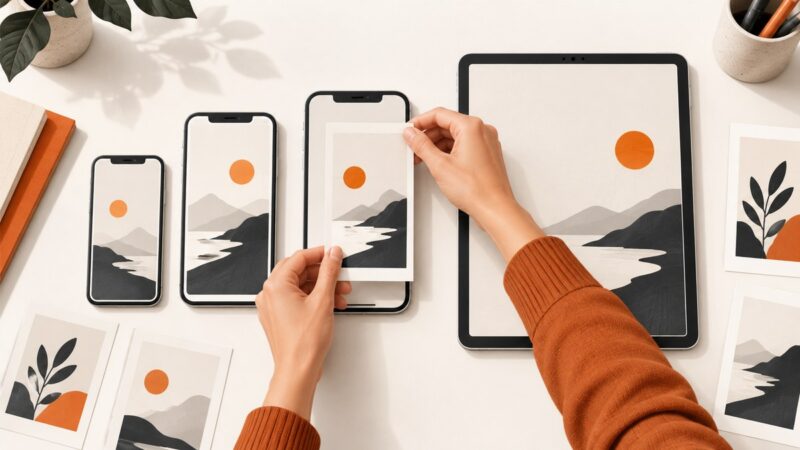
Use a free App Store screenshot template correctly: choose device sizes, replace sample screens, export compliant files, and verify them in App Store Connect.
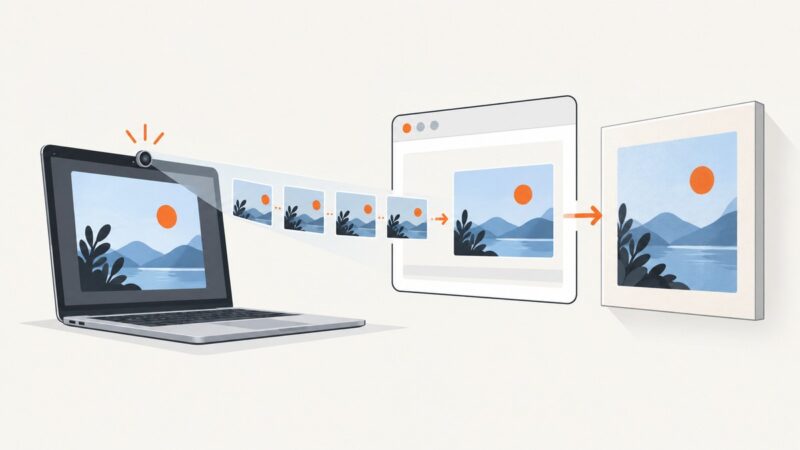
Use getUserMedia, video, and canvas to capture webcam frames in JavaScript, process them continuously, and fix common permission and device errors.
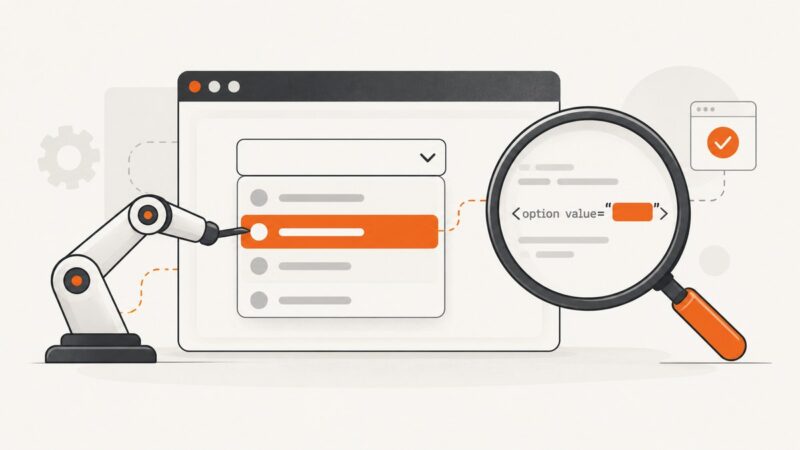
Fix Selenium selectByValue failures by checking native select markup, exact option values, timing, disabled states, stale elements, and selected-state assertions.