How to Capture Information from a Website
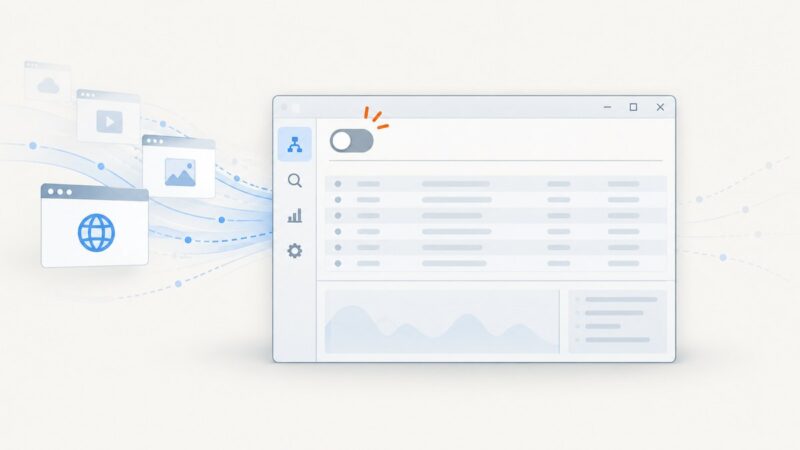
Learn when to save a page, use HTTP, render JavaScript, or extract with selectors—with runnable code, troubleshooting, and a screenshot API option.
Learn when to save a page, use HTTP, render JavaScript, or extract with selectors—with runnable code, troubleshooting, and a screenshot API option.
Use HTTrack or GNU Wget to mirror a website for offline use, with scope limits, dynamic-site caveats, commands, and troubleshooting.
Learn why X's login flow can differ in headless Selenium and debug it with reproducible checks, explicit waits, logs, and supported recovery.
Capture the visible tab once, let users select a rectangle, and crop it accurately in an MV3 Chrome extension.
Learn when to make a screenshot PDF or print a webpage to PDF, with exact steps for Windows, Chrome, iPhone, Chromebook, and ScreenshotNeo.
Upload an image through Selenium’s file input, trigger your editor’s insert action, and verify the image is inline with a complete Python workflow.
Turn off Fiddler 4 traffic capture, clear existing sessions, restore browser proxy settings, and troubleshoot the most common problems.
Learn where WebDriver saves screenshots, how to open them, and when to use PNG files, bytes, or Base64 in local and remote runs.
Mirror a complete website with HTTrack or Wget, control crawl scope, preserve local links, and verify what works without an internet connection.
Detect tabs opened by clicks or window.open in Pyppeteer with targetcreated, filtering, timeouts, troubleshooting, and a screenshot API alternative.
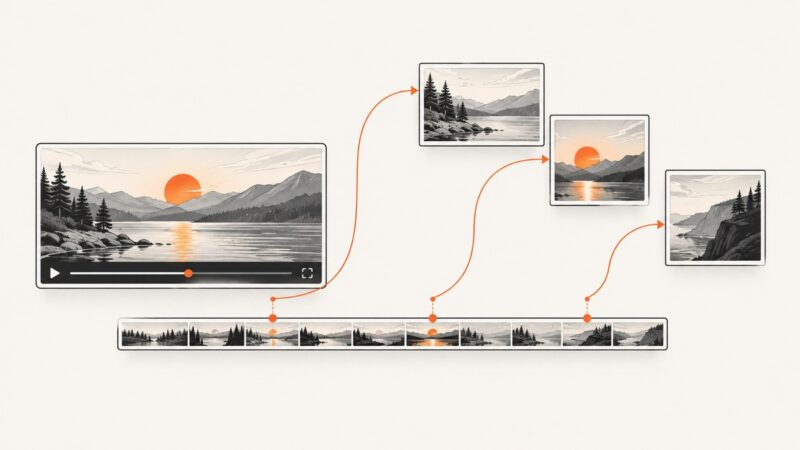
Capture video frames at timestamps with JavaScript and canvas, including seeking, CORS, downloads, troubleshooting, and ScreenshotNeo.
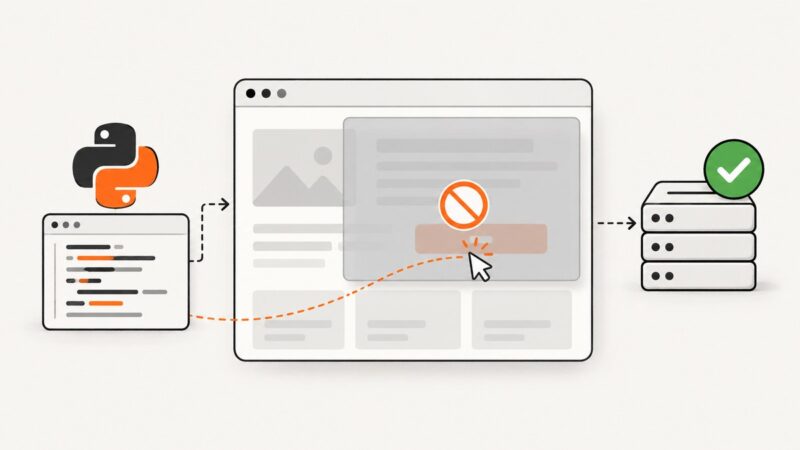
A 200 HTTP response does not prove Selenium can click. Learn how to diagnose overlays, timing, stale elements, frames and interactability.
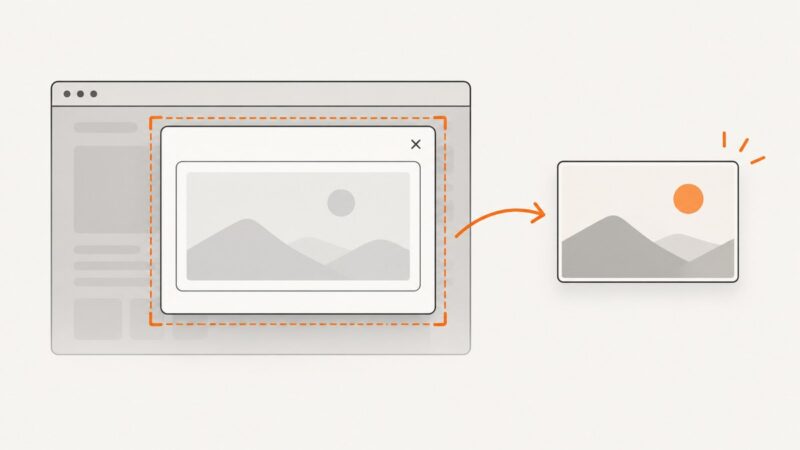
Learn how to capture a modal containing an iframe with html2canvas, Playwright, or cooperative messaging—and handle same-origin, cross-origin, and sandbox limits.
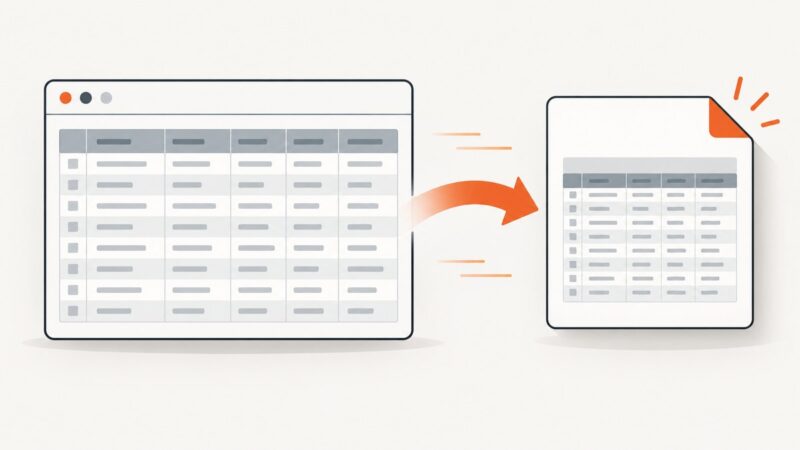
Capture an HTML table as a clean PNG with DevTools, Playwright, html2canvas, or ScreenshotNeo—including wide, tall, and dynamic tables.
Render any HTML page into a reliable thumbnail with Chrome, APIs, or ScreenshotNeo, including sizing, readiness, storage, errors, and cost guidance.
Handle JavaScript dialogs and new popup pages in Pyppeteer with reliable event timing, runnable Python code, debugging steps, and production tips.
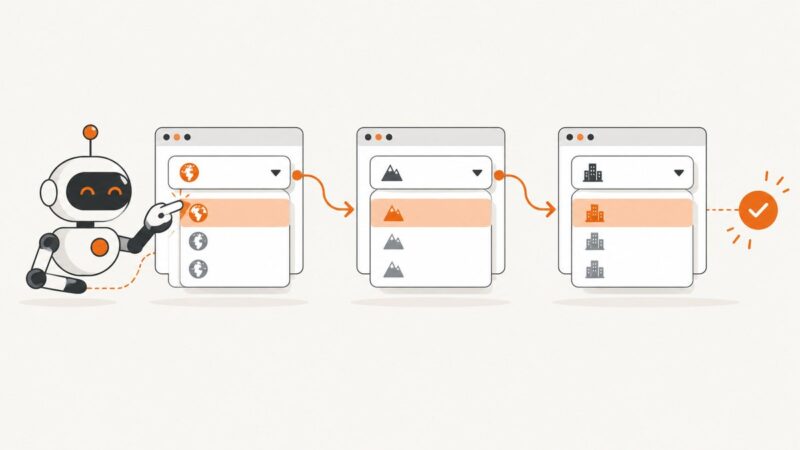
Select dependent dropdowns reliably with Pyppeteer by waiting for real option changes, handling navigation, custom widgets, errors, and edge cases.
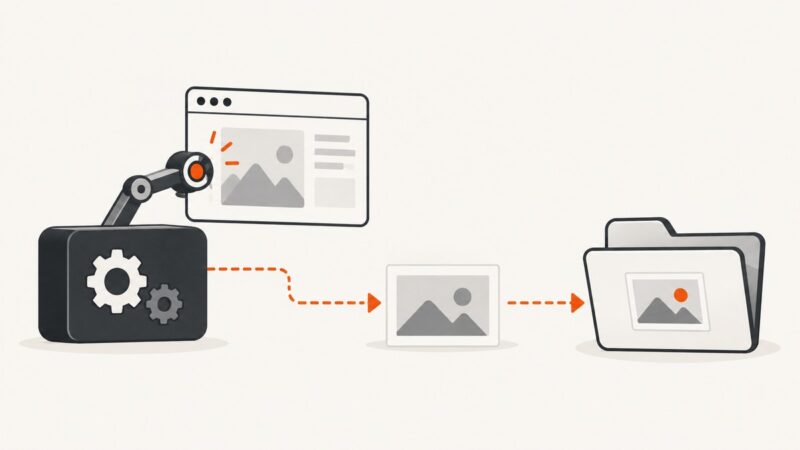
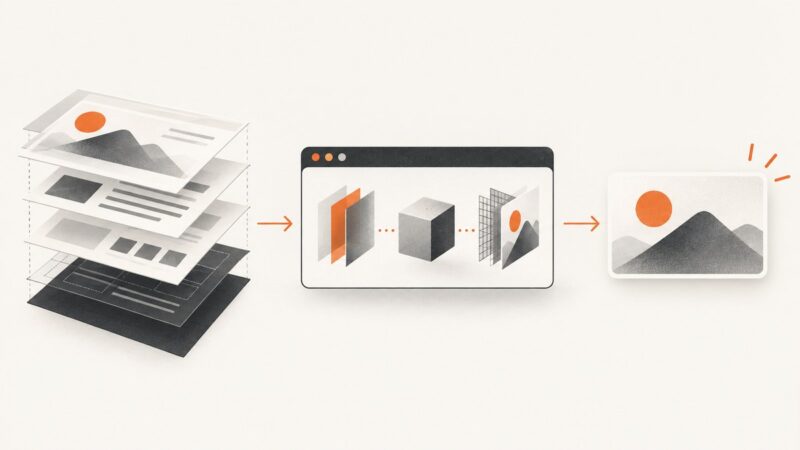
Render stored HTML in a real browser with Playwright or Puppeteer, wait for assets, then save a deterministic PNG, JPEG, or WebP.