How to Use wget to Download Web Pages from Python
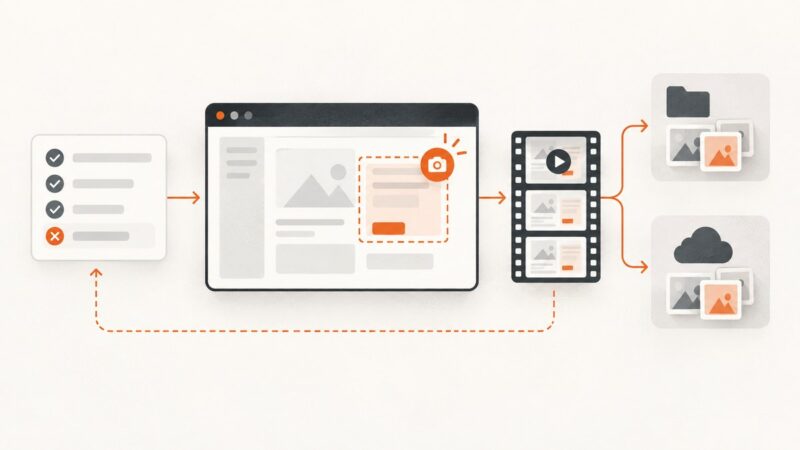
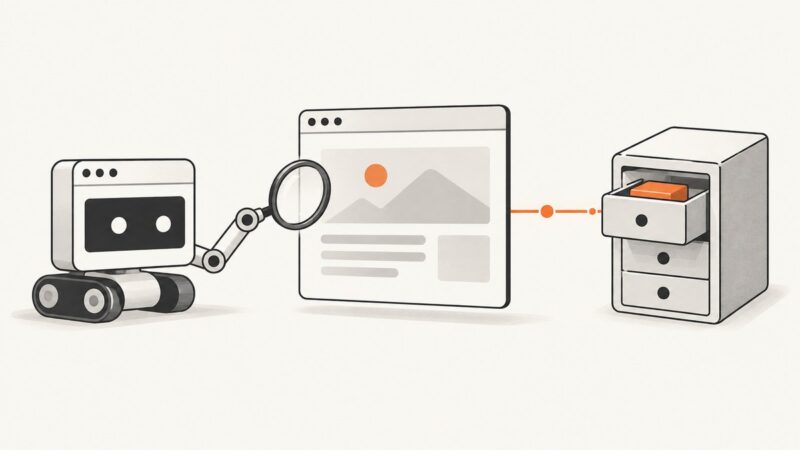
Use Python’s subprocess API to run wget safely, save page assets, handle errors, and know when urllib, Requests, or ScreenshotNeo is a better fit.
Use Python’s subprocess API to run wget safely, save page assets, handle errors, and know when urllib, Requests, or ScreenshotNeo is a better fit.
Extract the real image URL, handle lazy loading and CORS, and save rendered images reliably with browser JavaScript or ScreenshotNeo.
Capture viewport, full-page, or element screenshots in Go with chromedp, save bytes safely, troubleshoot browser issues, and compare a hosted API option.
Learn reliable ways to download images in Python with urllib or Requests, stream large files safely, validate responses, and handle failures.
Capture a webpage as it looks now, find archived versions, and compare changes with a clear record of URLs, dates, and browser context.
Find GitHub Trending repositories, filter them by language and time, save candidates, search beyond Trending, and capture dated snapshots.
Build a bounded Python thread pool for authorized scraping, with timeouts, error handling, robots.txt checks, and a repeatable way to measure throughput.
Merge web pages or HTML files into one ordered PDF or editable DOCX with desktop workflows, code, troubleshooting, and a browser-free API option.
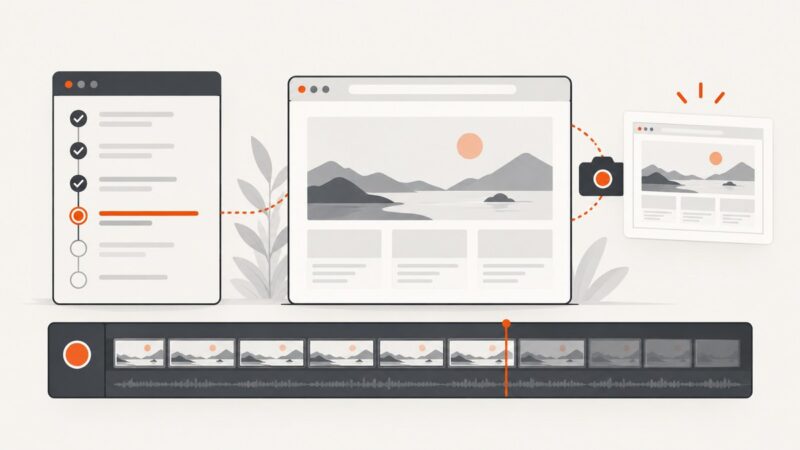
Capture Cypress screenshots on demand or on failure, record videos in headless runs, and keep local or Cypress Cloud artifacts organized.
A permission-first guide to collecting Imovelweb data responsibly, handling blocks, and choosing an authorized screenshot workflow.
Learn viewport, element, and full-page screenshots with Playwright MCP, including filenames, formats, scale, snapshots, and reliable automation patterns.
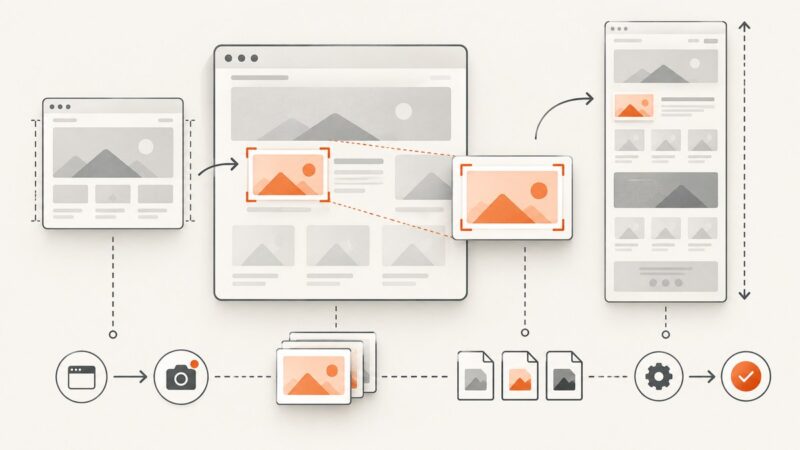
Learn when to capture a full page versus change viewport height, with steps for Chrome, Firefox, iPhone, and a screenshot API.
Lowe’s terms restrict automated scraping. Learn the authorized catalog and API workflow for product, price, inventory, and location-aware data.
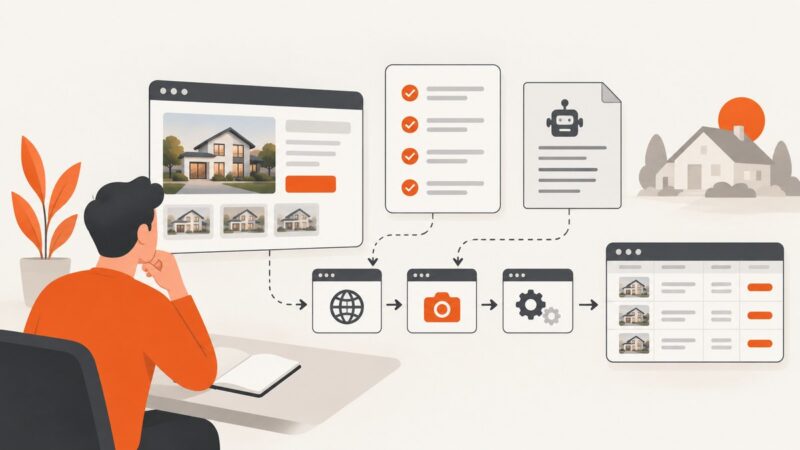
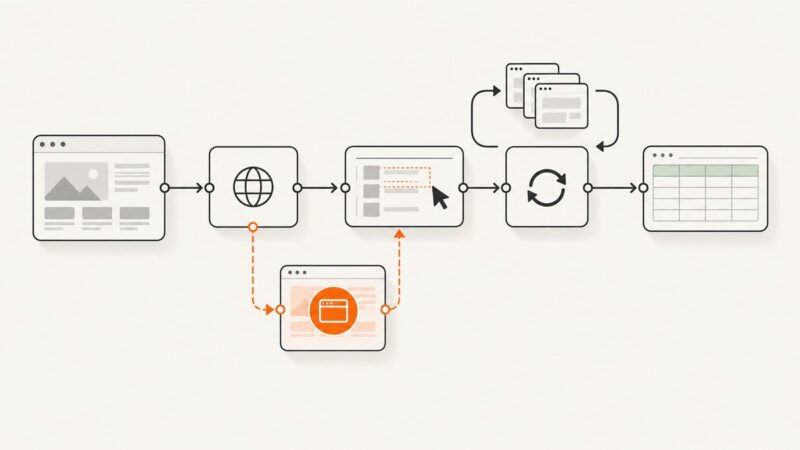
Build an inspectable n8n scraper with HTTP Request, CSS selectors, pagination, Google Sheets, and a browser-rendering fallback for JavaScript pages.
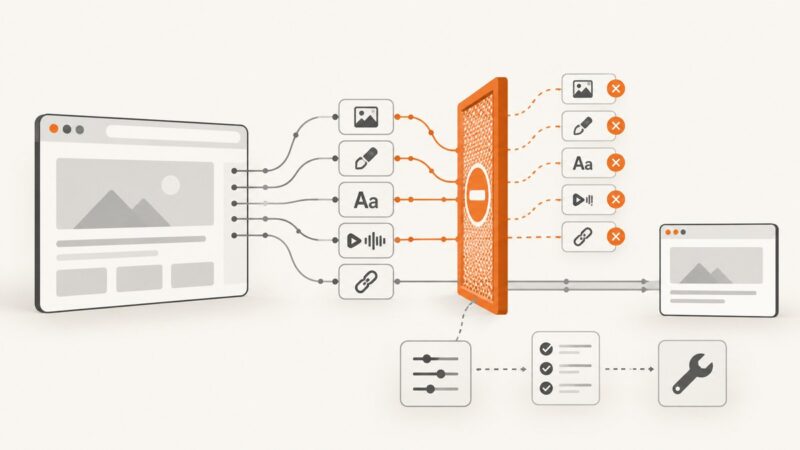
Block images, stylesheets, fonts, media, or specific URLs in Selenium with Python using Chrome’s DevTools Protocol. Learn how to configure, verify, and troubleshoot request blocking.
Use Puppeteer, Playwright, or node-html-to-image to capture pages and convert HTML to PNG or JPEG in Node.js.
Run Playwright or Puppeteer on a remote browser, choose the right cloud setup, and handle versions, routing, retries, and data quality.
Read localStorage with Playwright after navigating to the right origin, handle sessionStorage separately, and protect exported browser state.