How to Capture a Wix Website as an Image or PDF
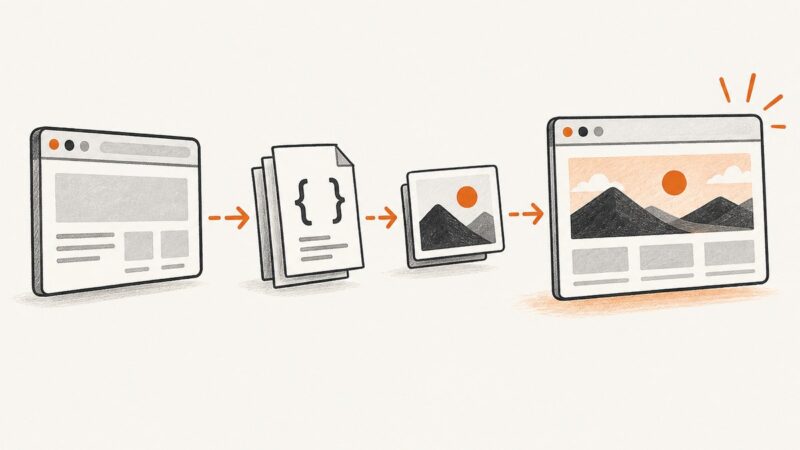
Save a Wix page as a PDF, capture its full-page layout as an image, or automate repeatable captures with Chrome Headless or a screenshot API.
Save a Wix page as a PDF, capture its full-page layout as an image, or automate repeatable captures with Chrome Headless or a screenshot API.
Convert a webpage URL into clean Markdown with YAML frontmatter. Compare hosted APIs with local tools, handle missing metadata, and build a reliable pipeline.
Capture a rendered webpage as a real JPEG in Go with chromedp, control quality, handle full pages, and compare a hosted ScreenshotNeo workflow.
Use Playwright to wait for rendered content, extract text and links into structured data, and validate results with runnable examples.
Hide live interface content or narrow the capture area before taking a screenshot. The right method depends on your device and whether the element is live UI or already part of an image.
Clear cookie banners, modals, sticky bars and chat widgets from screenshots. Compare manual, browser and scripted methods, with runnable code and troubleshooting.
Automate browser screenshots for monitoring with Playwright or a hosted service. Learn what to capture, how to alert, and how to debug failures safely.
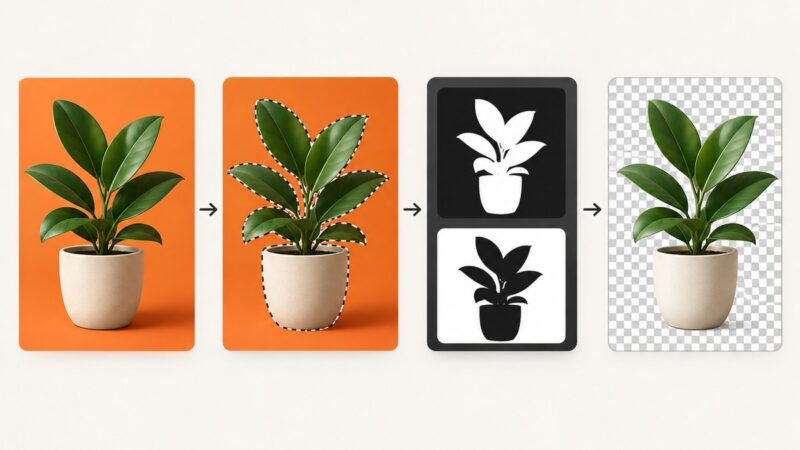
Remove an image background, preserve soft edges, and export a PNG with working transparency in GIMP or Photoshop. Includes checks for white or black backgrounds.
Learn to observe, wait for, and intercept Playwright network traffic, handle Service Workers, debug failures, and choose the right API.
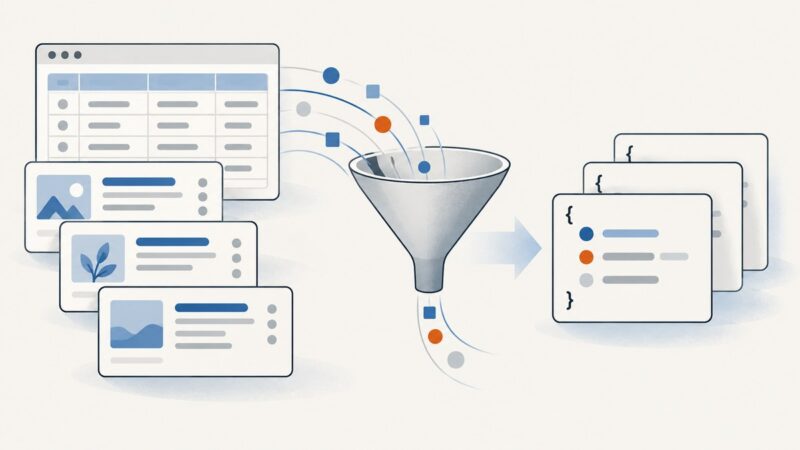
Turn HTML tables, cards, and repeated list items into clean JSON arrays with Python, pandas, and Beautiful Soup, including validation and troubleshooting.
Use a condition-based Java wait to capture a custom element only after the state your screenshot needs is ready, including content inside open shadow DOM.
Beautiful Soup has no native XPath method. Use CSS selectors with select(), or parse with lxml when you need XPath expressions.
Create accurate hiring graphics at scale with templates, structured job data, brand rules, and automated exports for every channel.
Learn why CSS backgrounds disappear in screenshots and how to capture them reliably with Playwright, Puppeteer, DevTools, PDFs, and ScreenshotNeo.
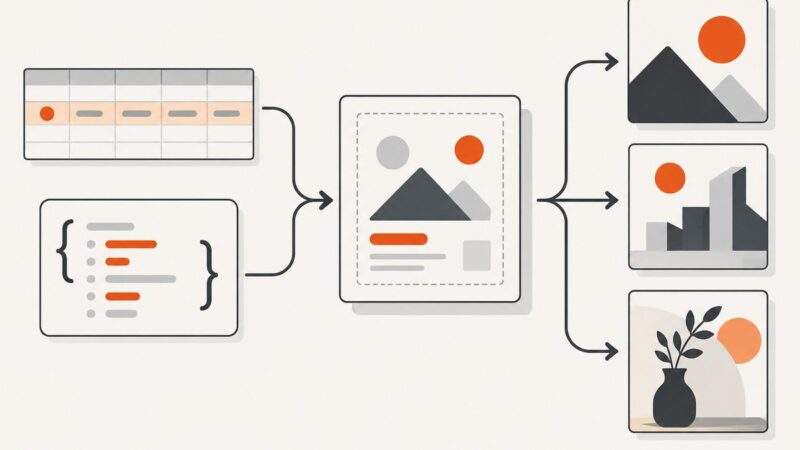
Learn how to turn reusable templates and structured data into reliable batches of graphics with Canva, Adobe Express, APIs, and automation.
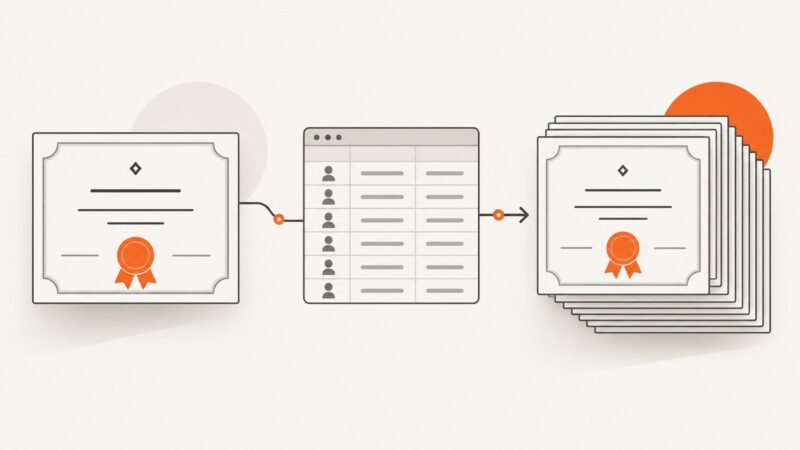
Build a reliable certificate pipeline: reusable templates, structured data, PDF generation, validation, delivery, and a practical Python example.
Learn to discover Bürklin product URLs, extract product data from JSON-LD with Python or cURL, and build a polite, auditable scraper.
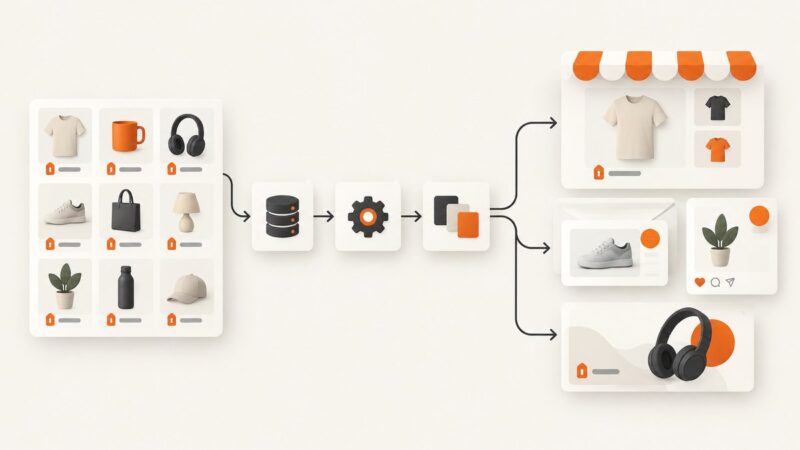
Build a repeatable pipeline for turning catalog prices into accurate, on-brand product graphics for storefronts, email, social, and ads.