How to Put Website Screenshots in Google Sheets with Apps Script
Capture JavaScript-rendered webpages in Apps Script, insert screenshots beside each URL, handle the 2MB limit, and automate reliable batches.
Capture JavaScript-rendered webpages in Apps Script, insert screenshots beside each URL, handle the 2MB limit, and automate reliable batches.
Build a reusable product-image template, connect it to your catalog, and render validated assets in bulk with APIs, webhooks, and a reliable delivery pipeline.
Use Selenium to wait for JavaScript-rendered content, then parse its HTML with Beautiful Soup. Includes runnable Python, resilient waits, extraction tips, and troubleshooting.
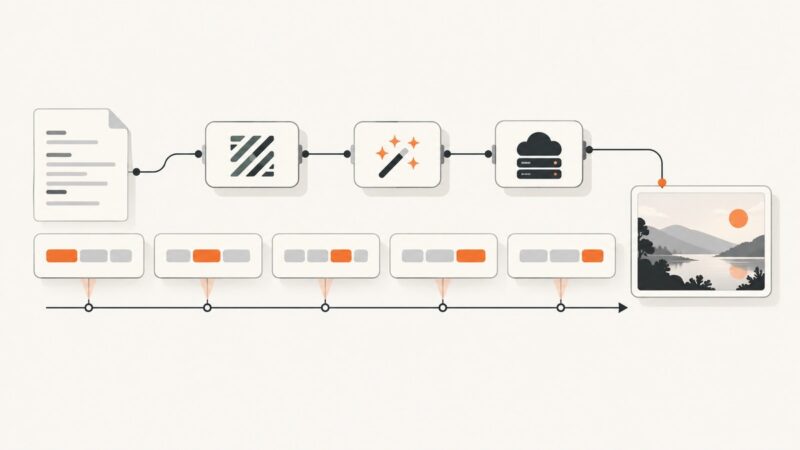
Build word-by-word subtitle highlight images with timestamps, styled overlays, FFmpeg, ImageMagick, or a hosted API.
Create a LinkedIn PDF carousel, schedule it on a profile or Page, and build a reliable publishing workflow with native and third-party options.
Plan, record, edit, caption, and share a clear website or web-app demo, with practical browser and desktop workflows and troubleshooting.
Run Bash scripts safely from Python with subprocess, arguments, environment control, timeouts, output capture, troubleshooting, and production patterns.
Build a reliable Carrefour price and availability scraper that preserves store context, fulfillment mode, seller, promotions, and timestamps.
Render structured invoice data into branded PNGs or PDFs with templates, browser automation, APIs, validation, and production-ready workflows.
Use Playwright or Puppeteer to hide volatile elements, adjust page styles, and capture a more consistent website screenshot.
Build a consent-aware pipeline that turns customer reviews into branded images with moderation, templates, APIs, and automatic publishing.
Automate website screenshots with Playwright or Puppeteer, choose full-page or element capture, and save PNG, JPEG, or WebP reliably.
Build recurring website screenshot Zaps with schedules, capture actions, storage, troubleshooting, and a browser-free ScreenshotNeo option.
Use Google’s documented reviews API first, then collect public Play pages carefully with pagination, policy checks, and reproducible exports.
Scrape SPA content reliably with Playwright: wait for the page state you need, extract from the rendered DOM, and handle dynamic lists and route changes.
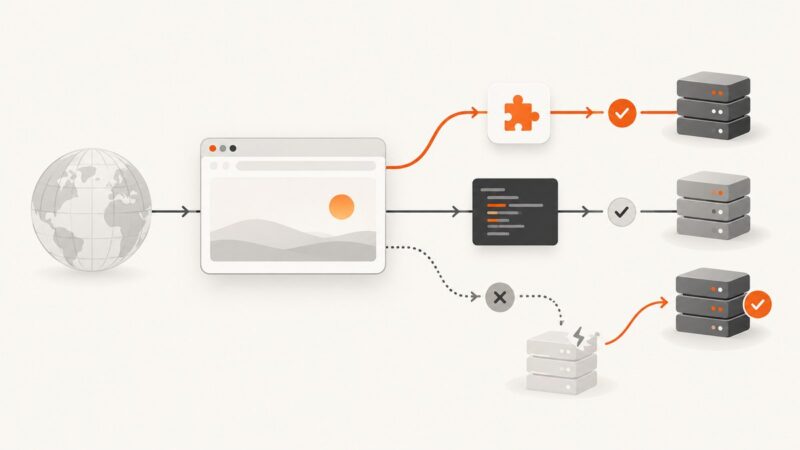
Choose between a browser extension, a PAC script, or a provider-managed endpoint. Learn how to configure each, verify routing, and troubleshoot common failures.
Build a repeatable video workflow from a spreadsheet row to a reviewed, rendered, and published video, with retries and status tracking.
Map URLs and dynamic screenshot settings in Zapier, handle API parameters correctly, and automate reliable captures with practical examples.