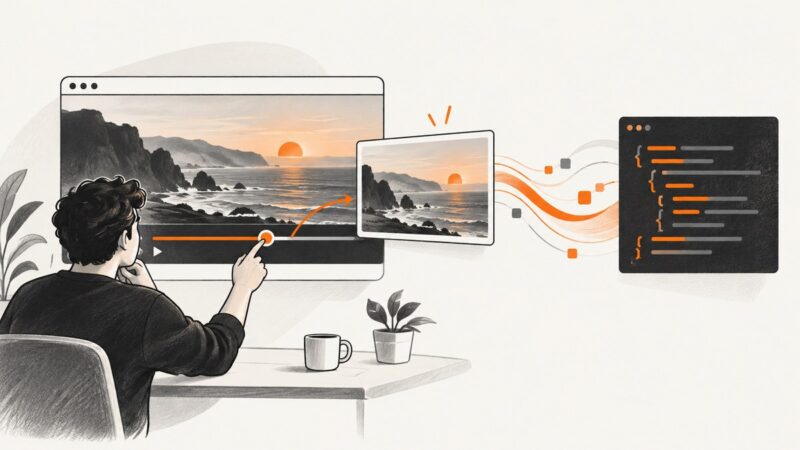
How to Capture a YouTube Video Screenshot Programmatically
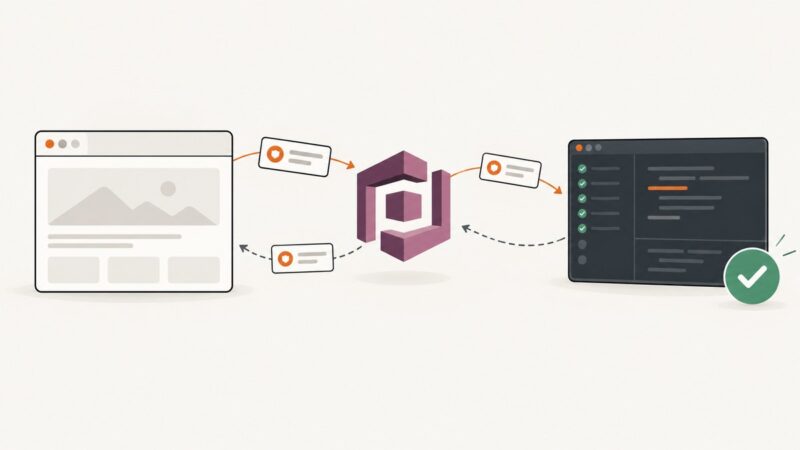
Control a YouTube player with the IFrame API, then capture its rendered iframe with browser automation—or extract frames from an accessible video element.
Control a YouTube player with the IFrame API, then capture its rendered iframe with browser automation—or extract frames from an accessible video element.
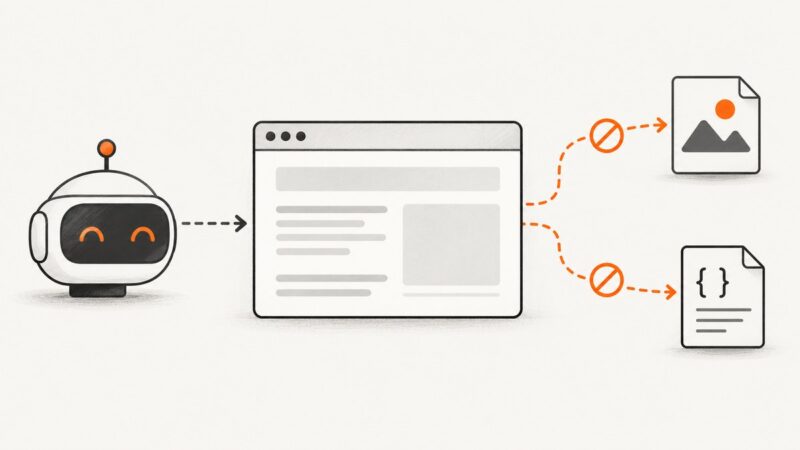
Block image and stylesheet requests in Puppeteer with interception, while avoiding duplicate handlers and unexpected layout changes.
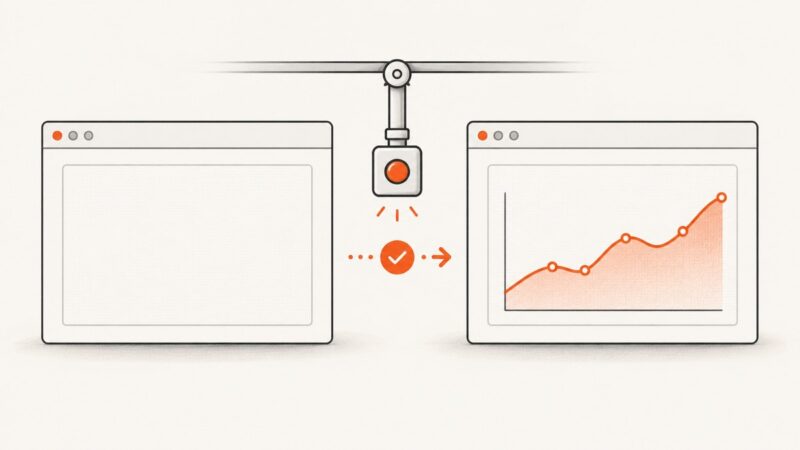
Separate Cypress Test Replay capture problems from blank PNGs, then fix rendering, timing, CORS, iframe, and browser tab issues.
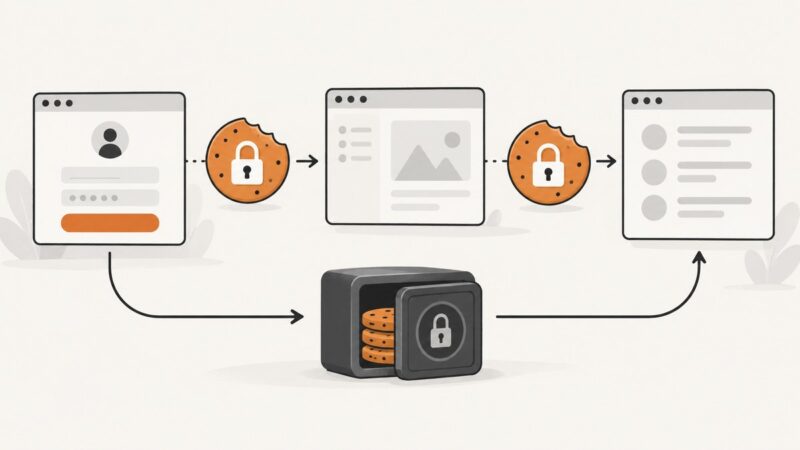
Keep Cypress cookies and login state reliable with cy.session(), setCookie(), isolation choices, cross-spec caching, and common fixes.
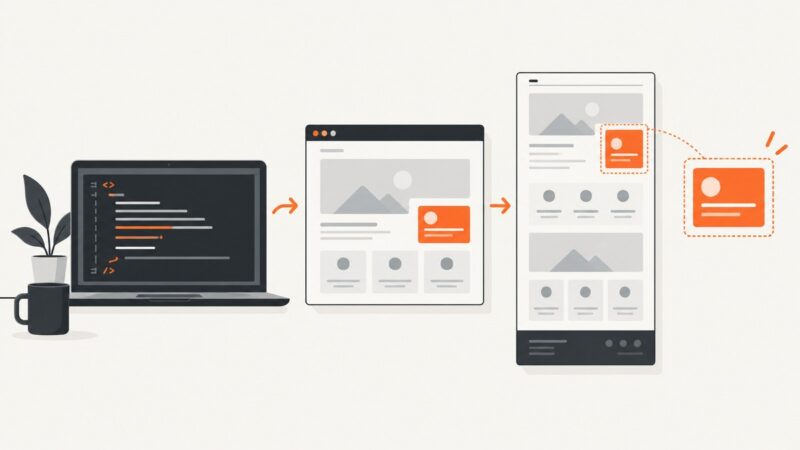
Render local HTML5 in a real browser, capture full pages or elements with Playwright or Puppeteer, and fix common asset and timing issues.
Capture a rendered Vue element as a PNG with html2canvas, handle images and scaling, and trigger a browser download.
A Cypress test that passes on retry can still be flaky. Learn how retries work, how to inspect the first failure, and how to fix the underlying cause.
Capture Selenium screenshots as PNG bytes, store them safely in SQL, retrieve them later, and choose the right database or object-storage design.
Test Cognito login in Cypress with browser-driven cy.origin(), programmatic sessions, token checks, MFA handling, and reliable troubleshooting.
Use html2canvas to turn a div into a downloadable PNG, handle fonts and cross-origin images, and know when a server screenshot API is better.
Screenshot quality depends on capture scope, pixel dimensions, format, compression, and visual fidelity. Here’s what .NET MAUI exposes and how to choose the right next step.
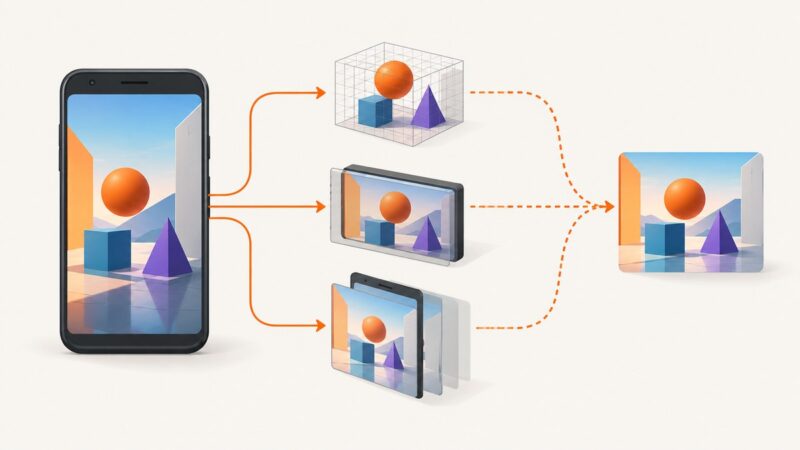
Choose the right Android capture boundary: OpenGL pixels, a presented SurfaceView, a Window, or the whole screen.
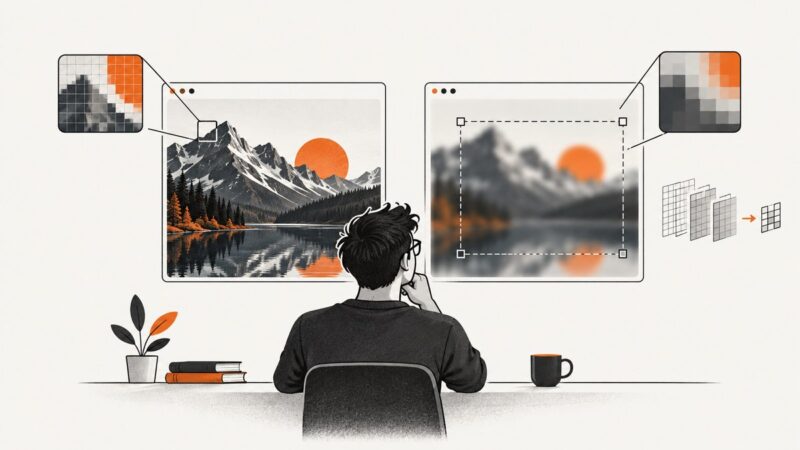
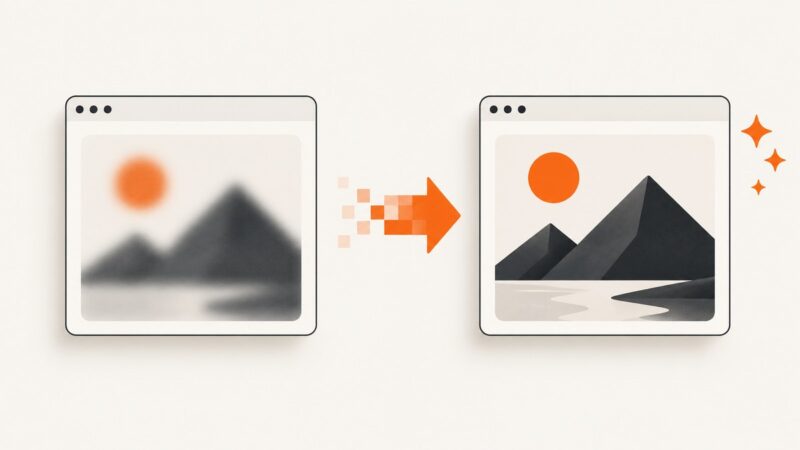
Fix blurry dom-to-image exports with the right scale, pixelRatio, formats, resource loading, and canvas-size limits.
A null Selenium driver means screenshot code has no live browser session. Trace initialization, scope, failures and hooks with these fixes and examples.
Diagnose blank PHP imagegrabwindow captures by checking Windows, HWND validity, readiness, client area, return values, and whole-screen comparisons.
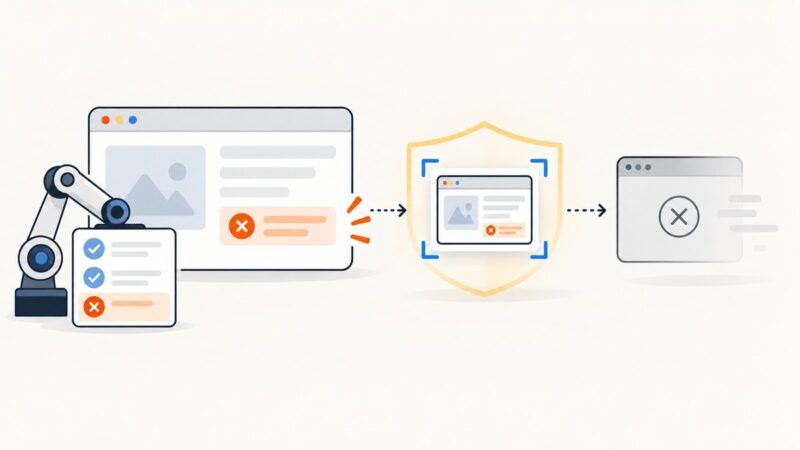
Capture a Selenium screenshot in TestNG’s failure callback while the WebDriver is still alive, then copy it to a durable artifact before teardown calls quit().
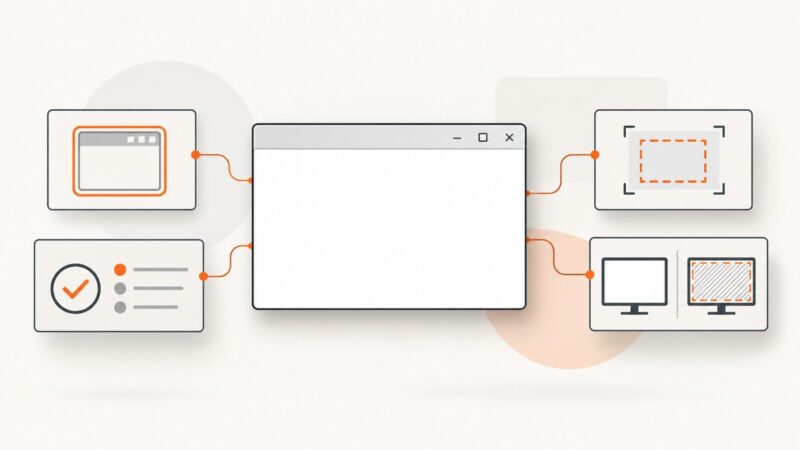
Use Playwright to navigate pages, wait for the right state, and capture viewport, full-page, or element screenshots with reliable code.
Capture modern, JavaScript-rendered web pages in PHP with Playwright, Browsershot, or ScreenshotNeo, including full-page and element screenshots.