How to Fix Node.cloneNode Is Not a Function in dom-to-image
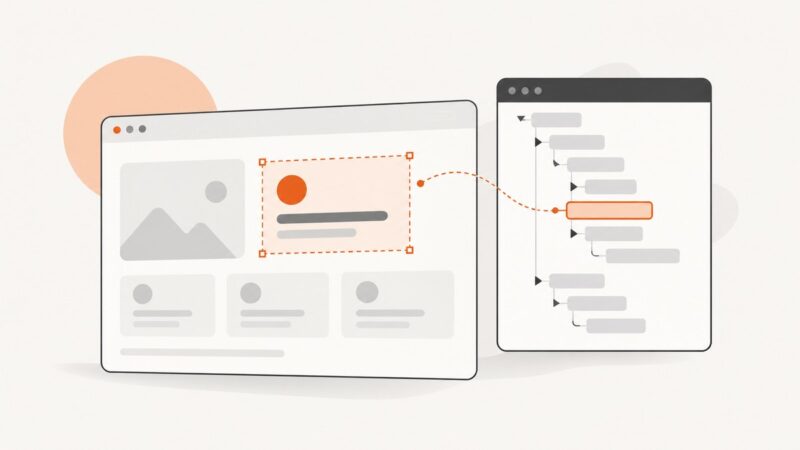
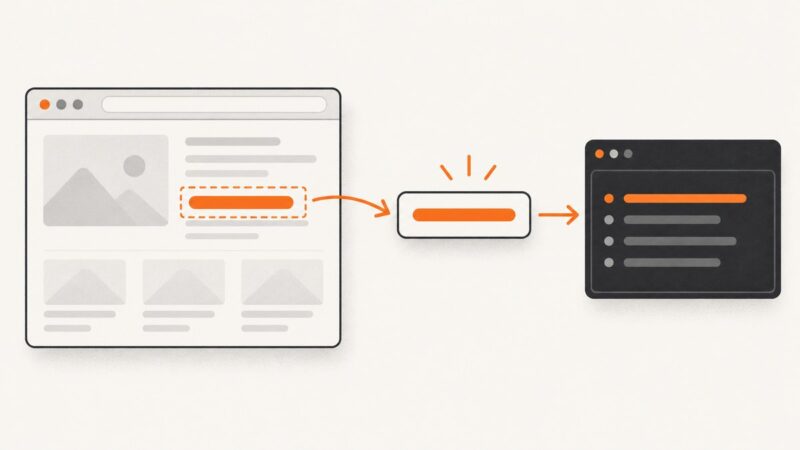
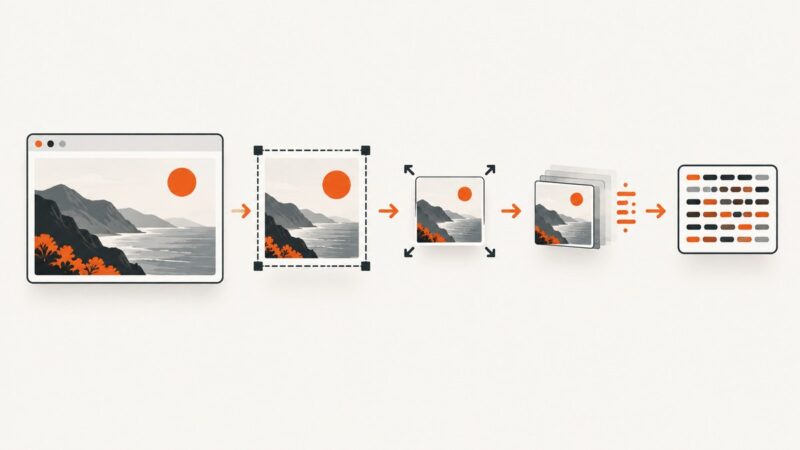
Fix `node.cloneNode is not a function` by passing dom-to-image one mounted DOM node—not a React element, collection, or missing selector result.
Fix `node.cloneNode is not a function` by passing dom-to-image one mounted DOM node—not a React element, collection, or missing selector result.
Selenium screenshots disappear after cx_Freeze builds? Use absolute writable paths, verify save results, and separate packaging errors from file I/O.
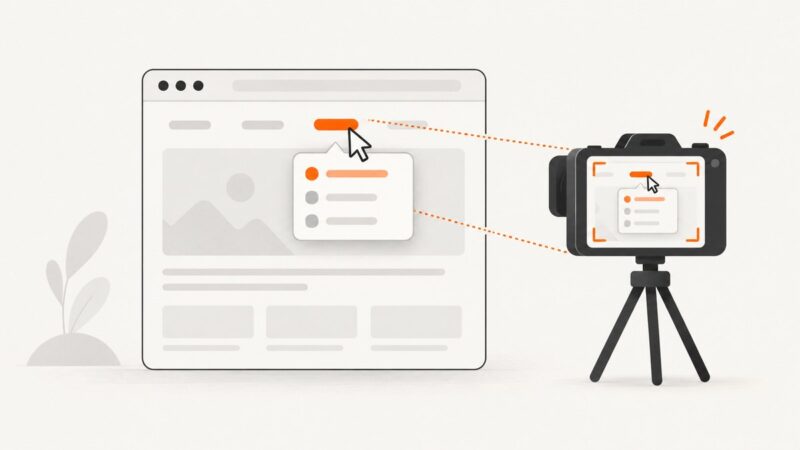
Cypress has no built-in hover command. Use a synthetic mouseover for JavaScript-driven states, then assert the result and capture the element or app.
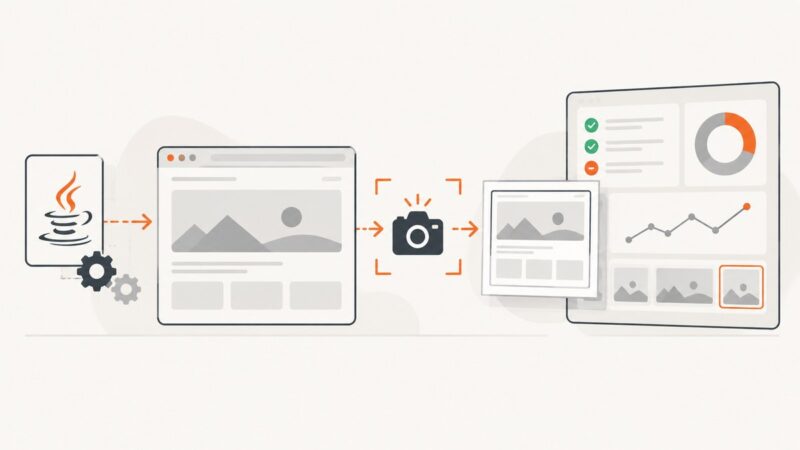
Fix Selenium OutputType.FILE errors in Java: cast to TakesScreenshot, copy the temporary file, diagnose runtime failures, and choose BYTES or BASE64.
Turn off Cypress failure screenshots, remove explicit `cy.screenshot()` calls, or control what the captured image includes. Learn which setting handles each case.
A failed Cypress check stops the current test. Learn when to split tests, use retries, handle expected exceptions, and keep the suite moving.
Learn why Cypress reports “text of null” near cy.log, how to read element text safely, and when to use should() versus then().
Use condition-based waits for visible elements in Playwright, Selenium, and Cypress, with semantics, timeouts, failures, and reliable patterns.
Capture Selenium screenshots in Java, handle Krypton’s error capture setting, diagnose failures, and automate reliable test artifacts.
Find whether Selenium, the file path, permissions, or Jenkins rendering is breaking screenshots, with fixes and pipeline code.
Shrink Selenium Base64 screenshots by capturing fewer pixels, resizing or converting the image, then encoding the transformed bytes.
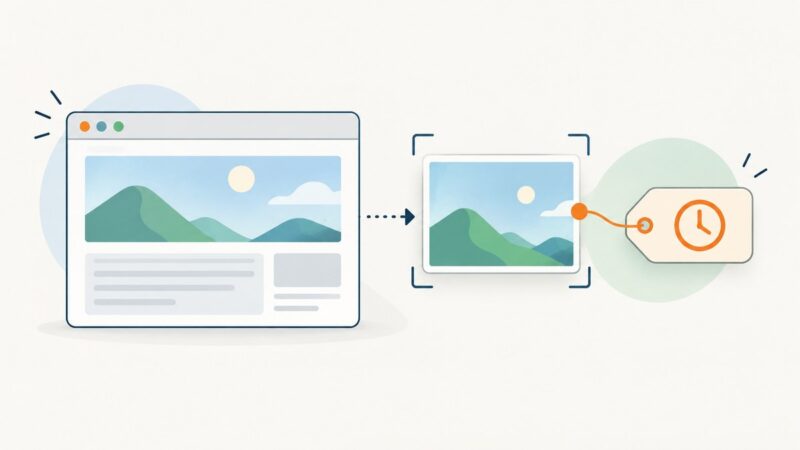
Selenium IDE has no built-in screenshot command. Use execute script for an ISO timestamp, then capture and name the PNG in WebDriver.
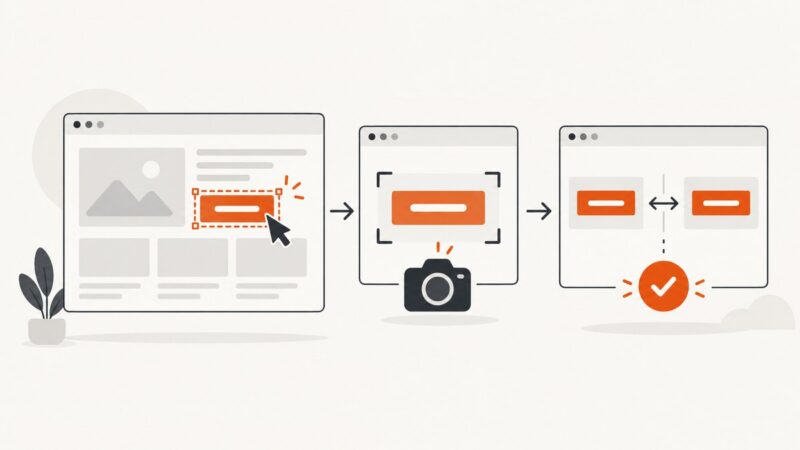
Locate a DOM element, save its screenshot, read its rendered text, and assert the expected value with Selenium in Python and JavaScript.
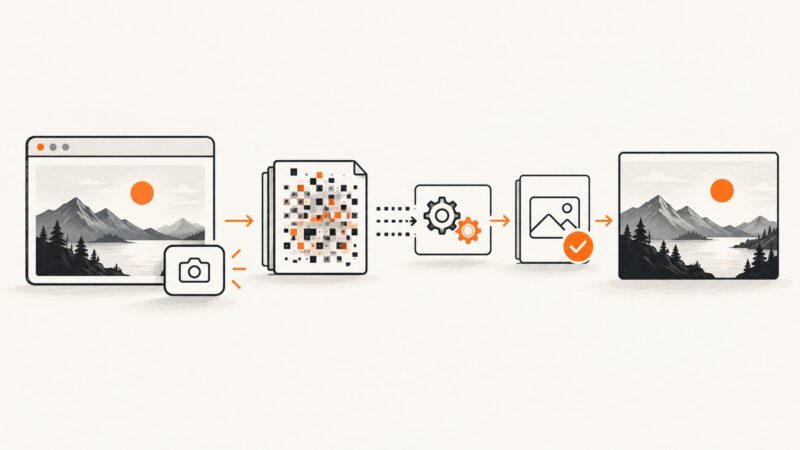
Fix corrupted Selenium screenshots by checking bytes, base64 decoding, file writes, signatures, drivers, and viewport scope.
Choose the right screenshot scope for each user: viewport, element, or full page, then automate captures with Playwright or ScreenshotNeo.
Run an Android app in the emulator or on a phone, then save a screenshot with Android Studio, ADB, device buttons, or automation.
Use readable labels with UUIDs to prevent Selenium screenshot overwrites in local runs and parallel CI jobs.
Capture a rendered video frame with PhantomJS using viewport or clipRect screenshots, verify frame readiness, and handle playback limits.