How to Screenshot a Scrollable Div With Selenium and Python
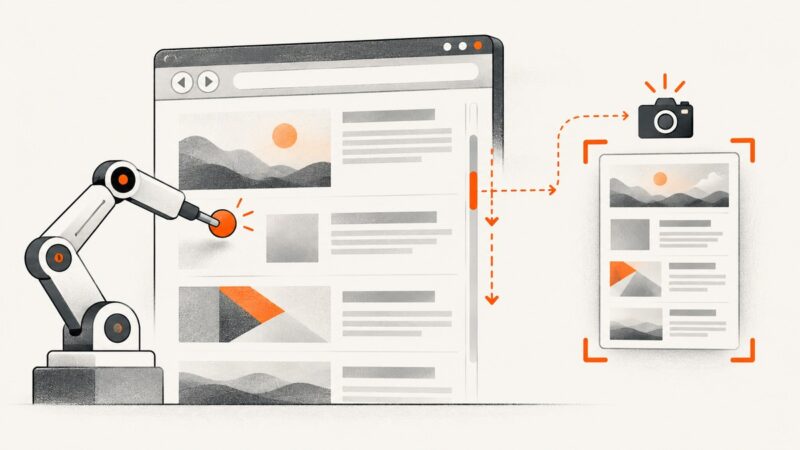
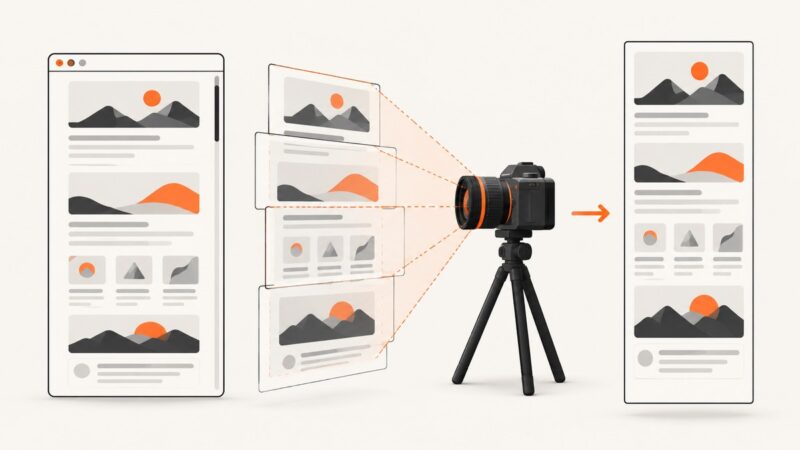
Capture a visible element or stitch a scrollable div into one full image with Selenium and Python, including code, edge cases, and fixes.
Capture a visible element or stitch a scrollable div into one full image with Selenium and Python, including code, edge cases, and fixes.
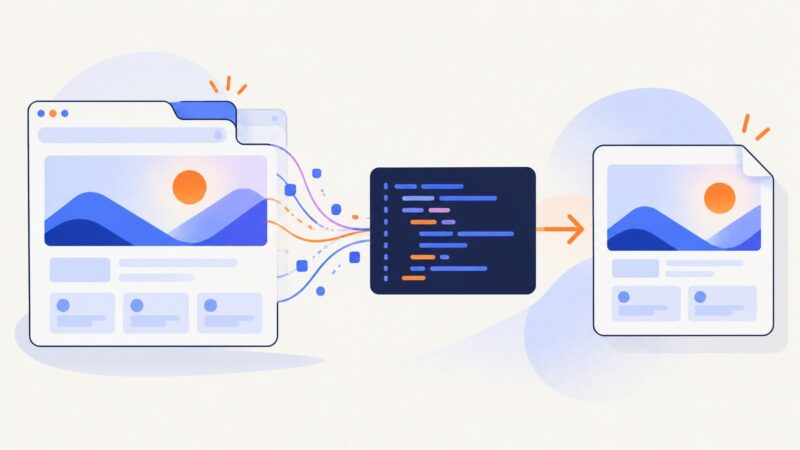
Capture DOM elements with html2canvas or real screens with getDisplayMedia(). Learn exports, cross-origin fixes, permissions, and production tips.
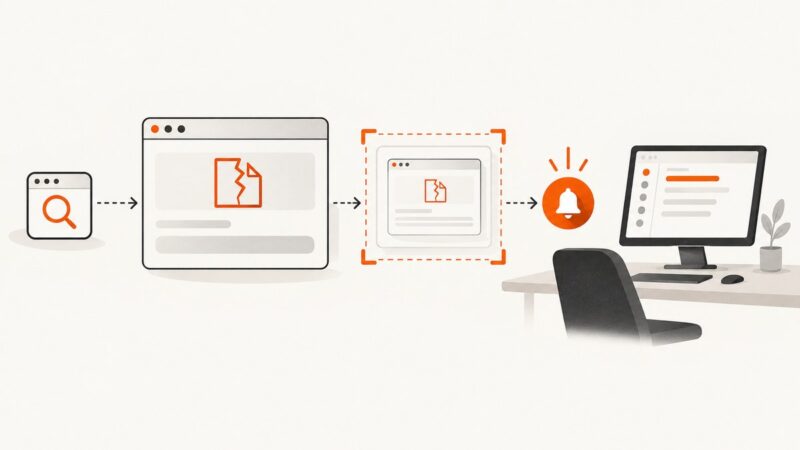
Build a browser health check that proves the user journey works, captures failure evidence, and alerts the right team when a site breaks.
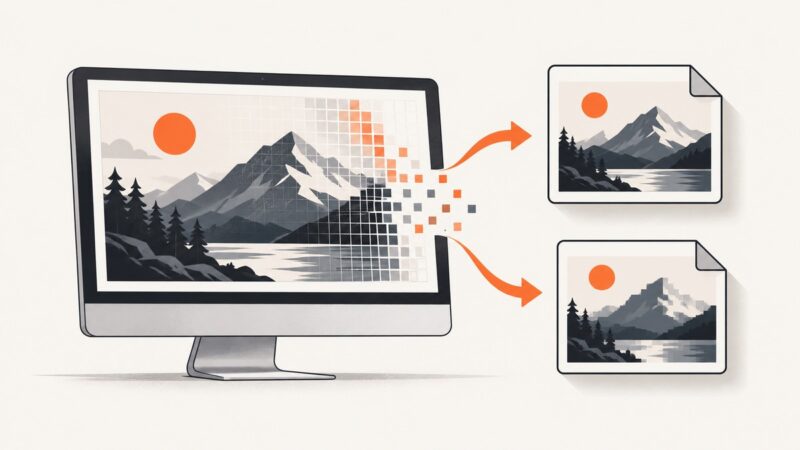
Reduce Python MSS screenshot sizes with PNG compression, smaller captures, resizing, or JPEG encoding while preserving the detail you need.
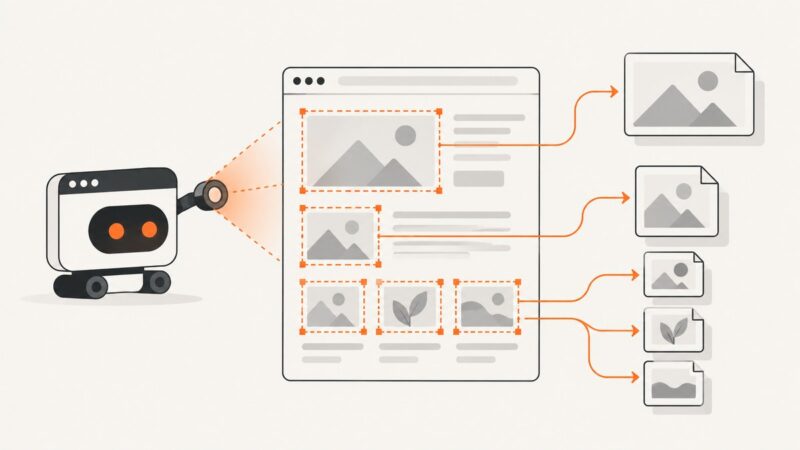
Loop through element IDs in PhantomJS, measure each DOM node, and save separate clipped screenshots with reliable error handling.
Save Selenium screenshots directly in Java with TakesScreenshot, durable file paths, element capture, full-page options, and practical troubleshooting.
Capture viewport, full-page, and element screenshots with AShot in Selenium, attach them to Allure, compare images, and troubleshoot browser differences.
Decode Selenium 2 Base64 screenshots into valid PNG files in Java and Python, avoid common errors, and choose bytes or files when decoding is unnecessary.
Find out whether the black area is real or only a transparency preview issue, then fix the file, export settings, or capture workflow.
Use FLAG_SECURE to keep sensitive Android activity content out of screenshots and non-secure displays, with detection, limitations, and testing guidance.
Learn the legacy Node.js and PhantomJS workflow for rendering HTML as PNG, JPEG, GIF, PDF, or Base64 image data, with complete code and troubleshooting.
Test Bootstrap modal behavior with Codeception WebDriver, reliable transition waits, Bootstrap 3 and 5 APIs, and PhantomJS compatibility guidance.
Hide or minimize a Tkinter window before capture, then restore it safely—even when screenshot code fails.
Fix IE11 Selenium screenshots by checking driver prerequisites, separating viewport capture from full-page stitching, and choosing a reliable capture path.
Fix node-horseman and phantomjs-prebuilt errors by checking executable paths, npm installs, permissions, networking, and legacy runtime limits.
Diagnose Selenium’s unhandled inspector error by separating zero-width elements from missing browser windows, then apply targeted fixes.
Learn why pyglet screenshots turn black and how to capture the correct color buffer after rendering, with fixes for buffering, DPI, and OpenGL contexts.
Reduce LibGDX screenshot stalls by measuring GPU readback, pixel processing and encoding, then optimizing each stage safely.