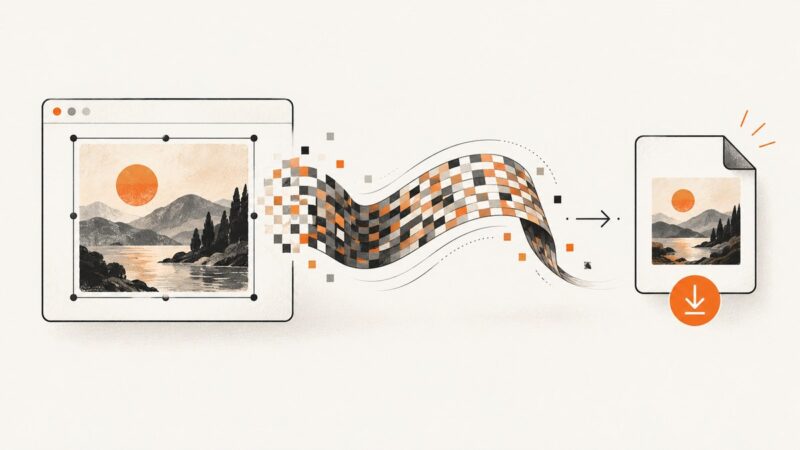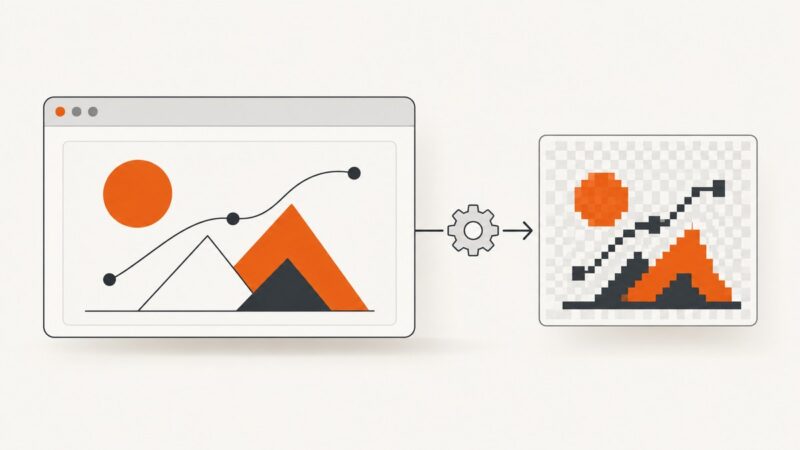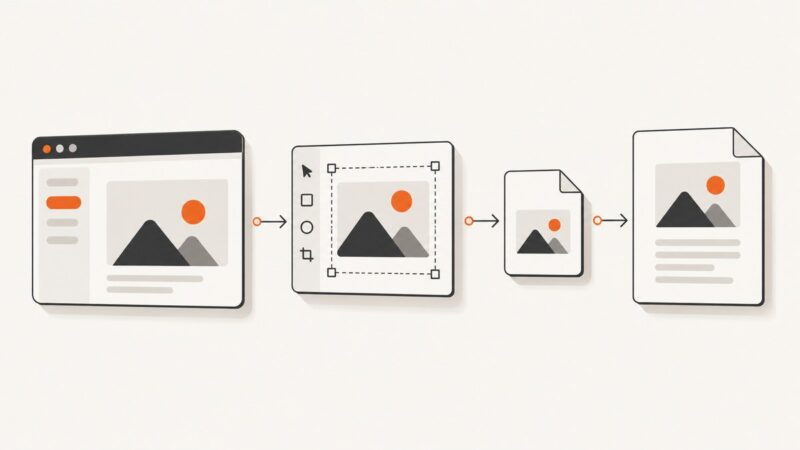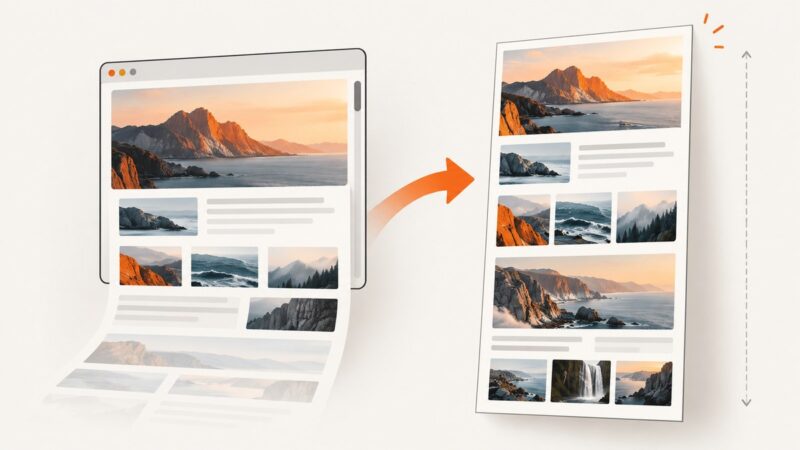
How to Improve html2canvas Content Capture and Text Quality
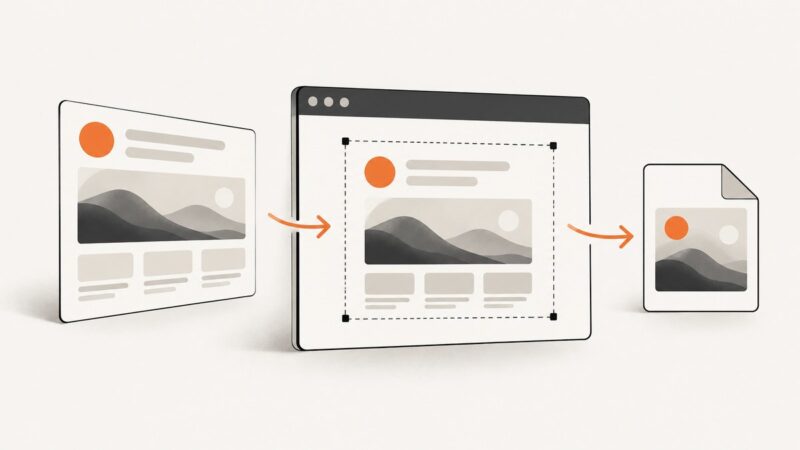
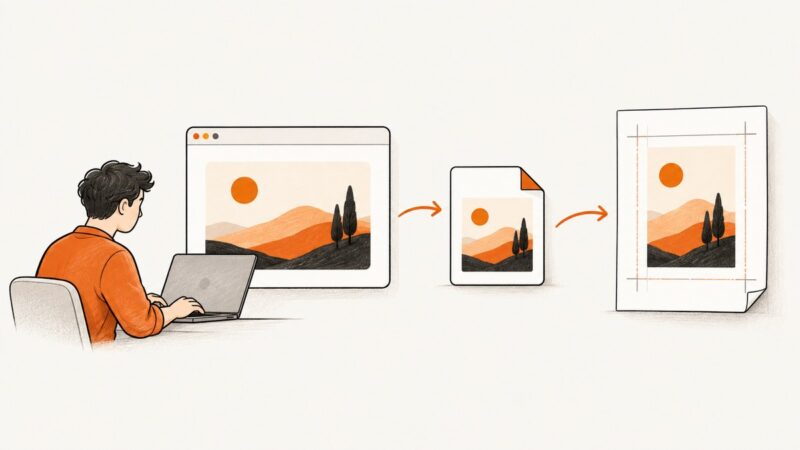
Fix clipped pages, blurry text, and missing images in html2canvas with complete options, runnable code, and a practical troubleshooting guide.
Fix clipped pages, blurry text, and missing images in html2canvas with complete options, runnable code, and a practical troubleshooting guide.
Capture several sections with one click using html2canvas, export each image, and understand the limits around separate URLs, CORS, fidelity, and canvas size.
Capture any element with html2canvas, encode it as a JPEG, download large files safely, and fix CORS, quality, canvas, and iframe problems.
Fix Firefox WebDriver startup hangs for unprivileged users by aligning Firefox, geckodriver, and temporary profile paths.
Find why pytest-html images are missing, fix file paths and extras, and choose between a portable single-file report and external assets.
html2canvas removed onrendered. Replace it with the returned Promise, then troubleshoot CORS, CSS support, canvas limits, and export errors.
Migrate legacy Selenium locators, then diagnose empty results with selector checks, explicit waits, and the right frame or shadow root.
Find out why html2canvas exports look dark, how to inspect the pixels, fix backgrounds and CSS effects, and choose a reliable capture path.
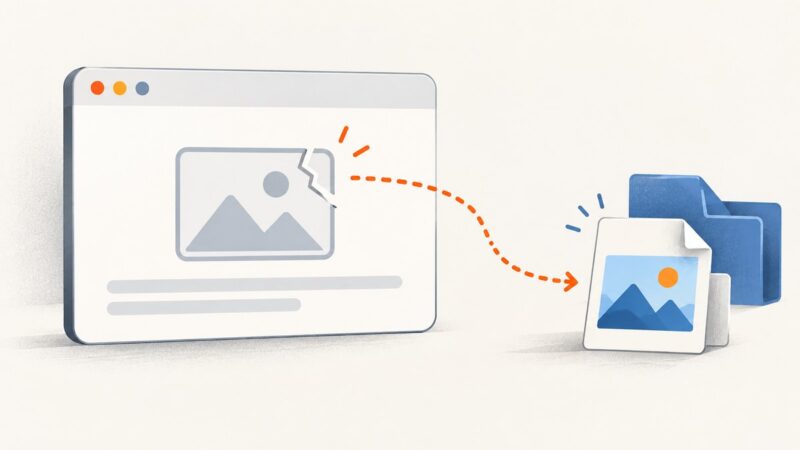
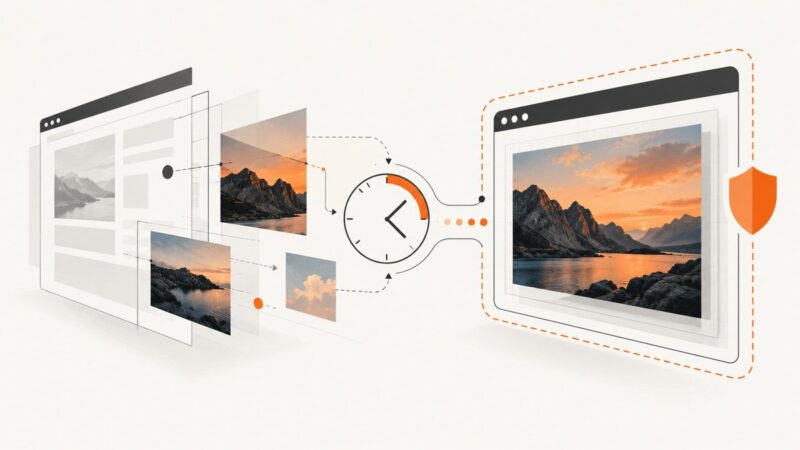
Control how html2canvas reconstructs image layers, wait for images before capture, and diagnose missing or cross-origin assets.
Give html2canvas downloads a real PNG filename, set jsPDF pages to match your card, and troubleshoot missing images, blank captures, and sizing problems.
Capture any HTML div as a downloadable PNG with html2canvas, handle full-height content and cross-origin images, and see a server-side alternative.
Use `white-space: pre-wrap` to preserve repeated spaces and authored line breaks in html2canvas, then check the capture clone, fonts, and dimensions if output differs.
Use pytest_runtest_makereport to run code after failed test calls, capture diagnostics, handle setup errors, and troubleshoot hook behavior.
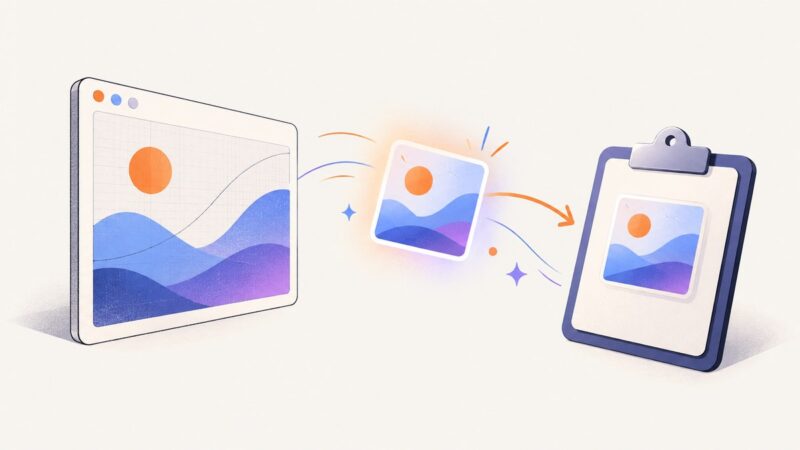
Copy a canvas as a PNG with toBlob() and ClipboardItem, handle permissions and cross-origin errors, and provide reliable fallbacks.
Export a canvas as a data URL, decode its Base64 payload, and download it safely. Includes Blob-based patterns, CORS fixes, and troubleshooting.
Capture inline SVGs with html2canvas, export PNGs, fix blank results, handle CORS, and choose a server screenshot API when browser limits get in the way.
Set html2canvas output size, pixel density, and crop area with the right options. Learn to fix clipped captures, manage canvas limits, and handle rendering differences.
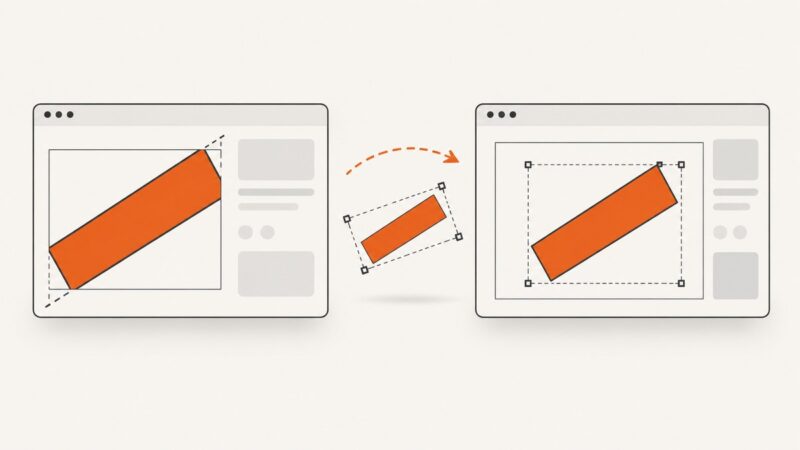
Diagnose cropped or offset rotated text in html2canvas with reproducible tests, overflow fixes, browser comparisons, and production workarounds.