How to Save Web Pages with Selenium
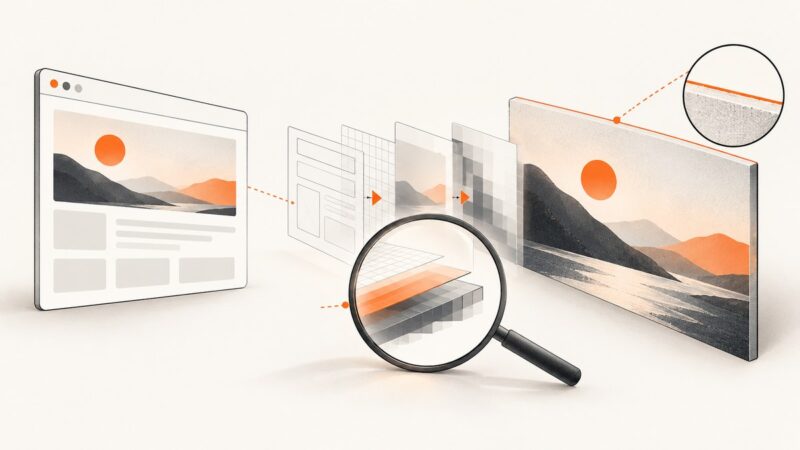
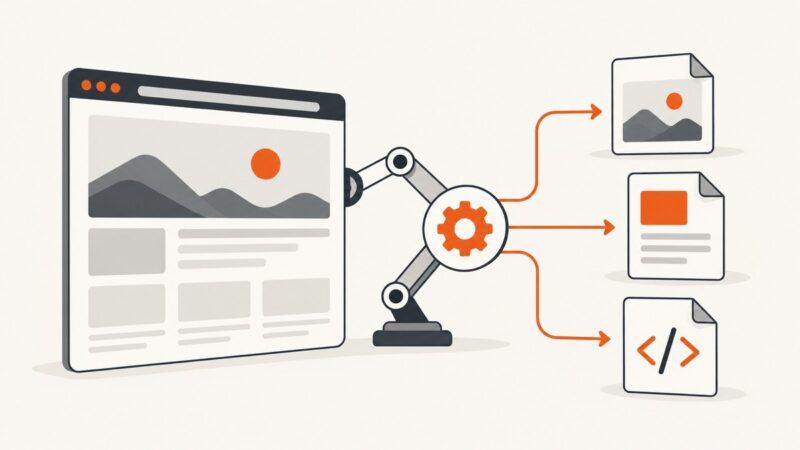
Learn how to save a Selenium page as an image, full-page PNG, PDF, HTML source, or downloaded file—with runnable Python examples and fixes.
Learn how to save a Selenium page as an image, full-page PNG, PDF, HTML source, or downloaded file—with runnable Python examples and fixes.
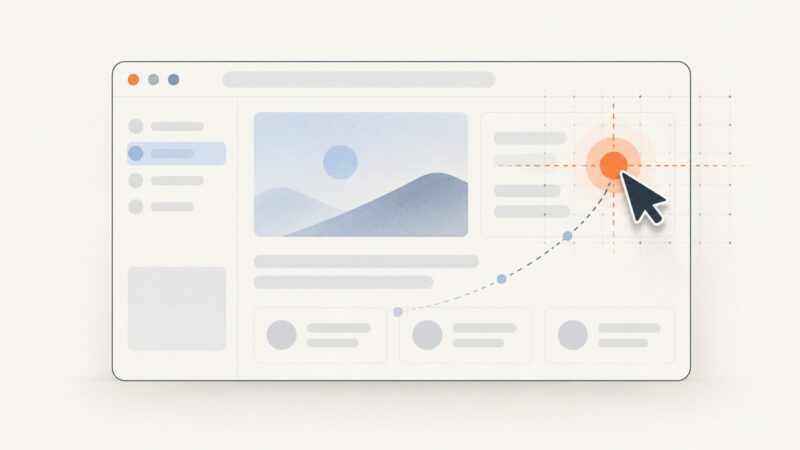
Use Selenium 2 ActionChains to click a point in the browser viewport, understand offset origins, and troubleshoot coordinate-based interactions.
Prevent html2canvas timeouts by waiting for images and fonts, handling CORS, sizing tall elements correctly, and choosing safe capture settings.
Capture CSS gradients accurately with Chrome, Playwright, and ScreenshotNeo. Fix sizing, timing, color, transparency, and visual-diff problems.
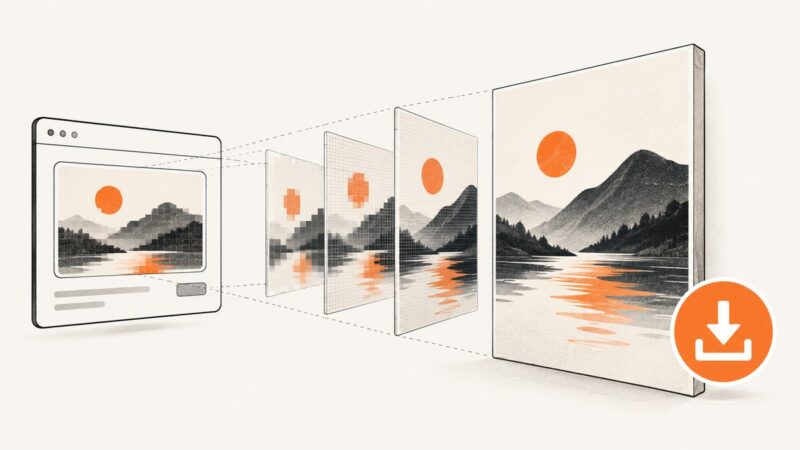
Learn how html2canvas scale controls sharpness, pixel dimensions, canvas limits, CORS, long pages, and reliable screenshot exports.
Fix jsPDF 1.5.3 install failures by checking Git, GitHub access, and your lockfile. Includes npm, Yarn, CDN, CI, and compatibility fallback steps.
Trace horizontal lines through html2canvas rendering, canvas pixels, toDataURL encoding and later display. Use a repeatable diagnosis before changing scale or CSS.
Convert a DOM element into a canvas with html2canvas and TypeScript. Learn the options, CORS limits, clipping fixes, and when to use a browser screenshot API.
Fix missing html2pdf.js images by checking CORS, proxy access, image readiness, and renderer limits with runnable code and diagnostics.
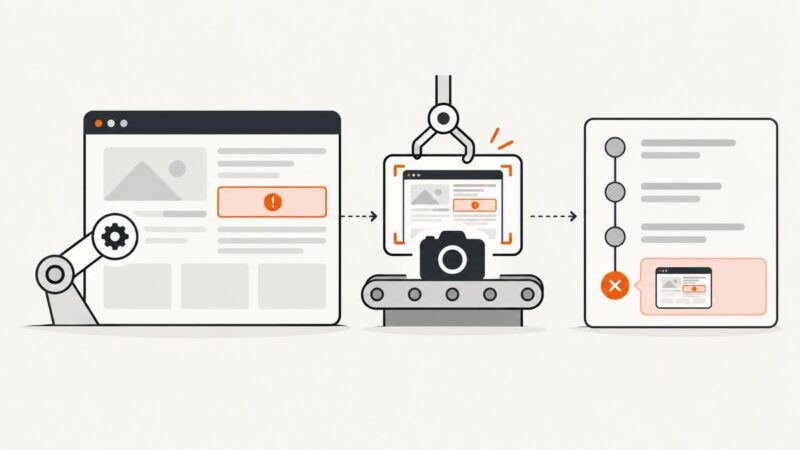
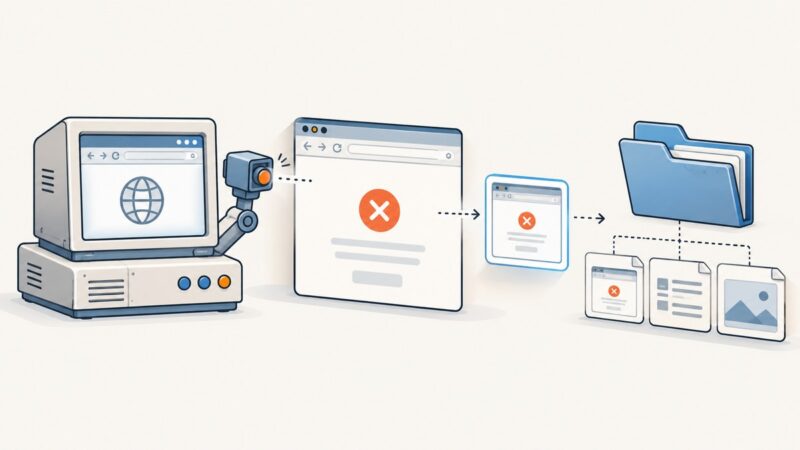
Capture Selenium screenshots on failure, attach them to Azure DevOps test results, publish unsupported formats, and troubleshoot missing evidence.
Capture a visible modal with html2canvas, fix cropping and missing images, export a sharp PNG, and compare a browserless ScreenshotNeo workflow.
Set a visible Puppeteer window to a target content size, control its outer bounds, and verify what Chrome actually opened.
Set html2canvas scale deliberately for sharp, predictable exports. Learn dimensions, DPR, formats, CORS fixes, canvas limits, and a ScreenshotNeo alternative.
Add failure screenshots to a legacy Protractor and Jasmine 2 suite, connect them to an HTML report, and troubleshoot common CI problems.
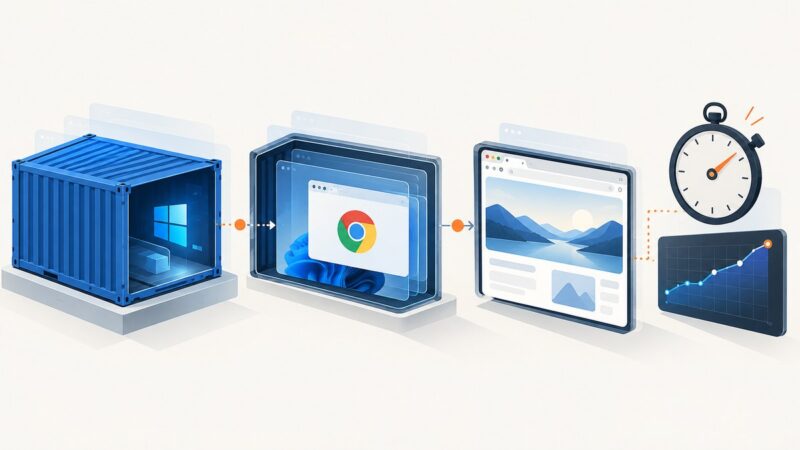
Separate container, Chrome, and page delays, then use controlled profile, isolation, headless, and diagnostic tests to find the real bottleneck.
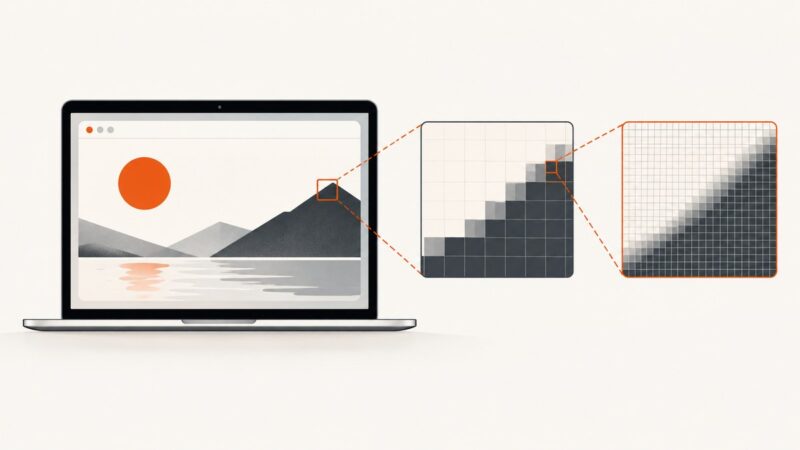
Diagnose Selenium screenshots that come out twice the expected size. Compare browser, viewport, device-pixel ratio, and PNG dimensions, then standardize the setup.
Blank html2canvas output on iPhone usually comes from canvas limits, CORS, or unsupported content. Diagnose each cause with runnable fixes.
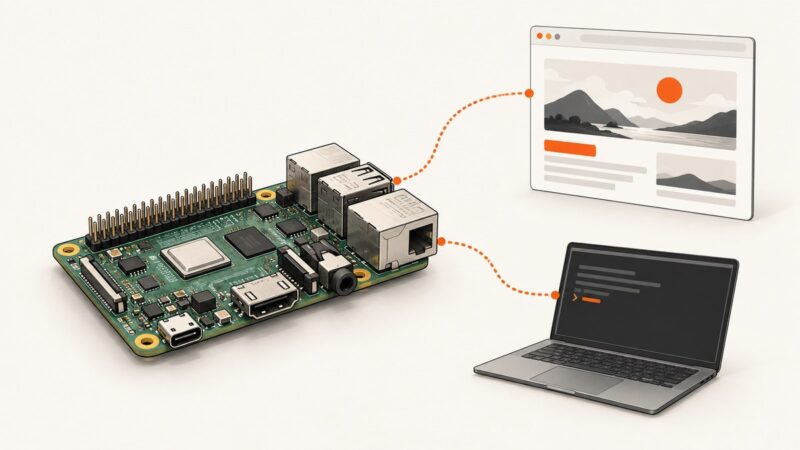
Install Chromium on Raspberry Pi OS, run it without a display, connect Puppeteer or Playwright, and troubleshoot architecture, sandbox, and headless-mode issues.