How to Add Images to the First Page of a Two-Page PDF
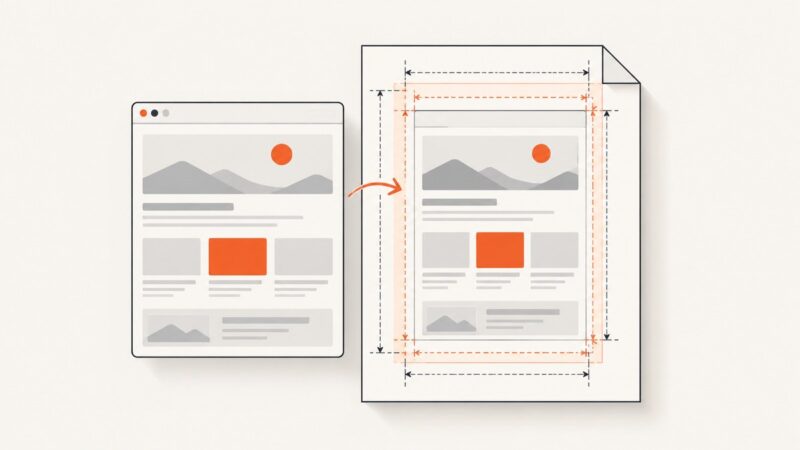
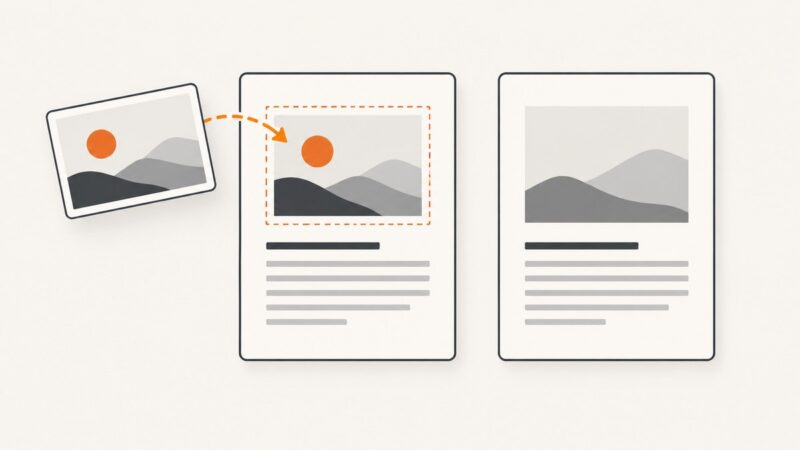
Place an image on page one without adding a third page. Follow editor steps, avoid common mistakes, and verify the finished PDF.
Place an image on page one without adding a third page. Follow editor steps, avoid common mistakes, and verify the finished PDF.
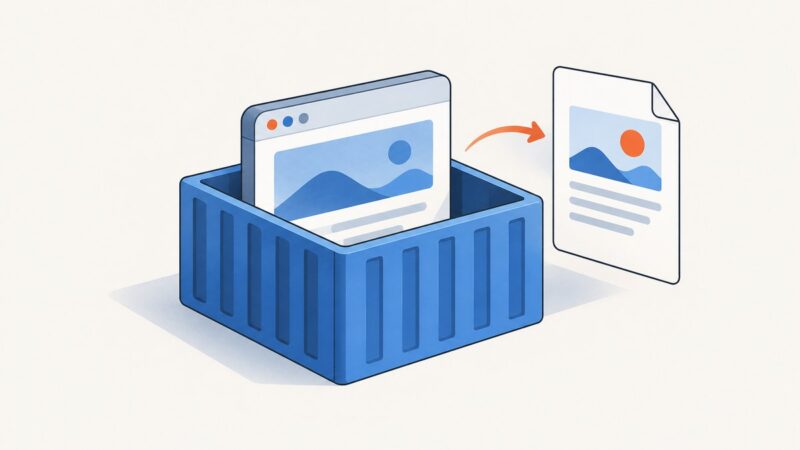
Run Chrome Headless in Docker, print HTML to PDF, wait for client-rendered content, and avoid common sandbox and timing mistakes.
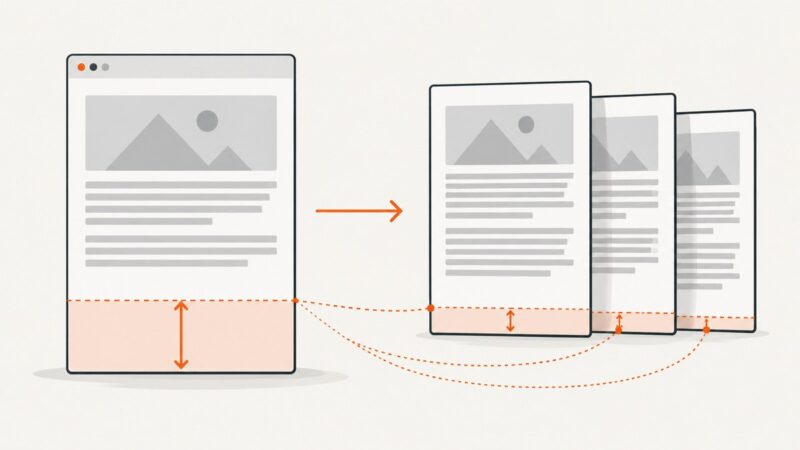
Find what causes blank space at PDF page ends and fix margins, print CSS, page breaks, and renderer settings without clipping content.
Combine ActiveRecord data into one downloadable PDF with Prawn or Wicked PDF, then return it safely from a Rails controller.
Learn conditional and forced page breaks in Syncfusion PDF reports, including PdfTextElement, PdfGrid, row integrity, pagination, and troubleshooting.
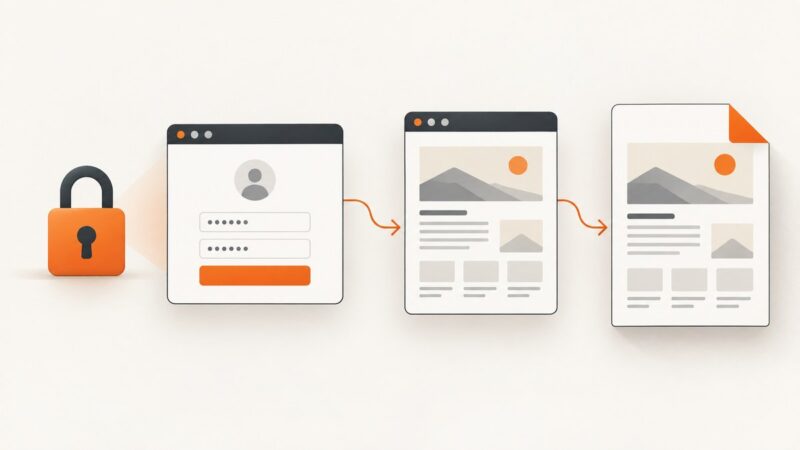
Print an authenticated Selenium page to PDF from PyQt5, or render it inside Qt WebEngine. Includes runnable examples, session handling, layout options, and fixes.
Control Dompdf page breaks with CSS: force section starts, keep blocks together where possible, and handle long tables without surprises.
A complete guide to URL-to-PDF conversion with wkhtmltopdf, PhantomJS, PyQt/PySide6, Ghost.py, and ScreenshotNeo.
Set Rotativa page geometry, margins, and CSS widths correctly so fixed or responsive divs fit the PDF without clipping.
Export amCharts 4 or 5 charts with their data tables to polished PDFs, with column control, page settings, troubleshooting, and automation options.
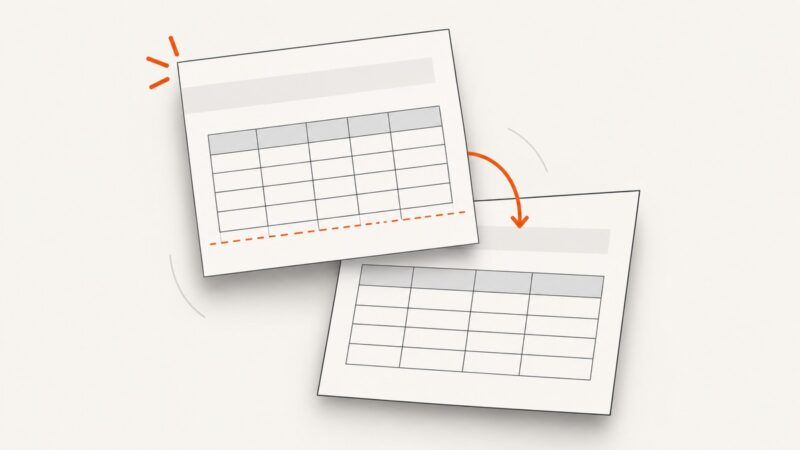
When wkhtmltopdf moves a table to the next page, check your build, break rules, row size, and table structure. Here’s a careful troubleshooting guide.
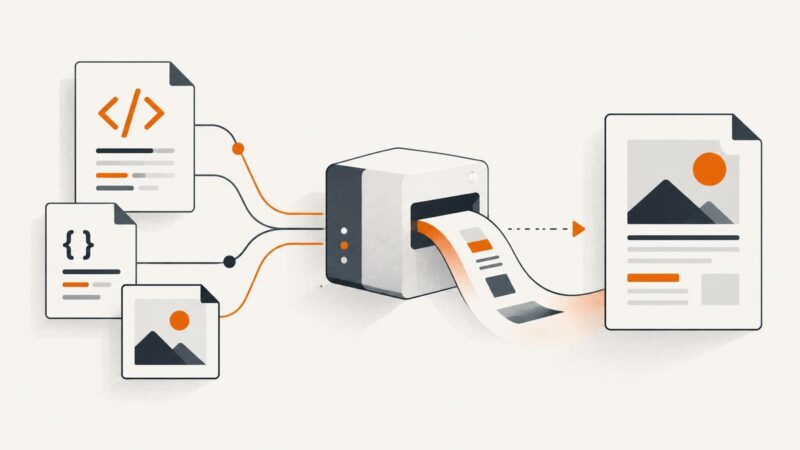
Use iText 7 pdfHTML to convert HTML into a PDF and resolve external CSS and images with a base URI. Learn file, string, and stream workflows, links, fixes, and edge cases.
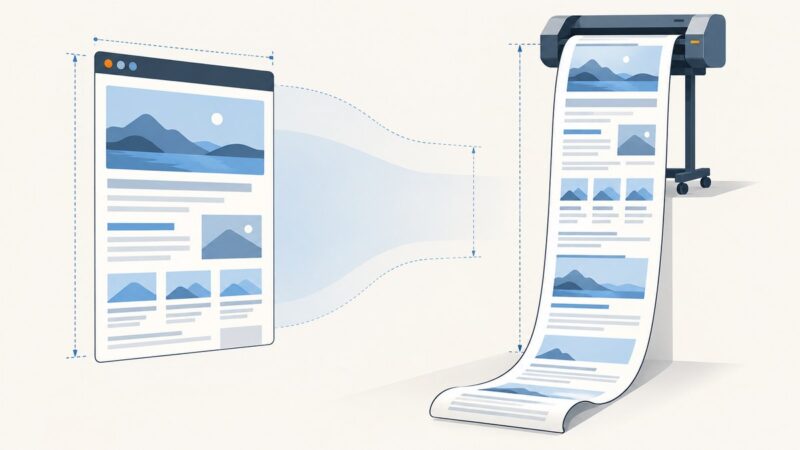
Create a one-sheet PDF with Selenium by measuring rendered content, converting pixels to centimeters, and configuring custom print dimensions.
Fix missing logos, wrong dates, blank canvases, and clipped PDF output with html2canvas using reliable browser-side patterns.
Build dynamic PDFs with @react-pdf/renderer, then choose browser or server rendering, pagination, downloads, and production troubleshooting.
Export login-protected pages reliably with Playwright, Puppeteer, or ScreenshotNeo, including authentication state, layout controls, troubleshooting, and cost guidance.
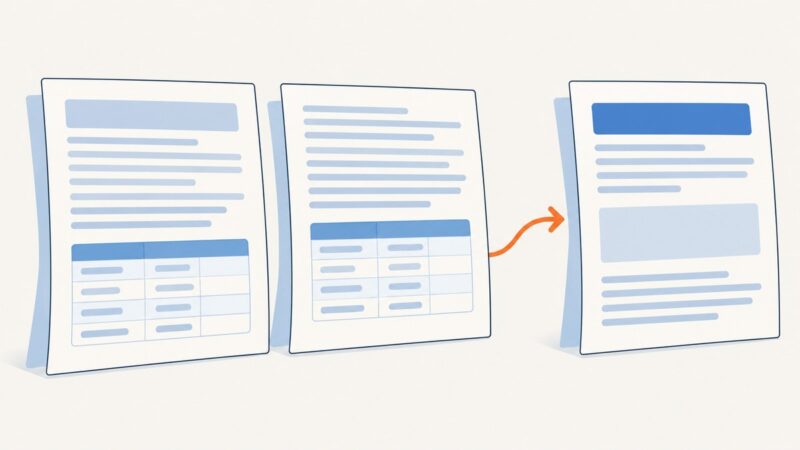
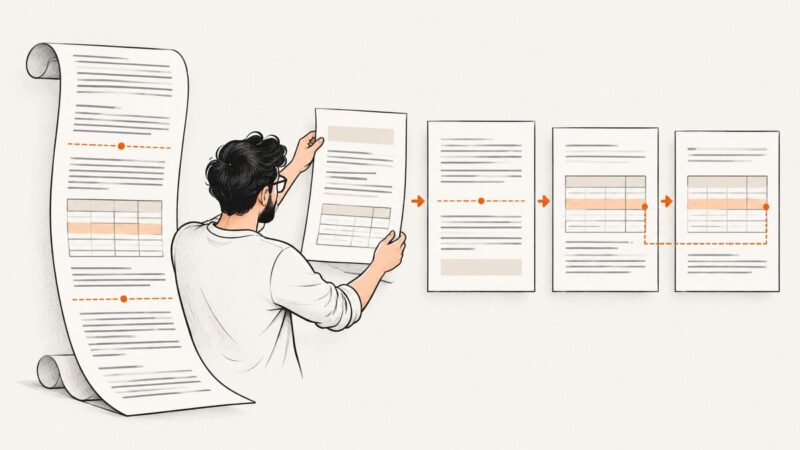
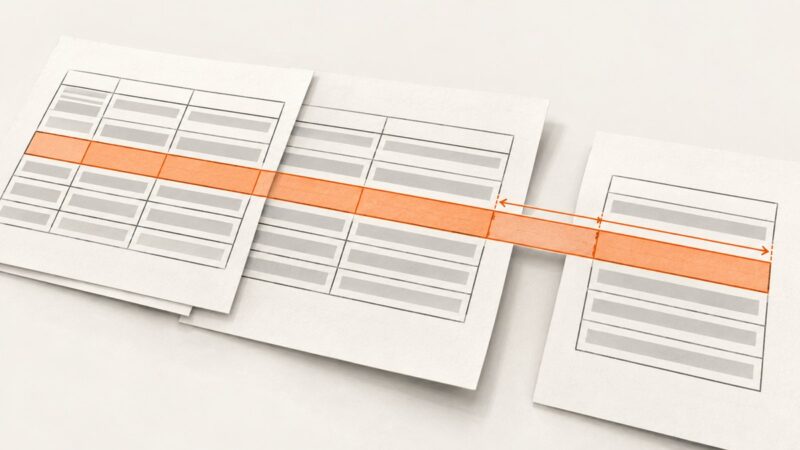
Stop PDF table pagination loops by measuring each row before drawing it, then advancing, splitting, or failing with a clear diagnostic.
Set PDFCrowd to landscape, choose the right page size, control responsive layouts, and troubleshoot horizontal PDF output.