How to Scale HTML Proportionally to Fit an A4 PDF Exactly
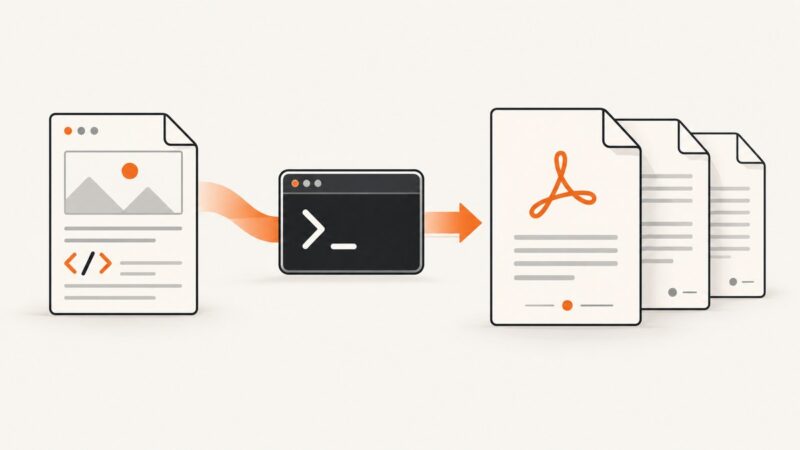
Set the A4 page box, calculate a uniform scale factor, and choose reliable CSS, Puppeteer, or WebDriver BiDi settings without distorting your HTML.
Set the A4 page box, calculate a uniform scale factor, and choose reliable CSS, Puppeteer, or WebDriver BiDi settings without distorting your HTML.
Build reliable HTML-to-PDF generation on AWS with Python or Node.js, headless Chromium, Lambda, S3, queues, and production troubleshooting.
Generate reliable Django PDFs with wkhtmltopdf: installation, templates, CSS, security, troubleshooting, deployment, and a hosted alternative.
Show “Page X of Y” in wkhtmltopdf with footer tokens, custom HTML, correct margins, and fixes for TOC and multi-object totals.
Fix page-break-inside in Wicked PDF with the documented CSS wrapper, asset checks, table diagnostics, renderer limits, and reliable troubleshooting steps.
Diagnose WickedPDF differences with a reproducible checklist for binaries, assets, fonts, timing, DPI, and production-safe fixes.
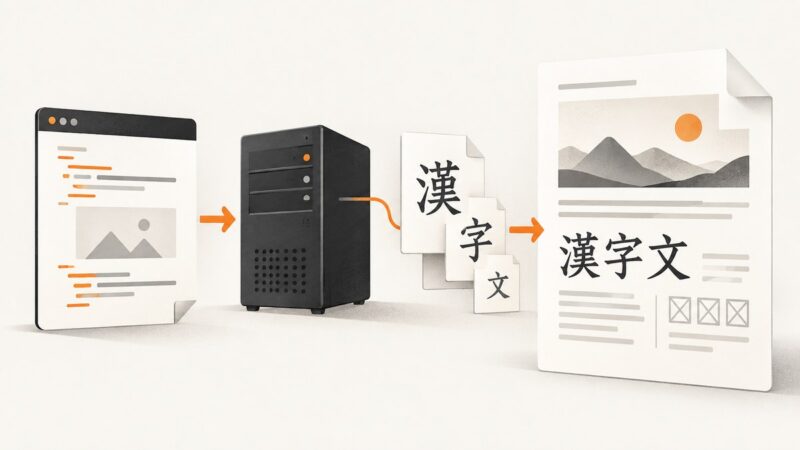
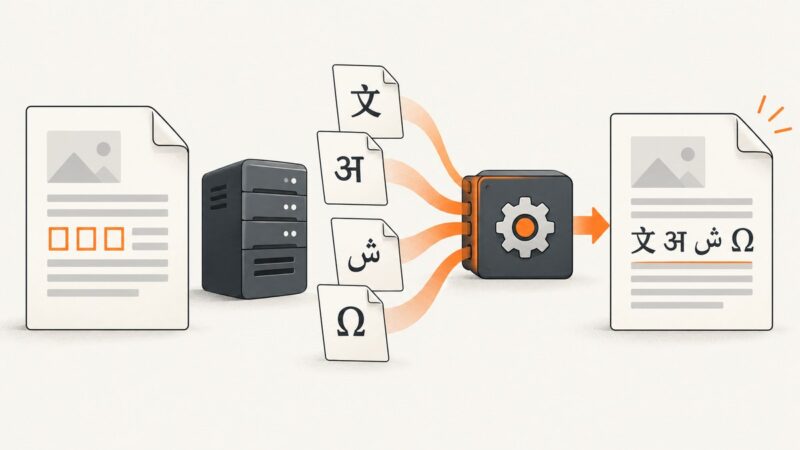
Fix Chinese text that appears as squares or blanks in wkhtmltopdf by checking UTF-8, runtime fonts, regional glyphs, and the exact failing characters.
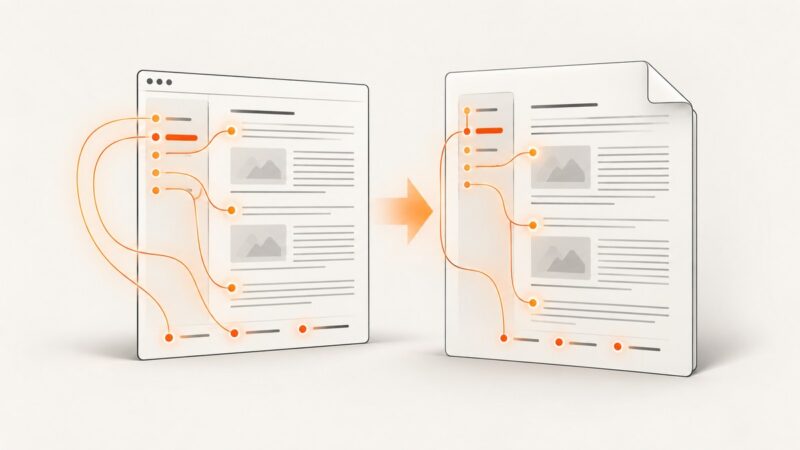
Create clickable same-document PDF links with HTML fragments, wkhtmltopdf options, TOCs, outlines, and fixes for footer and build issues.
Capture a Puppeteer popup’s PDF response and save its original bytes to disk. Includes runnable code, response matching, troubleshooting, and alternatives.
Convert an in-memory HTML string to PDF with wkhtmltopdf by piping it to stdin. See runnable examples, options, security notes, troubleshooting, and alternatives.
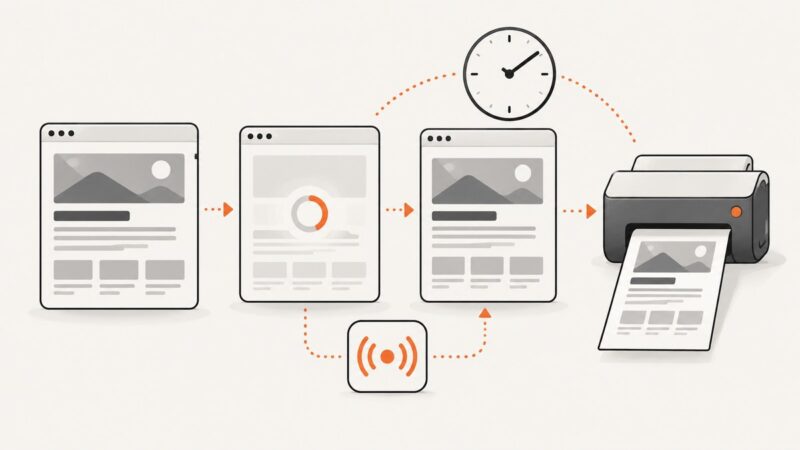
Use wkhtmltopdf’s documented delay or window.print() signal, understand its limits, and choose a safer renderer when readiness depends on real application state.
Fix missing styles in Wicked PDF by using the right asset helper, absolute paths, precompilation, and renderer checks.
Reuse static assets across wkhtmltopdf batch jobs with a controlled cache, predictable asset paths, and explicit failure handling.
Squared or missing glyphs in a wkhtmltopdf PDF usually mean the renderer cannot use a font with those characters. Check encoding, font coverage, cache, and the production runtime in that order.
When wkhtmltopdf ignores page-break-after, inspect floated ancestors first, then overflow and table layout. Reproduce against the exact renderer build before changing production CSS.
Generate a PDF with PDFKit, attach its bytes to a Django email, and send it without creating an HttpResponse or temporary file.
Add “Page 1 of 10” to wkhtmltopdf PDFs with built-in tokens, styled HTML templates, correct margins, offsets, and fixes for common failures.
Place a dynamic logo at the bottom of only the first wkhtmltopdf page with reliable A4 and Letter CSS, reserved space, and tested alternatives.