How to Convert an HTML File to PDF with a Chrome Extension
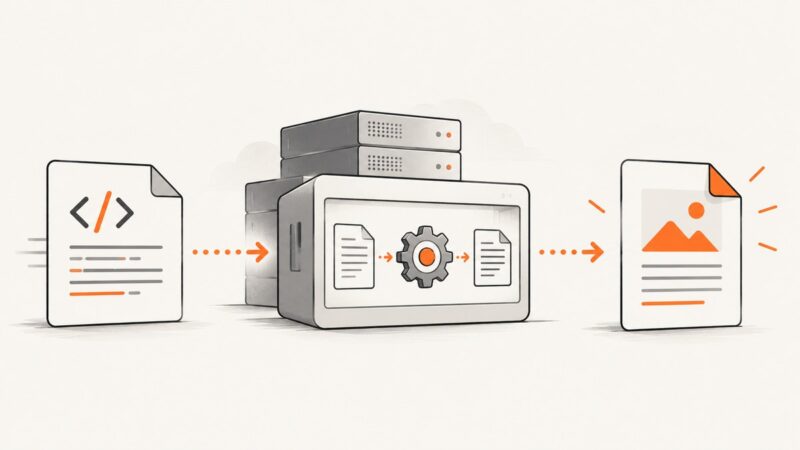
Convert a local HTML file to PDF in Chrome, with extension controls, print CSS, headless automation, troubleshooting, and an API option.
Convert a local HTML file to PDF in Chrome, with extension controls, print CSS, headless automation, troubleshooting, and an API option.
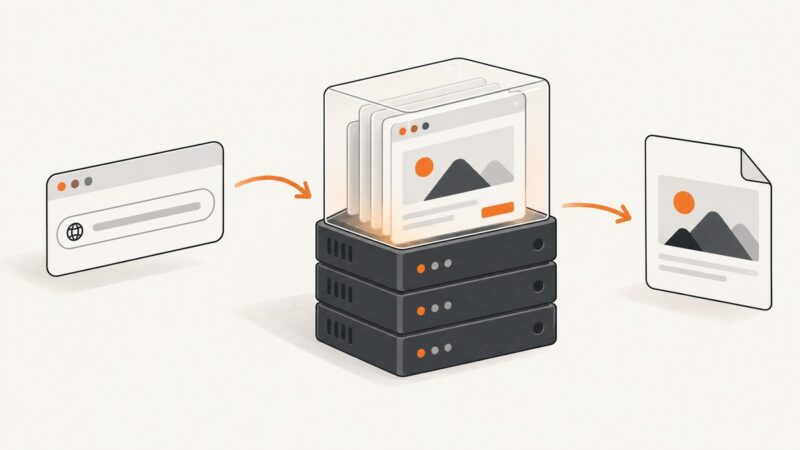
Save any website URL as a PDF with browser print, Edge selection, Acrobat, online tools, or ScreenshotNeo—with troubleshooting and layout tips.
Render Razor views as PDFs in ASP.NET Core with Rotativa.AspNetCore, configure wkhtmltopdf, handle downloads, deployment, security, errors, and alternatives.
Convert a few URLs, linked site sections, or recurring batches into PDFs with browser tools, Acrobat, APIs, and ScreenshotNeo.
Save any webpage or HTML file as a PDF from Chrome, with desktop, mobile, troubleshooting, automation, and API options.
Save any Chrome webpage as a PDF using built-in print tools, Android steps, extension options, fixes, and a ScreenshotNeo API alternative.
Convert any website page to PDF with Chrome, Firefox, Edge, print settings, troubleshooting, automation, and a cleaner API workflow.
Convert local HTML files, web pages, and dynamic sites to PDF with browser, desktop, Python, Node.js, and API workflows.
Convert one HTML section to a browser PDF with print CSS and window.print(), without libraries. Learn layout, page breaks, limitations, and automation options.
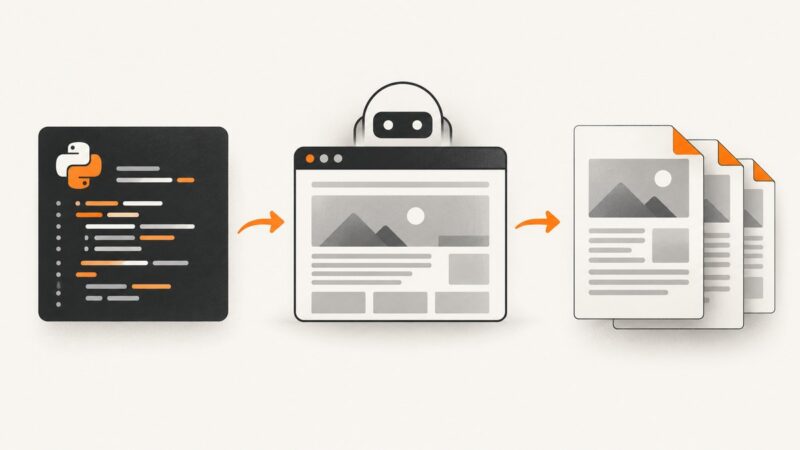
Generate reliable PDFs from web pages with Pyppeteer, including print CSS, A4 sizing, headers, pagination, dynamic content, and troubleshooting.
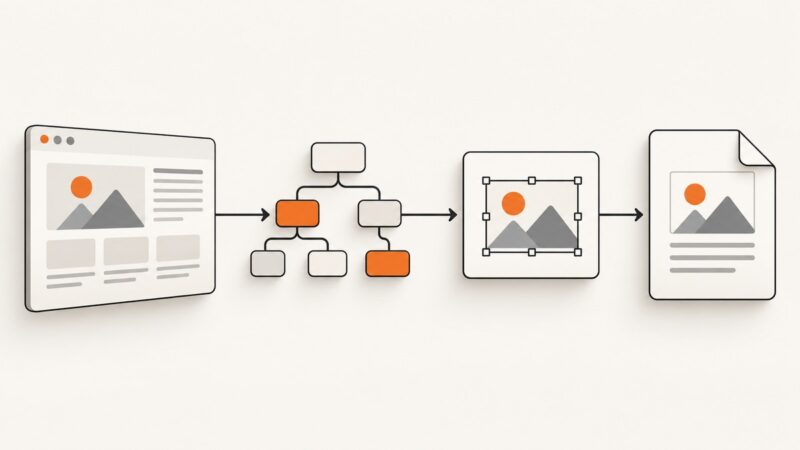
Learn when DOM-to-SVG works, how to embed HTML with foreignObject, rebuild native vectors, and export a reliable PDF.
Render each DOM element with html2canvas, place each canvas on its own jsPDF page, and save one PDF with predictable sizing and troubleshooting.
Stop react-pdf/renderer from freezing Chrome with Web Workers, stable inputs, viewer virtualization, and practical troubleshooting steps.
Fix missing ExpertPDF images by resolving relative URLs, checking converter access, handling authentication, and updating legacy rendering engines.
Fix blank images in EvoPdf HTML-to-PDF conversion with base URLs, authentication, local files, lazy loading and JavaScript timing.
An ABCpdf upgrade can change the HTML engine, CSS media, fonts, or options. Use this checklist to find the difference and stabilize output.
Match SelectPdf to the ASPX page users see by aligning the browser width, engine, CSS media, authentication, assets, and JavaScript timing.
Learn how to add visible, correctly spaced headers to SelectPdf HTML-to-PDF documents in .NET and REST, with troubleshooting and complete examples.