How to View HTML from a URL
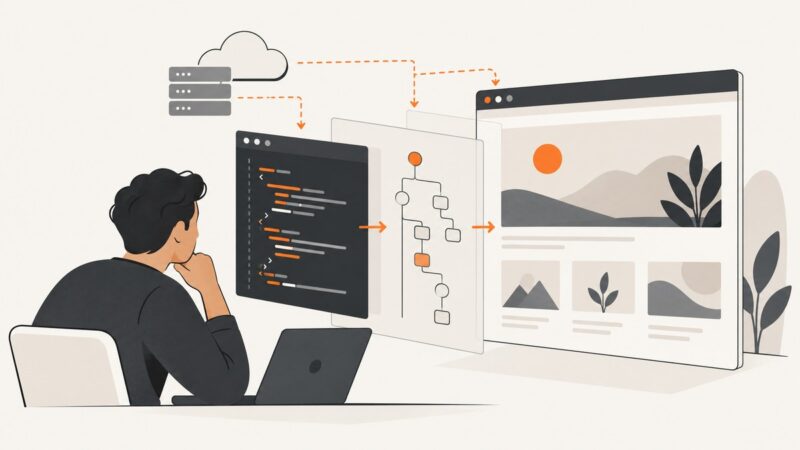
Learn how to view original HTML, inspect the live DOM, examine network responses, and capture rendered pages from any URL.
Learn how to view original HTML, inspect the live DOM, examine network responses, and capture rendered pages from any URL.
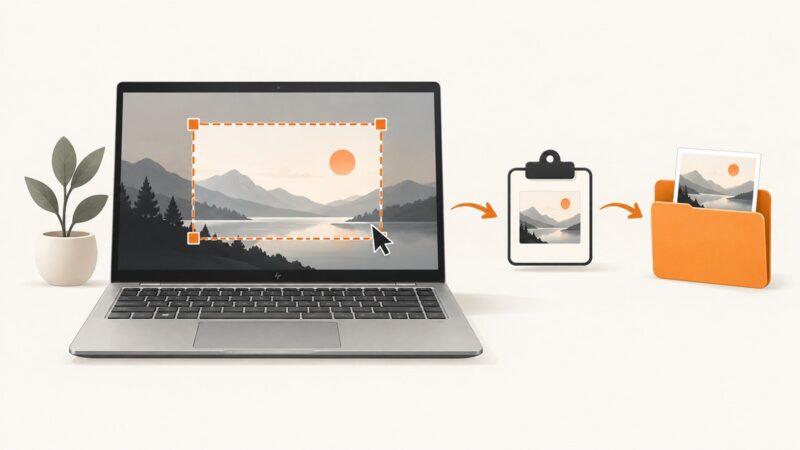
Fix HP laptop screenshots with Windows shortcuts, Snipping Tool, Fn keys, clipboard checks, save locations, and reliable troubleshooting steps.
Build repeatable screenshot tests with stable image fixtures, Playwright baselines, visual diff triage, and a hosted capture option.
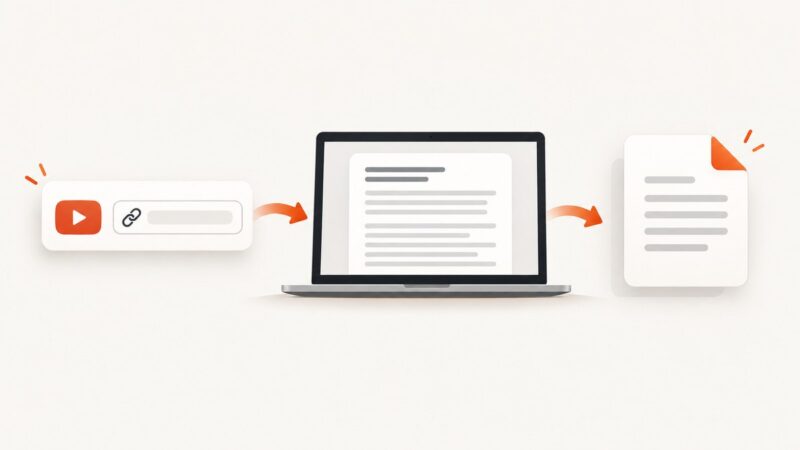
Turn a YouTube video's transcript into a PDF using Show transcript, a document editor, or the browser print dialog.
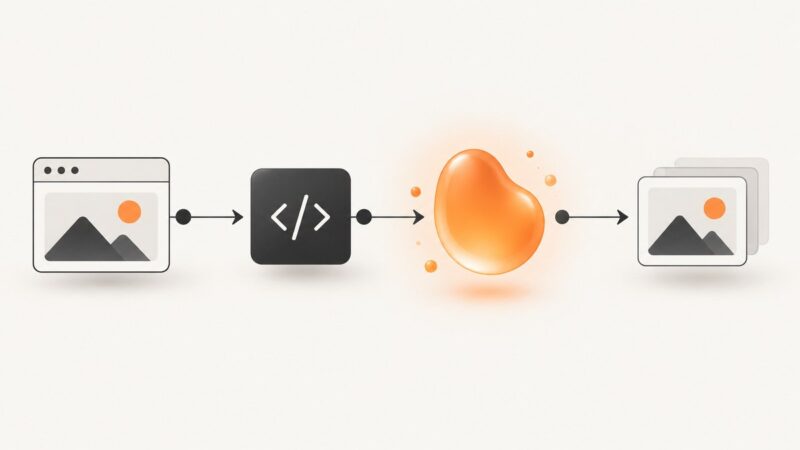
Convert an image URL to a JavaScript Blob with fetch, handle CORS, validate responses, manage object URLs, and troubleshoot common failures.
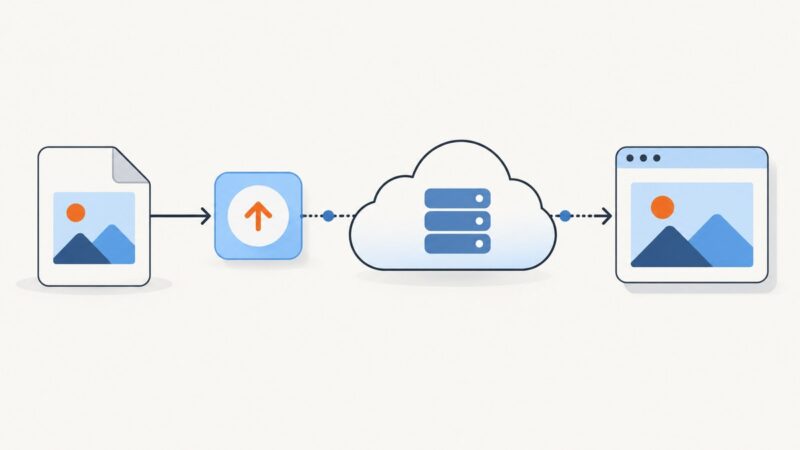
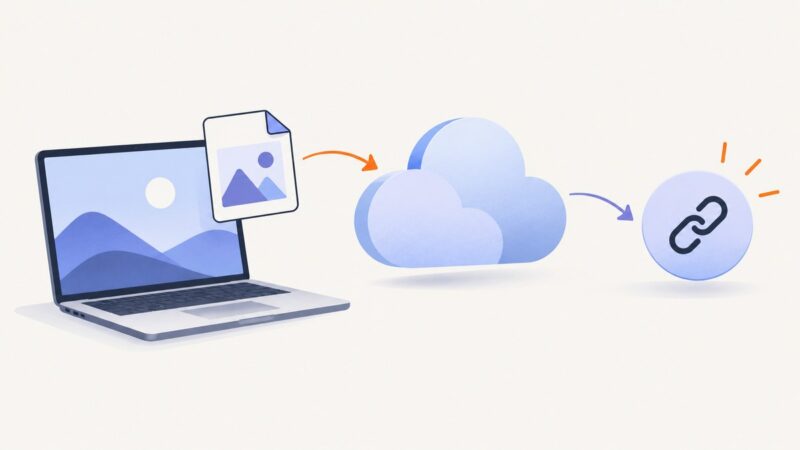
Learn how to create a usable JPG image URL from an existing image, a local file, or an uploaded asset—with code, checks, and troubleshooting.
Capture logged-in pages safely with Firefox, native tools, and ScreenshotNeo. Handle blocked screenshots, sensitive data, full-page captures, and automation.
Learn how to turn a PNG on your computer into a shareable, direct image URL for Markdown, HTML, websites, and APIs.
Refresh Cypress visual baselines safely: identify your comparison tool, stabilize rendering, review diffs, and approve only intentional UI changes.
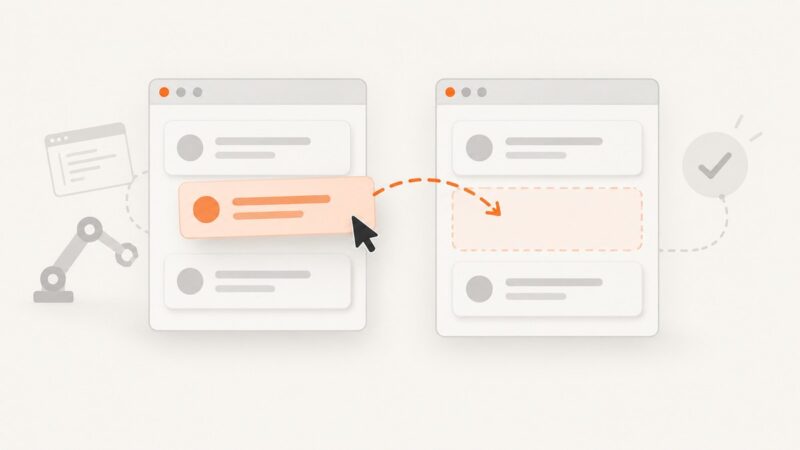
Learn the right Cypress drag-and-drop method for sortable widgets, native HTML5 drags, and file upload drop zones—with reliable assertions and fixes.
Build a lifecycle-safe CameraX preview in an Android Activity, fix cropping and blank feeds, and add recording or frame analysis when needed.
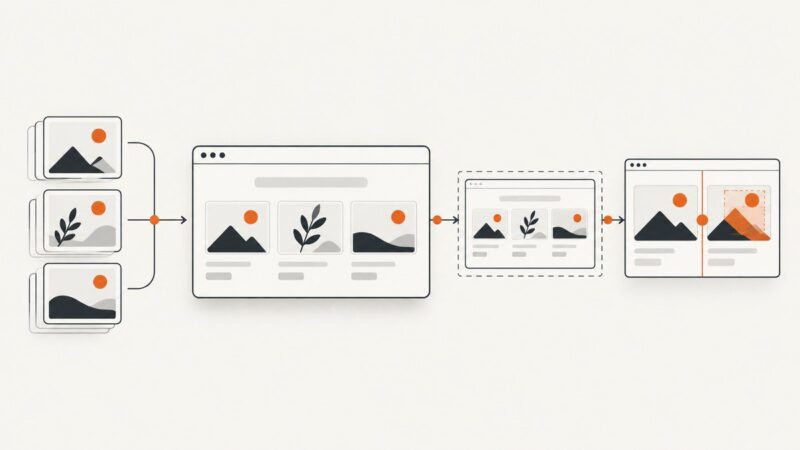
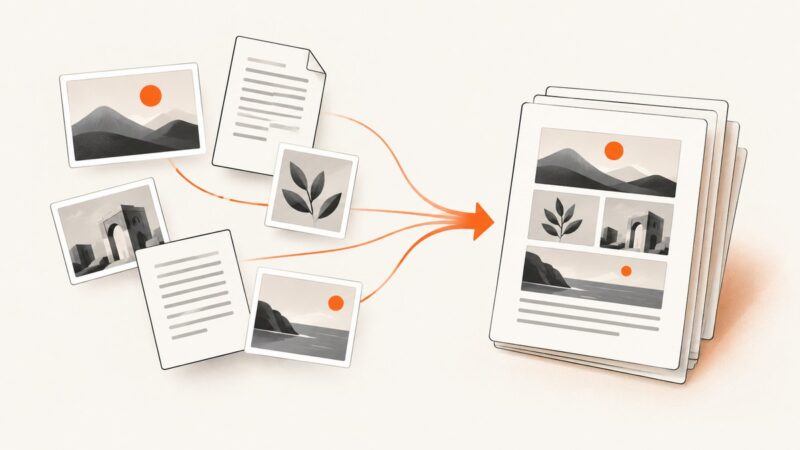
Combine screenshot files into an editable document or a single PDF with reliable steps for Windows, Mac, Android, iPhone and automated workflows.
Render HTML in a real browser, capture the viewport, full page, or an element, and save reliable PNG files with Python.
Run Selenium without a visible browser in Python, Java, and Node.js. Configure Chrome, manage drivers, debug CI failures, and capture reliable screenshots.
Capture an entire scrolling webpage in Chrome with FireShot, save it correctly, fix common problems, and automate screenshots with ScreenshotNeo.
Stop an MCP server safely: close stdio stdin, terminate HTTP sessions, and escalate to forced process termination only when graceful shutdown fails.
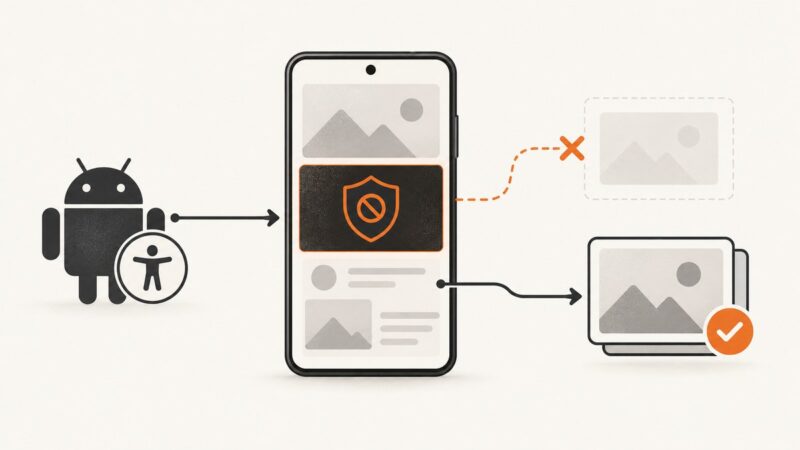
Diagnose Android screenshot SecurityException causes, configure canTakeScreenshot, handle secure windows, and use the correct API by Android version.
Open a saved screenshot or capture a webpage in Firefox and Edge, choose the right format, and fix common display problems.