How to Mirror a Website
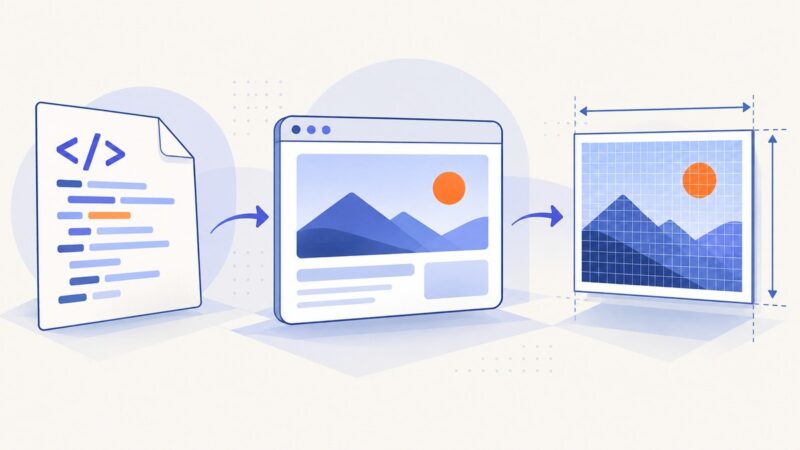
Learn how to copy an authorized website for offline browsing with HTTrack or Wget, handle JavaScript limits, verify files, and capture clean screenshots.
Learn how to copy an authorized website for offline browsing with HTTrack or Wget, handle JavaScript limits, verify files, and capture clean screenshots.
Capture HTML at its true CSS dimensions with Playwright or html2canvas, avoid Retina scaling surprises, and handle full pages, elements, fonts, and CORS.
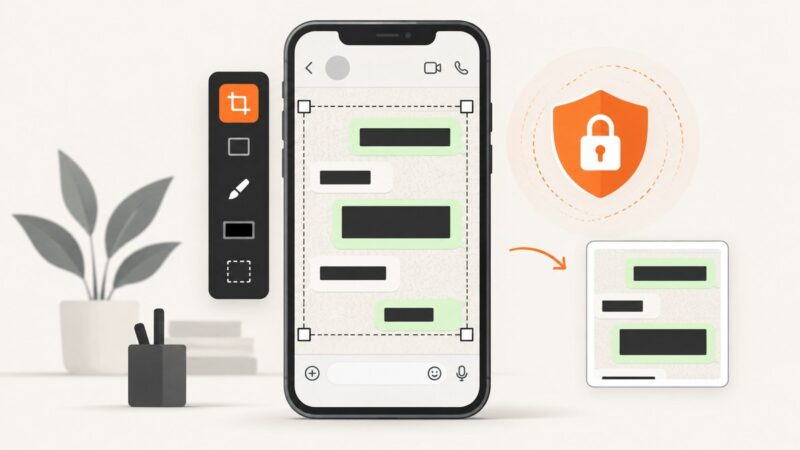
Learn whether to edit the screenshot image or the WhatsApp message, then crop, annotate, blur, save and share it safely.
Save a Chrome page with its images for offline use using HTML, MHTML, PDF, or a screenshot API.
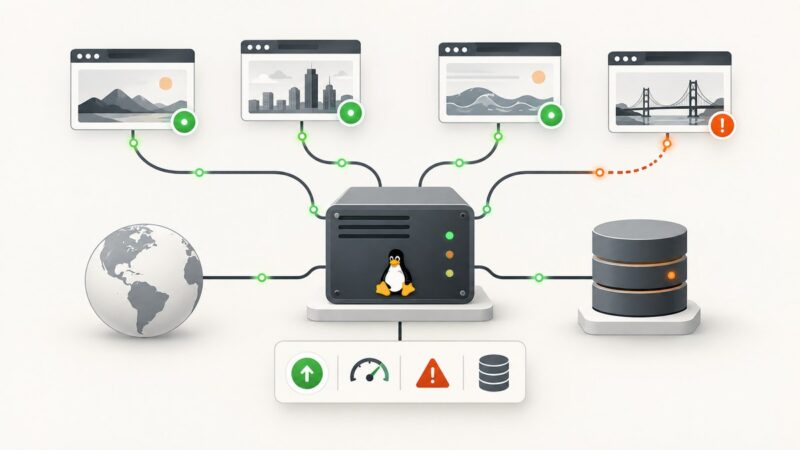
Set up self-hosted website monitoring with Uptime Kuma or Prometheus and Blackbox Exporter, with persistent storage, alerts, and practical troubleshooting.
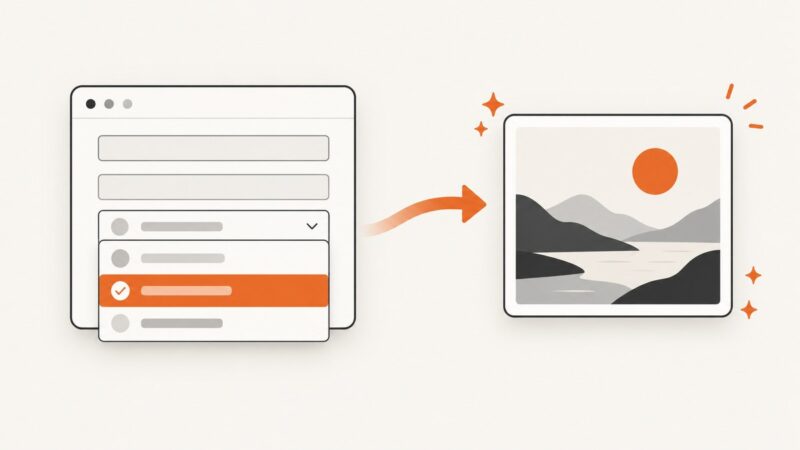
Show the live value of an HTML select in dom-to-image exports, including labels, multi-selects, cloning, troubleshooting, and a hosted API option.
Learn how to turn a URL into clickable text, copy named links, and save links on desktop, Android, iPhone, and iPad.
Use Selenium or Playwright with a Java servlet to capture viewport, full-page, or element screenshots, then return or save the bytes safely.
Learn the correct HTML image tag, alt text, sizing, responsive images, lazy loading, troubleshooting, and a browser-free ScreenshotNeo option.
Save screenshot API responses correctly, handle binary files and errors, and download PNG, PDF, JPEG or WebP files with cURL, Python and Node.js.
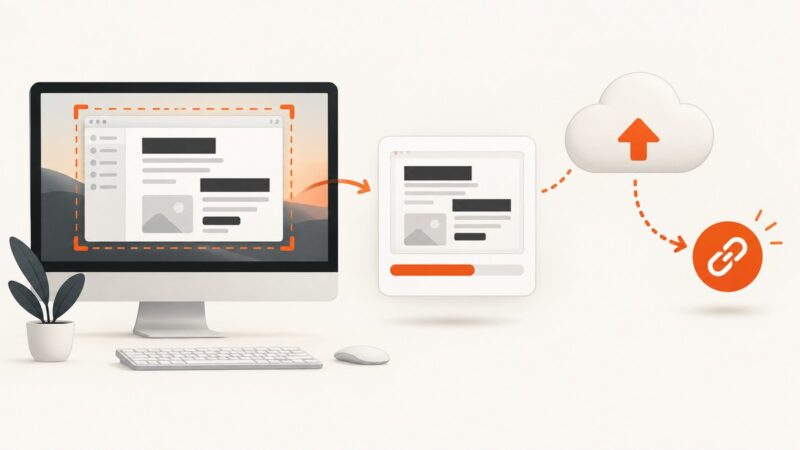
Capture, redact, upload, and verify a screenshot link with ShareX, Dropbox, custom hosting, or ScreenshotNeo.
Turn off Outlook 365 link previews in Outlook on the web, handle classic menus, and separate link cards from desktop hyperlink settings.
Save a website logo in its original SVG or highest-quality raster format using browser tools, source inspection, command line, and automation.
Set Playwright’s ignoreHTTPSErrors option correctly for browser, API, web-server, and proxy certificate failures.
Save a page in Chrome, export it as a PDF, and understand why Android's built-in tools do not mirror an entire website.
Learn how TestNG organizes Selenium WebDriver tests with Java setup, annotations, suites, data providers, parallel runs, debugging, and CI guidance.
Save images from websites on desktop or mobile, troubleshoot missing download options, and check image-use rights before publishing.
Add DevExpress PdfViewerControl to a WPF app, load PDFs, search, annotate, print, configure the UI, and troubleshoot common issues.