How to Fix Puppeteer Pages That Cannot Read Cookies
Fix empty Puppeteer cookies by using the right context, origin, visibility checks, and cookie matching rules.
Fix empty Puppeteer cookies by using the right context, origin, visibility checks, and cookie matching rules.
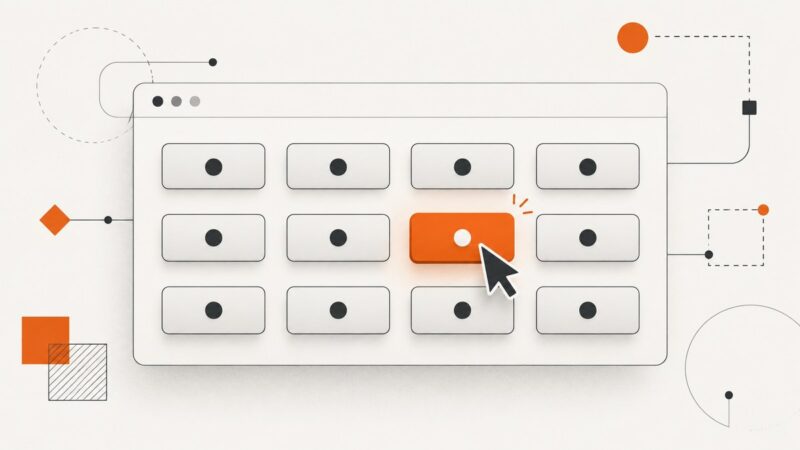
Learn how to identify and click the intended button in a Puppeteer grid, using stable selectors, scoped locators, safe positional choices, and navigation waits.
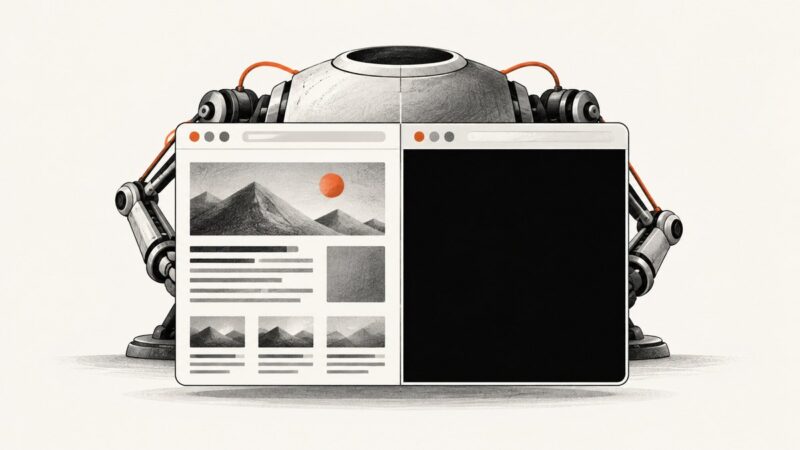
PhantomJS black squares usually mean missing fonts, unsupported graphics, or an unclear background. Identify the cause and choose a reliable fix.
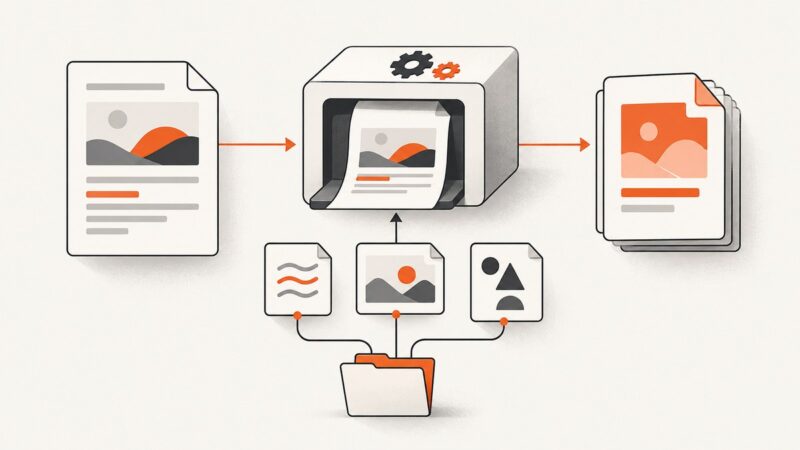
Add text or HTML footers to every wkhtmltopdf page with page numbers, correct margins, spacing, troubleshooting, and production-ready examples.
Fix missing Unicode in wkhtmltoimage with UTF-8, reliable fonts, diagnostics, and production-ready examples for CJK, Arabic, Hindi, and emoji.
Set predictable PhantomJS and CasperJS viewports, understand clipping and PDF sizes, handle responsive reflow, and troubleshoot screenshot dimensions.
Upload images in headless Protractor tests by sending an absolute file path to the real file input, then waiting for the app to confirm success.
Fix common full-page screenshot problems with puppeteer-full-page-screenshot, from repeated sticky elements to tall-page capture and setup checks.
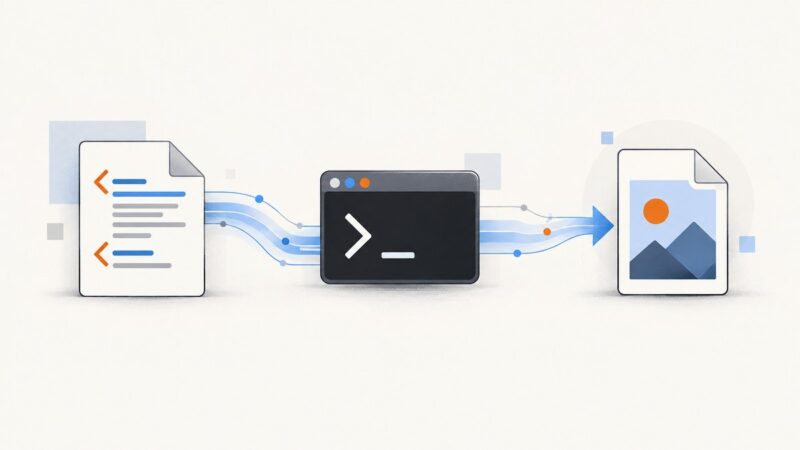
Convert HTML, local files, or URLs to PNG and JPEG in Python with IMGKit and wkhtmltoimage, including CSS, cookies, headless servers, and fixes.
Run code after Plotly renders a chart or exports an image. Choose the right promise or event, with runnable examples and troubleshooting.
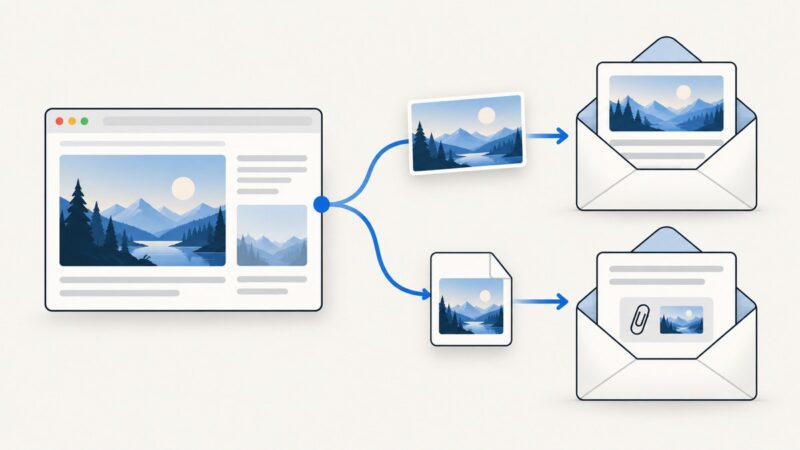
Export a browser canvas screenshot and send it as an email attachment or inline image, with runnable examples and fixes for CORS and large payloads.
Fix “wkhtmltopdf: command not found” by checking the failing environment, installing the binary there, or configuring its full path.
Fix missing local CSS, images and fonts in wkhtmltopdf with enable-local-file-access, scoped allow paths, security guidance and practical examples.
Fix corrupt PNG files from node-wkhtml on Windows by writing HTML to a temporary file and saving wkhtmltoimage output directly.
Use PhantomJS’s clipRect to capture a precise rectangle of a webpage. Learn how it differs from viewportSize, set it up, and troubleshoot common issues.
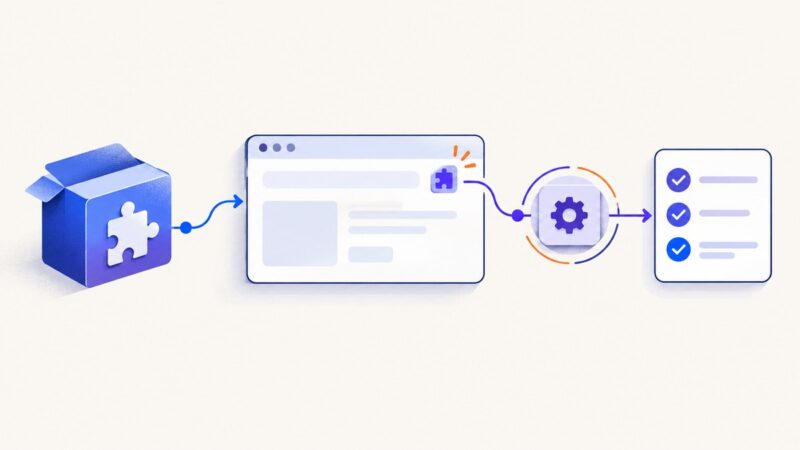
Load unpacked or packed Chrome extensions in Puppeteer, Playwright and Selenium, test visible behavior, handle headless mode and service workers.
Capture Chrome’s “Your connection is not private” page with Puppeteer by keeping certificate checks enabled, catching navigation errors, and saving the committed error document.
Measure document height in PhantomJS, choose between viewportSize and clipRect, handle dynamic pages, and avoid cut-off full-page screenshots.