How to Fix Chromium Headless –screenshot and –print-to-pdf on Ubuntu
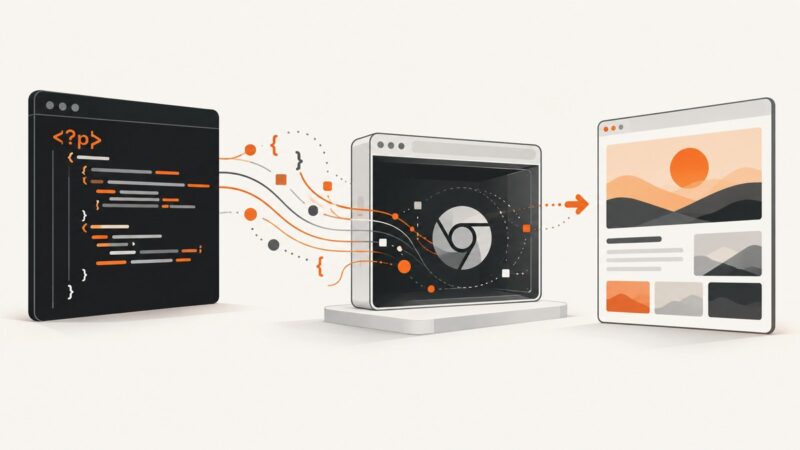
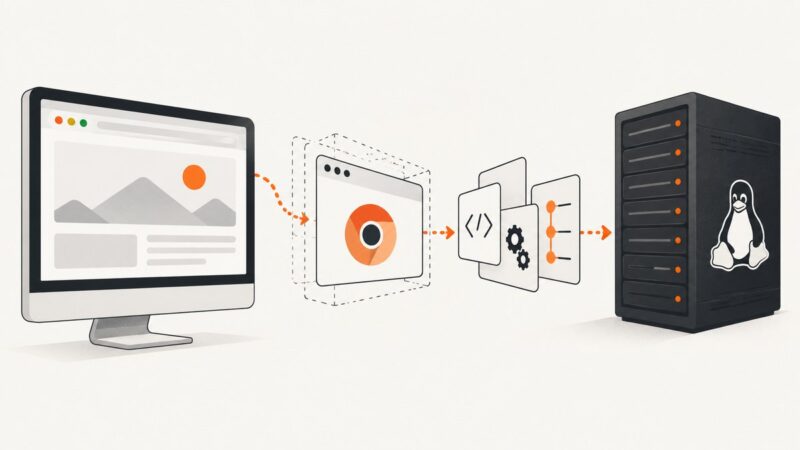
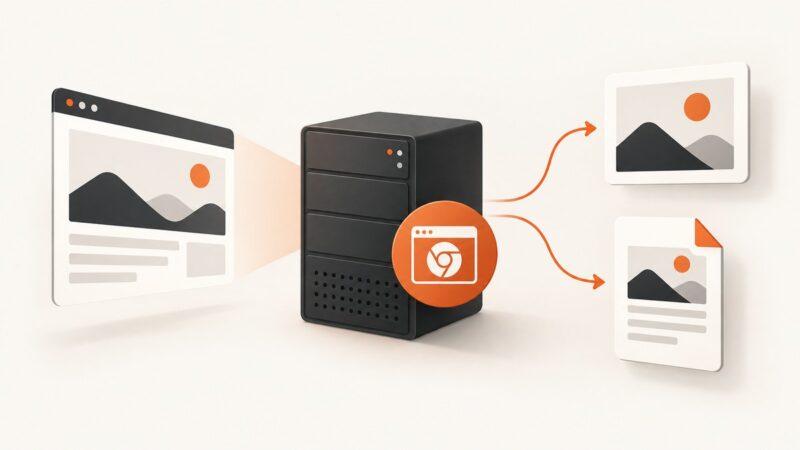
Fix missing Chromium screenshots and PDFs on Ubuntu with verified flags, writable paths, timing controls, sandbox guidance, and version checks.
Fix missing Chromium screenshots and PDFs on Ubuntu with verified flags, writable paths, timing controls, sandbox guidance, and version checks.
Run JavaScript-dependent pages in a real headless Chrome browser from PHP. Set up Symfony Panther or chrome-php/chrome, wait for rendered content, and troubleshoot common driver issues.
Find why wkhtmltoimage crashes on one URL: isolate scripts, assets, fonts, TLS, packaging, and native faults with a repeatable workflow.
CSS cannot reliably center one container across printed pages. Center bounded content inside a page-sized wrapper and let oversized content flow.
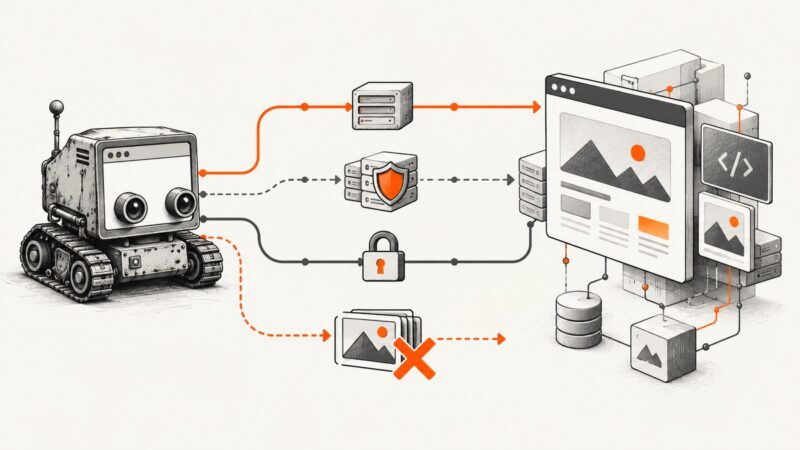
PhantomJS URL failures usually come from TLS, proxies, access policies, timeouts, or failed subresources. Learn how to identify and fix each cause.
Load an ad blocker in headless Chrome with Selenium, choose a compatible browser build, and troubleshoot extension loading and verification.
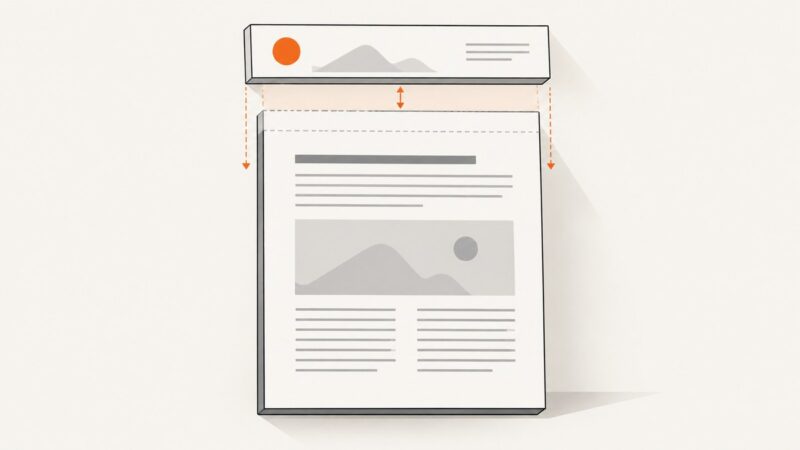
wkhtmltopdf has no header-height switch. Set the header’s rendered height in HTML, reserve room with --margin-top, and tune --header-spacing.
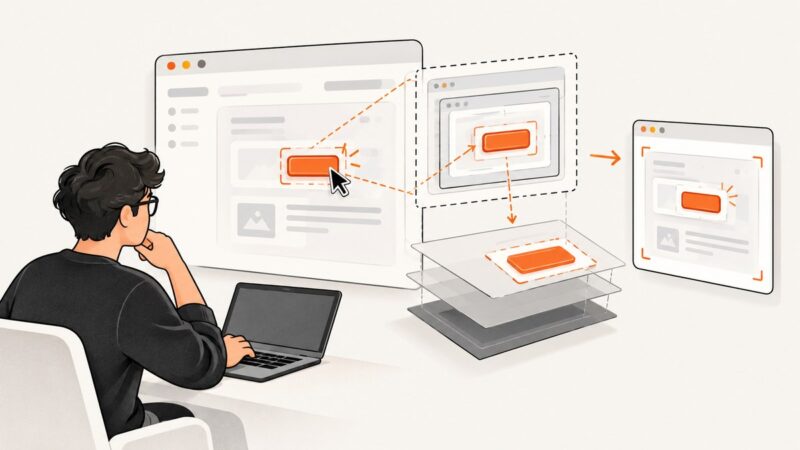
Fix Puppeteer clicks with locators, frames, shadow roots, navigation waits, debugging steps, and reliable alternatives for screenshot workflows.
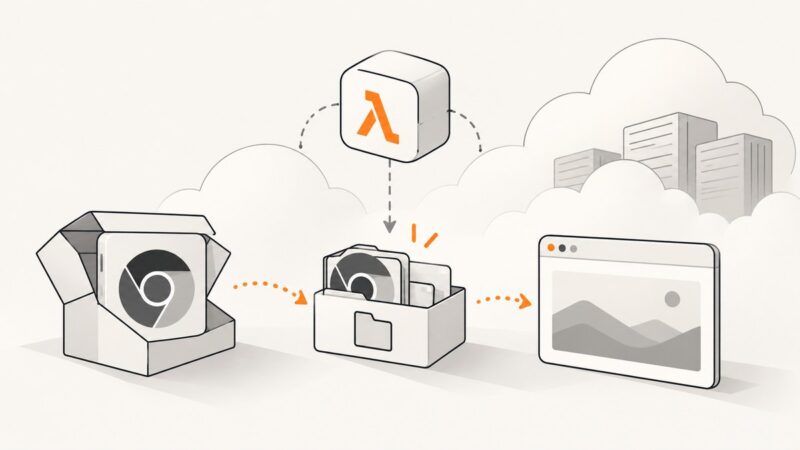
Fix Puppeteer permission errors on AWS Lambda by checking package modes, Chromium paths, writable storage, runtime, and architecture—in that order.
Missing Vuetify icons in an html-to-image export? Check whether they are font glyphs or SVG, then verify rendering, assets, fonts and capture timing.
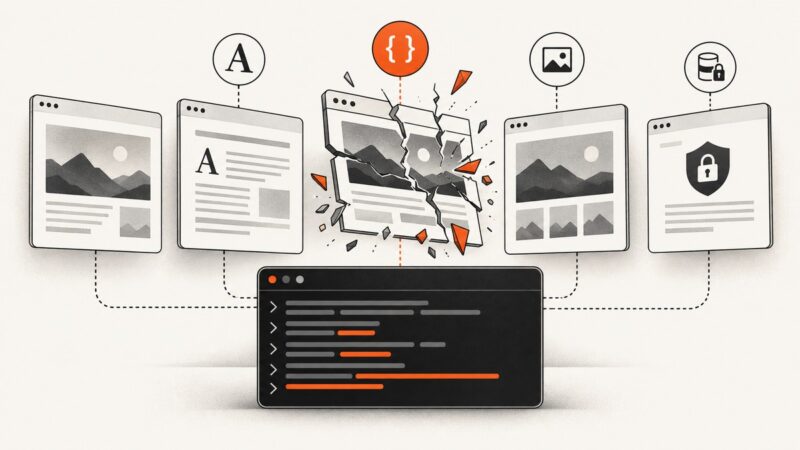
Missing images in a C# PDF usually come down to a wrong resource path, a renderer that cannot fetch the image, or content that loads too late. Diagnose the exact resolved URL before changing CSS.
Launch headless Chrome with a DevTools port, attach Selenium through debuggerAddress, inspect the browser, and understand the commands that may not work.
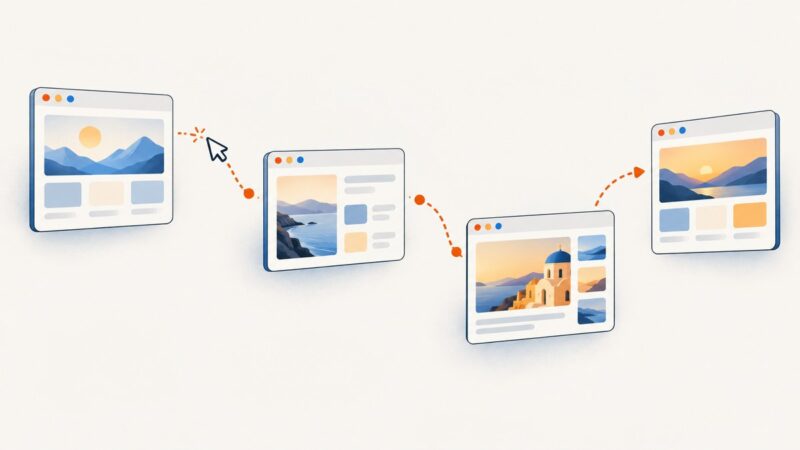
Use `for...of` and `await` to process links one at a time with Puppeteer. See complete patterns for URL arrays, DOM clicks, navigation waits, SPA updates, and troubleshooting.
Fix visible Chrome windows in WebdriverIO with the right capability, Chrome flags, CI checks, and Xvfb guidance for Linux environments.
Chrome’s download folder setting does not choose what happens when filenames collide. Use isolated folders or wait for each download to finish before renaming it in Python.
Use PhantomJS’s remote Web Inspector to pause scripts, set breakpoints, debug page JavaScript, and diagnose legacy runtime issues.
Fix Hebrew in PhantomJS screenshots by checking font coverage, right-to-left direction, mixed-script text, and vowel-mark positioning in the actual runtime.
Capture an approximate animation frame with a delay, or set the page to a chosen state before rendering for more repeatable PhantomJS screenshots.