How to Take a Screenshot With Chrome Headless CLI Using Cookies or an OAuth Token
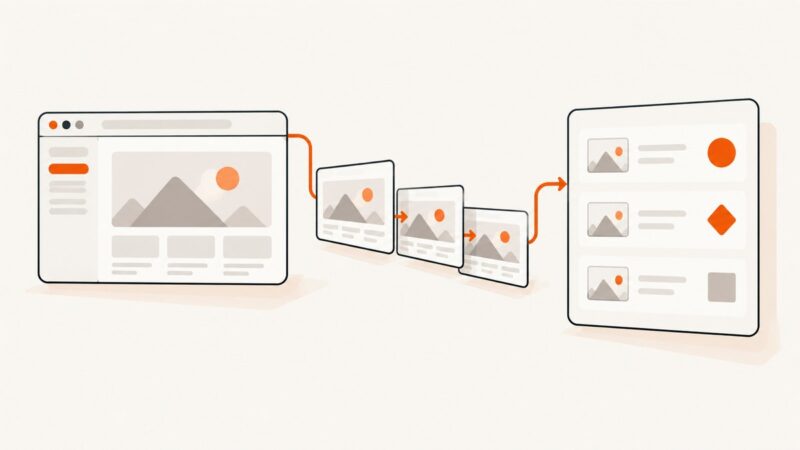
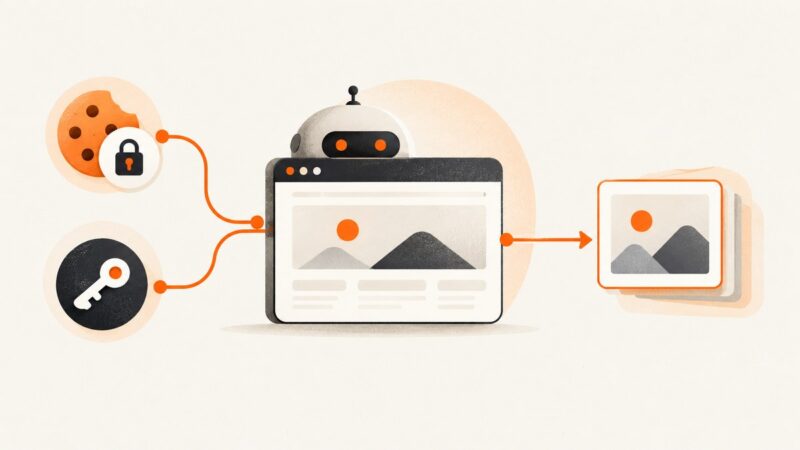
Chrome Headless can capture public pages directly. For authenticated screenshots, set cookies or bearer headers with Puppeteer or CDP before navigation.
Chrome Headless can capture public pages directly. For authenticated screenshots, set cookies or bearer headers with Puppeteer or CDP before navigation.
Capture Selenium evidence for passed, failed, and skipped tests, attach it correctly in ExtentReports, and avoid broken report links.
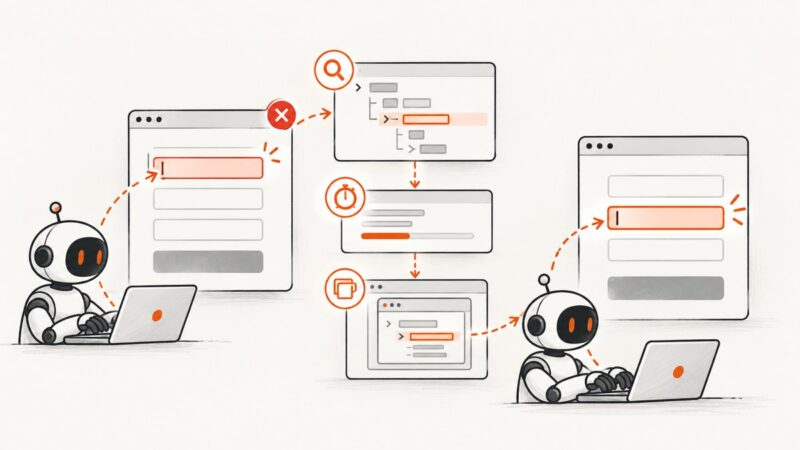
Find why Selenium types into the wrong field and fix locators, waits, stale elements, hidden controls, frames, windows, and focus issues.
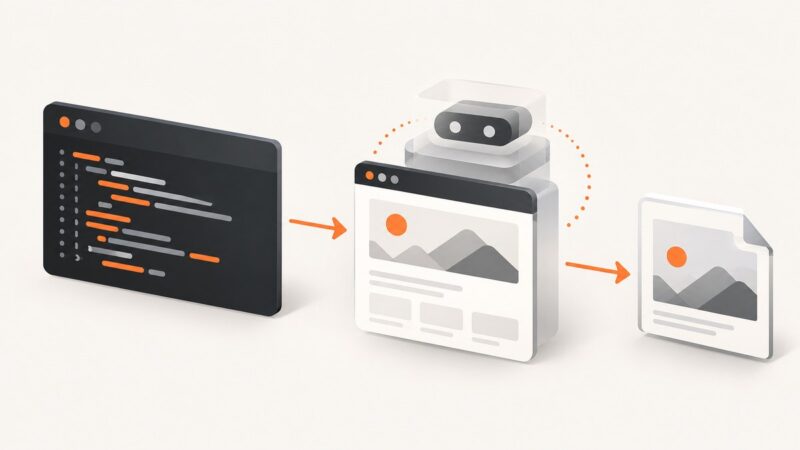
Use PHP Selenium WebDriver to request an HtmlUnit session with JavaScript enabled and save a screenshot, with setup steps, runnable code, and endpoint caveats.
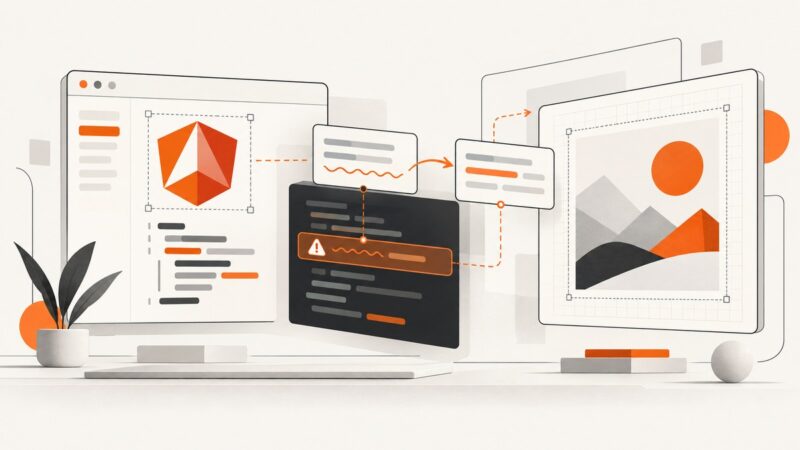
Diagnose html2canvas CSS parser errors in Angular by isolating the failing value, separating CORS and CSP issues, and applying narrow clone-time fixes.
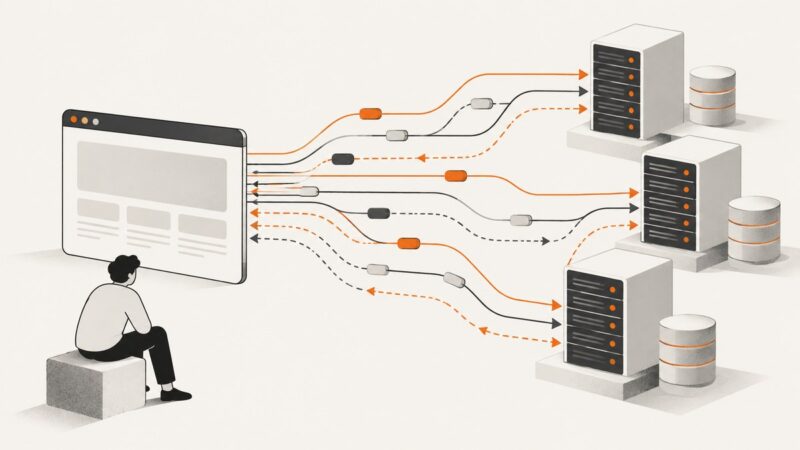
Log requests, inspect response bodies, pair a click with its API response, and intercept traffic safely with Puppeteer.
When Selenium screenshots work in Firefox but fail in Chrome, identify whether the failure is in startup, capture, or file writing before changing your setup.
Fix Cucumber arity mismatches by counting expression parameters, regex captures, and trailing tables, then aligning your step-definition signature.
Use Selenium’s JavaScript execution and DOM text nodes to read an element’s own text while ignoring text inside nested elements.
Fix html2canvas export errors by finding tainted resources, making local assets same-origin, and exporting only after the canvas is origin-clean.
Enable Safari’s built-in WebDriver, start a Python Selenium session, and diagnose common startup and control failures on macOS.
Use your iPhone or Android’s screenshot controls to save an Instagram post, then crop or share it. Here are the steps, notification caveats, and reuse guidance.
Capture a browser screenshot when a TestNG test fails, attach it to an HTML report, and keep its file path working when the report is shared.
Keep html2pdf.js table rows together with CSS page-break rules or targeted selectors, then verify the generated PDF for layout edge cases.
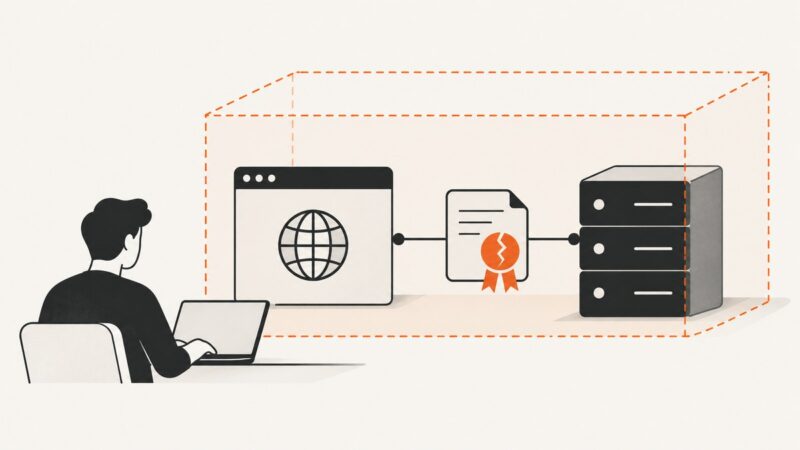
Configure Selenium to accept invalid TLS certificates in Chrome, headless Chrome, Rails system tests, and Capybara—and know when the setting is safe to use.
Learn three reliable ways to turn an X post into PNG, SVG, HTML, or a stored image, with runnable API code and production troubleshooting.
Fix Selenium driver discovery in Alpine Docker by checking the final image, matching Chromium and ChromeDriver packages, and configuring an explicit Service path.
Diagnose Selenium TimeoutException in Docker by failure phase, then fix readiness, shared memory, headless mode, waits, page loads, and capacity.