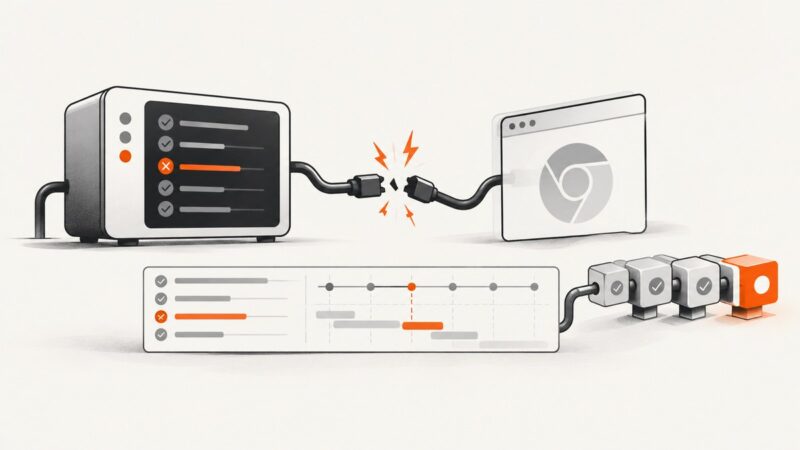
How to Generate Protractor E2E HTML Reports with Failed-Test Screenshots
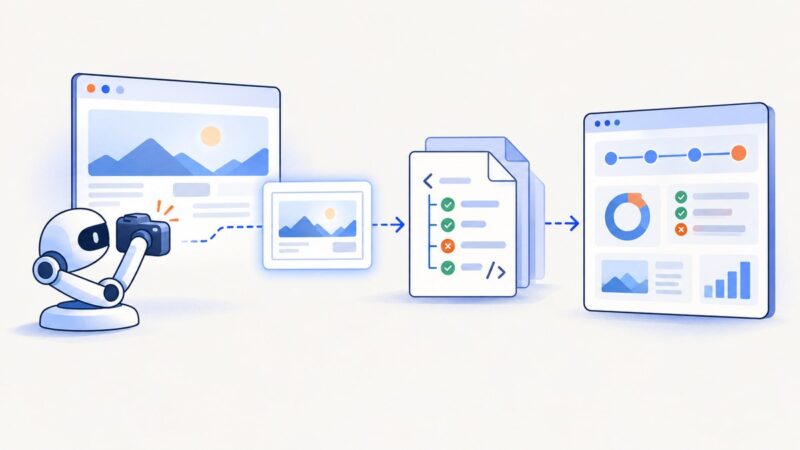
Build a Protractor HTML report that links failed-test screenshots, with working Jasmine reporter code, CI troubleshooting, and a migration-aware workflow.
Build a Protractor HTML report that links failed-test screenshots, with working Jasmine reporter code, CI troubleshooting, and a migration-aware workflow.
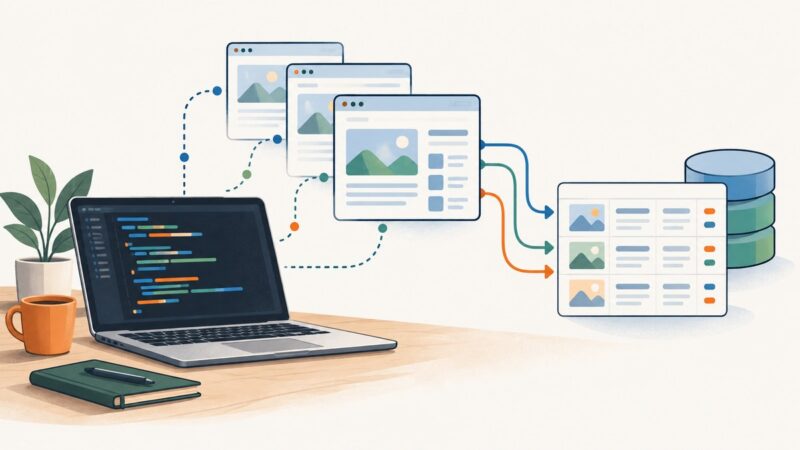
Learn how to crawl paginated websites with Requests and Beautiful Soup, handle next links, JavaScript pagination, retries, duplicates, and exports.
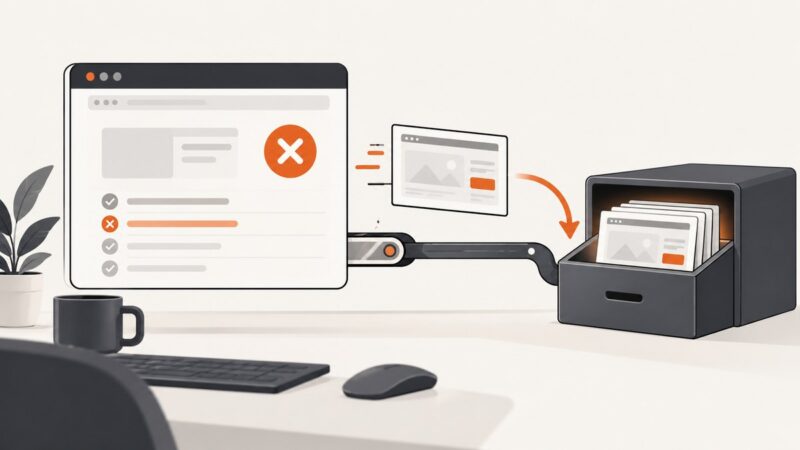
Capture Selenium screenshots before teardown, save them in the Jenkins workspace, and archive them after every build with reliable Pipeline patterns.
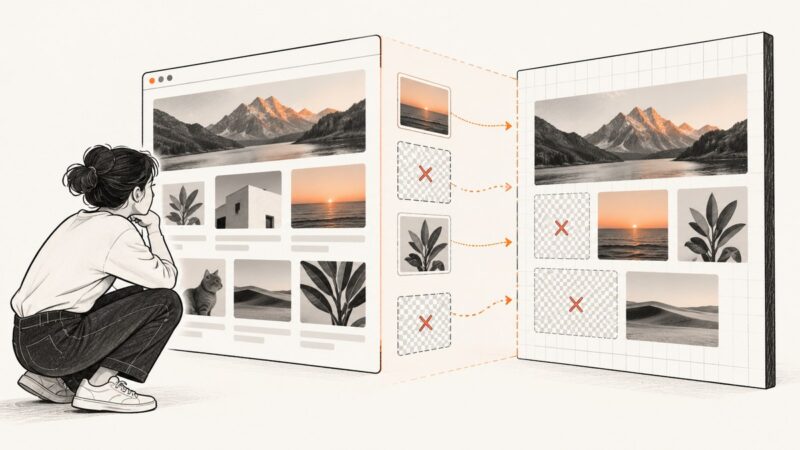
Missing images in html2canvas usually point to CORS, redirects, or images that have not finished loading. Diagnose the cause and apply the right fix.
Install wkhtmltopdf safely by matching your Linux release and CPU architecture, checking dependencies, verifying rendering, and avoiding common server failures.
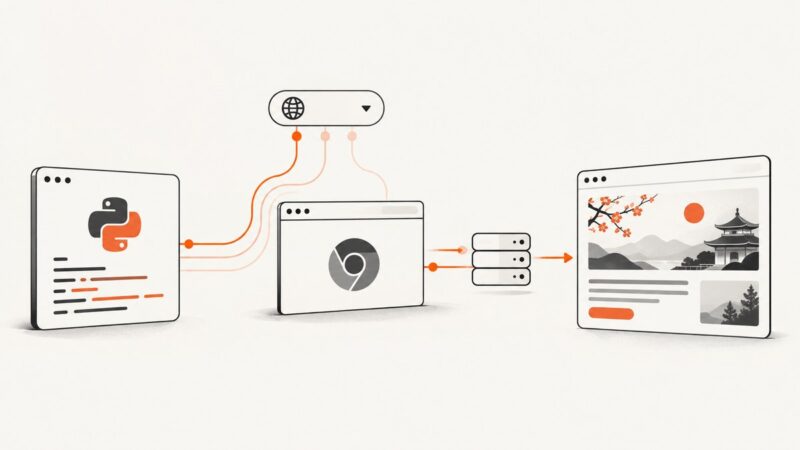
Configure Chrome headless to send the right Accept-Language header in Selenium Python, verify it on the wire, and test localized pages reliably.
Attach failure screenshots to JUnit XML safely across GitLab, Jenkins, and other CI viewers, with runnable Java, XML, and artifact examples.
Test computed CSS alignment and rendered geometry on desktop, mobile web, hybrid apps, and native screens with Selenium and Appium.
A practical, responsible workflow for collecting web data: define the question, choose authorized sources, scrape gently, validate results, and preserve provenance.
Set an absolute wkhtmltopdf path in Snappy, Symfony, Laravel, or standalone PHP, then diagnose permissions, libraries, fonts, and service environments.
Capture screenshots only when Cucumber scenarios fail and attach them reliably to Extent Reports 4 with Java, paths, Base64, and troubleshooting.
Diagnose Karma's 30-second HeadlessChrome 83 disconnect with controlled binaries, launcher comparisons, CI checks and practical fixes.
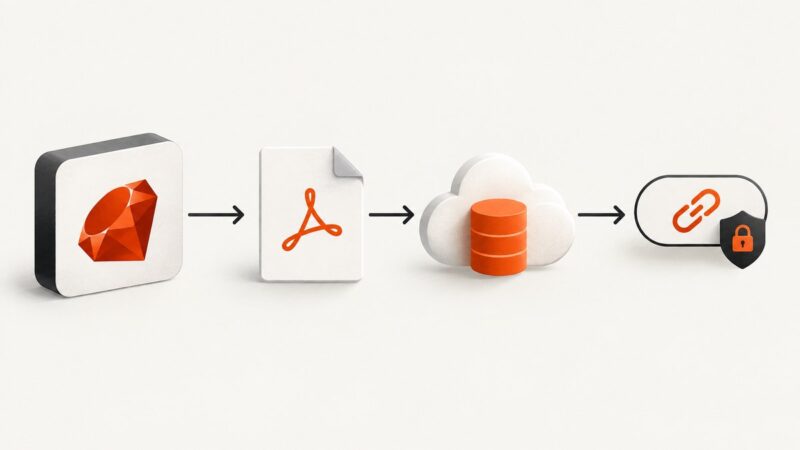
Generate a PDF in Ruby, upload it securely, and return the right temporary or permanent URL with Rails Active Storage or Amazon S3.
Configure Puppeteer downloads in Chrome with a destination path, handle filenames and completion, and troubleshoot headless browser issues.
Fix Selenium’s ChromeDriver PATH error with Selenium Manager, a manual PATH entry, or an explicit driver path—with platform steps and runnable Python examples.
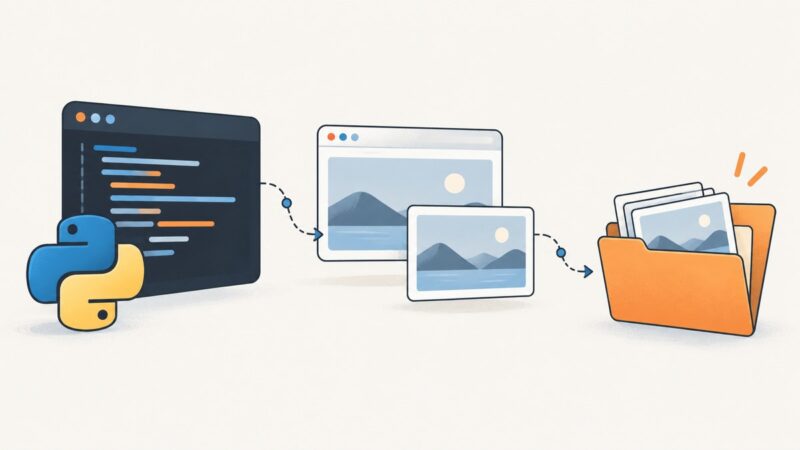
Create the target folder, build a full path, and check Selenium’s save result so screenshots land where you expect.
Attach Selenium screenshots to pytest-html reports on demand, on failure, or automatically, with working hooks, fixtures, troubleshooting, and packaging tips.
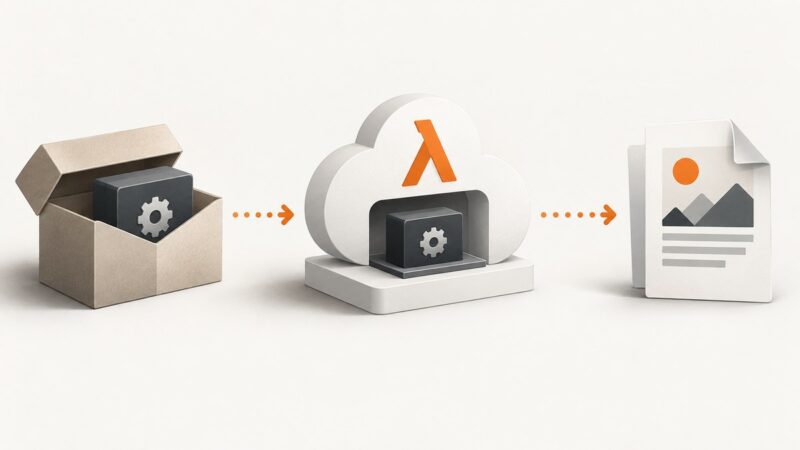
Package wkhtmltopdf and its Linux dependencies with your Lambda function, then call it from a path Lambda can resolve.