How to Configure Chrome’s Remote Debugging Port With Selenium
Attach Selenium to an existing Chrome session with debuggerAddress, avoid profile collisions, fix unsupported commands, and troubleshoot every common port error.
Attach Selenium to an existing Chrome session with debuggerAddress, avoid profile collisions, fix unsupported commands, and troubleshoot every common port error.
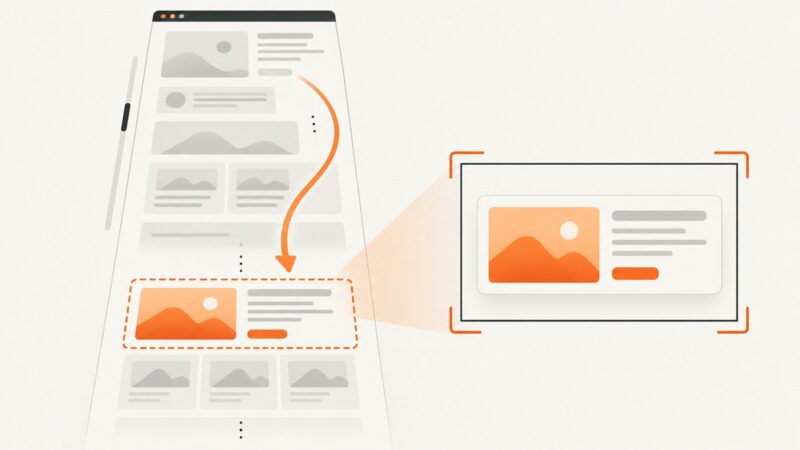
Scroll an off-screen element into view and capture it with Selenium Python, with complete code, edge cases, debugging tips, and an API alternative.
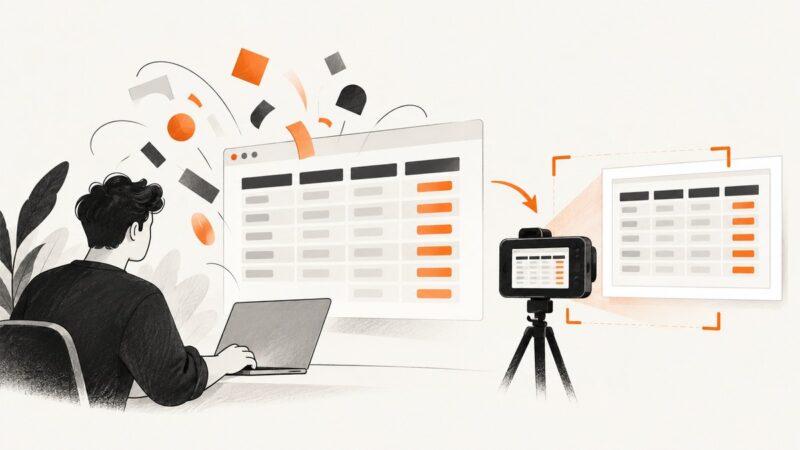
Wait for web fonts and table content before capturing with Selenium. This guide covers element and page screenshots, Python, Java, cURL, Node.js, and font failures.
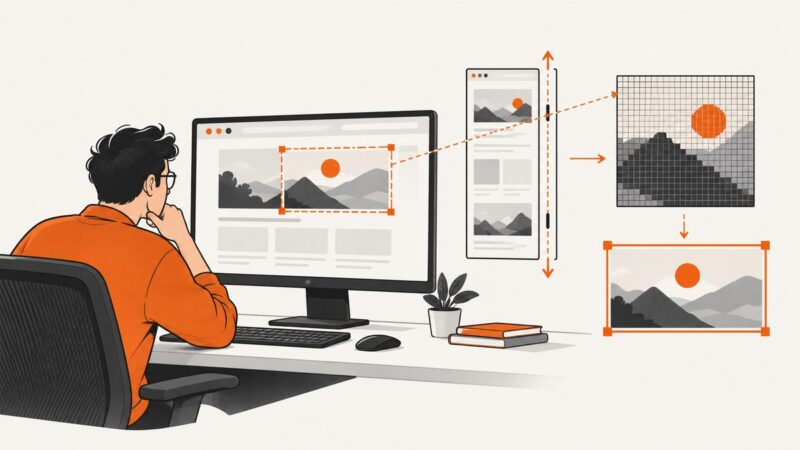
Fix Selenium RasterFormatException in Java by checking crop bounds, coordinate spaces, scaling, and using WebElement screenshots safely.
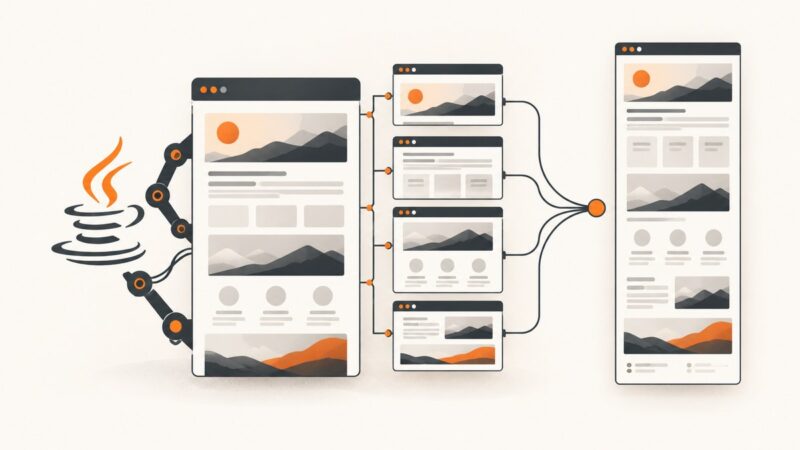
Capture long webpages in Java with AShot and Selenium, handle lazy content and sticky elements, troubleshoot stitching issues, and compare an API option.
Find out why PHPUnit Selenium failure screenshots are missing, whether you use legacy Selenium RC or Selenium2, and how to fix capture reliably.
Attach an existing screenshot to its Allure test result, generate the report, and fix common image preview and file path problems.
Put a wkhtmltopdf table of contents before or after your content, then customize headings, indentation, links, dots, and XSLT layouts.
Diagnose and fix PDFKit HostNotFoundError by checking DNS, renderer reachability, security policy, binaries, and localhost networking.
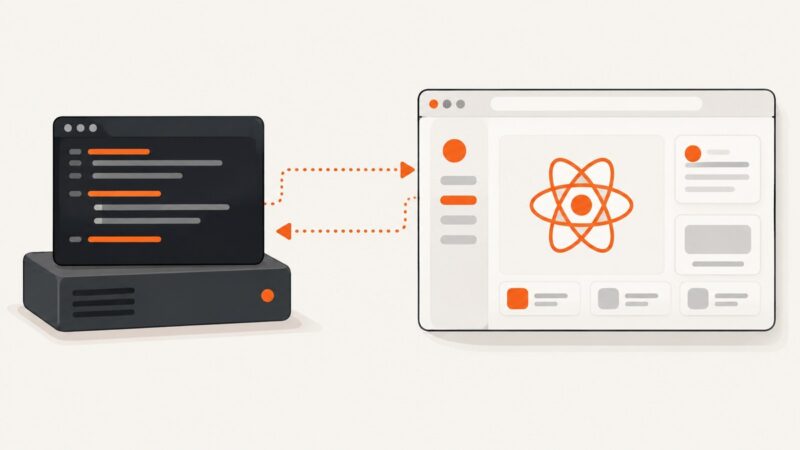
Run Puppeteer from Node.js to test a React app in a real browser. Learn setup, runnable examples, CI configuration, troubleshooting, and screenshot options.
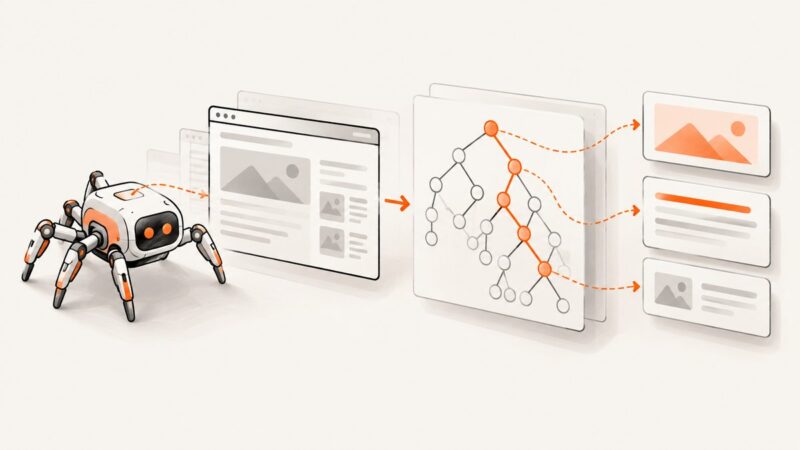
Learn XPath in Node.js for static HTML, XML, and JavaScript-rendered pages, with namespaces, typed results, debugging, and production patterns.
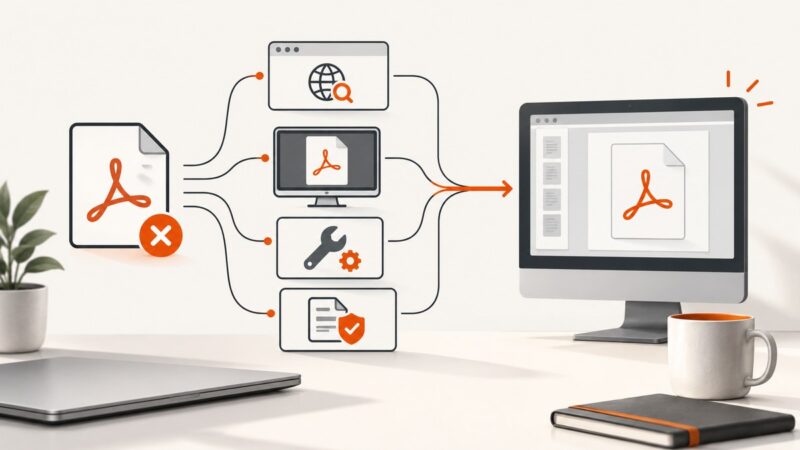
Find out why a PDF will not open, isolate the cause, and fix browser, reader, damaged-file, and permission problems safely.
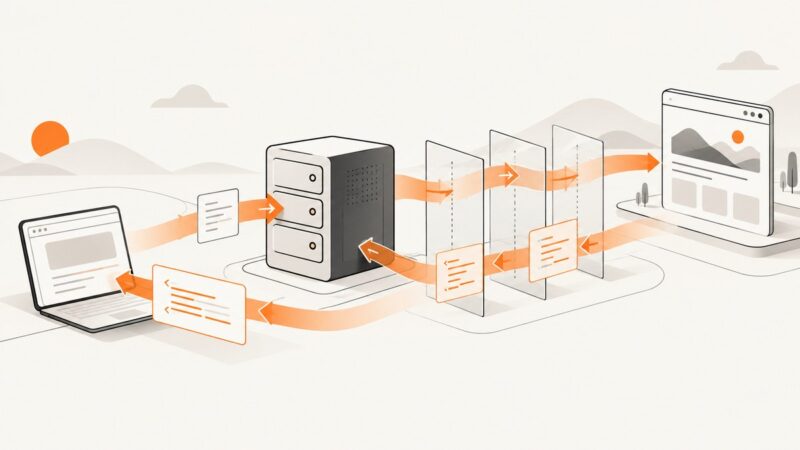
Build an Express proxy with Node-Unblocker, rewrite pages safely, debug failures, and know when a managed screenshot API is a better fit.
Use Selenium’s fullscreen window API, capture the current viewport, and choose a separate full-page method when you need the entire document.
Find elements inside open Shadow DOM trees with Selenium 4, including nested roots, waits, locators, errors, and production-ready examples.
Capture Selenium screenshots in memory, then choose whether you need PNG bytes or decoded pixels. Includes runnable code, troubleshooting, and image-processing options.
Build an n8n workflow that fetches web pages and extracts structured data with CSS selectors. Learn pagination, error handling, and when browser rendering is needed.
Use Selenium’s Select helper for native HTML dropdowns, and ordinary WebDriver interactions for custom JavaScript menus. Learn both approaches, with runnable examples.