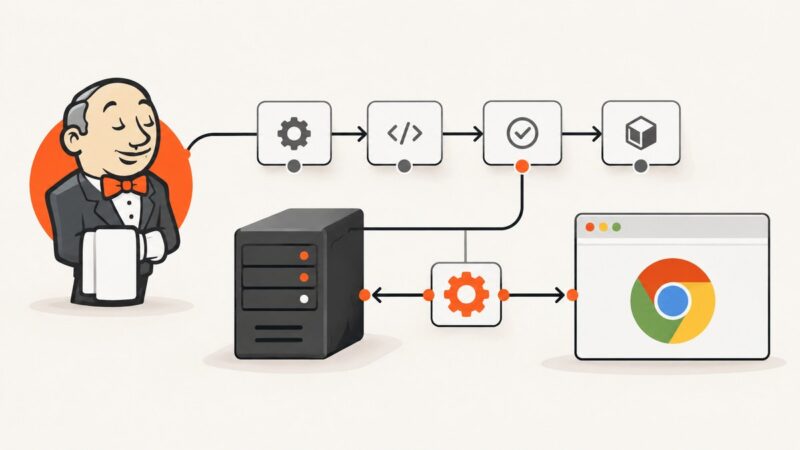
How to Configure Jenkins with Selenium WebDriver and ChromeDriver
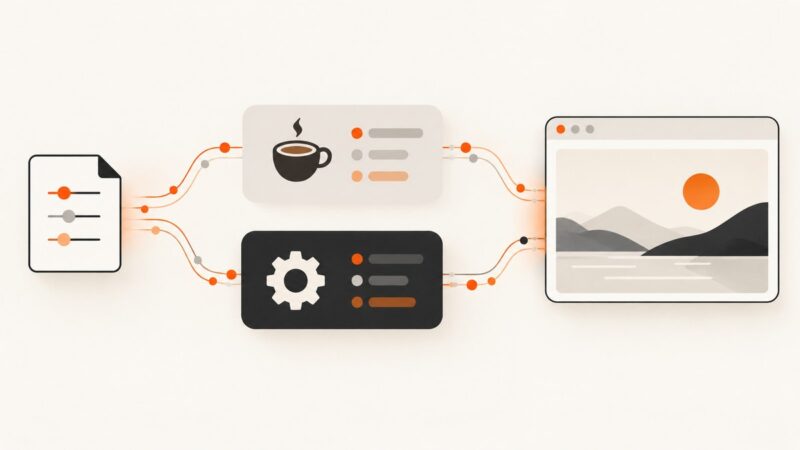
Configure Jenkins agents for reliable Selenium tests with ChromeDriver, headless Chrome, version pinning, troubleshooting, and CI pipeline examples.
Configure Jenkins agents for reliable Selenium tests with ChromeDriver, headless Chrome, version pinning, troubleshooting, and CI pipeline examples.
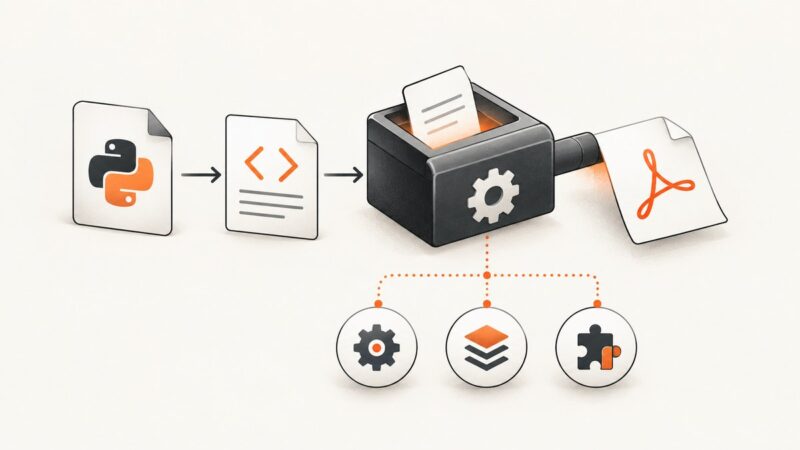
Diagnose wkhtmltopdf I/O errors in Python pdfkit by checking executable discovery, verbose stderr, local-file access, resources, and runtime compatibility.
Playwright config files belong to Playwright Test. Learn why Mocha ignores them and how to load dotenv, pass options, debug paths, and fix CI failures.
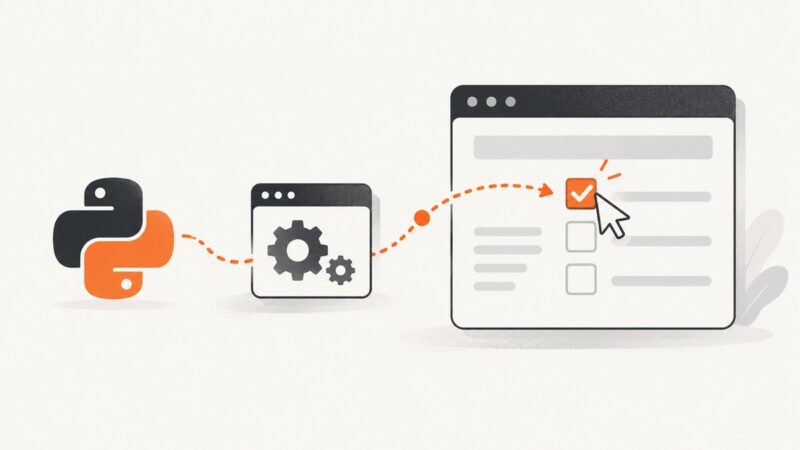
Learn how to locate, click, verify, and troubleshoot native and custom div checkboxes with Selenium WebDriver in Python.
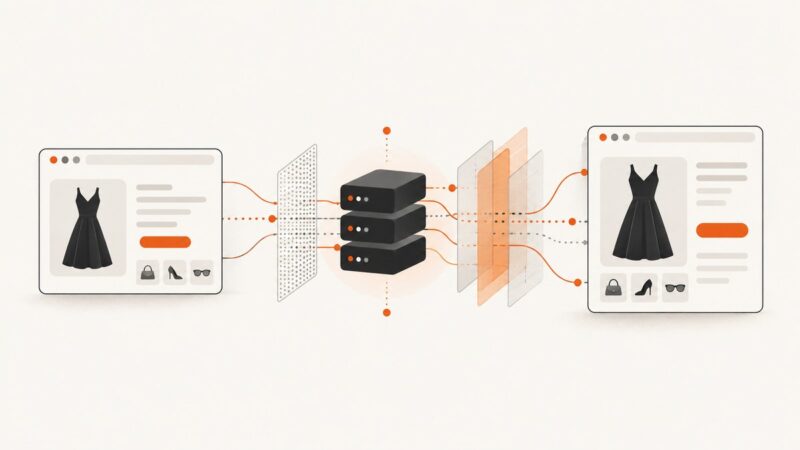
Build a compliant Zalando workflow with JavaScript rendering, controlled proxies, retries, and practical troubleshooting.
Use Playwright to capture any URL in Python, with viewport, full-page, element, format, scaling, troubleshooting, and an API alternative.
LinkedIn prohibits automated job scraping without written authorization. Learn the compliant options and build the same Python data pipeline on an authorized source.
Match your browser preview to wkhtmltopdf’s viewport, media mode, paper, margins, and JavaScript timing—then verify with the actual renderer.
Error -4048 is usually Node.js EPERM while scanning a Windows directory. Learn to identify the path, repair setup safely, and capture screenshots reliably.
Run Playwright in Azure Pipelines, publish results, and understand the current limits of Azure Test Plans automation.
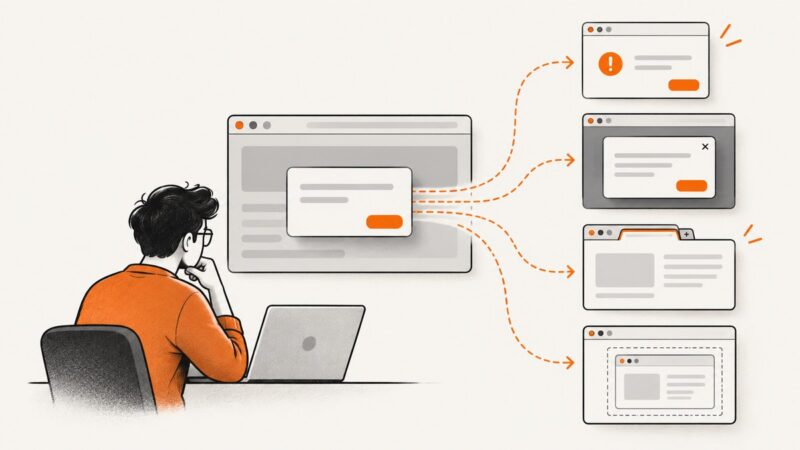
Classify the popup first, then use Selenium’s alert API, DOM locators, window handles, or frame switching to handle it reliably in Python.
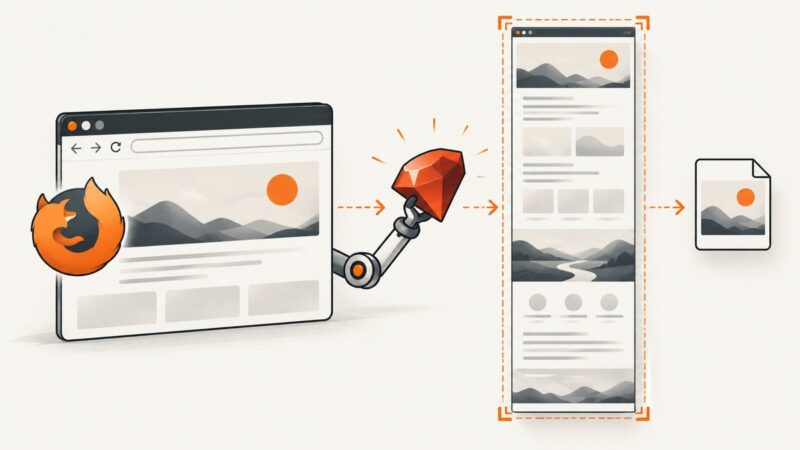
Capture an entire Firefox page with Ruby Watir, understand Selenium’s version-sensitive full-page API, and troubleshoot common failures.
Use Selenium’s Chrome DevTools Protocol events to see which JavaScript and CSS requests returned HTTP errors, failed to load, or came from cache.
Compare Appium screenshots with baselines using aligned dimensions, OpenCV matching modes, calibrated thresholds, and useful visual diffs.
Use Playwright to apply CSS or JavaScript before capture, control what appears in the image, and make screenshots more repeatable.
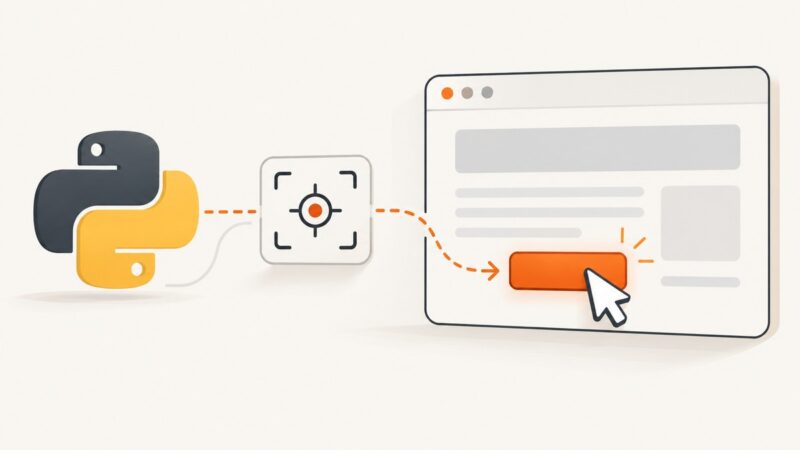
Learn reliable Selenium element locators, explicit waits, click patterns, iframe handling, troubleshooting, and production-ready Python examples.
Hide JavaScript dialogs, cookie banners, and modal overlays in Selenium, then capture a clean WebElement screenshot with reliable waits.
Fix Playwright’s unknown engine error by using a CSS attribute selector or configuring `data-qa` as the test-id attribute.