Can Selenium and Capybara Capture a Full-Page Screenshot?
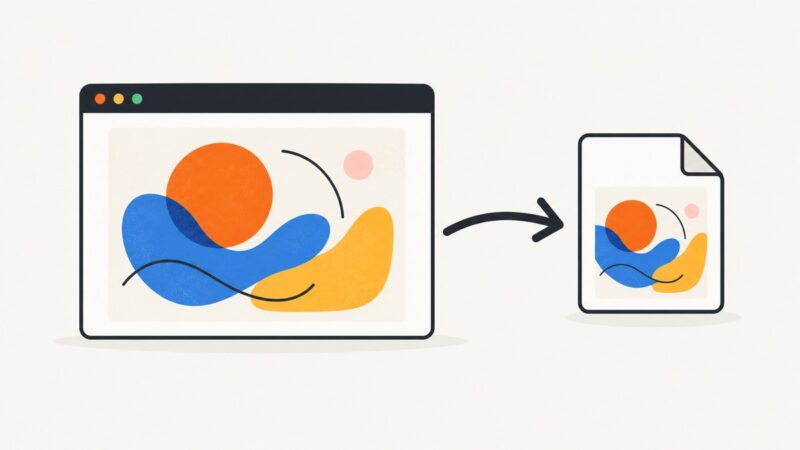
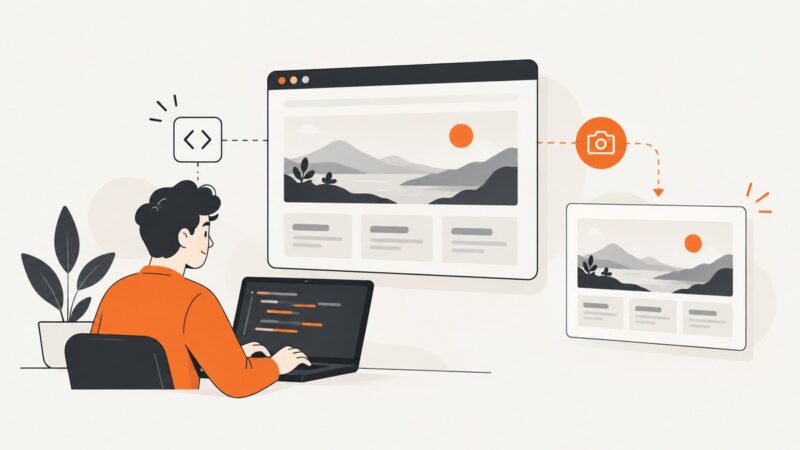
Yes, but full-page capture depends on the browser driver. Learn the Firefox Selenium API, Capybara limitations, working code, troubleshooting, and alternatives.
Yes, but full-page capture depends on the browser driver. Learn the Firefox Selenium API, Capybara limitations, working code, troubleshooting, and alternatives.
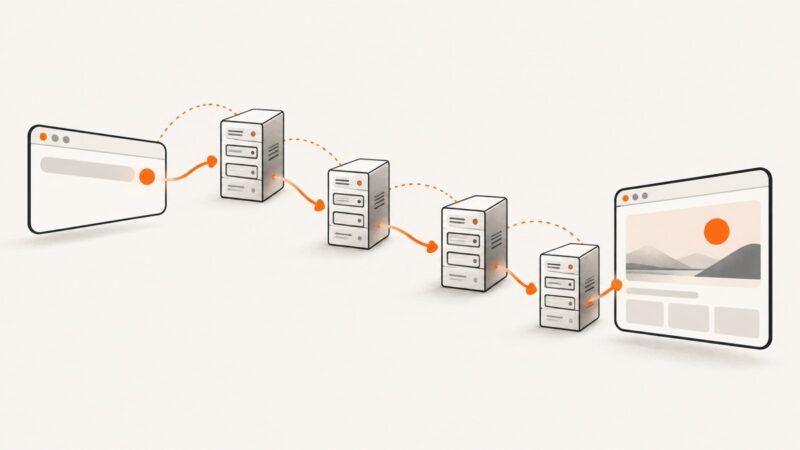
Trace every Playwright redirect, verify final destinations, cap redirect loops, and intercept responses safely with runnable JavaScript examples.
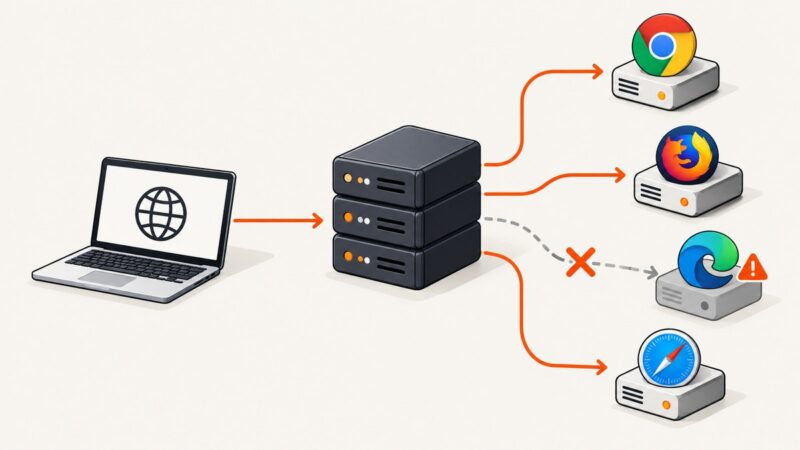
Diagnose Selenium Grid 2’s “Error forwarding the new session” by matching capabilities, node capacity, and hub-to-node connectivity.
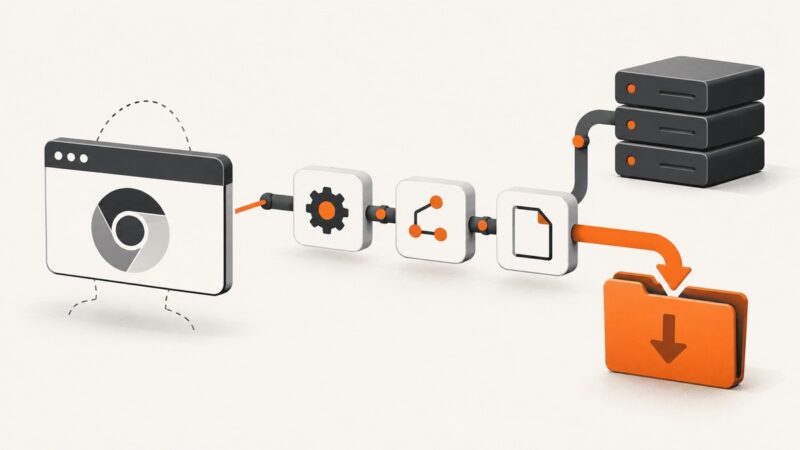
Enable headless Chrome downloads with ChromeDriver 2.40 using DevTools, writable paths, completion checks, troubleshooting, and safer HTTP downloads.
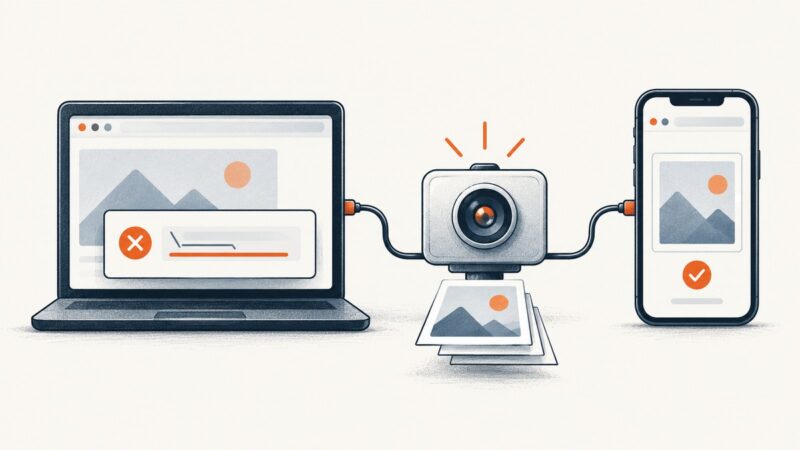
Selenium screenshots work across platforms. Diagnose Windows failures by checking the browser, driver, session state, viewport, and output path.
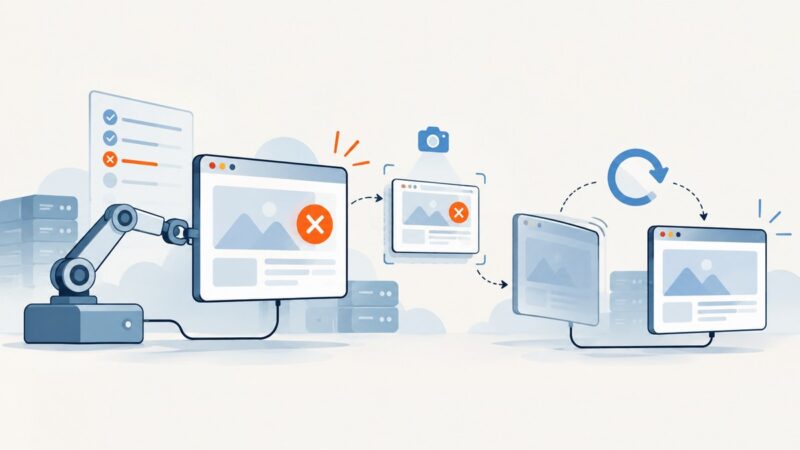
Diagnose white Selenium screenshots and missing elements with reliable waits, viewport checks, version logging, and practical fixes.
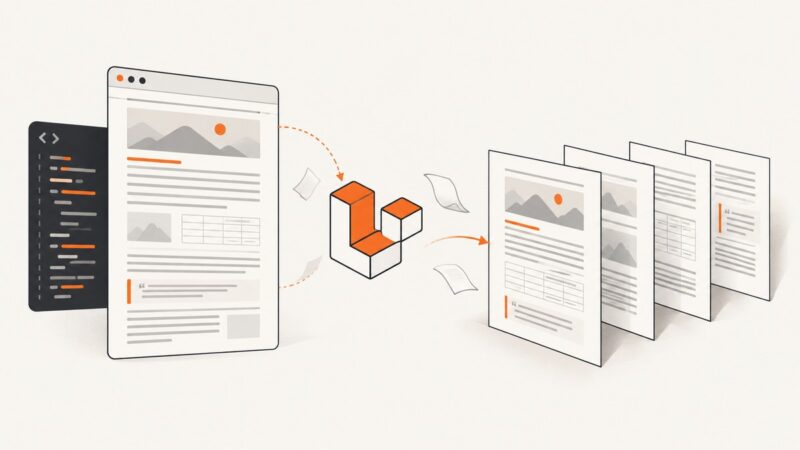
Use Blade and Vite to serve HTML, Paged.js to paginate it, and a browser to print it to PDF. Here’s the workflow, code, and production tradeoffs.
Capture failure screenshots in Cucumber.js, attach them to reports, and restart WebDriver safely for the next scenario.
Save a rendered canvas or its pixel buffer as a PNG in Selenium with runnable Python code, JavaScript export, troubleshooting, and an API alternative.
Fix Playwright .NET launch errors by checking browser installation, dependencies, cache paths, versions, and CI setup in a practical order.
Randomly dark Capybara screenshots have no proven universal fix. Use this diagnostic sequence to isolate Chrome, ChromeDriver, headless mode, and CI issues.
Download multiple PDF attachments with Playwright: wait for each download, save it safely, and handle filenames, timeouts, and browser cleanup.
Diagnose PhantomJS hangs after clicks, add bounded waits and useful logging, then migrate the workflow to a supported Selenium browser.
Fix pdfkit's missing wkhtmltopdf error with PATH checks, explicit executable paths, platform diagnostics, deployment advice, and safer alternatives.
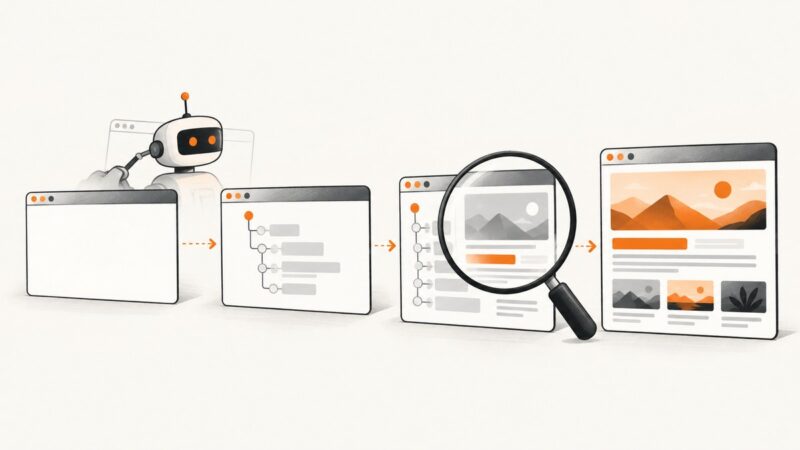
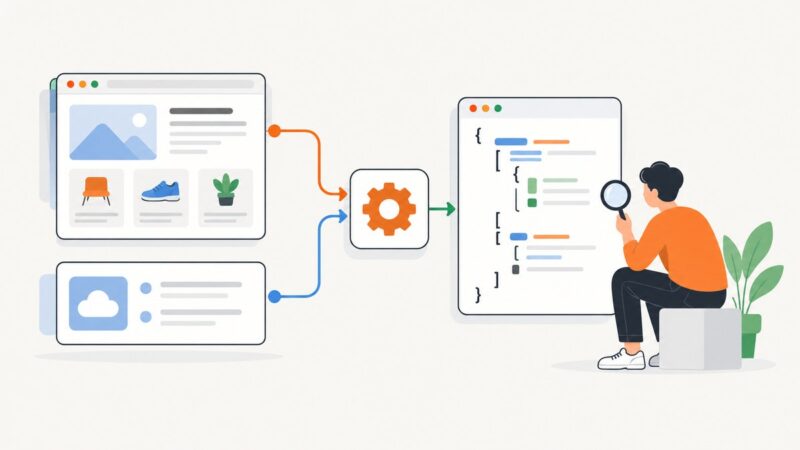
Learn how to parse API JSON, extract JSON-LD from HTML, validate responses, handle failures, and build reliable scraping pipelines.
Learn the right JavaScript screenshot method for elements, tabs, full pages, and URLs—with runnable browser, extension, Playwright, and API examples.
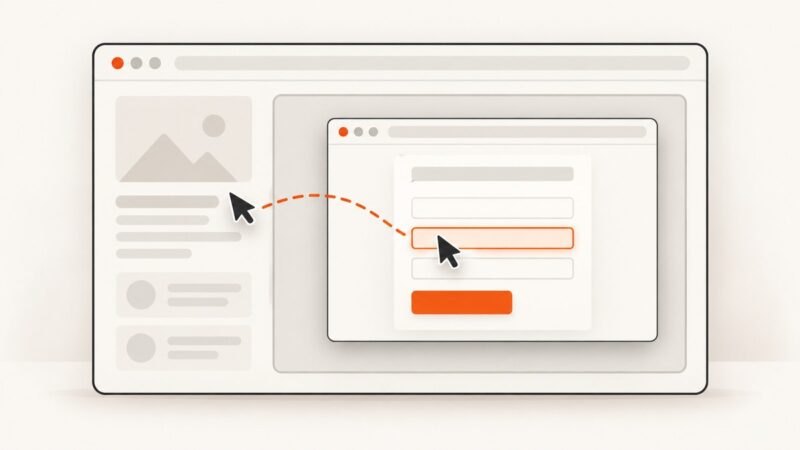
Switch Selenium into the right iframe before locating its elements. Learn reliable waits, nested-frame navigation, runnable examples, and fixes for common errors.
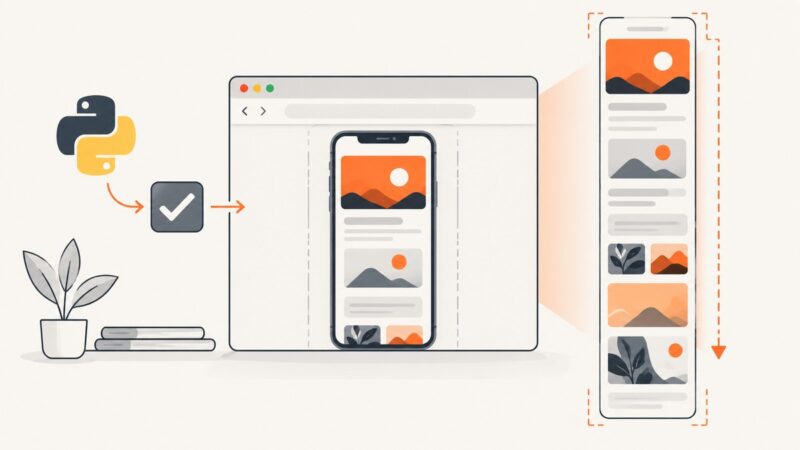
Capture complete mobile pages with Python Selenium, Chrome mobile emulation, CDP, lazy-content waits, troubleshooting, and a simpler API option.