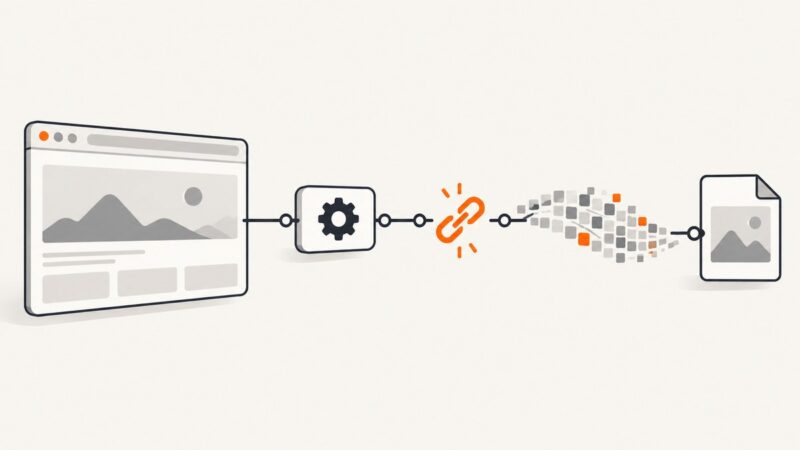
How to Fix Selenium’s “Screenshot Parameter Is Not Valid” Error
“Screenshot parameter is not valid” does not point to one confirmed cause. Use this step-by-step workflow to isolate the WebDriver command, browser context, and image-saving code.
“Screenshot parameter is not valid” does not point to one confirmed cause. Use this step-by-step workflow to isolate the WebDriver command, browser context, and image-saving code.
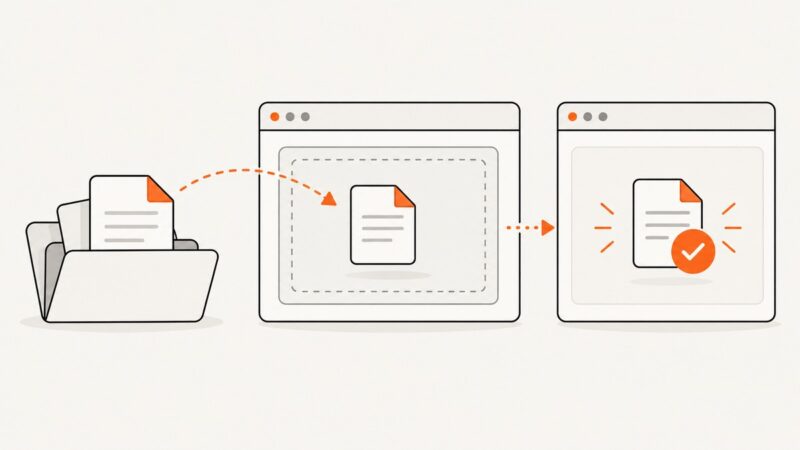
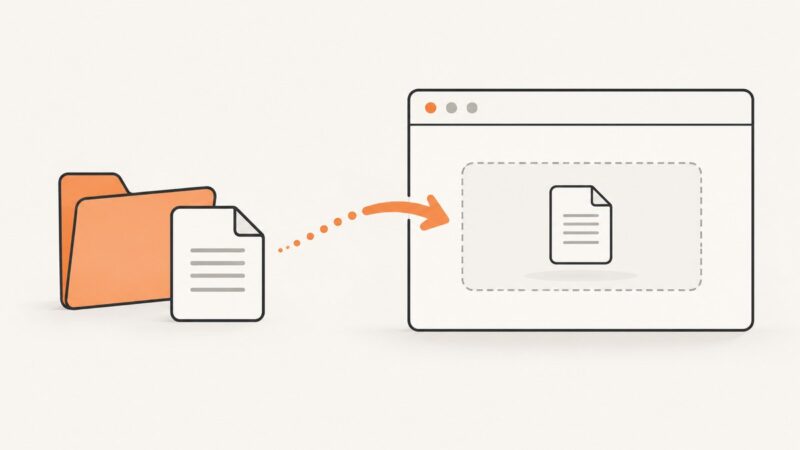
Use Playwright frame locators and setInputFiles to upload files inside iframes, with Stagehand patterns, dynamic choosers, fixes, and production guidance.
Use YouTube Studio Trends and Audience reports to find timely ideas, evaluate content gaps, and choose topics your niche can win.
Learn resilient Playwright patterns for accepting, rejecting, persisting and testing GDPR cookie consent without flaky selectors or leaking state.
Set precise Playwright PDF margins with page.pdf(), CSS @page, explicit units, and predictable page-size precedence.
Learn the correct Playwright workflow for uploading fixtures, handling dynamic file choosers, saving downloads, and rendering supplied HTML.
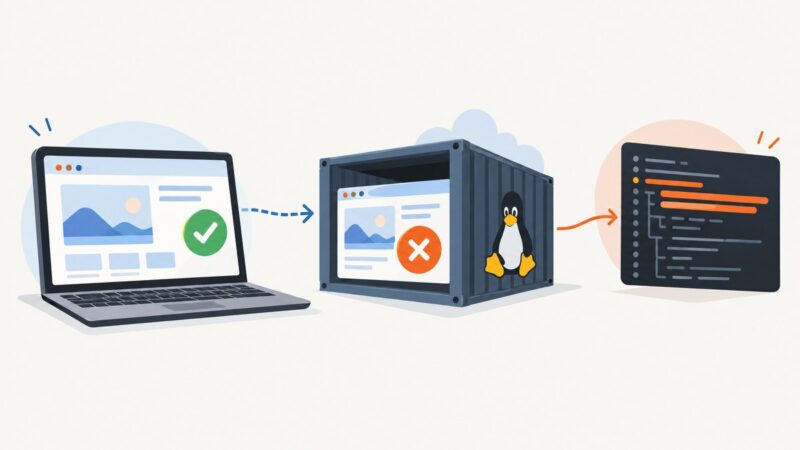
Diagnose Playwright tests that pass locally but fail in GitLab CI by matching environments, capturing traces, and isolating concurrency before changing tests.
Add Playwright to a Dockerized Java app with a version-matched browser image, or install browsers and dependencies in your own image. Includes Docker, Java, CI, and troubleshooting guidance.
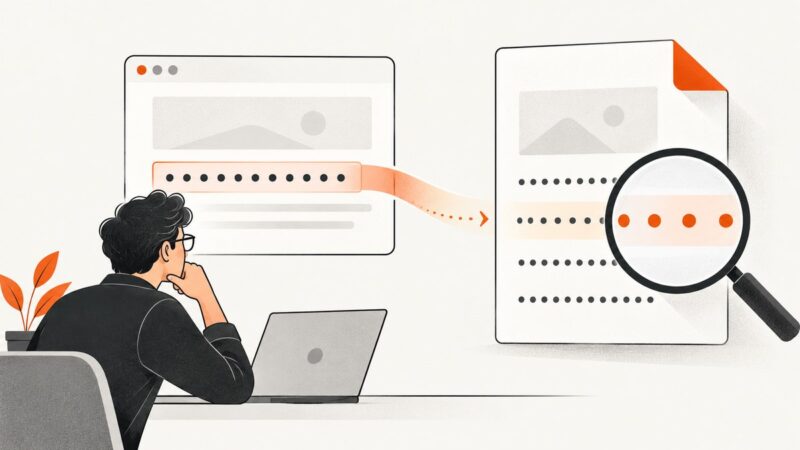
Excessive letter spacing in wkhtmltopdf can come from CSS, font selection, or the rendering environment. Use a minimal comparison to isolate the cause before changing production styles.
A Chrome 73 screenshot timeout under Jenkins or another Windows service was traced to Chrome itself. Here’s how to diagnose that legacy issue and choose a supported fix.
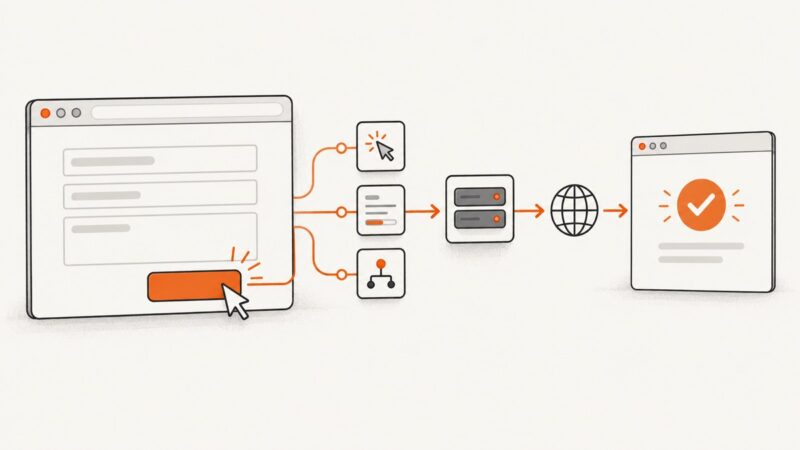
Find exactly why a WebKit Playwright form click does nothing, then fix locators, hydration, waits, network errors, and result assertions.
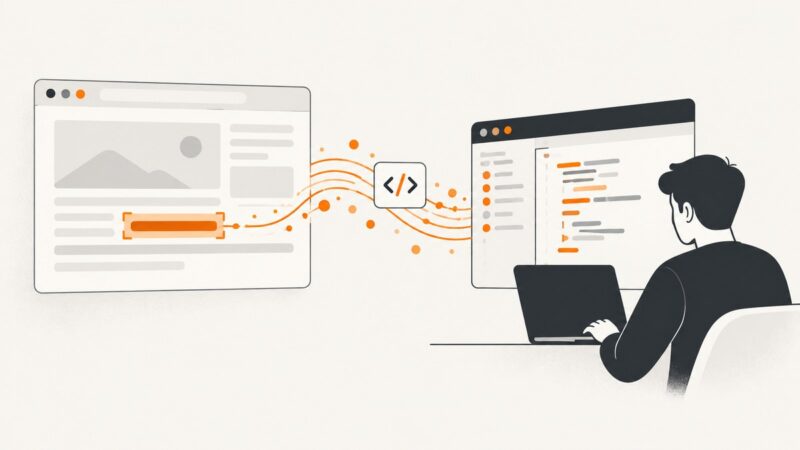
Select a span, wait for JavaScript content, extract innerText, handle nulls and frames, and automate reliable text scraping with PuppeteerSharp.
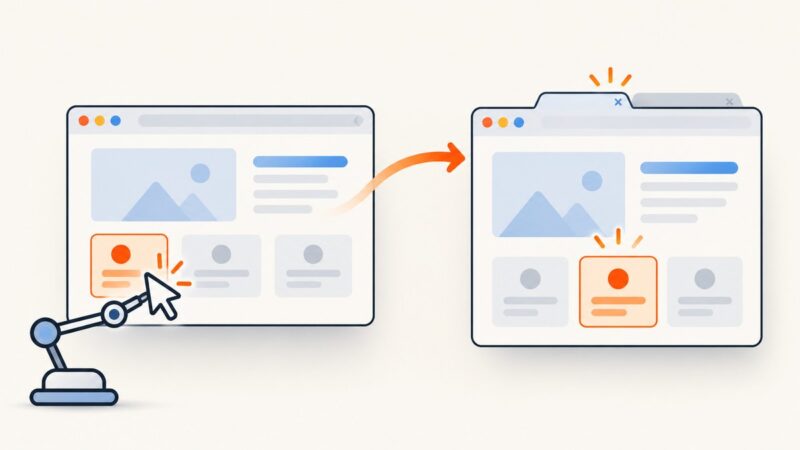
Fix flaky Playwright button clicks by using durable locators, condition-based waits, actionability diagnostics, and the right timeout scope.
Configure Mink sessions, choose the right browser driver, and run Behat scenarios across browsers with reliable JavaScript coverage.
Capture a wide, tall page in Selenium with Chrome DevTools Protocol or a scroll-and-stitch fallback, including practical fixes for sticky headers, lazy content, and tile seams.
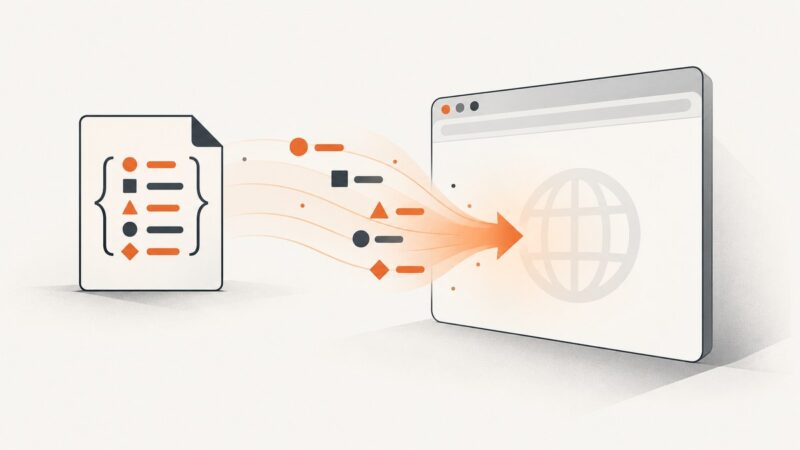
Load sessionStorage from JSON before your app runs in Playwright. See runnable setup, origin checks, type handling, Playwright Test integration, and fixes for common errors.
A practical guide to permission, authorized collection, parsing, deduplication and monitoring for real estate listings—with runnable Python examples and safer source options.
Avoid stale Selenium elements by waiting for the new window, switching context, and locating elements fresh. Includes Python, cURL, Node.js, and troubleshooting.