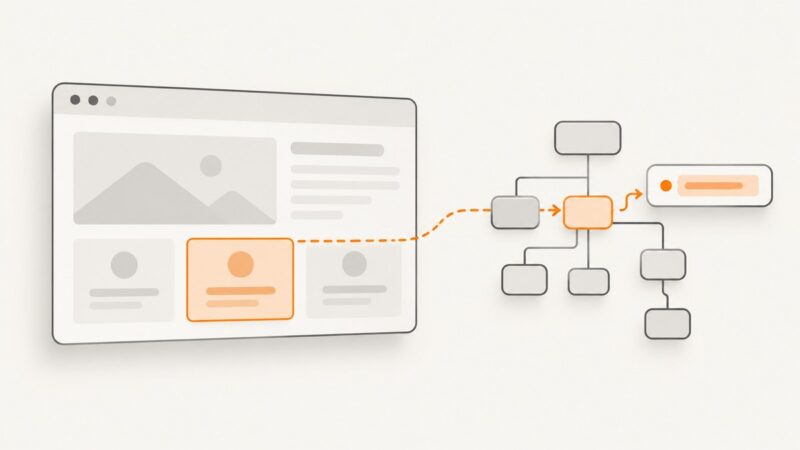
How to Set an Attribute Value on a DOM Element with Playwright
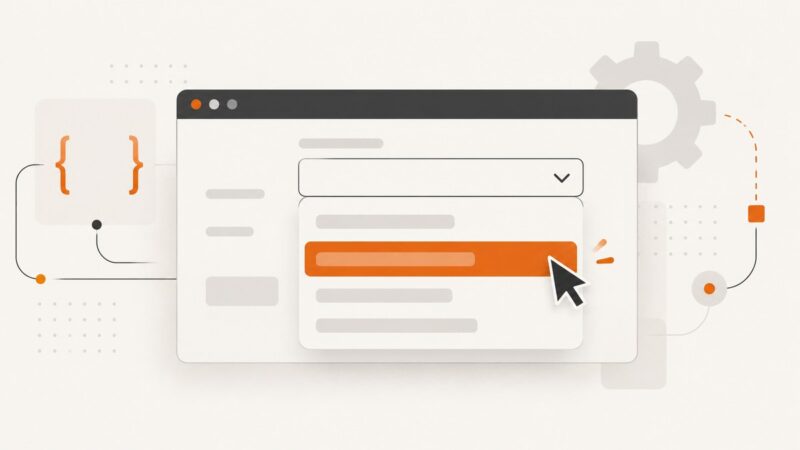
Use a Playwright locator’s evaluate() method to call setAttribute() in the page, then verify the result with toHaveAttribute().
Use a Playwright locator’s evaluate() method to call setAttribute() in the page, then verify the result with toHaveAttribute().
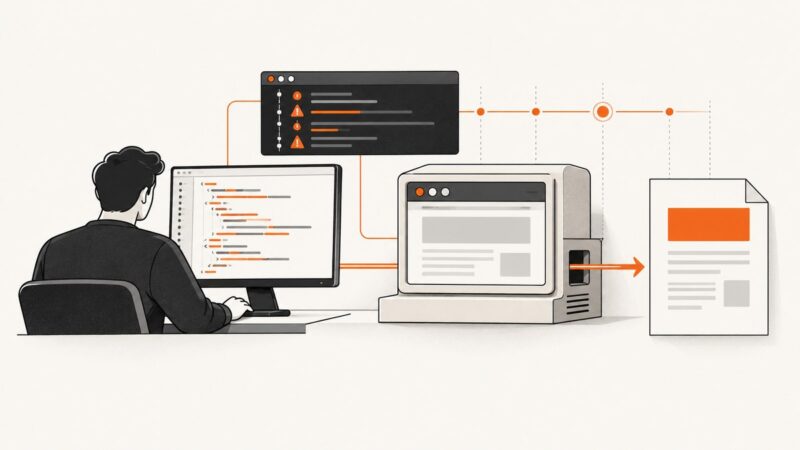
Learn how to diagnose JavaScript failures in wkhtmltopdf, wait for dynamic content, verify builds, and fix common PDF rendering errors.
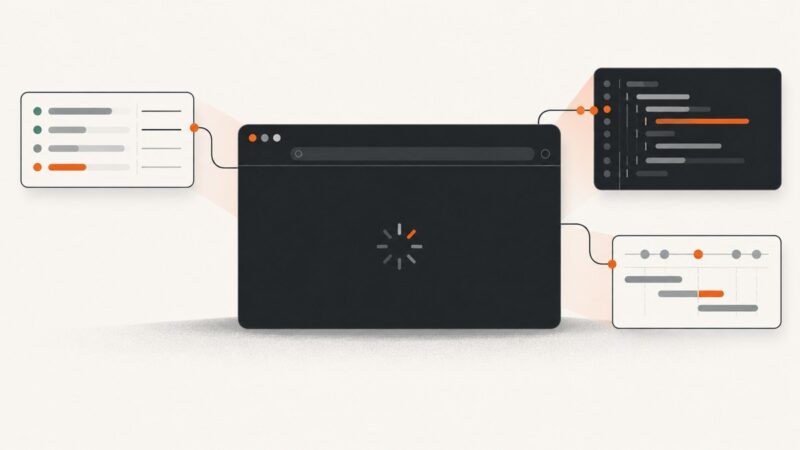
Diagnose why Playwright shows about:blank or an empty page: inspect navigation responses, runtime errors, failed requests, popups, and CI setup.
Playwright saves screenshots only when you provide a path. Learn where relative paths point, how test artifacts and visual snapshots are stored, and how to choose a reliable output directory.
Copy a selected element’s live HTML with DevTools, use $0 for precise output, and avoid common outerHTML, iframe, and dynamic-DOM mistakes.
Use Selenium’s SelectElement.SelectByText to choose a native HTML option by its visible label. See exact and partial matching, complete C# examples, common errors, and alternatives.
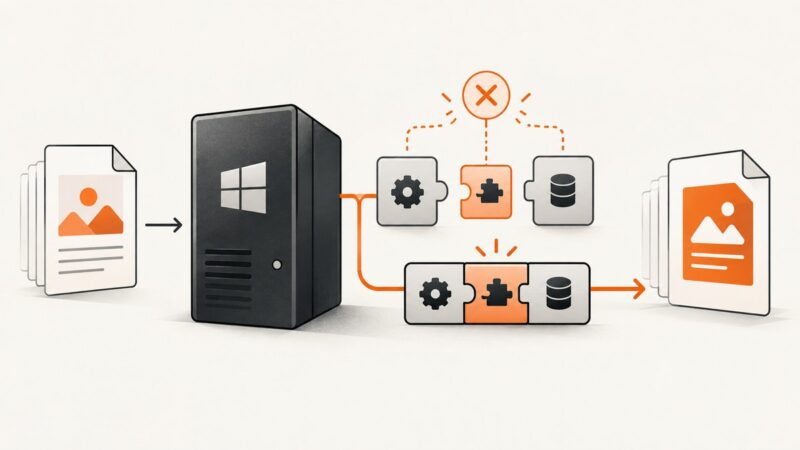
Fix TuesPechkin’s wkhtmltox.dll load error by matching process architecture, installing the native package and VC++ runtime, and checking deployment.
Fix Puppeteer headed Chrome failures on Ubuntu by checking display access, libraries, sandbox policy, and launch logs.
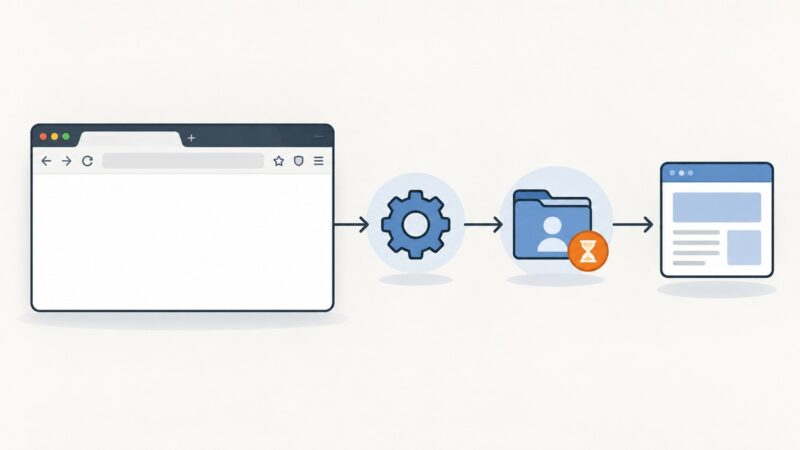
Firefox opening in Selenium does not mean the page loaded. Diagnose geckodriver, binary, version, profile, and container issues in order.
Capture a precise webpage region with PhantomJS clipRect, automate it from Python, troubleshoot failures, and compare a modern hosted option.
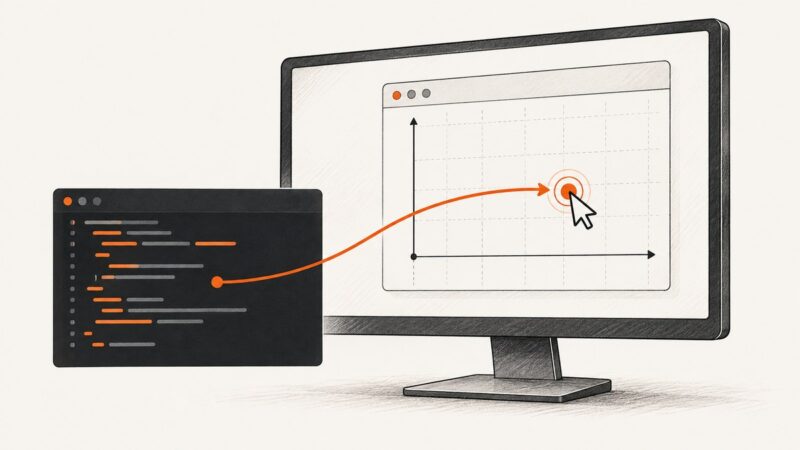
Convert window-local coordinates into screen coordinates with PyAutoGUI, handle scaling and movement, and avoid brittle clicks.
Track keyword visibility with Google Search Console and Bing, automate reporting with APIs, and use exact localized checks when average positions are not enough.
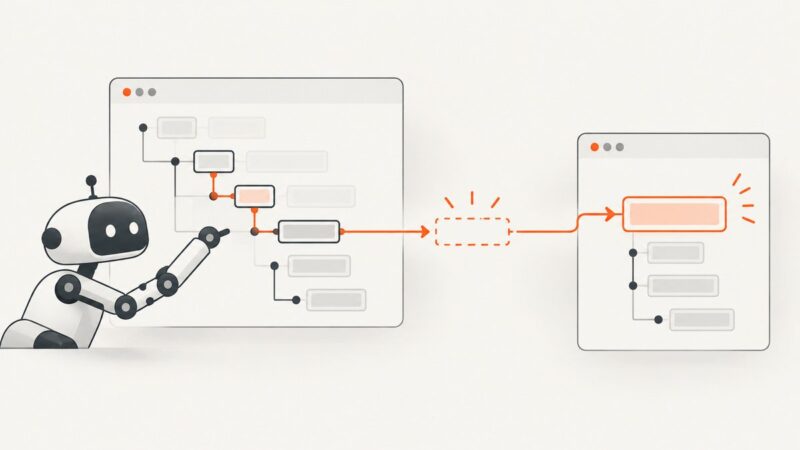
Fix Puppeteer’s null setAttribute error with selector checks, waits, iframe handling, rerender-safe handles, and diagnostic code.
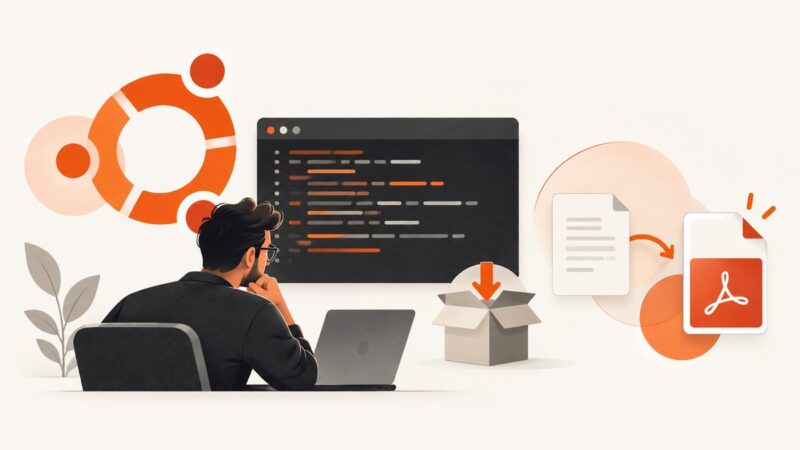
Fix wkhtmltopdf installation errors by matching the package to your Ubuntu release and architecture, resolving dependencies safely, and verifying the installed build.
Puppeteer does not name screenshots from their URLs automatically. Build safe, readable filenames from the final page URL, with rules for queries, fragments, collisions, and repeated captures.
Fix Firefox profile errors in Selenium by checking paths, permissions, sandboxing, temporary profiles, and remote execution settings.
Signal 11 during Puppeteer shutdown does not identify which process crashed. Use this diagnostic sequence to capture evidence and isolate the cause.
Install wkhtmltopdf on 64-bit Debian with release checks, apt commands, headless-server guidance, troubleshooting, and safer alternatives.