How to Create Screenshots in Cypress
Use cy.screenshot() for viewport, full-page, element, and failure screenshots in Cypress, with naming, masking, CI tips, and a ScreenshotNeo option.
Use cy.screenshot() for viewport, full-page, element, and failure screenshots in Cypress, with naming, masking, CI tips, and a ScreenshotNeo option.
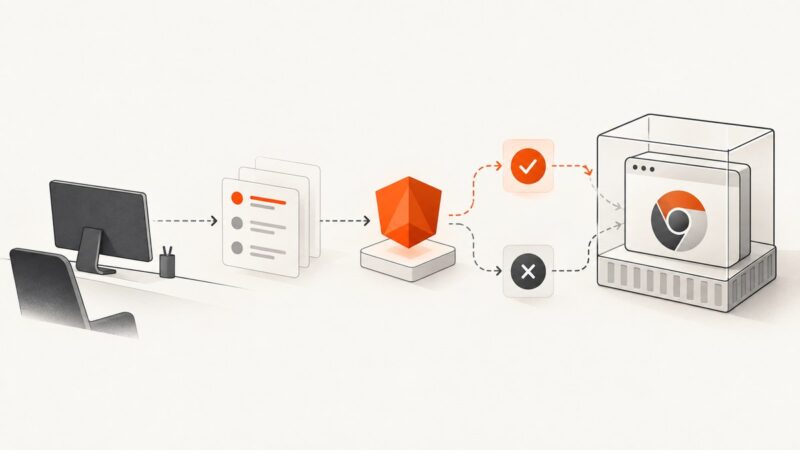
Run Angular CLI Karma tests with Headless Chrome in Docker. Check the runner, provide a browser binary, and diagnose common CI failures.
Use Playwright locators, wheel input, or window.scrollTo to reach the bottom reliably, load lazy content, and capture complete pages.
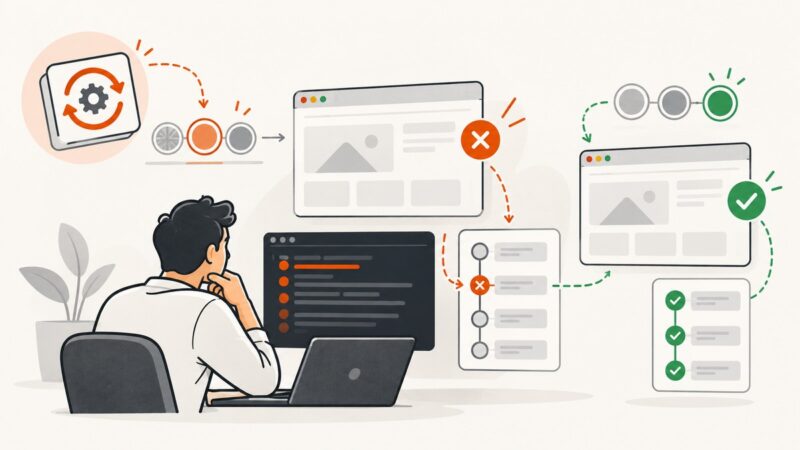
Fix Selenium headless Chrome after an update: match versions, remove stale drivers, diagnose crashes, and stabilize CI with practical Python examples.
Diagnose Playwright Codegen problems in VS Code by checking the extension, isolating CLI failures, installing matching browsers, and reviewing generated locators.
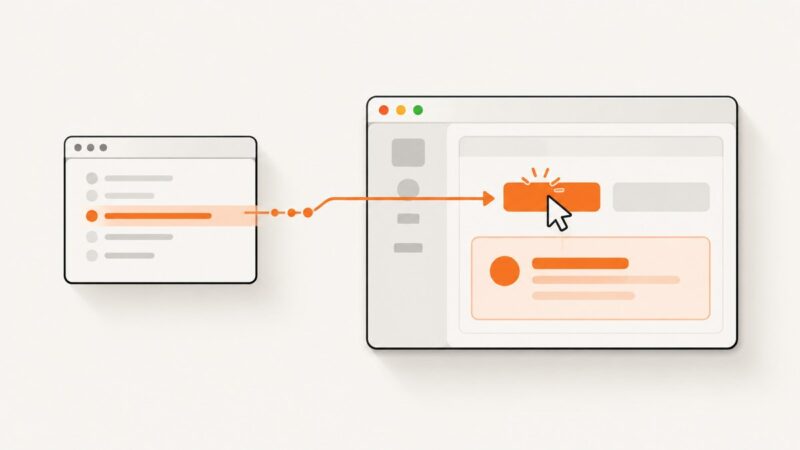
Bind click behavior in your Electron renderer, then use Playwright locators to test it through the app window. Includes runnable examples, window handling, and fixes for common failures.
Record Playwright test runs or browser sessions as video. Configure retention and dimensions, wait for recordings to finish, and save or find the output.
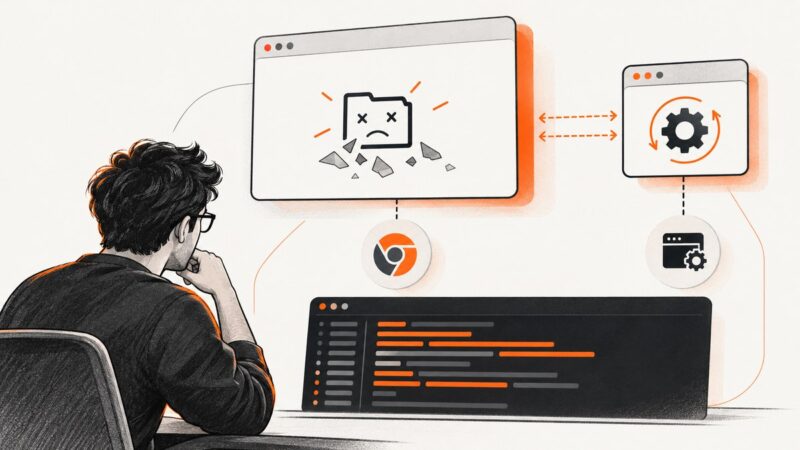
Diagnose ChromeDriver 2.32 startup crashes by separating browser, driver, privilege, binary, and harness problems with commands and fixes.
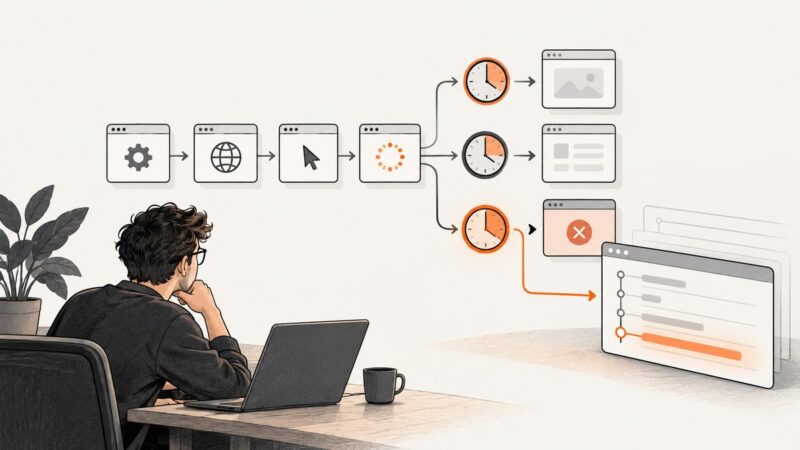
Playwright’s debug mode removes the default test timeout, which can hide setup failures. Learn how to identify the timeout scope, inspect stalled setup, and make it traceable.
Set Cache-Control on the server that serves a resource, then use headless Chrome to verify the response. Here are runnable examples, cache tests, and fixes for common surprises.
Build a reliable stock data scraper with Python, Alpha Vantage or SEC EDGAR, validation, storage, scheduling, deployment, and monitoring.
Build a browser thumbnail editor with Canvas: crop, resize, preview, add text, export images, handle CORS, accessibility, performance, and downloads.
PhantomJS captures a rectangle, not a DOM selector. Find an element’s rendered bounds, set page.clipRect, and render after the page is ready.
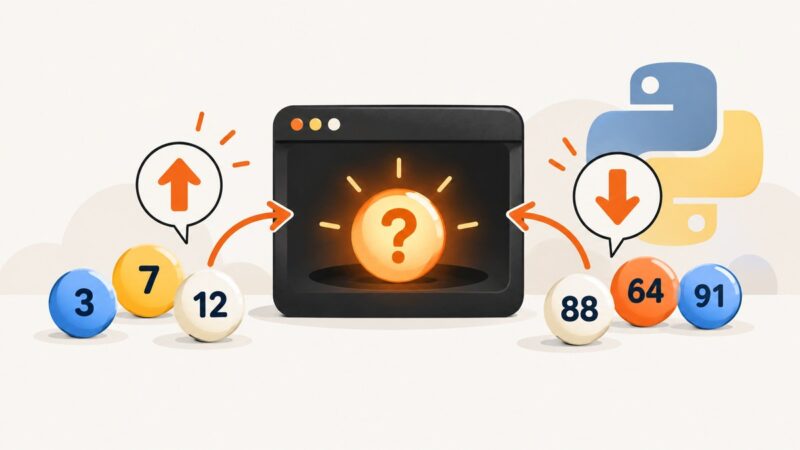
Build a complete Python number guessing game with validation, hints, attempt limits, replay, difficulty levels, testing, and troubleshooting.
Use Playwright’s Python API with headless=False to show the browser window, debug interactions, and capture reliable screenshots.
Save Playwright screenshots to a file or memory, capture full pages and elements, and control format, stability, and output size.
Set the right Webflow Open Graph image size, format, and CMS rules so social previews render correctly on every platform.
Find out why a Playwright test is paused or still running in VS Code, then fix breakpoints, page.pause(), launch settings, and stuck processes.