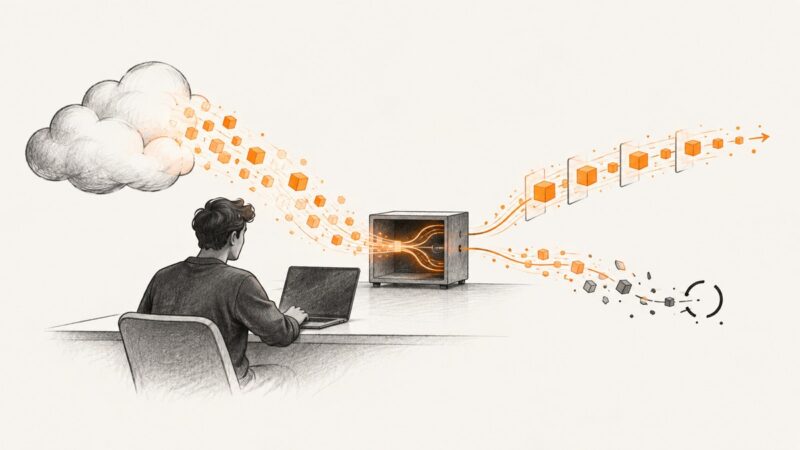
How to Stub and Mock Streamed ChatGPT Responses
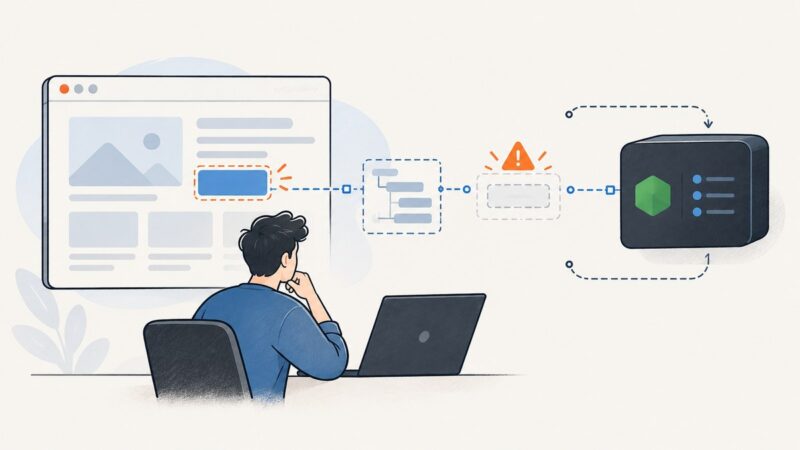
Choose the right test boundary for streaming ChatGPT responses, then build deterministic fixtures for deltas, completion, disconnects, and malformed events.
Choose the right test boundary for streaming ChatGPT responses, then build deterministic fixtures for deltas, completion, disconnects, and malformed events.
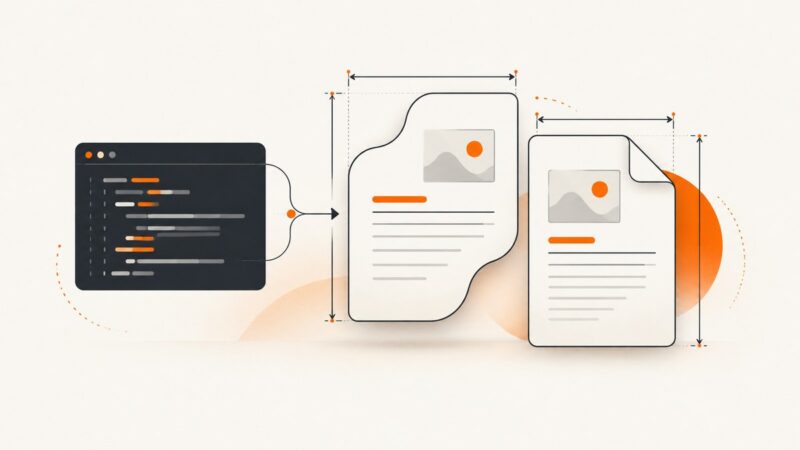
Set custom page sizes in DOCX and PDF files with Python, control orientation and margins, and avoid layout and conversion problems.
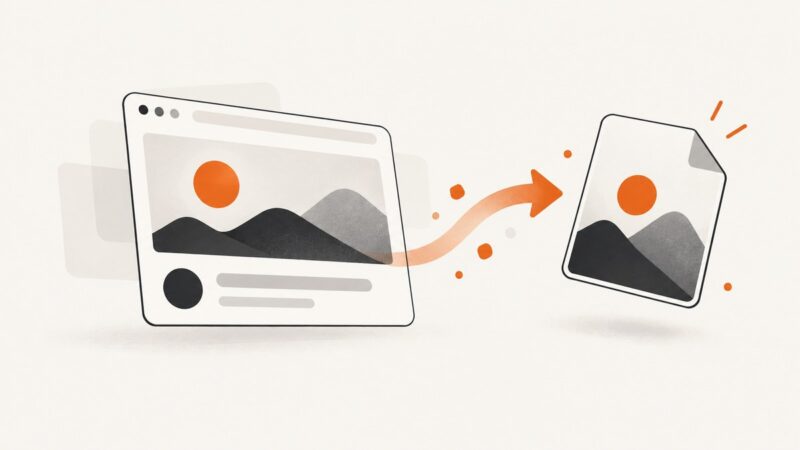
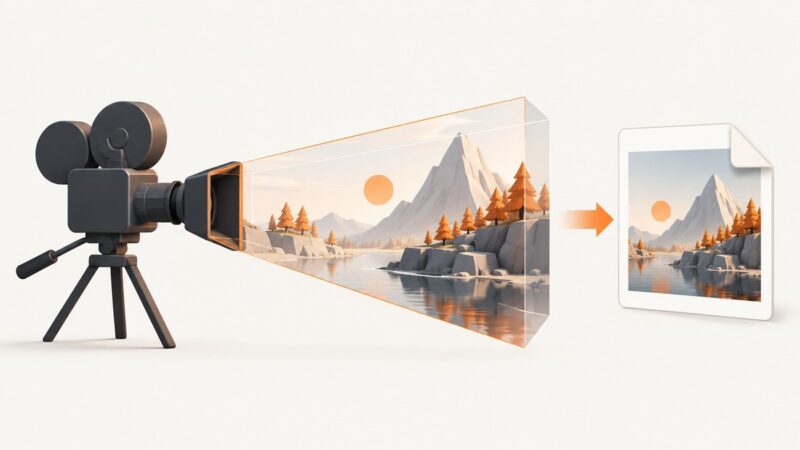
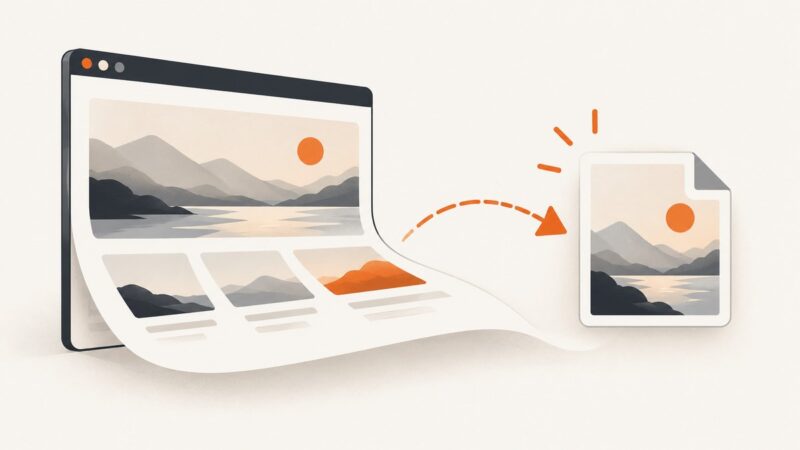
Render an HTML element to a downloadable PNG with html2canvas, handle CSS and cross-origin limits, and choose a real-browser screenshot when needed.
Upload files through Puppeteer’s file input or file chooser APIs, even when connected to a remote browser with browserWSEndpoint. Learn the path, timing, and cleanup details that prevent common failures.
Store screenshot files in Supabase Storage, protect them with RLS, and keep searchable capture metadata in Postgres.
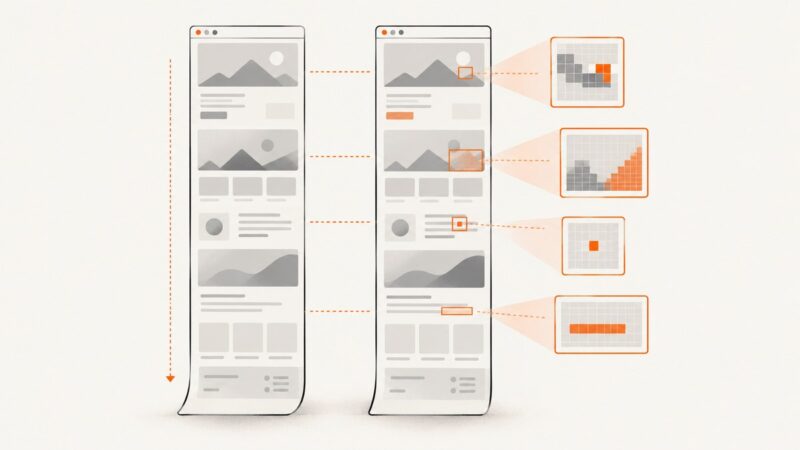
Capture full-page Playwright screenshots and compare them reliably. Learn how to stabilize pages, review visual diffs, and fix flaky CI snapshots.
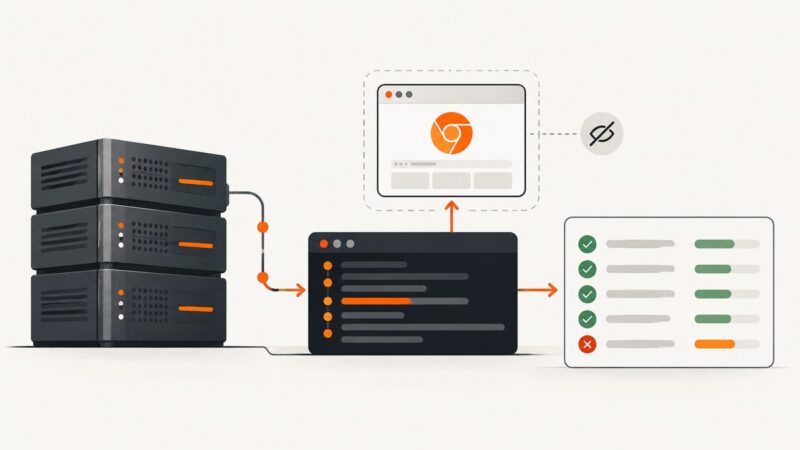
Missing CJK, Arabic, Hebrew, or Thai glyphs in headless Chrome? Check installed fonts, language-aware font selection, and your production container.
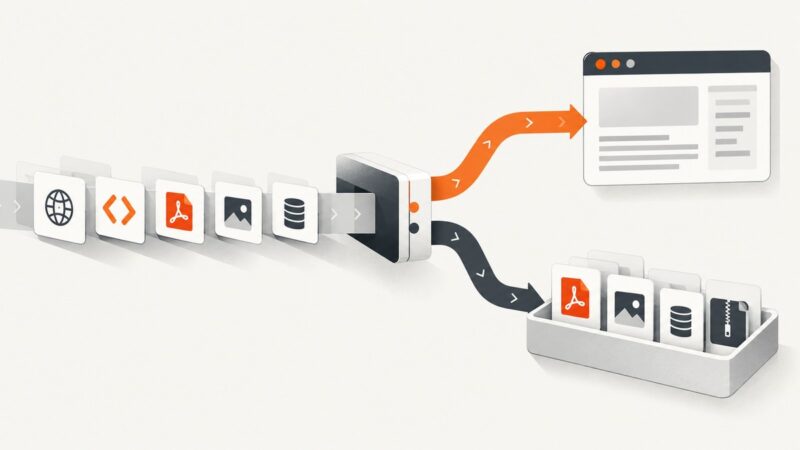
Skip obvious non-HTML links during discovery, then check Content-Type before parsing responses. This guide covers Scrapy, Python, cURL, Node.js, edge cases, and troubleshooting.
Automatically save screenshots to a folder on Windows and macOS, sync them with Dropbox, organize files, and automate website captures with an API.
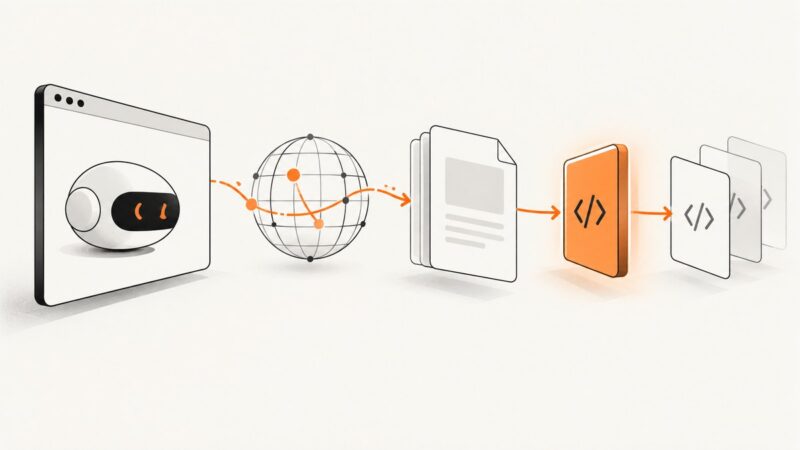
Learn how to inspect Puppeteer navigation responses, intercept and supply requests safely, and run JavaScript before page scripts execute.
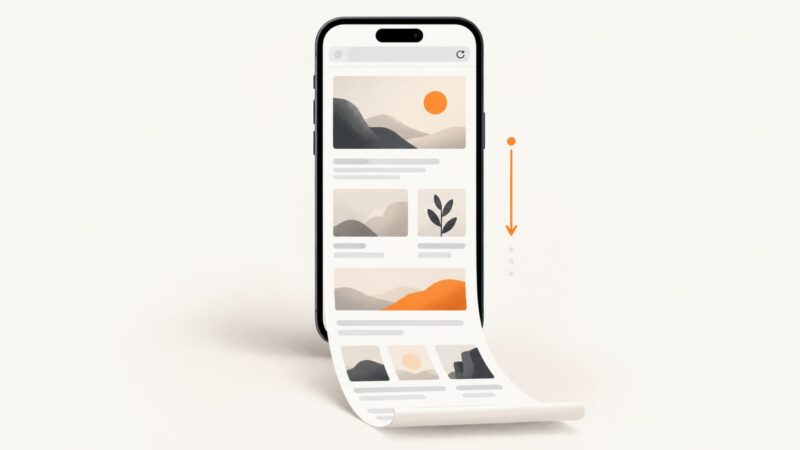
Capture a visible screen, an entire Safari webpage, or a PDF on iPhone. Follow the exact buttons, saving steps, accessibility options, and fixes.
A systematic Playwright checklist for transparent or border-only Chromium windows, blank headed runs, WSL displays, about:blank pages, and rendering failures.
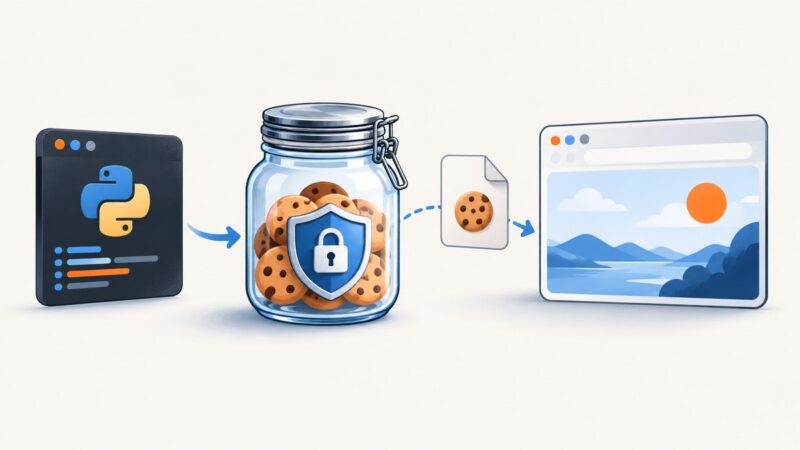
Persist Requests cookies across calls and restarts with sessions, JSON snapshots, and cookies.txt files—plus fixes for expiry, scope, and login issues.
Headless Chrome screenshots can differ from headed Chrome because of browser versions, headless implementation, host rendering, and page state. Here’s how to isolate the cause.
Capture Unity’s final game view, a single camera, or a high-resolution texture with reliable timing, file paths, and performance-aware code.
Fix Puppeteer button selections that return undefined: check the browser context, selector matches, control type, frames, and timing.
Run Nightwatch.js with Chrome headless locally, in Docker, or CI. Configure ChromeDriver, debug failures, and automate screenshots with practical examples.
Use Playwright for Python to capture a rendered page without Selenium. Save the viewport, a full page, or one element, with runnable examples and fixes for common issues.