How to Run Firefox as a Headless Browser
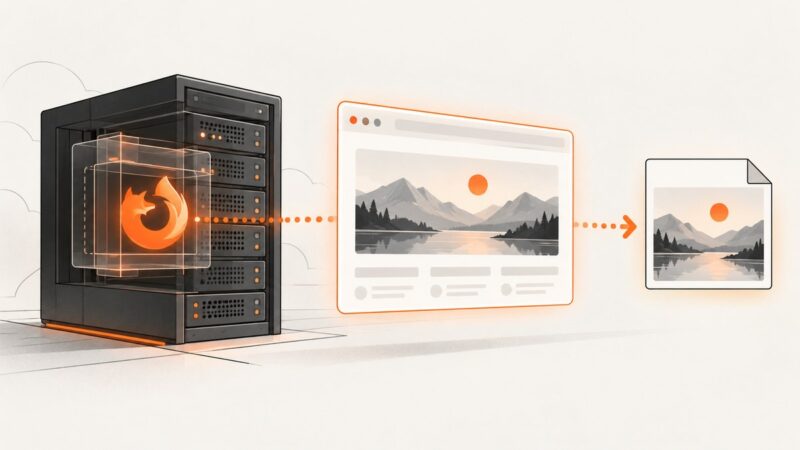
Run Firefox without a GUI, capture screenshots, automate it with Selenium, and fix common geckodriver and container problems.
Run Firefox without a GUI, capture screenshots, automate it with Selenium, and fix common geckodriver and container problems.
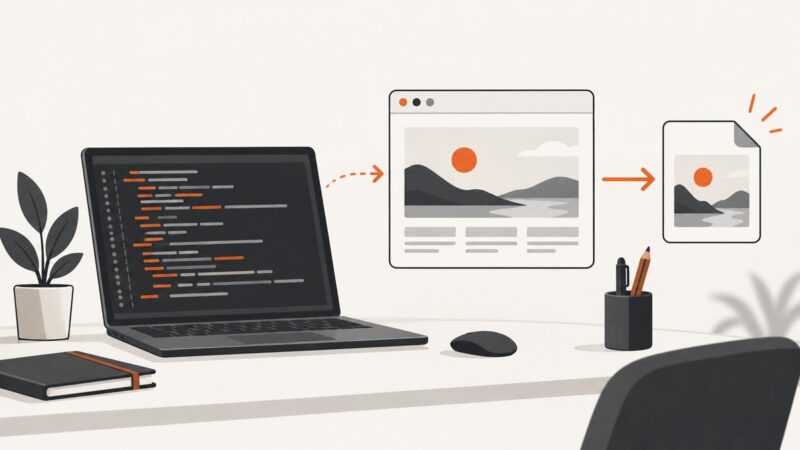
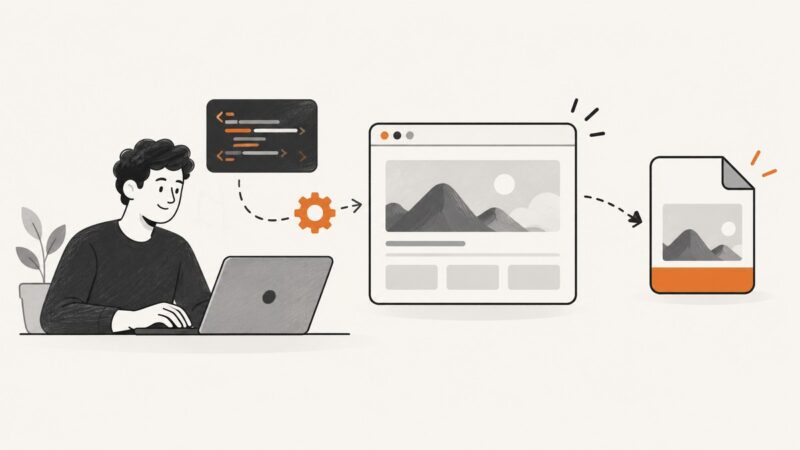
Render HTML in a real browser, then capture the viewport, full page, or one element with Playwright or Selenium in Java.
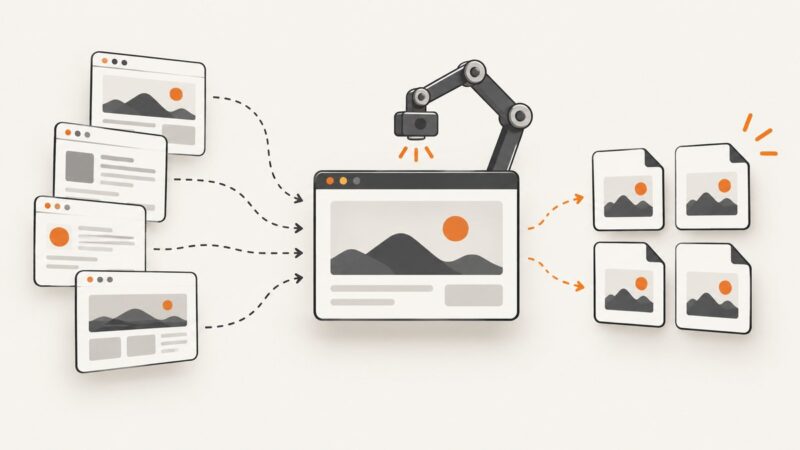
Automate reliable screenshots for many URLs with Puppeteer: navigation readiness, full-page capture, filenames, concurrency, errors, and scaling.
Set Puppeteer’s Chrome download host with project config, environment variables, or the Browsers API—and fix common mirror and cache issues.
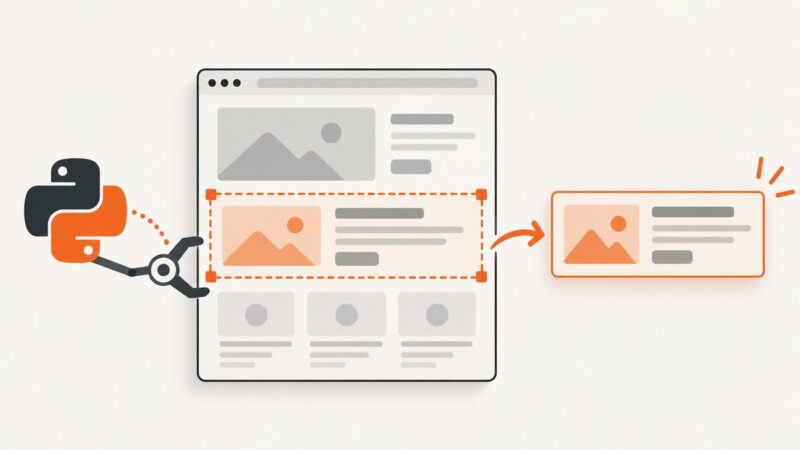
Capture one Selenium element or crop any rectangle from a viewport screenshot with runnable Python examples, fixes, and production guidance.
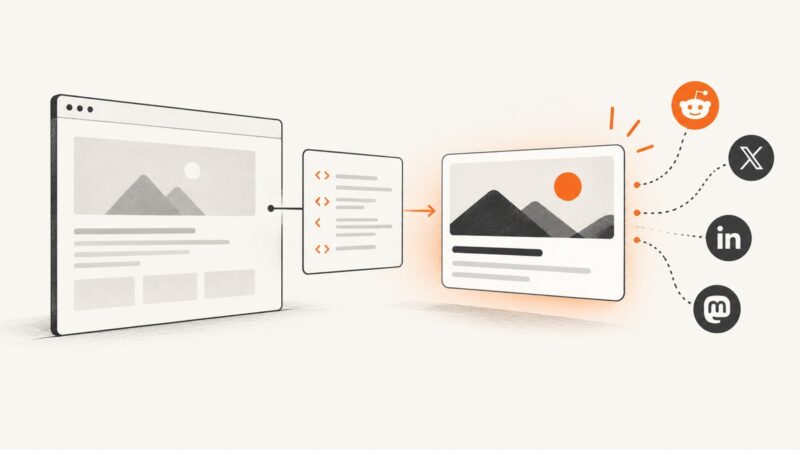
Generate correct Open Graph tags, add them to your page, validate previews, and automate metadata safely with runnable examples.
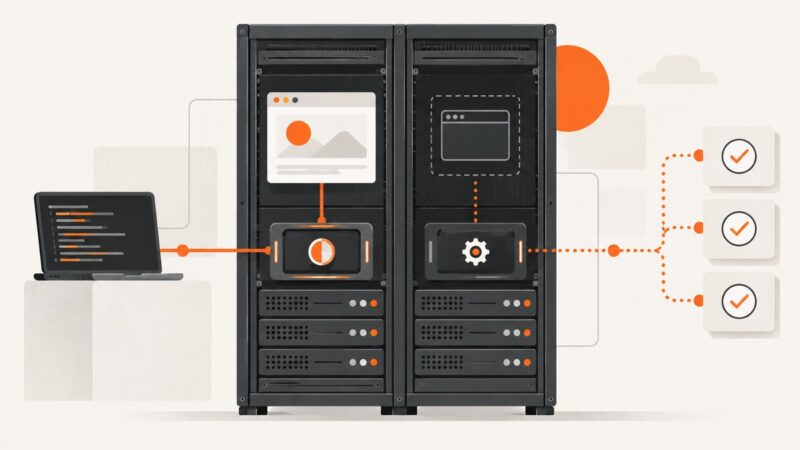
Run Playwright and Cypress tests without a visible browser, configure CI, capture failures, and debug headless-only problems.
Learn how to inspect Open Graph tags, diagnose wrong social previews, and verify what crawlers fetch with browser tools, scripts, and ScreenshotNeo.
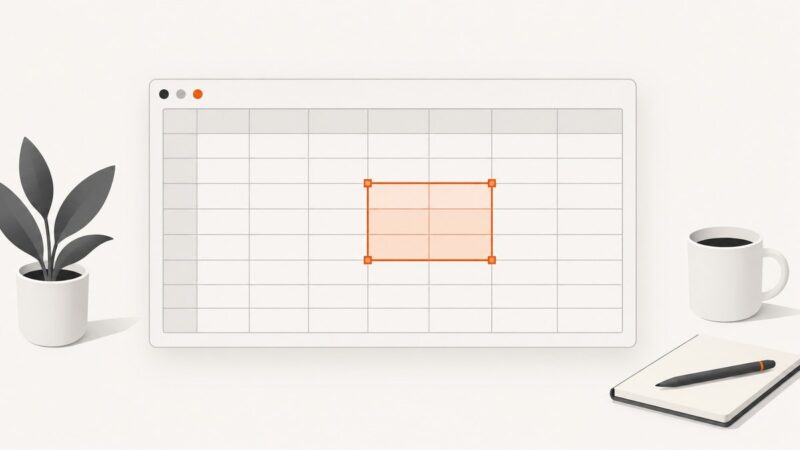
Learn how to capture selected Google Sheets cells as an image or PDF on desktop and mobile, plus an automated ScreenshotNeo option.
Create unique Selenium screenshot folders safely with Python, pytest fixtures, CI-friendly names, error handling, and a browser-free ScreenshotNeo option.
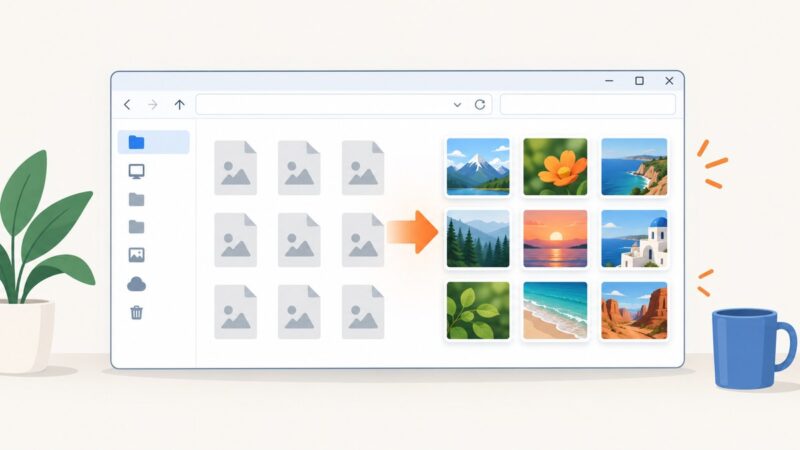
Fix missing image thumbnails in Windows 10 with the right Explorer settings, performance options, cache cleanup, and troubleshooting steps.
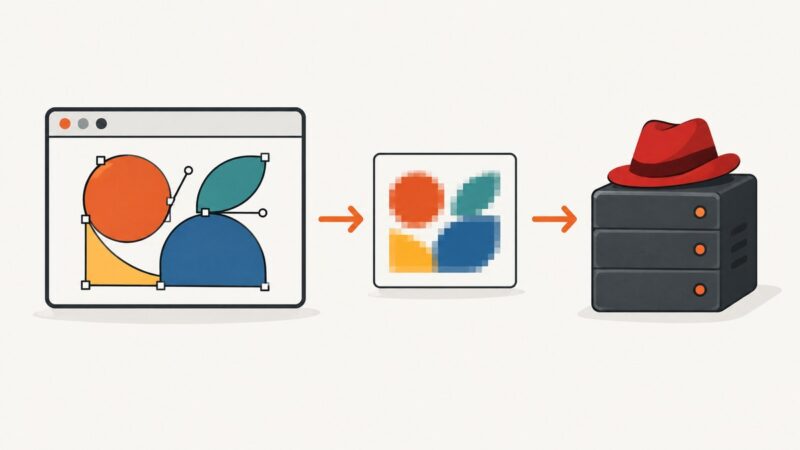
Render a Raphaël drawing in the browser, export it with html2canvas, and upload or download the image through Sinatra.
Capture pages, elements, full layouts, and visual test snapshots in Playwright with runnable JavaScript examples, options, fixes, and automation tips.
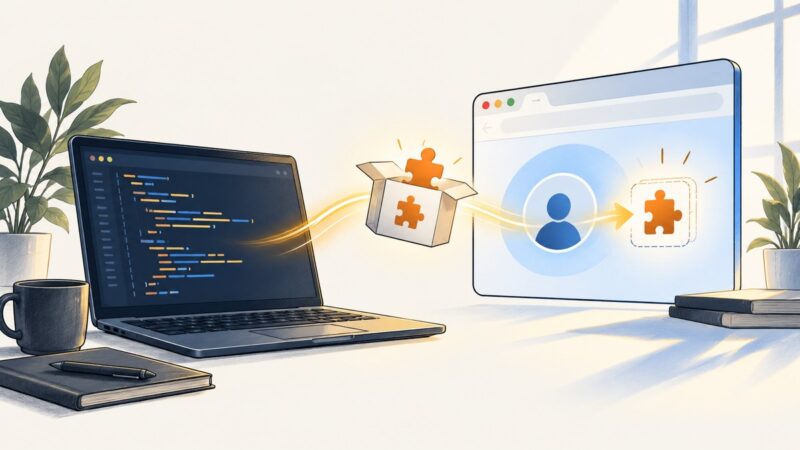
Load unpacked Chrome extensions in Pyppeteer, find MV2 or MV3 targets, open extension pages, and troubleshoot headless Chromium issues.
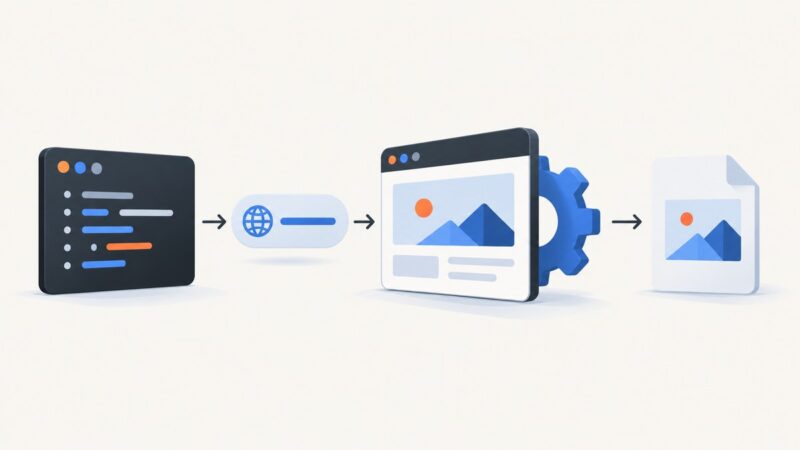
Automate URL screenshots with Playwright or Puppeteer, handle dynamic pages, and use ScreenshotNeo when you want a one-call API.
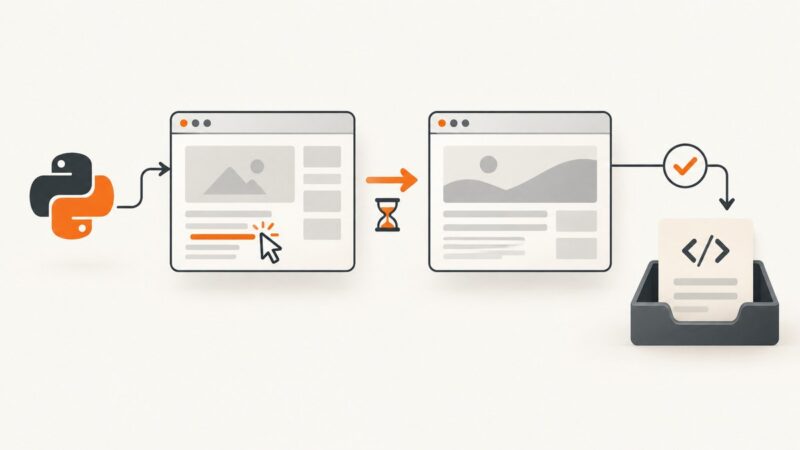
Fix Pyppeteer's execution-context navigation error by synchronizing clicks with waitForNavigation before calling page.content().
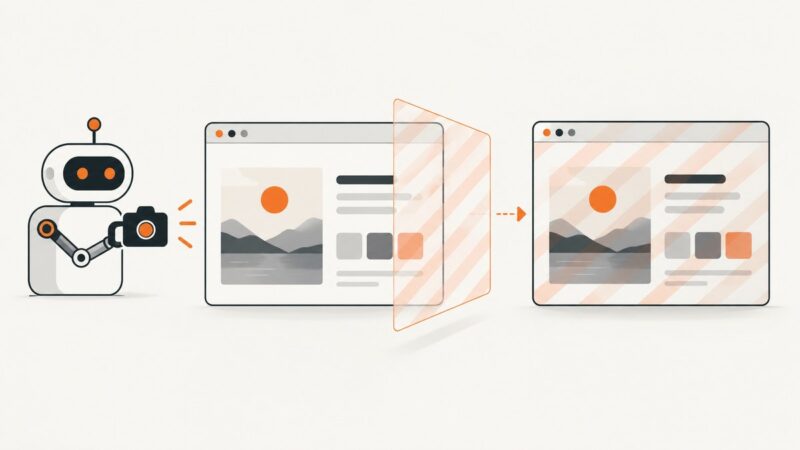
Capture a Selenium screenshot, add a transparent text or image watermark with Pillow, and save a reliable, testable output.
Learn the correct HTML markup for PNGs, responsive variants, accessibility, paths, dimensions, and fixes for missing images.