How to Improve Screenshot Quality in Windows
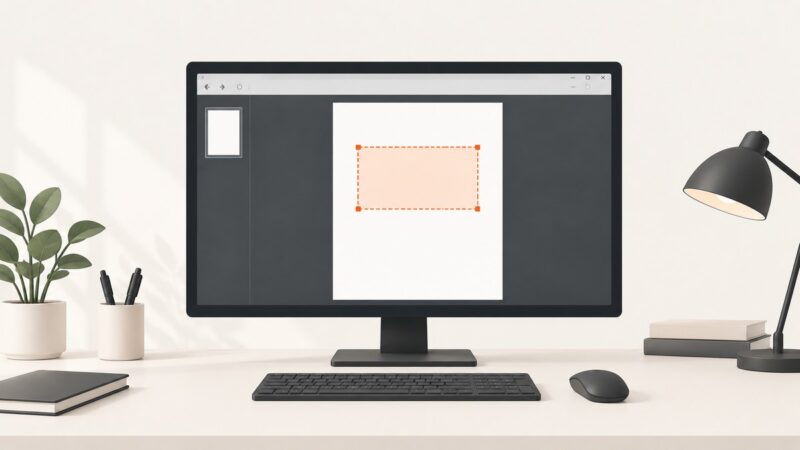
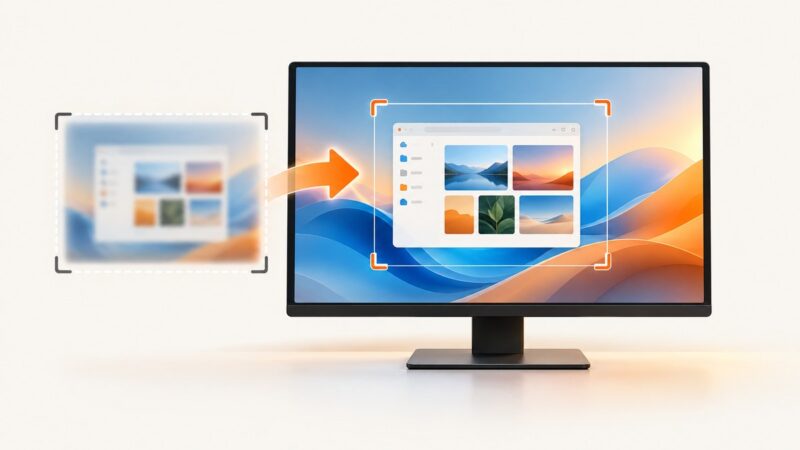
Make Windows screenshots sharper and easier to read by choosing the right capture mode, display resolution, scaling, and HDR settings.
Make Windows screenshots sharper and easier to read by choosing the right capture mode, display resolution, scaling, and HDR settings.
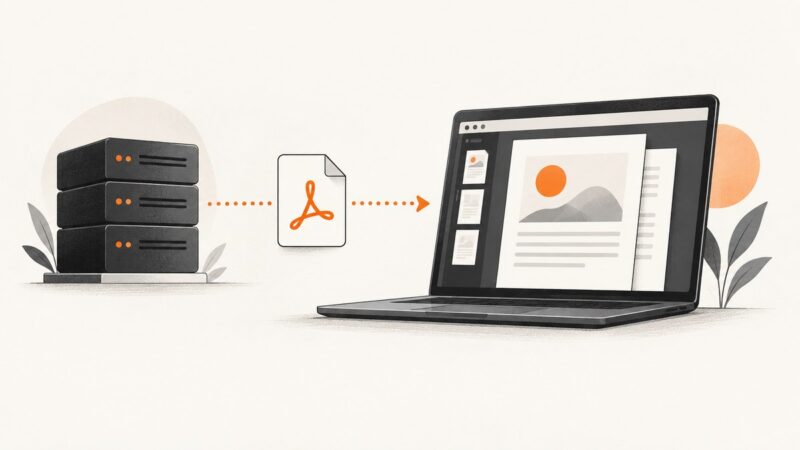
Embed PDFs in ASP.NET with iframe or embed, serve protected files safely, stream in Blazor, and troubleshoot browser viewer issues.
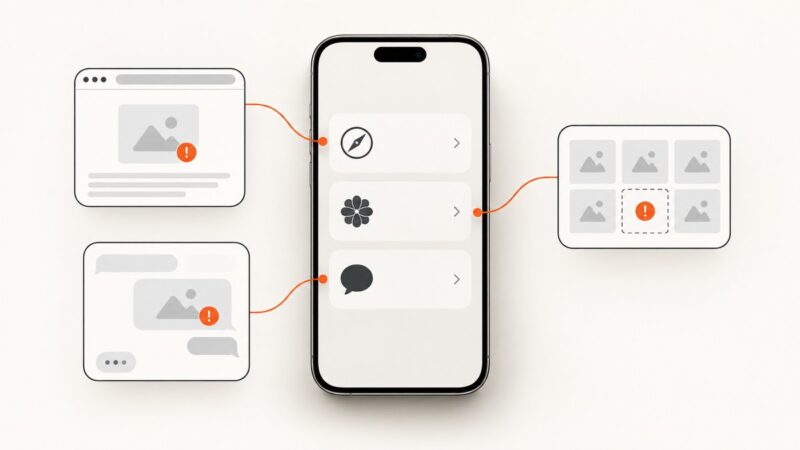
Find out why pictures are missing in Safari, Photos, or Messages, then follow the right fix for your iPhone.
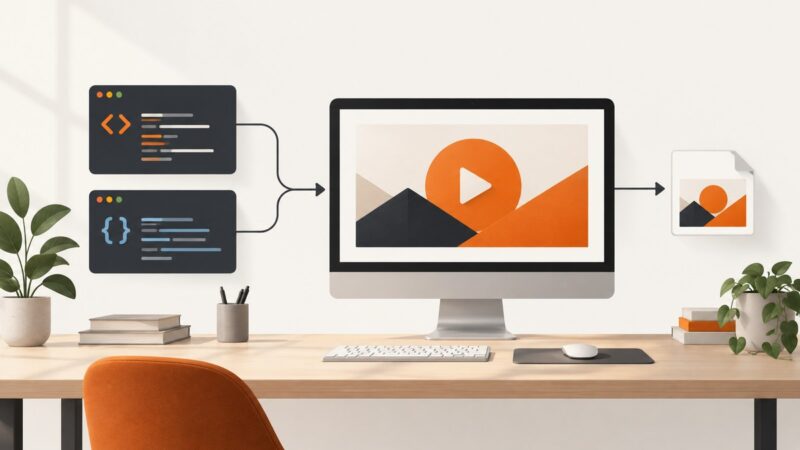
Build a 16:9 YouTube thumbnail with HTML and CSS, export it as PNG or JPEG, check the file, and upload it through the YouTube API.
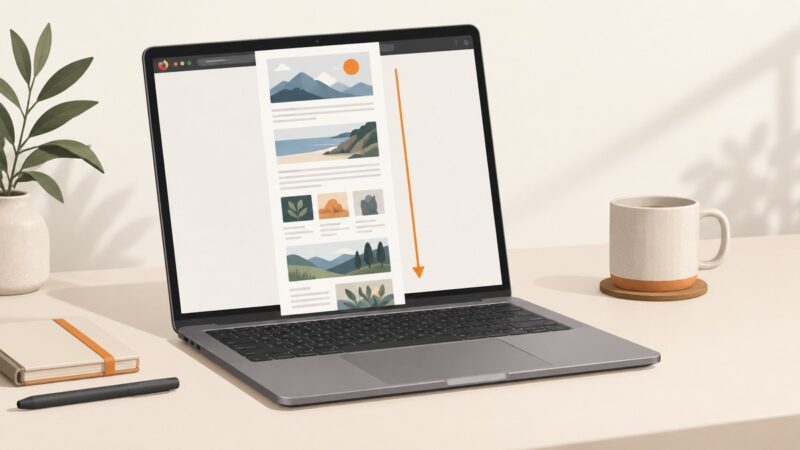
Capture an entire webpage in Firefox on a Mac with the built-in screenshot tool, keyboard shortcut, download, copy, and troubleshooting steps.
Save JavaScript Selenium screenshots anywhere by creating the directory, decoding Selenium’s Base64 PNG, and writing it with Node.js.
Build your first Playwright browser script and pytest test in Python, then learn reliable locators, assertions, async APIs, debugging, and cross-browser setup.
Capture an entire webpage on iPhone with Safari’s Full Page tool, then save it as an image or PDF with these exact steps.
Install ADB on Windows, connect an Android phone, run essential commands, use wireless debugging, and fix common device and authorization errors.
Use Playwright locators to scroll reliably, handle nested containers and infinite lists, and avoid unnecessary manual scrolling.
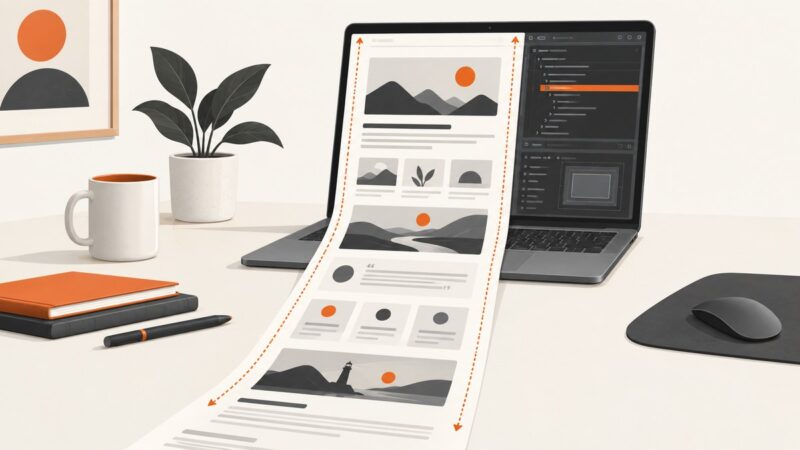
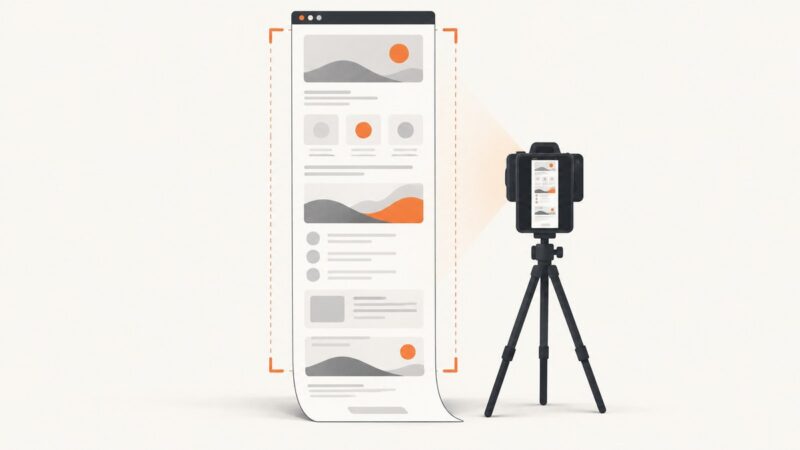
Capture an entire webpage in Chrome on Windows 11 with DevTools, extensions, troubleshooting tips, and a browser-free API option.
Diagnose html2canvas TypeErrors with a symptom-led workflow covering browser runtime, CORS, CSS, canvas limits, and safer alternatives.
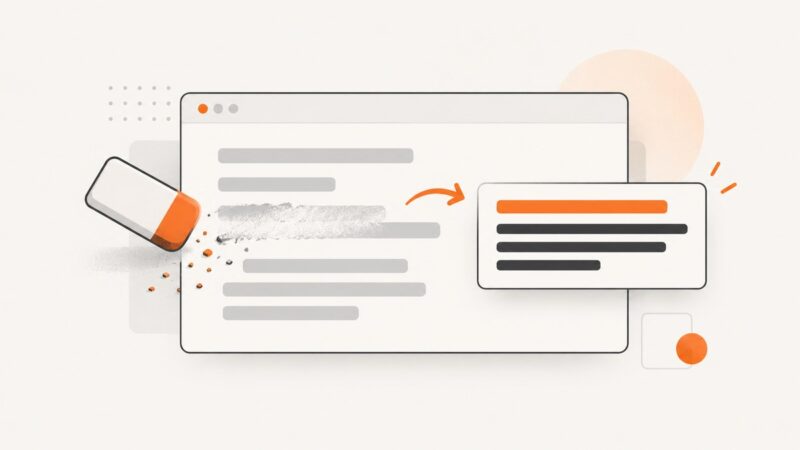
Learn how to replace, erase, or overlay text in a screenshot online for free with Canva, Adobe Express, Photopea, and Pixlr.
Convert any web page to a PNG, JPEG, or WebP with browser tools, online services, or a repeatable ScreenshotNeo API workflow.
Capture a PDF page, window, or full screen on Windows with the right shortcut, save it correctly, and fix common screenshot problems.
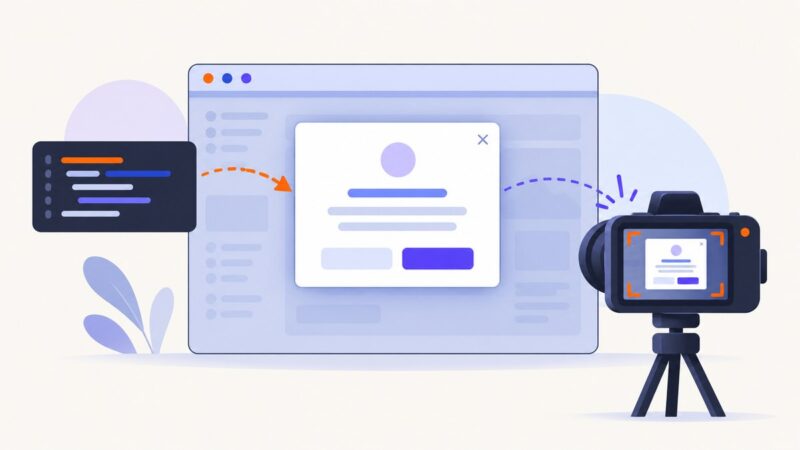
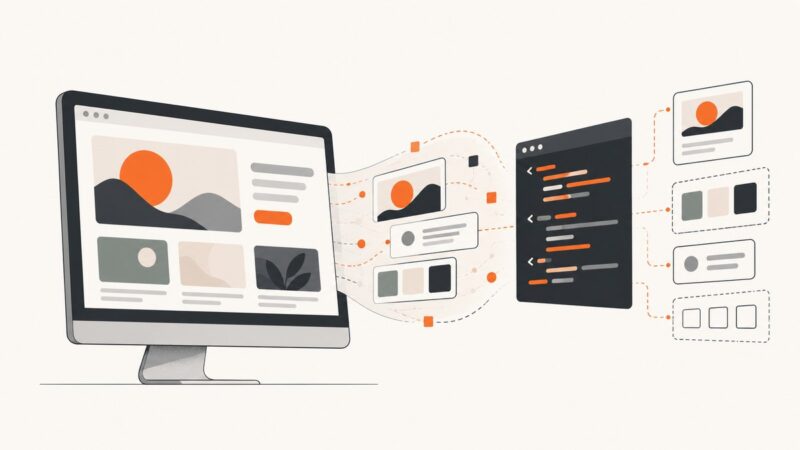
Turn a UI screenshot into HTML, CSS, React, or Vue with free and local tools, then refine the result into working frontend code.
Capture a visible area or an entire webpage in Chrome, choose a safe extension, fix common failures, and automate screenshots with ScreenshotNeo.
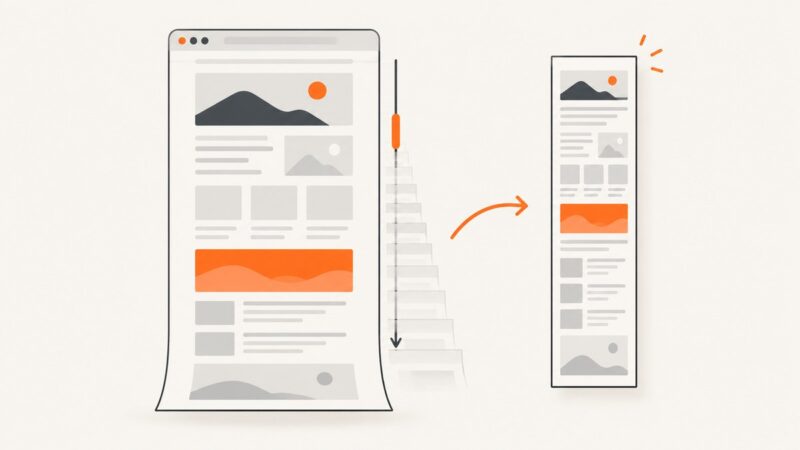
Capture an entire webpage beyond the viewport with Firefox, DevTools, extensions, or ScreenshotNeo, including dynamic-page fixes and troubleshooting.