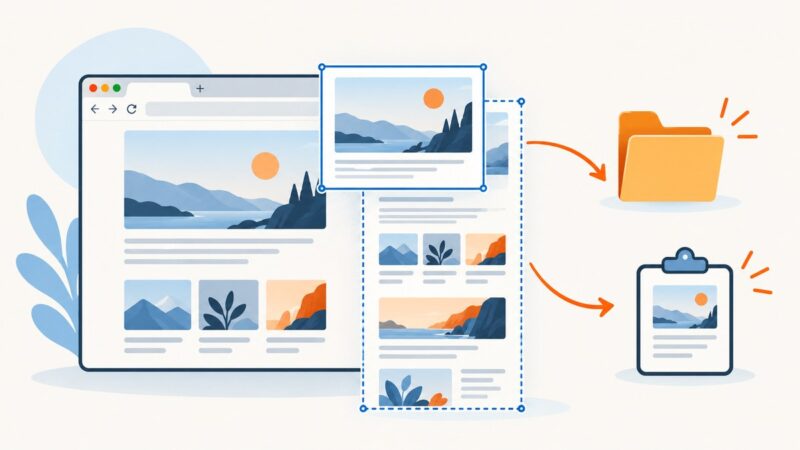
How to Take a Full-Page Screenshot in Chrome on Mobile
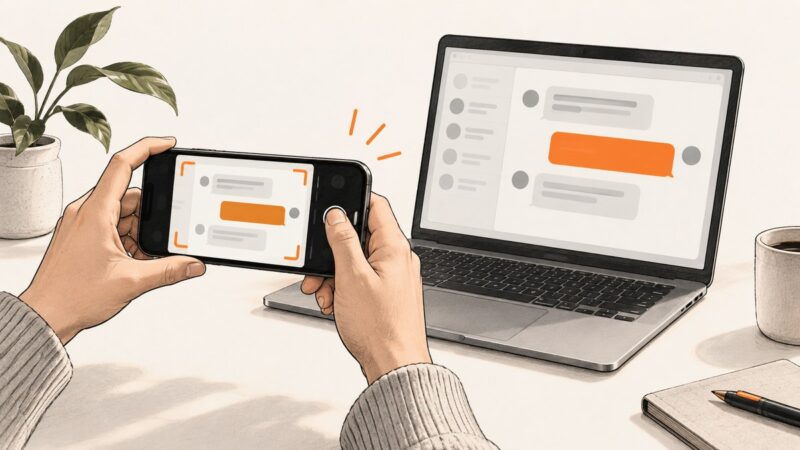
Capture an entire webpage in Chrome on Android, use Android's scrolling screenshot fallback, and understand the documented iPhone Safari route.
Capture an entire webpage in Chrome on Android, use Android's scrolling screenshot fallback, and understand the documented iPhone Safari route.
Learn every Firefox screenshot option: open the tool, capture full pages, choose download or copy, change save behavior, and fix missing controls.
Learn how to register, await, remove, and troubleshoot Playwright page.on() handlers for network events, dialogs, popups, downloads, and debugging.
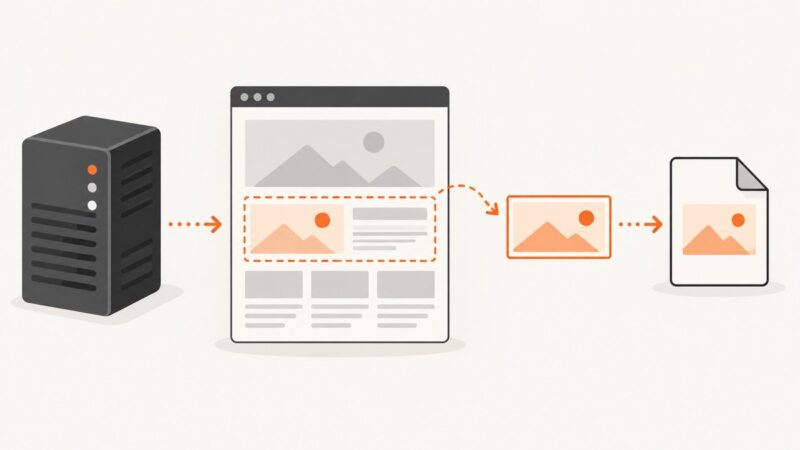
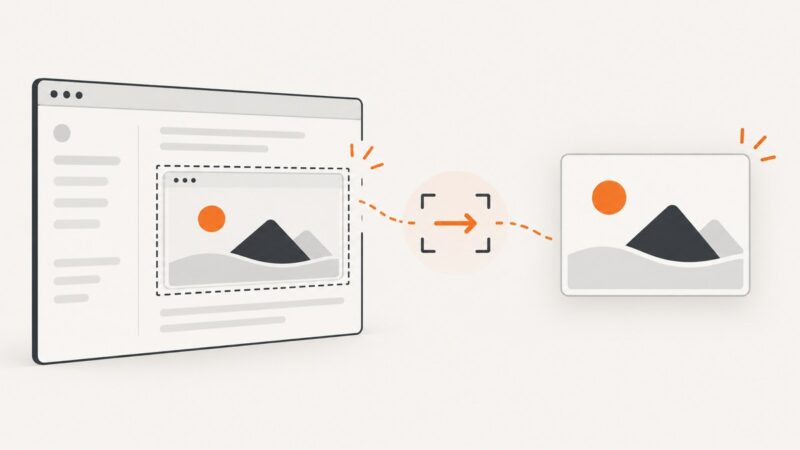
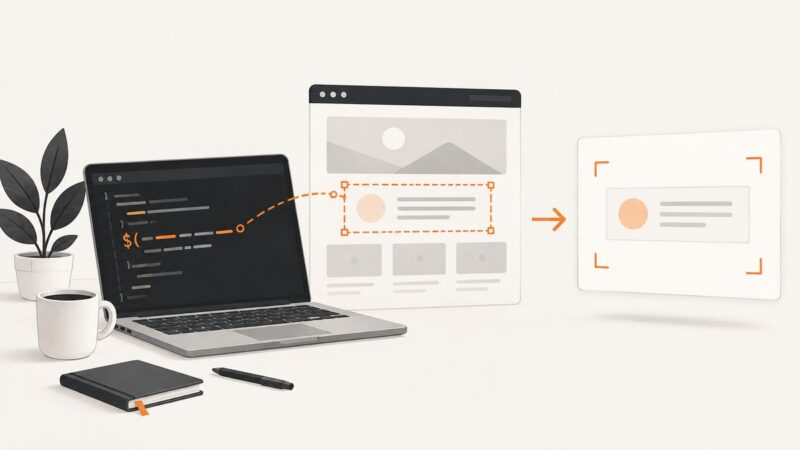
Render the MVC page in a server-side browser, capture the target div with Playwright for .NET, and return or store the resulting image.
Use Playwright's Page object and page.url() to read the current URL, handle popups, test navigation, and manage multiple tabs reliably.
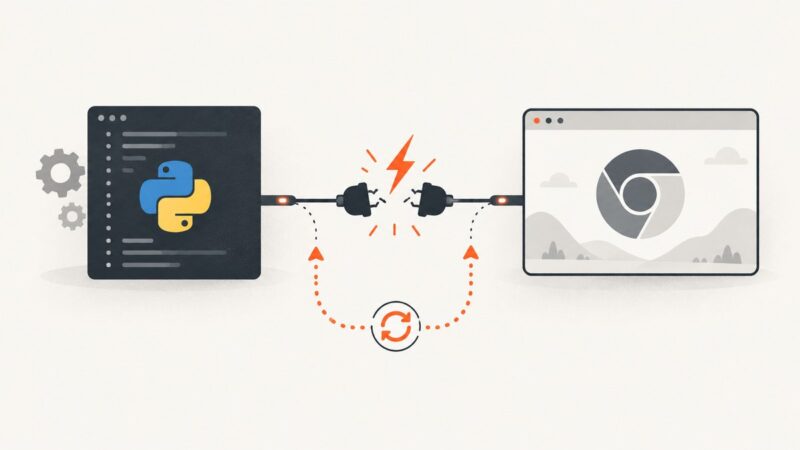
Learn why Pyppeteer returns empty Digikala content, how to inspect the response, wait for rendering, verify selectors, and fix extraction safely.
Pyppeteer has no documented client-certificate option. Learn how to provision Chromium for mTLS and when to use Requests instead.
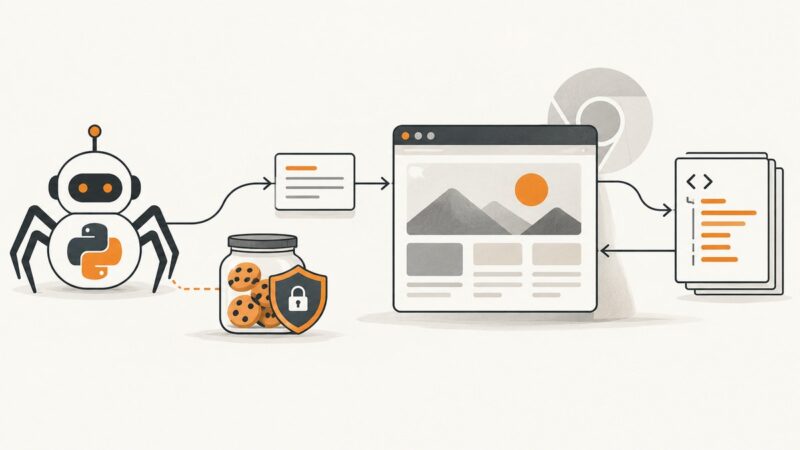
Keep one HTMLSession, forward its cookies with send_cookies_session=True, and understand where Chromium rendering can lose browser state.
Fix Pyppeteer’s “coroutine has no attribute get” error by tracing the unawaited call, correcting async boundaries, and handling browser cleanup.
Learn the built-in screenshot steps for iPhone, Android, Windows and Mac, plus privacy, notification and preservation guidance.
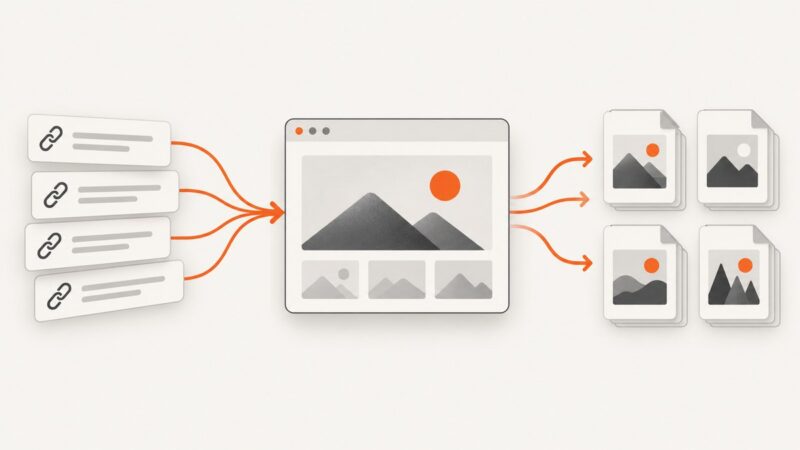
Capture many URLs reliably with Playwright, shot-scraper, or a hosted API. Learn batching, retries, naming, reproducibility, and failure handling.
Find where Pyppeteer stalls, enable diagnostics, check browser pairing and sandbox settings, and choose a reliable fix.
Capture same-origin iframes with html2canvas, handle cross-origin limits, and use Playwright or ScreenshotNeo for reliable rendered screenshots.
Fix Pyppeteer browser crashes by preserving the first error, owning one event loop, reading Chromium stderr, and closing cleanly.
Use jQuery with html2canvas to capture a page or element, export it as an image, handle browser limits, and choose a server-side alternative.
Open a Facebook profile picture in its photo view, understand size and privacy limits, and capture a public profile page without browser setup.
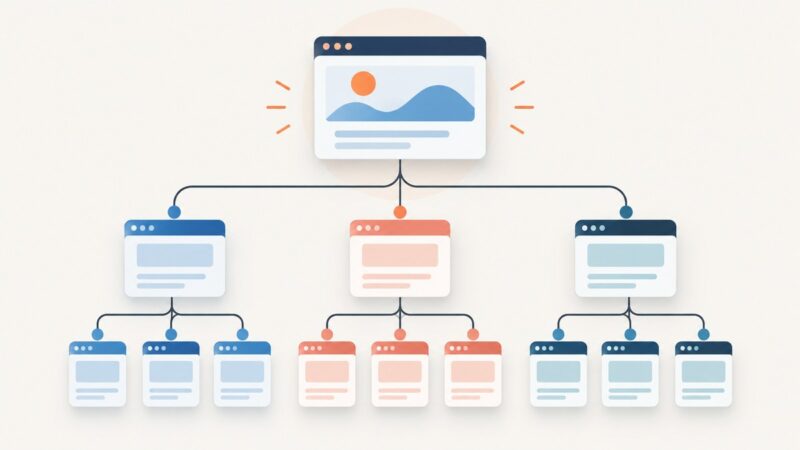
Create a separate HTML file, link it correctly, organize folders, fix path errors, and verify your new subpage step by step.
Add Wix subpages by nesting pages in Pages & Menu, or use a Dropdown title for a non-clickable menu heading.