How to Fix ChromeDriver Version 125 Not Finding chromedriver.exe
Diagnose whether ChromeDriver 125 is missing, on the wrong PATH, or mismatched with Chrome. Fix it with Windows checks, Selenium Manager, or an explicit driver path.
Diagnose whether ChromeDriver 125 is missing, on the wrong PATH, or mismatched with Chrome. Fix it with Windows checks, Selenium Manager, or an explicit driver path.
Learn sorted(), list.sort(), key functions, descending order, stable multi-key sorting, and practical fixes for common Python errors.
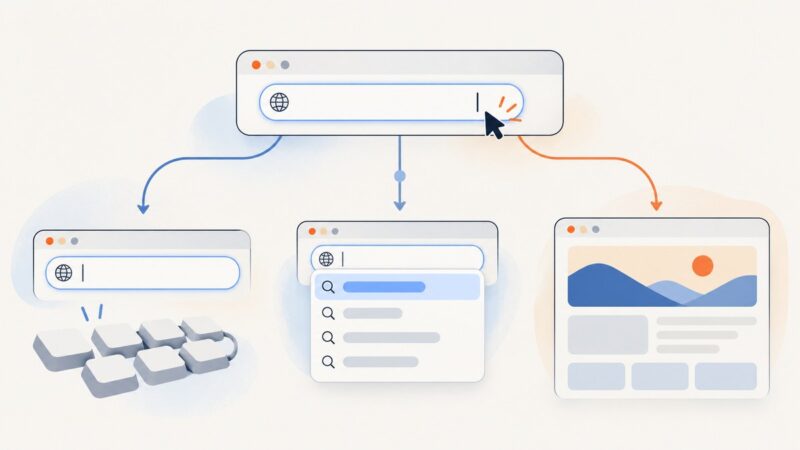
Find the right fix for a Chrome address bar that will not accept typing, show suggestions, run a search, or open a URL.
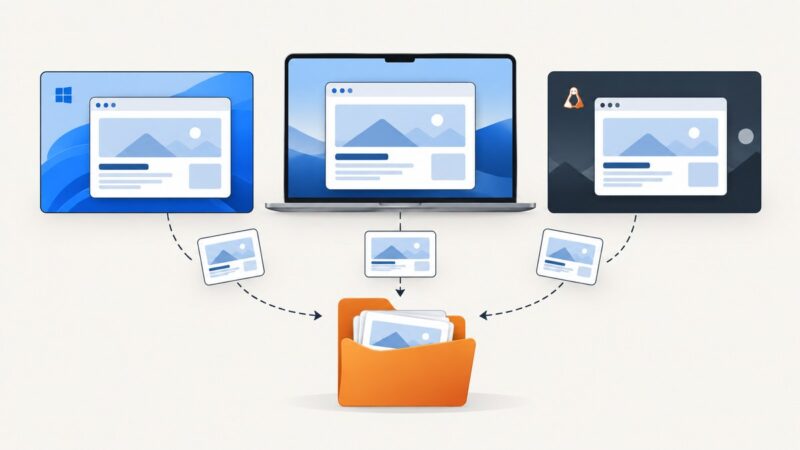
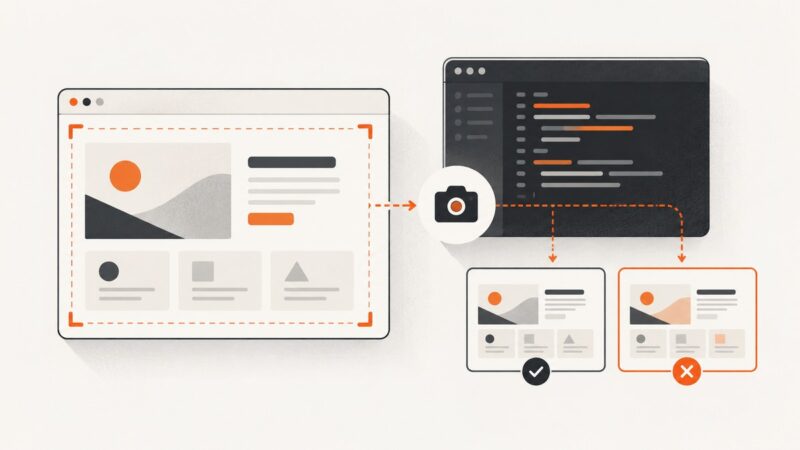
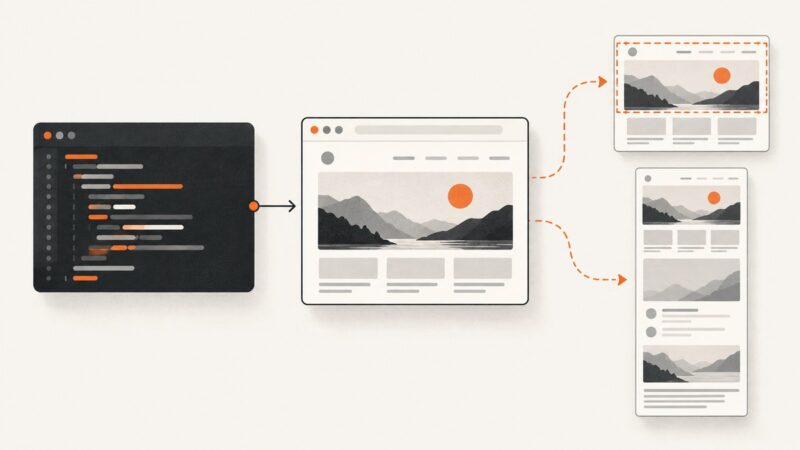
Learn how to capture an entire webpage in Firefox, Edge, Chrome, Safari, extensions, or an API—and fix lazy loading, sticky headers, and overlays.
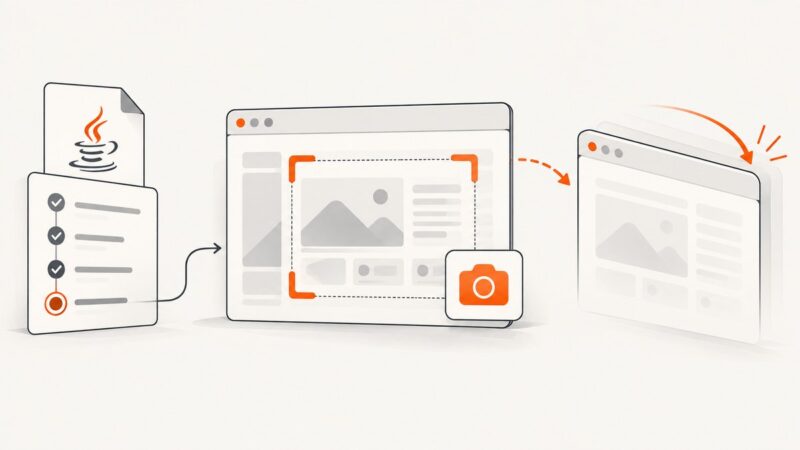
Fix Selenium screenshot errors in TestNG teardown by checking lifecycle order, exception stage, driver support, and file storage.
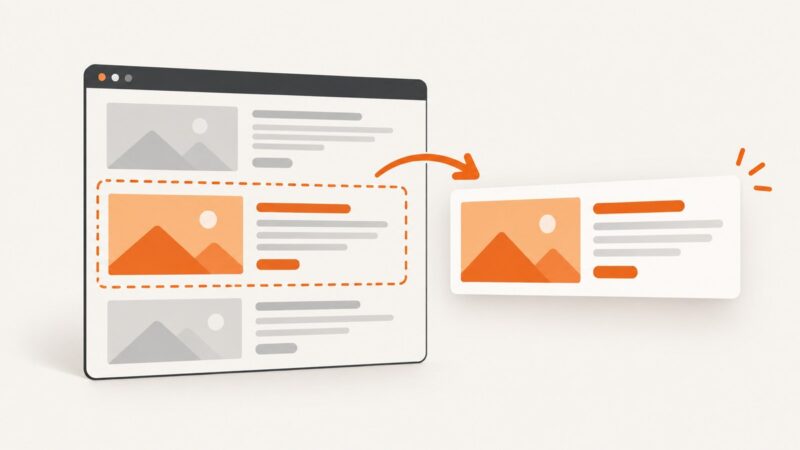
Capture one precise website section with Playwright, browser tools, or ScreenshotNeo. Learn selectors, full-page differences, options, errors, and automation patterns.
A practical Selenium 4 guide to authorized product-page extraction, proxy setup, explicit waits, reliable parsing, and cleanup.
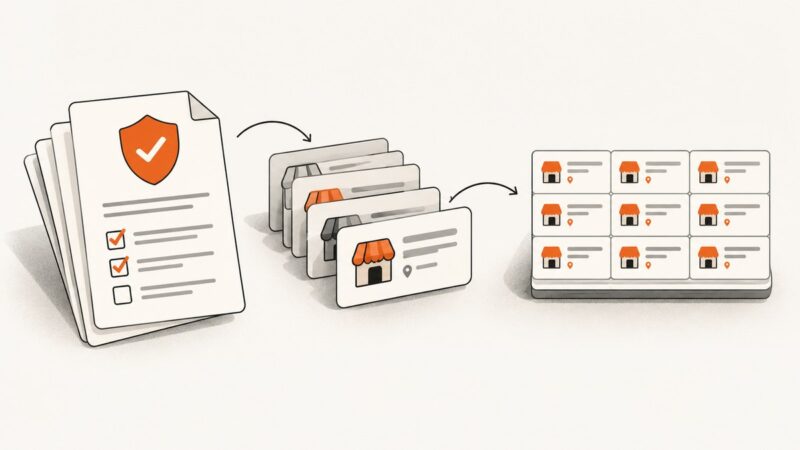
Yellow Pages’ terms prohibit automated extraction without Thryv’s prior express consent. Learn how to establish permission and process authorized business data.
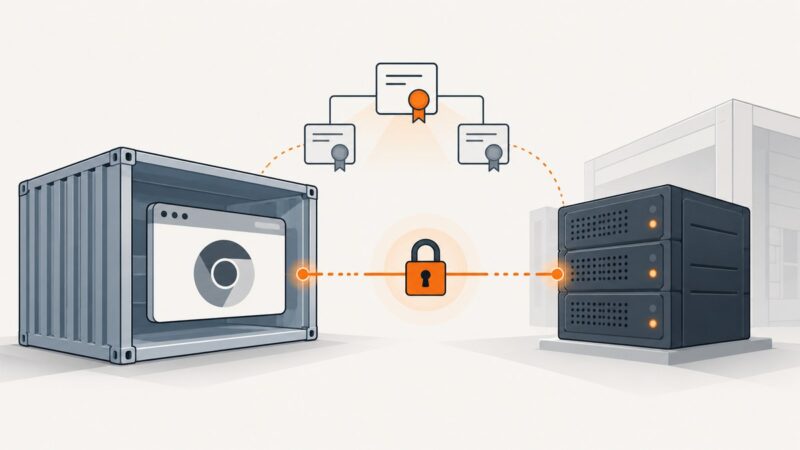
Make headless Chrome trust an internal HTTPS service in Selenium Docker. Choose the right NSS database, install the CA at build time, and troubleshoot common errors.
Build a reliable Puppeteer scraper in Node.js: install Chrome, wait for dynamic content, extract data, troubleshoot failures, and deploy it safely.
Use runner-relative artifact paths for portable Selenium IDE screenshots, and learn what works in the legacy IDE, browser extension, and exported WebDriver code.
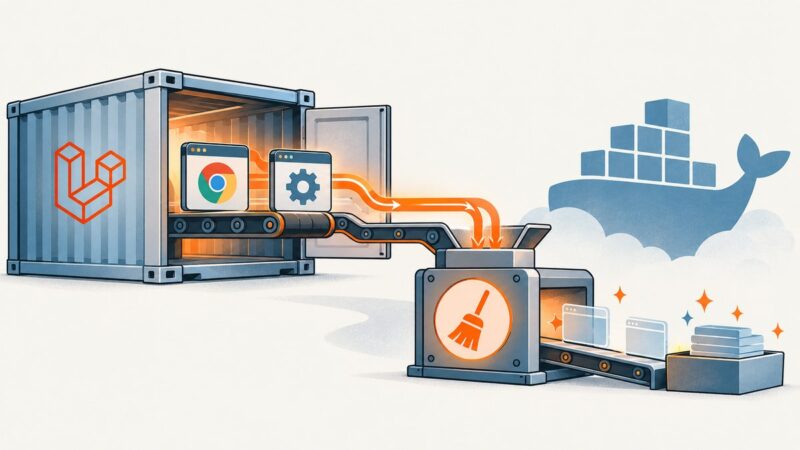
Find which layer owns Chrome, close every WebDriver session, stop ChromeDriver once, and use Docker init correctly without masking lifecycle bugs.
Capture a screenshot with Selenium 3, save it to disk, and check whether your browser driver included the whole page. Full-page capture depends on the driver.
Capture pages, elements, and full pages with Playwright, save screenshots on test failures, and compare visual baselines reliably.
Run Puppeteer from Jupyter with a JavaScript kernel or Node subprocess. Install Chrome correctly, debug Linux failures, and capture screenshots reliably.
Build a news scraper that discovers, fetches, extracts, deduplicates, and stores articles while respecting publisher controls and access policies.
Create a polished multi-page PDF for an organic LinkedIn document post, then upload and check it before publishing.
Use Playwright to capture a website in Microsoft Edge with Node.js. Choose viewport, full-page, or element screenshots, output formats, and fixes for common issues.