How to Record Video of Selenium Tests in Python
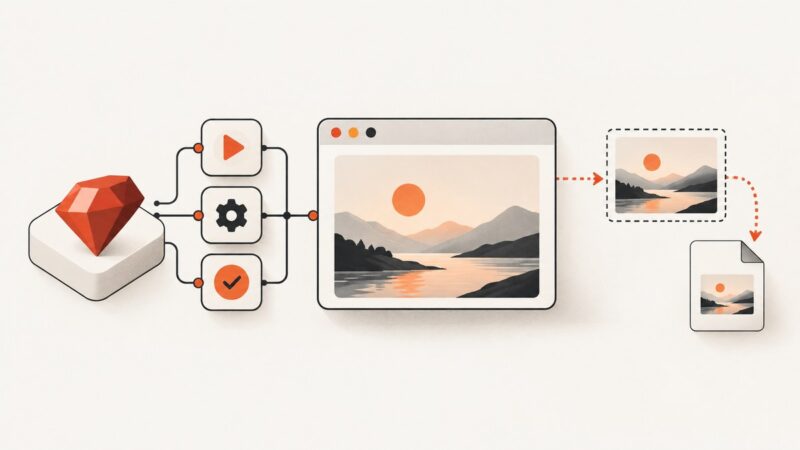
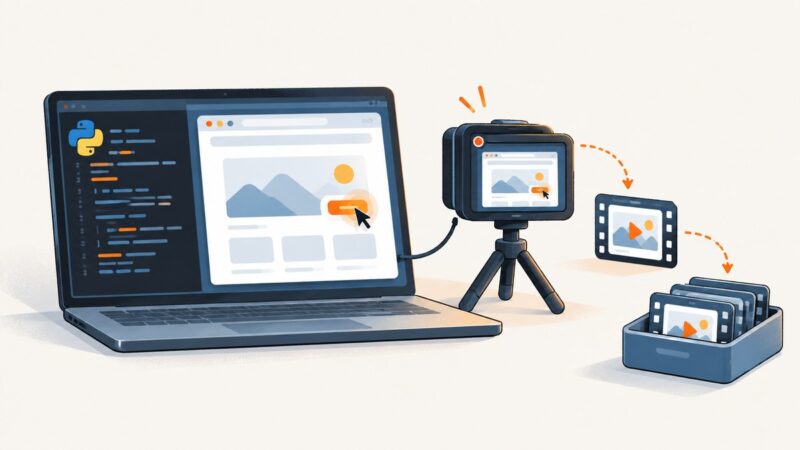
Selenium controls the browser but does not record video. Learn how to wrap pytest runs with a separate recorder, keep videos on failure, and publish CI artifacts.
Selenium controls the browser but does not record video. Learn how to wrap pytest runs with a separate recorder, keep videos on failure, and publish CI artifacts.
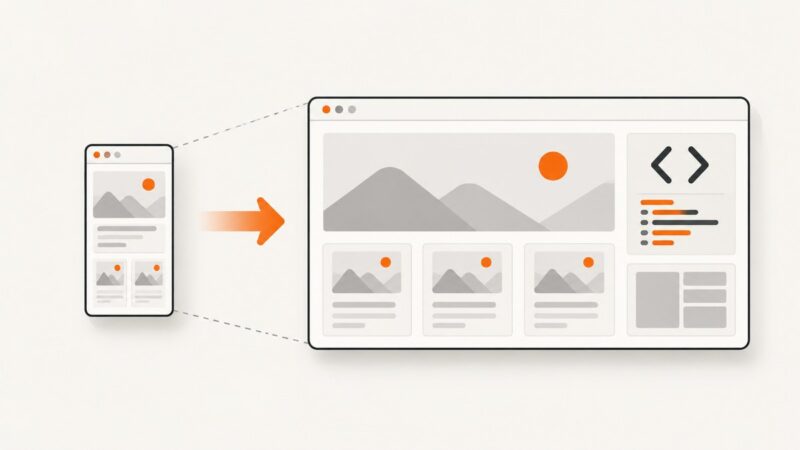
Set larger Playwright viewports reliably with config, per-test overrides, device emulation, troubleshooting, and a no-browser ScreenshotNeo option.
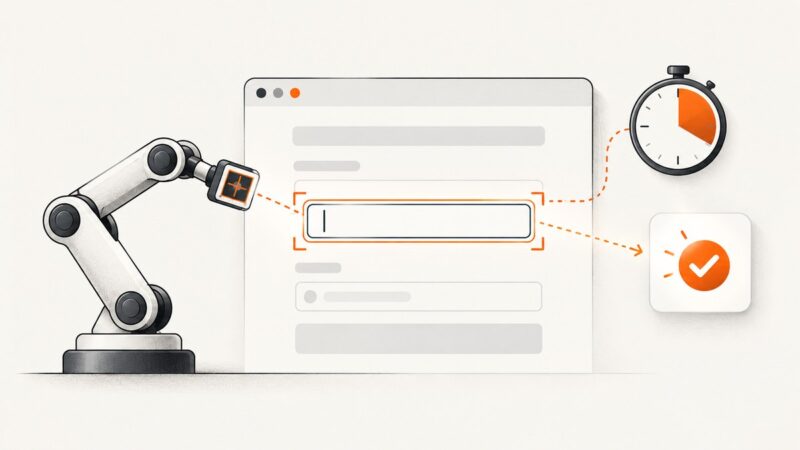
Fix Playwright fill failures by checking the locator, element state, timing, and event handling with runnable examples and a practical troubleshooting flow.
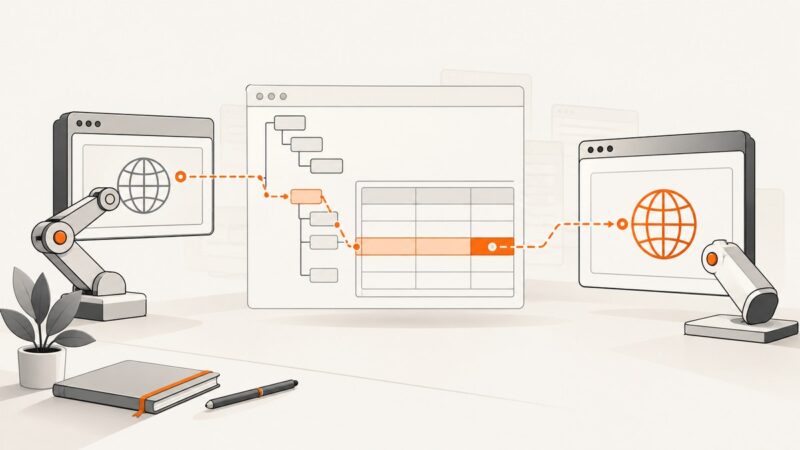
Repair Selenium RC table locators by inspecting the rendered DOM, using stable XPath relationships, handling legacy engine quirks, and planning a WebDriver migration.
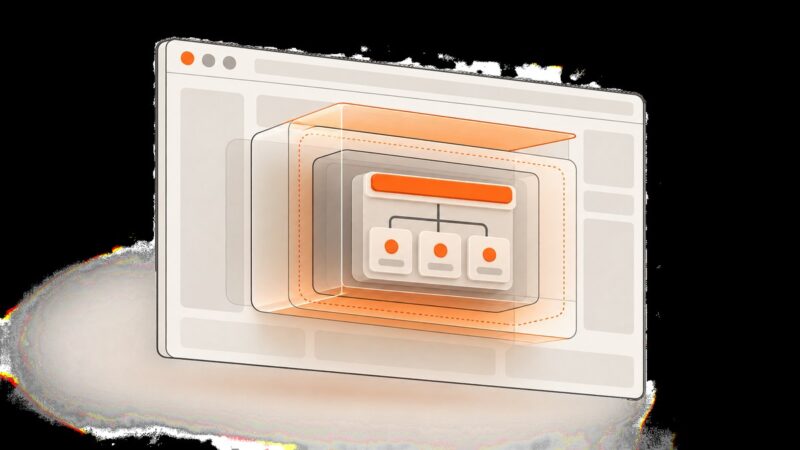
Learn how to extract text, attributes, and markup from open Shadow DOM with JavaScript, Playwright, and Selenium, and handle closed roots and timing correctly.
Capture browser requests reliably with Chrome HAR export or a Python-scriptable mitmproxy, including HTTPS, WebSockets, filtering, storage and troubleshooting.
Decode JSON into Python data, then use JMESPath expressions to select, filter, and reshape it. Includes runnable examples, edge cases, and error fixes.
Classify the popup first, then use Selenium waits, window handles, and prompt APIs correctly in headless Chrome without fighting Microsoft identity policies.
Upwork treats scrapers and job watchers as bots, even when they collect public postings. Here are the approved access routes, skill-field limits, and safer ways to research jobs.
Capture rendered website screenshots in n8n with Puppeteer or a hosted browser API. Learn how to configure the workflow, handle image data, and troubleshoot deployment issues.
Use Playwright to render TikTok search results responsibly, handle dynamic lists, compare the approved Research API, and capture pages with ScreenshotNeo.
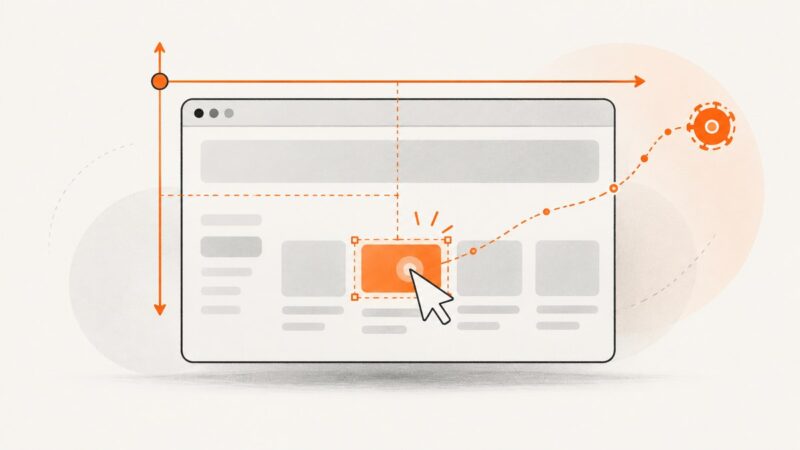
Use getBoundingClientRect() in Selenium Python for accurate viewport coordinates, with scrolling, precision, troubleshooting, and screenshot workflows.
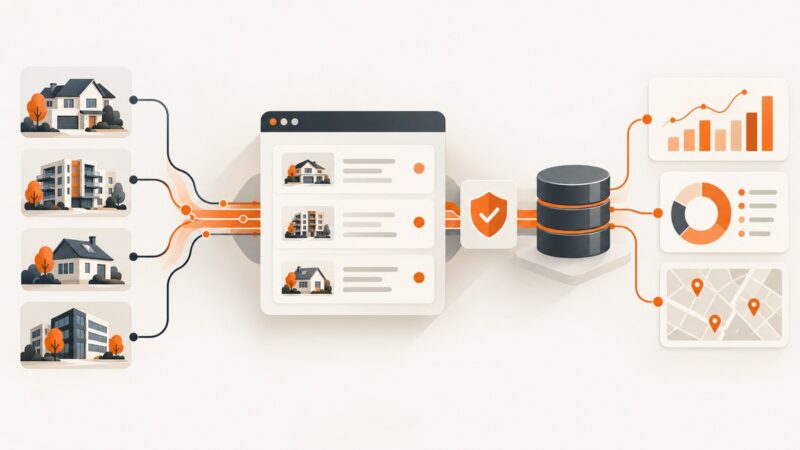
Zillow prohibits automated scraping. Learn compliant API and dataset routes, an authorized extraction pattern, and how to capture permitted pages safely.
Learn how to overlay a logo on any website thumbnail, keep it readable at small sizes, and publish it correctly in WordPress.
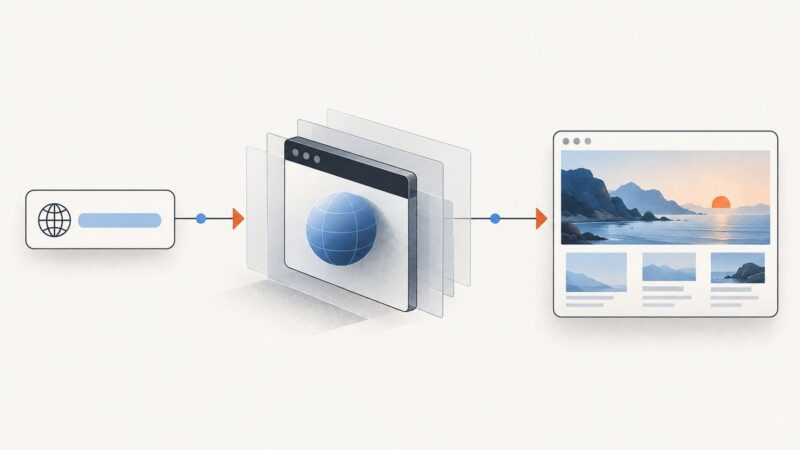
Learn how to capture live website screenshots with Playwright, Chrome DevTools, Puppeteer, and a hosted API—including full-page, element, and reliable automated captures.
Capture website screenshots remotely with Playwright, cURL, Python, or Node.js. Choose viewport, full-page, or element capture and troubleshoot automated runs.
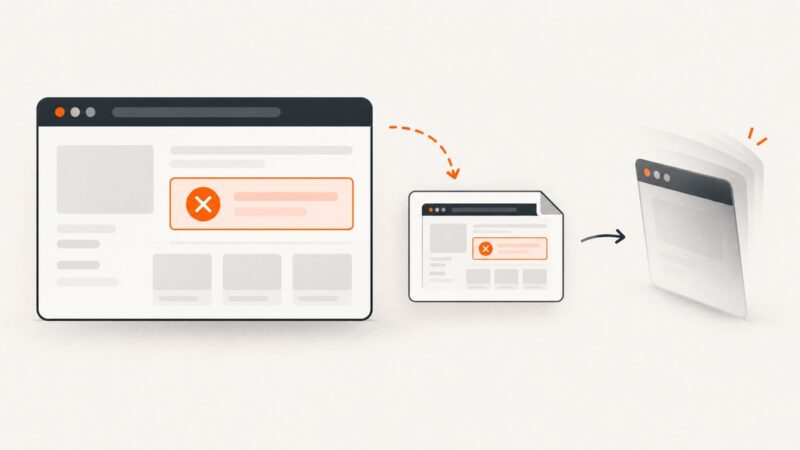
Capture Selenium screenshots in RSpec, save them to predictable paths, and automatically keep browser evidence when a test fails.
Save the browser state when a Selenium test fails, before teardown closes the session. Learn Python, pytest-selenium, and Java approaches that keep screenshot errors from hiding the original failure.