How to Download a Web Page as HTML Using a Browser Extension
Save a complete web page as one HTML file with SingleFile, including its images, styles and fonts, then learn the limits and alternatives.
Save a complete web page as one HTML file with SingleFile, including its images, styles and fonts, then learn the limits and alternatives.
Configure Cloudflare Browser Integrity Check for screenshot traffic, choose scoped rules, and handle Browser Run bot detection safely.
Save one page with Safari Reading List, download linked files, or archive a linked site for offline use on iPad.
Save a selected region, HTML element, visible viewport, or full web page as a PNG with Firefox, macOS capture, or ScreenshotNeo.
Capture Cucumber screenshots only where you need them, attach failures to reports, and scope hooks with tags in Java, Kotlin, JavaScript, and Ruby.
Configure Chrome Headless downloads with CDP and Selenium, wait for completion, fix failures, and choose a reliable automation path.
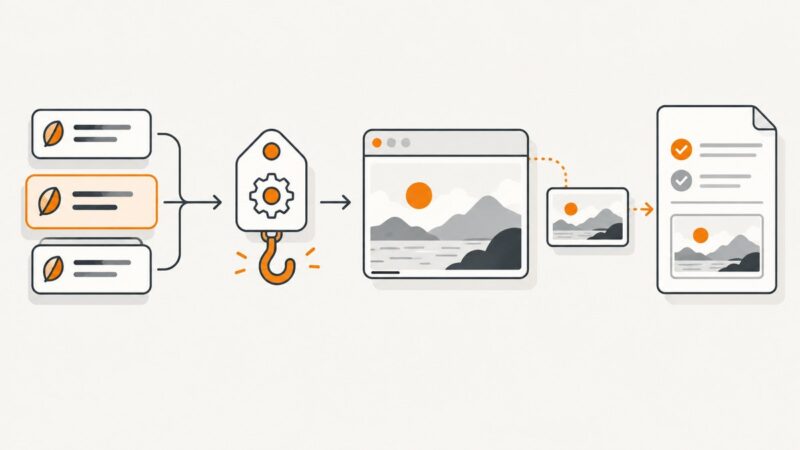
Learn how to capture stable Cypress screenshots, compare them with approved baselines, review diffs, and choose a local plugin or hosted service.
Enable Chrome’s Dark theme on Android, understand what it changes, and fix sites that remain light.
Select part of a webpage in Chrome for Gemini or visual search, and learn what to do when you need a saved image file.
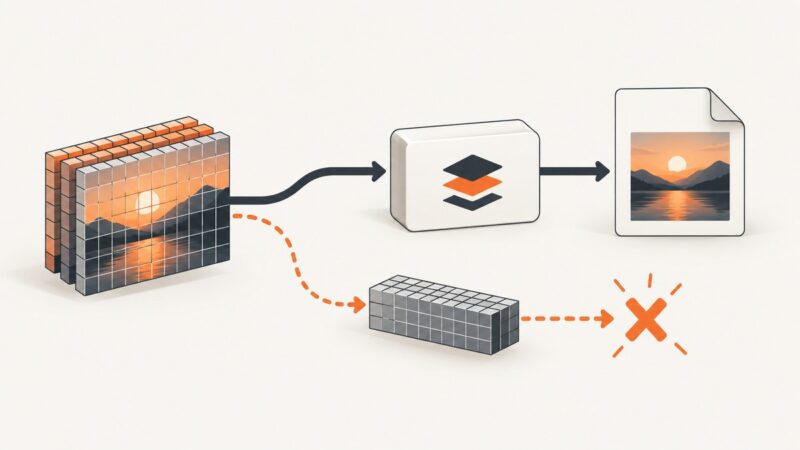
Fix ImageIO screenshot saves by checking paths, formats, array shapes, plugins, and v2/v3 API differences with runnable examples.
Diagnose blank maps and GoogleMap.snapshot() failures with a practical Android checklist, lifecycle-safe Kotlin code, and logcat commands.
Use Chrome DevTools to capture a full-page screenshot, troubleshoot dynamic pages, and automate long captures with ScreenshotNeo.
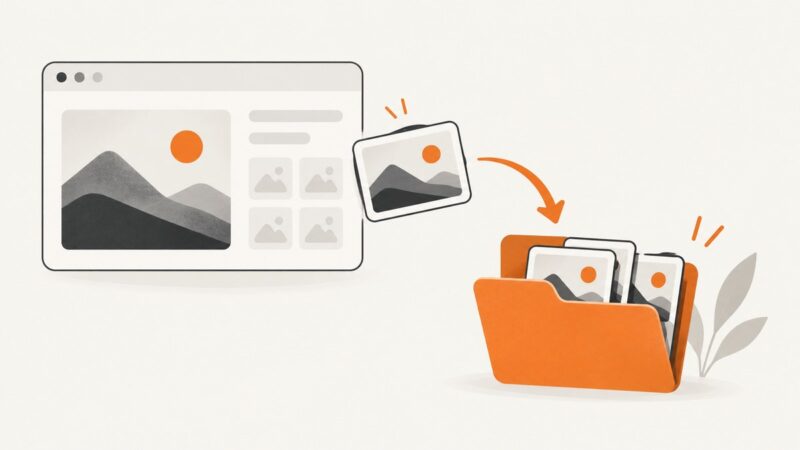
Save website images in Chrome on desktop, Android, and iPhone, find downloaded files, fix common problems, and automate clean captures with ScreenshotNeo.
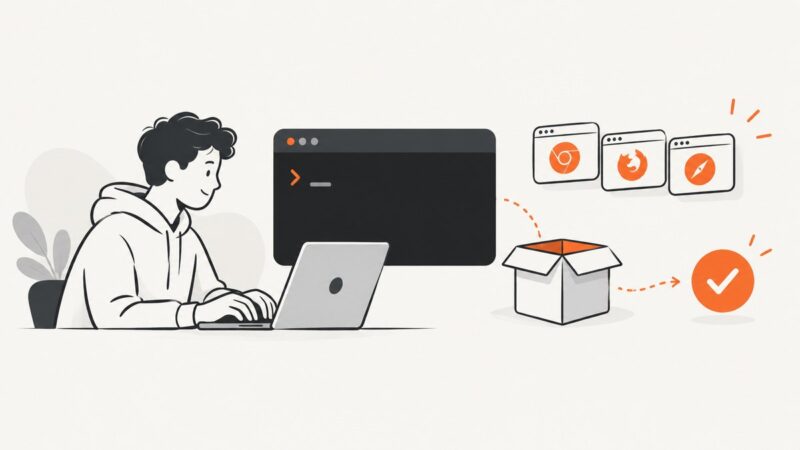
Install Cypress locally with npm, open the Launchpad, fix missing binaries, and run tests reliably in CI.
Chrome’s screenshot warning usually means Android Incognito or an organization policy is blocking capture. Learn the supported fix and what to check next.
Resolve Elementor-MCP attachment failures by checking versions, permissions, generated setup prompts, transport, and client logs.
Create a readable 16:9 YouTube thumbnail, export it correctly, and upload it in YouTube Studio—even if you are starting from scratch.
Find why DinkToPdf returns byte[0] and fix HTML input, output settings, native libraries, converter lifetime, and page-loading failures.