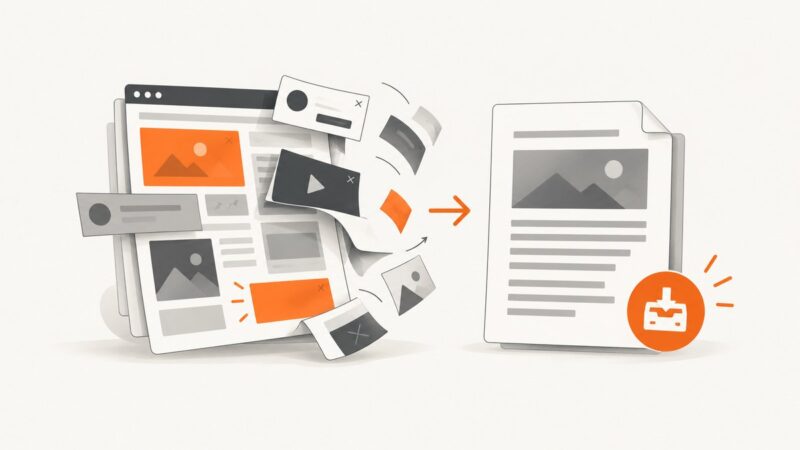
How to Save a Webpage without Ads
Learn how to remove page clutter, save a webpage as a clean PDF or offline file, and automate ad-free captures with ScreenshotNeo.
Learn how to remove page clutter, save a webpage as a clean PDF or offline file, and automate ad-free captures with ScreenshotNeo.
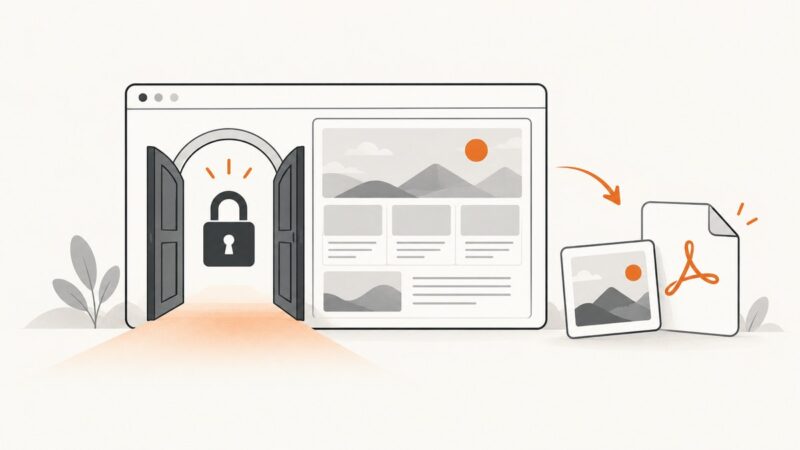
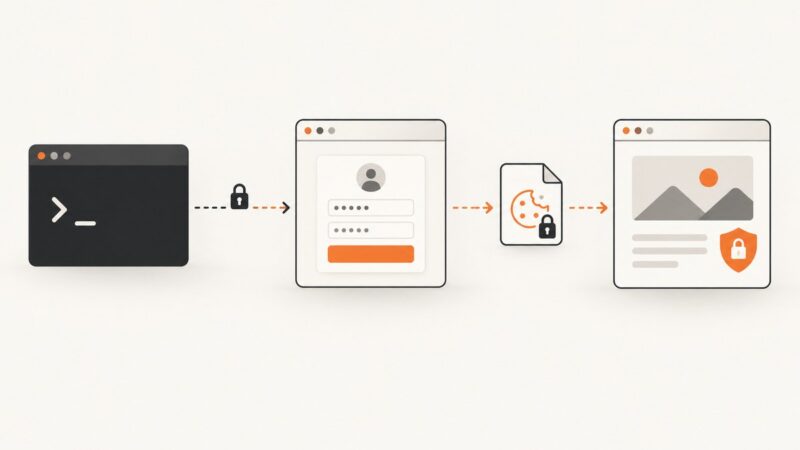
Capture a page behind a login with your browser or an automated session, including cookies, headers, full-page output, waits, troubleshooting, and PDFs.
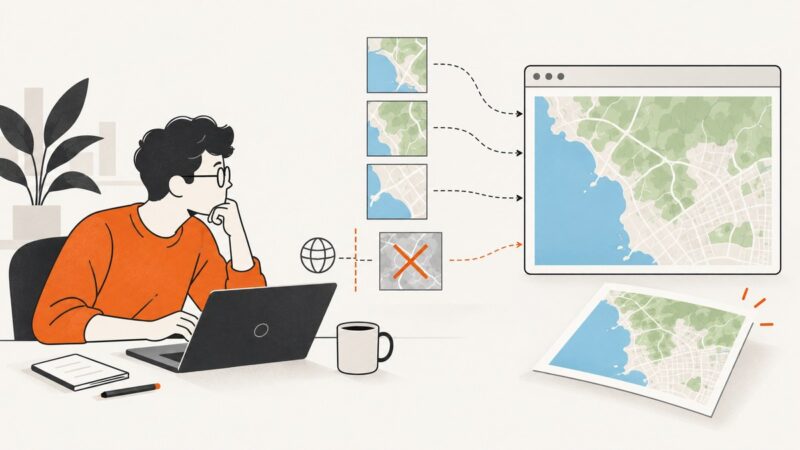
If a Leaflet map displays but EasyPrint cannot export it, a remote tile or overlay may lack CORS permission for pixel access. Find the image source, fix its CORS response, and verify every layer before printing.
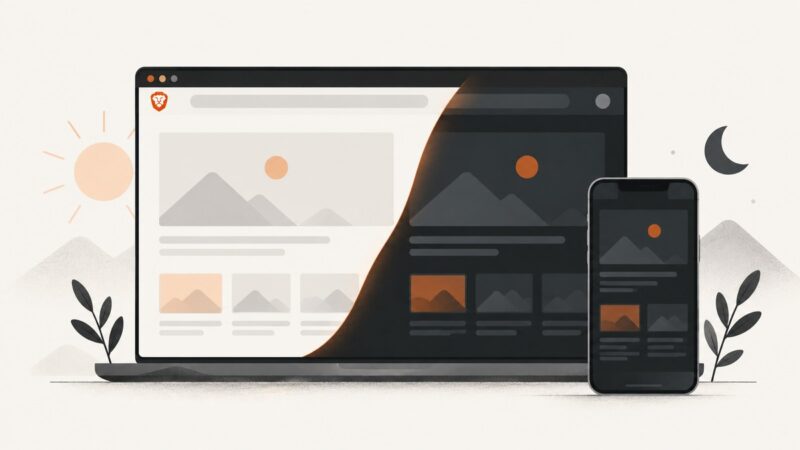
Turn on Brave’s Experimental Night Mode for darker webpages on Android and iPhone, with desktop limits, fixes, and accessibility tips.
Learn how LibreOffice maps footers to page styles, create different first or section footers, and verify the saved DOCX.
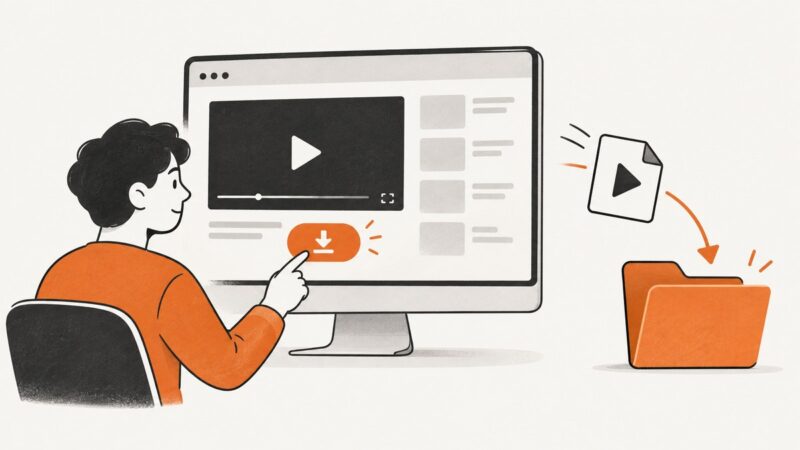
Learn the authorized ways to download or save videos from YouTube, TikTok, Vimeo, and other websites—and why some videos cannot be downloaded.
Convert a PNG screenshot to a real JPEG on Windows, iPhone, Android, or desktop, with quality, privacy, troubleshooting, and API options explained.
Save any webpage as a PDF from Microsoft Edge for free. Follow the print steps, fix preview problems, and automate captures when needed.
Learn how to save files, images, PDFs, and web pages from links in Chrome, Firefox, Safari, cURL, Python, and Node.js.
Capture deterministic Selenium baselines, compare pixels safely, diagnose diffs, and choose exact, tolerant, or template matching.
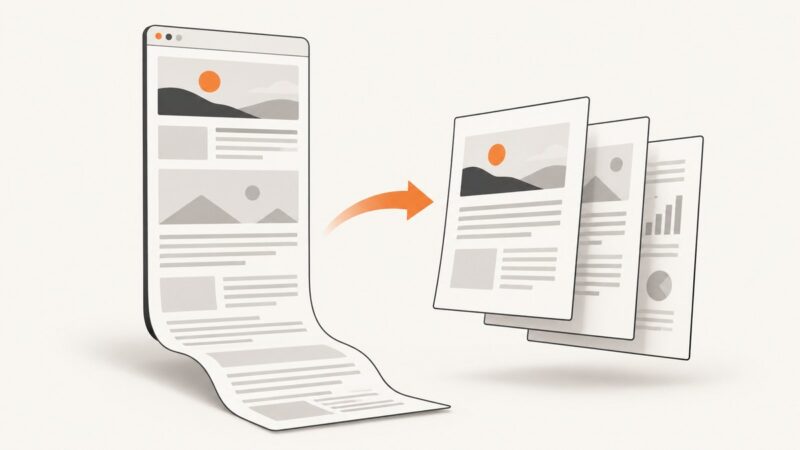
Save an entire scrolling webpage as a PDF with browser print tools, Firefox full-page capture, Safari, extensions, or an API.
Use cURL to submit a website login form, preserve cookies, follow redirects, and diagnose when a browser or API is required.
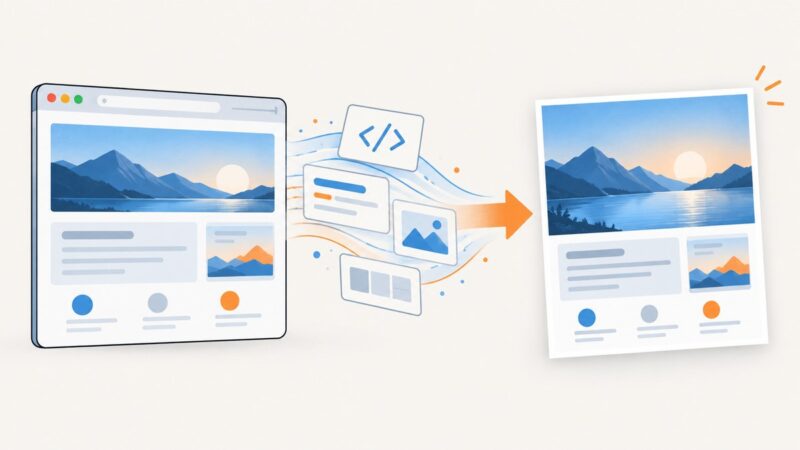
Learn how to save Chrome HTML content as a JPG, including visible screenshots, full-page captures, headless Chrome, local HTML files, and automation.
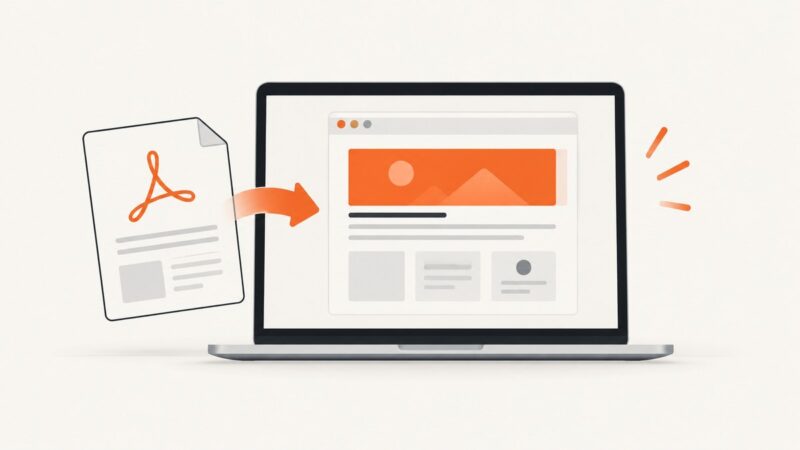
Convert a PDF to usable HTML on a Mac with Acrobat, OCR settings, accessibility checks, troubleshooting, and practical alternatives.
Preview HTML and CSS by opening a file, using a local server, DevTools, an editor extension, or an online playground.
Learn which Wicket image approach fits your goal: generated pixels, existing resources, Base64 output, or a browser screenshot.
Extract text from JPG images in Python with Pillow, Tesseract and pytesseract, including setup, languages, preprocessing, structured output and troubleshooting.
Export any Pages document to a shareable PDF on Mac, with the right quality, comments, accessibility, password and save-location settings.