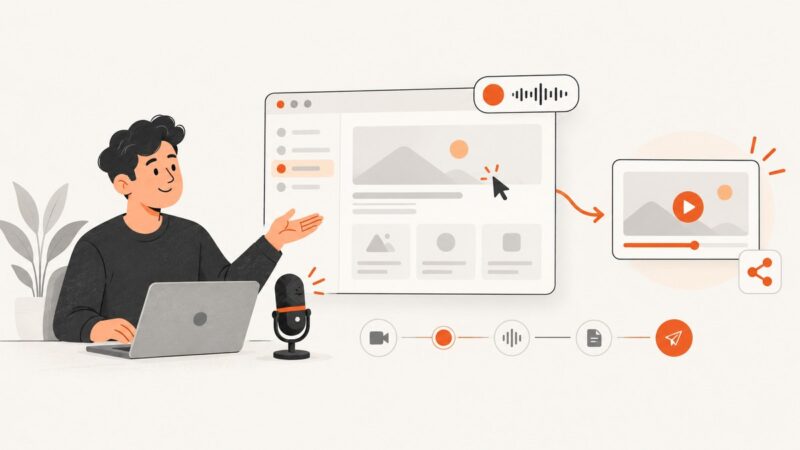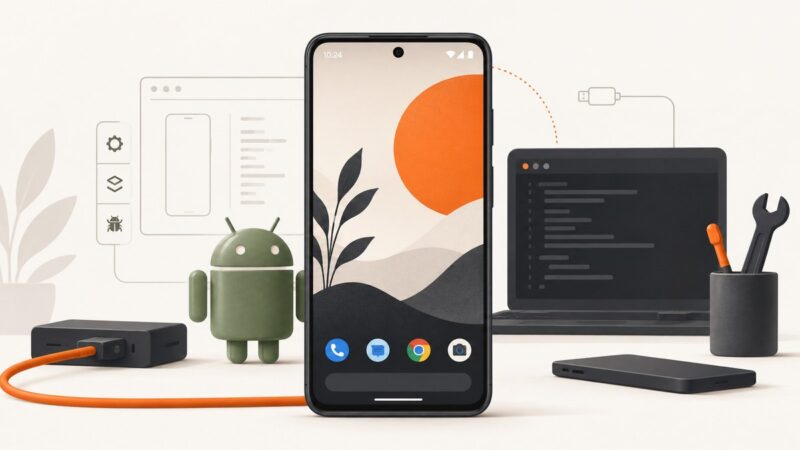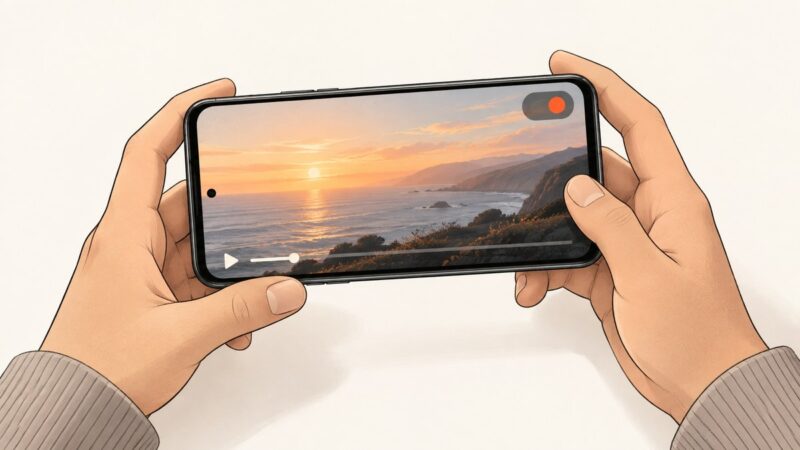
How to Capture Video From a Website on Android
Record website video on Android with the built-in screen recorder, choose audio, find saved files, and fix black-screen and protected-content problems.
Record website video on Android with the built-in screen recorder, choose audio, find saved files, and fix black-screen and protected-content problems.
Capture the visible page, the full scrollable document, or a single element with browser tools, Playwright, Puppeteer, or ScreenshotNeo.
Capture Android elevation shadows correctly, diagnose clipping and renderer differences, and automate repeatable PNG screenshots from devices or emulators.
Plan, record, edit, and share a clear website demo with the right browser capture settings, audio checks, privacy safeguards, and a no-browser API option.
Capture Android screenshots with the time, signal, battery and notifications visible using the device, Android Studio, ADB or an emulator.
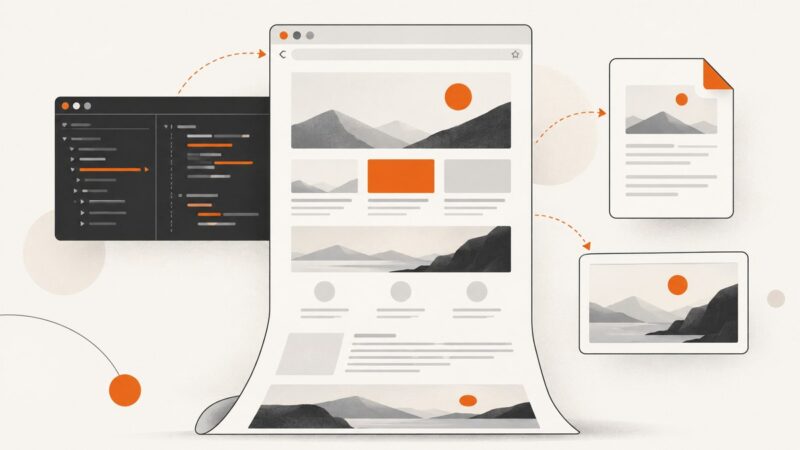
Capture a full webpage in Chrome with DevTools, PDF printing, headless commands, extensions, and a reliable API workflow.
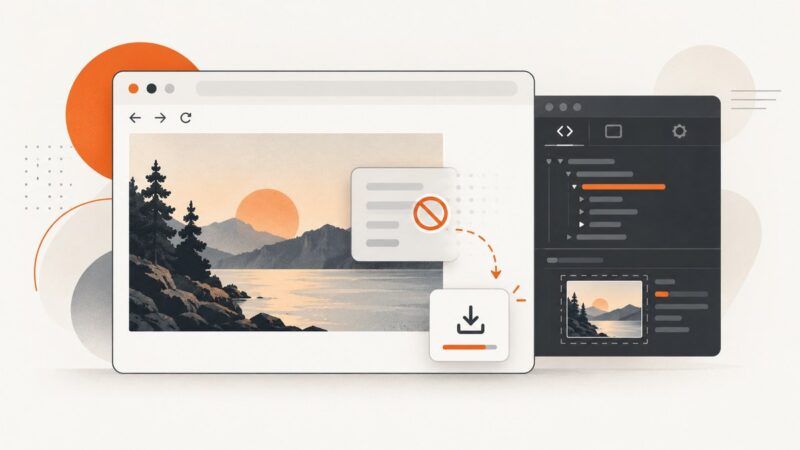
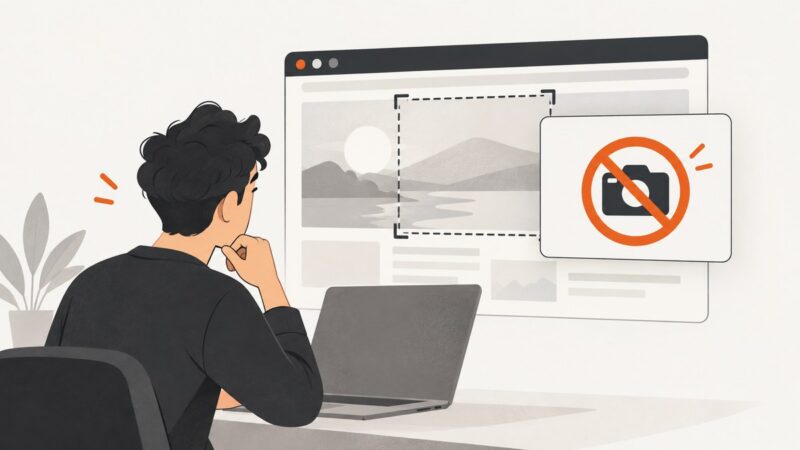
Learn how to save the original image, inspect how a page loads it, or capture what you see when right-click is disabled.
Capture a page’s original HTML, inspect its live DOM, or save loaded resources with the right browser tool and command-line method.
Save a website image in Chrome, check its real format, and convert WebP or PNG to JPG without losing the details that matter.
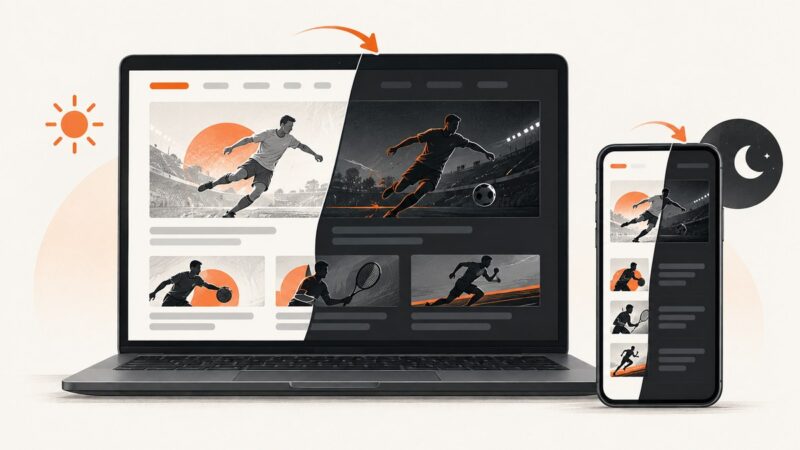
Amazon has no consistent native dark-mode switch. Learn what Chrome, Android, Silk, and extensions can change—and why Amazon may stay white.
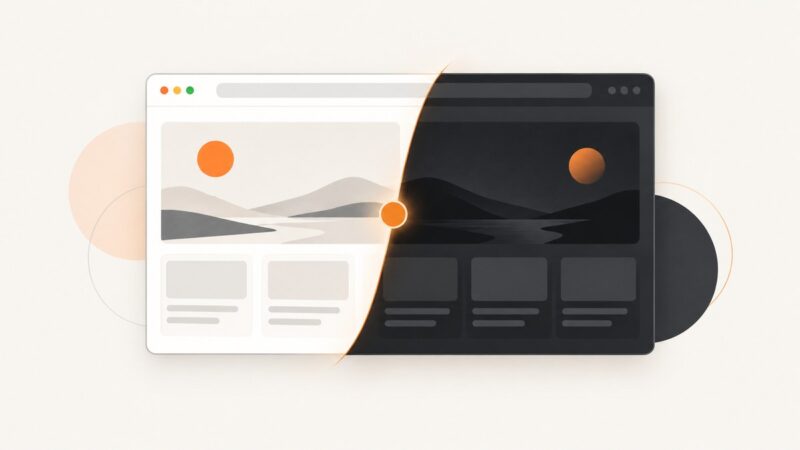
Make Edge dark, force dark mode on every site, or apply a safer per-site theme with extensions and developer tools.
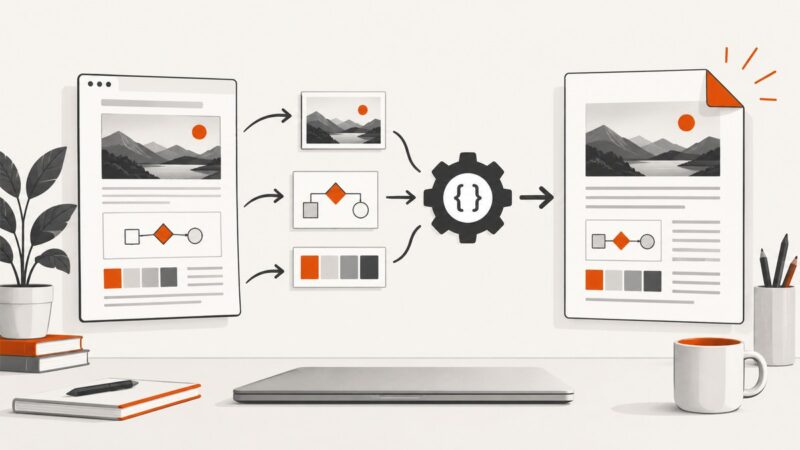
Learn how to convert HTML with images to PDF in HiQPdf by resolving relative URLs, loading local assets, and handling lazy content.
ESPN does not document a built-in dark switch. Learn Chrome, extension, Android, and ScreenshotNeo methods, plus fixes for common problems.
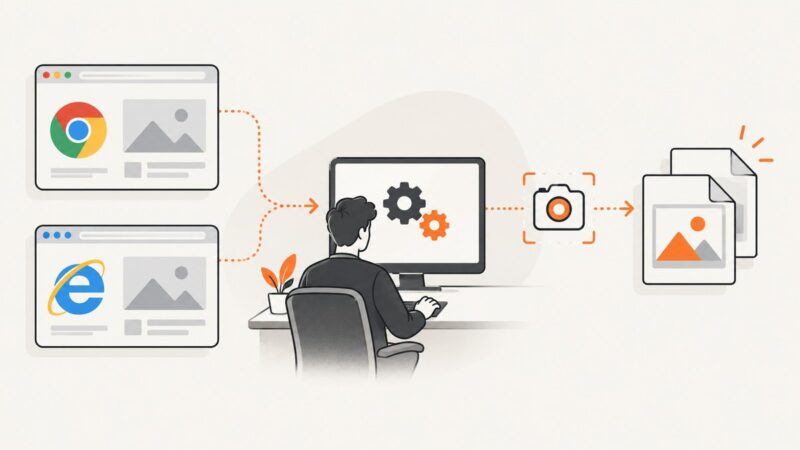
Capture the current browser view or an element with Selenium C#, save PNG files, and understand Chrome support versus legacy Internet Explorer.
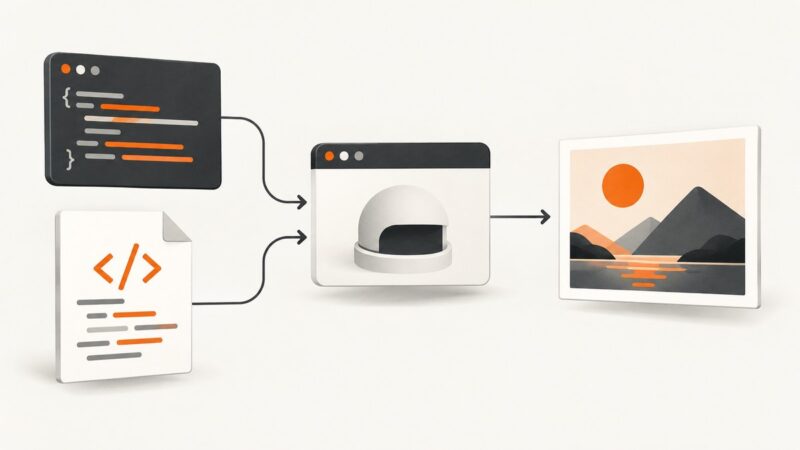
Render an HTML string or URL in PuppeteerSharp, wait for assets, and save a reliable PNG, JPEG, WebP, or in-memory image from C#.
Choose the right BrowserStack workflow for mocked API responses, data-driven tests, reusable datasets, and load-test inputs.
Safari’s “Could Not Capture Snapshot” cause is unconfirmed. Follow Apple’s safest troubleshooting steps and learn reliable alternatives for full-page captures.
Learn why Firefox says it cannot screenshot a page, the supported capture steps, and what to do when the page is restricted or browser-internal.