How to Build a Scraper REST API with Pyppeteer or Selenium
Build a controlled FastAPI scraper endpoint with Pyppeteer or Selenium, including validation, waits, concurrency limits, errors, and production guidance.
Build a controlled FastAPI scraper endpoint with Pyppeteer or Selenium, including validation, waits, concurrency limits, errors, and production guidance.
Build a respectful offline website archive with Wget, HTTrack, or ArchiveBox—and understand scope, missing assets, WARC files, and verification.
Fix Cypress button navigation with retryable URL assertions, request intercepts, and a practical troubleshooting checklist.
Learn a reliable workflow for solving math screenshots with AI, checking recognition, comparing tools, and protecting your privacy.
Convert any web page to PDF with Chrome’s built-in print tools, Android steps, extension guidance, troubleshooting, and an API option.
Use asyncio.sleep() for cooperative waits, or move blocking work to a thread so the rest of your Python program keeps running.
Fix Pyppeteer’s net::ERR_SOCKS_CONNECTION_FAILED by checking endpoint reachability, proxy syntax, DNS, authentication, Chromium settings, and logs.
Use Python imgkit and wkhtmltoimage to render one HTML div, with selector, crop, JavaScript, CSS, headless-server and troubleshooting guidance.
Read an HTML attribute in Cypress, reuse it safely with closures or aliases, and avoid asynchronous command and stale-element pitfalls.
Learn how to loop through URLs with Pyppeteer using async/await, reliable cleanup, dynamic waits, troubleshooting, and ScreenshotNeo.
Learn whether a Pyppeteer password box is HTTP authentication or a JavaScript dialog, then fix it with the right API and reliable handlers.
Requests fetches HTML but does not run JavaScript. Learn when to use Pyppeteer, how to wait for rendered content, and how to diagnose every failure layer.
Save one screenshot per web element in Python with safe, unique filenames using Selenium or Playwright, plus fixes for common capture errors.
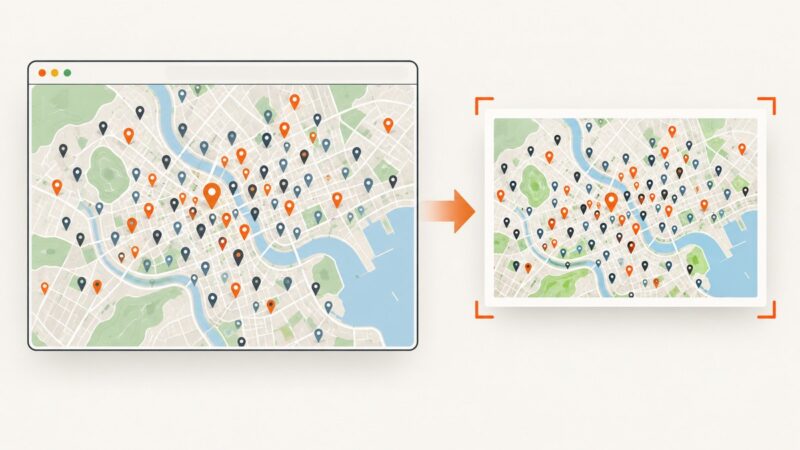
Capture a dense Leaflet map reliably with dom-to-image: wait for tiles, handle CORS, preserve markers, diagnose failures, and automate exports.
Fix Cypress fetch timeouts by identifying the request or response phase, registering intercepts early, matching the real request, and handling cache and Cypress 16 changes.
Learn why PhantomJS screenshot sizes vary, how viewportSize and clipRect interact, and how to produce consistent fixed-size or full-page captures.
Fetch many URLs concurrently with one Pyppeteer browser using asyncio, bounded tabs, isolated contexts, retries, cleanup and troubleshooting.
Use Pyppeteer’s page.evaluate to reach the bottom, handle lazy-loaded content and nested scrollers, and troubleshoot reliable full-page captures.