How to Fix Pyppeteer PageError in Python requests-html
Diagnose Pyppeteer PageError in requests-html by matching the final error token to the right URL, TLS, timeout, or Chromium fix.
Diagnose Pyppeteer PageError in requests-html by matching the final error token to the right URL, TLS, timeout, or Chromium fix.
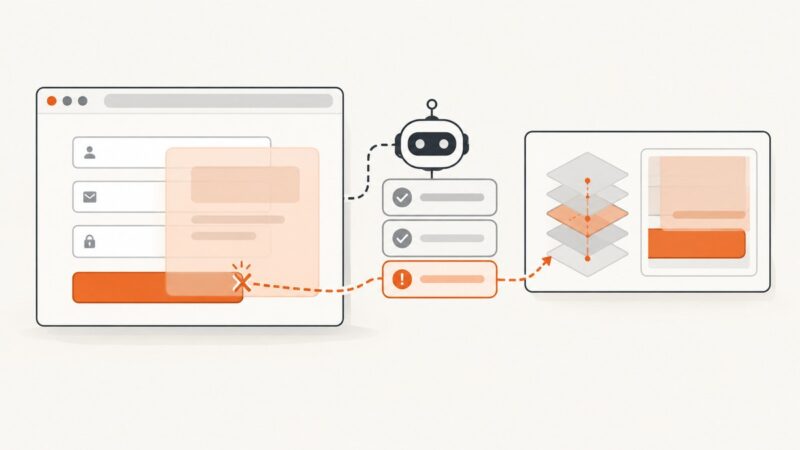
Diagnose WebDriverArgumentException correctly, distinguish intercepted clicks, and fix Selenium submit-button failures with reliable waits and locators.
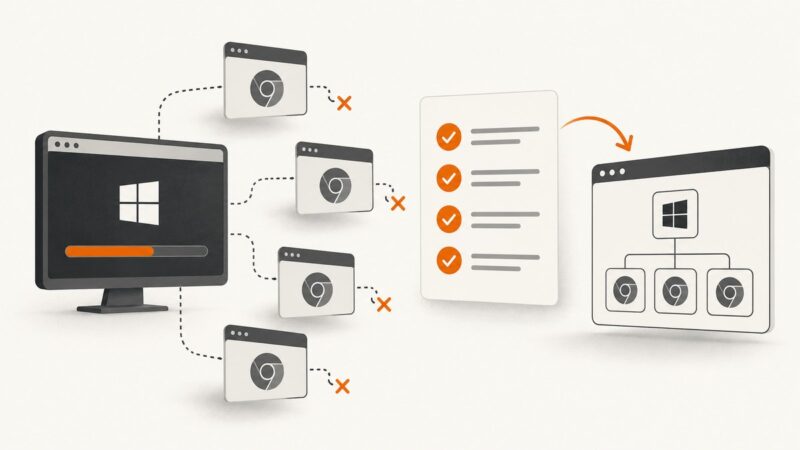
Learn why IEDriverServer.exe survives failed Selenium tests and how to prevent, detect, and clean up orphaned driver and browser processes on Windows.
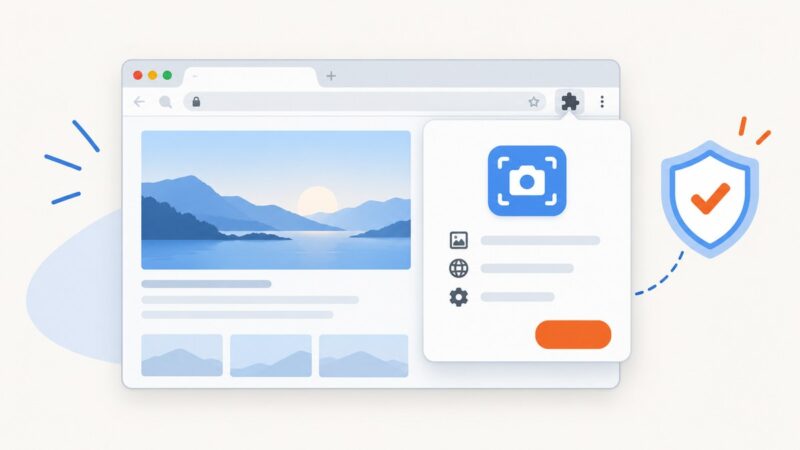
Install a screenshot extension in desktop Chrome, review permissions, control site access, and fix the most common installation problems.
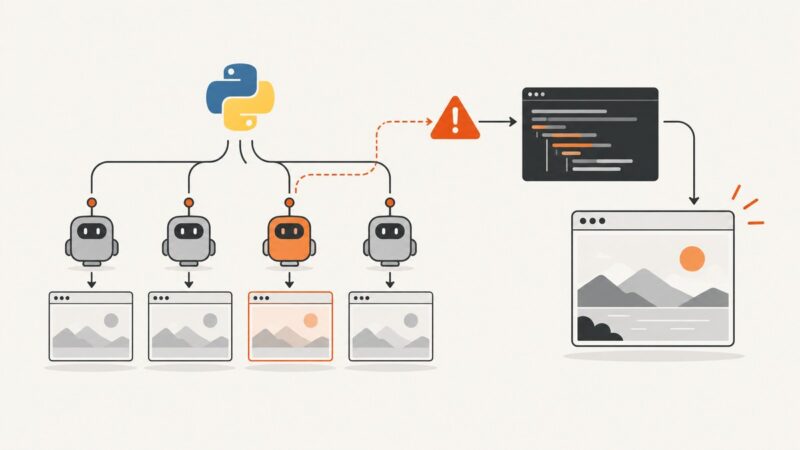
Diagnose Pyppeteer PermissionErrors by layer, then apply safe multiprocessing patterns for Chromium, profiles, files, and requests.
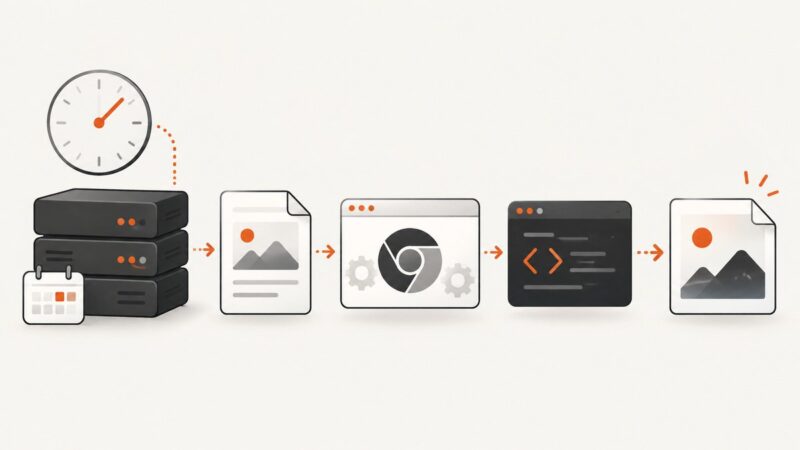
Render a PHP HTML string into a reliable PNG during cron jobs with Browsershot or Puppeteer, including waits, paths, cleanup, and troubleshooting.
Learn how to return strings, objects, Promise results and element data from Pyppeteer's page.evaluate, plus fixes for None and serialization errors.
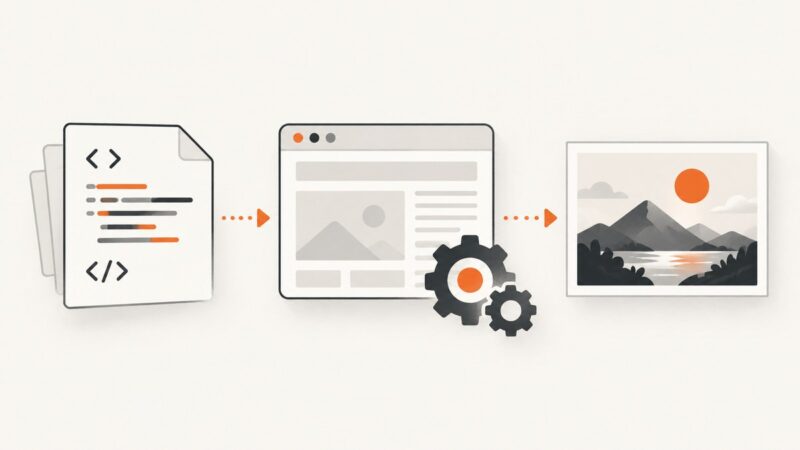
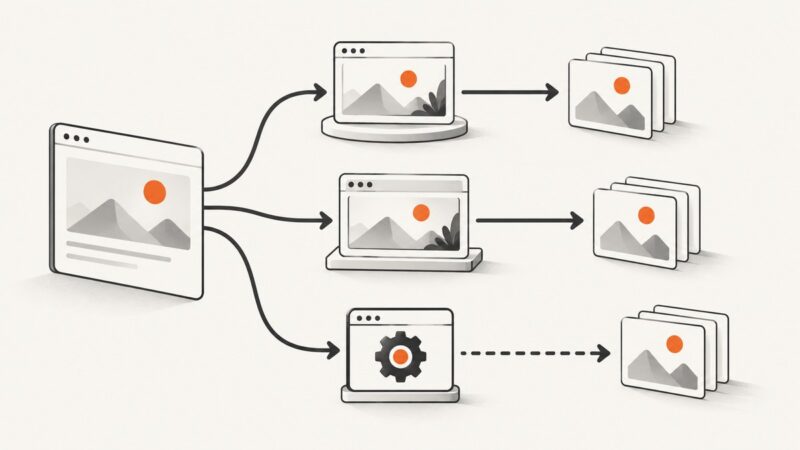
Render HTML in a browser, capture the pixels, and encode them as JPEG. Compare Chrome CLI, automation libraries, Gotenberg, and ScreenshotNeo.
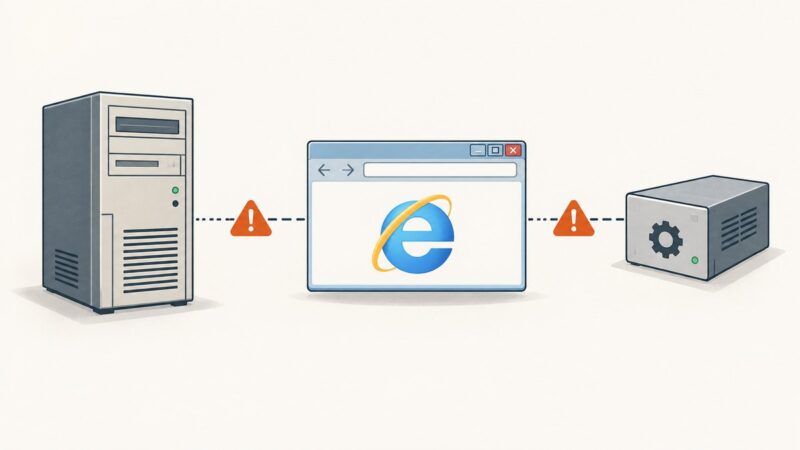
Selenium does not support IEDriverServer in Windows services or Windows Server 2003. Learn the documented limits, safe diagnostics, and migration options.
Learn how to wait for a new tab, switch to it safely, return to the original window, and avoid common Selenium errors in Python.
Diagnose Pyppeteer “target closed” and WebSocket errors with version checks, lifecycle fixes, timeout guidance, diagnostics, and reliable crawler patterns.
Render Solid.js HTML on the server, load it with Pyppeteer, and test SSR, streaming, hydration, timing, and screenshots reliably.
Use reCAPTCHA’s onload callback and waitForFunction instead of fixed sleeps. Here are reliable Puppeteer and Pyppeteer patterns, errors, and fixes.
Learn when Selenium waits, how to choose page-load strategies, and how to synchronize Python WebDriver with dynamic pages reliably.
Learn when JavaFX WebView and QtWebKit can capture screenshots, why WebDriver support differs, and how to run reliable CI captures.
Fix black, empty, missing, or partial WatiN screenshots by checking browser visibility, permissions, desktop sessions, paths, and legacy runtime limits.
Capture exact viewport, element, or full-page screenshots in JavaScript with Playwright or Puppeteer, plus stability fixes and an API shortcut.
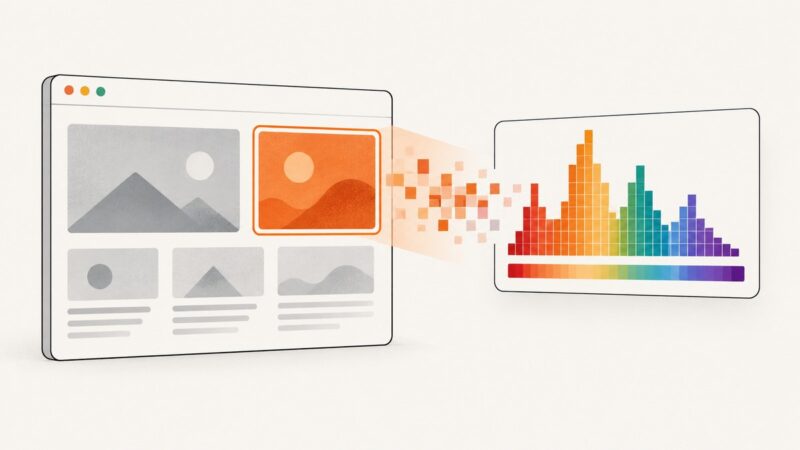
Learn how to find an element’s CSS color or the dominant color actually visible after rendering, with JavaScript, Canvas, Playwright, and ScreenshotNeo.