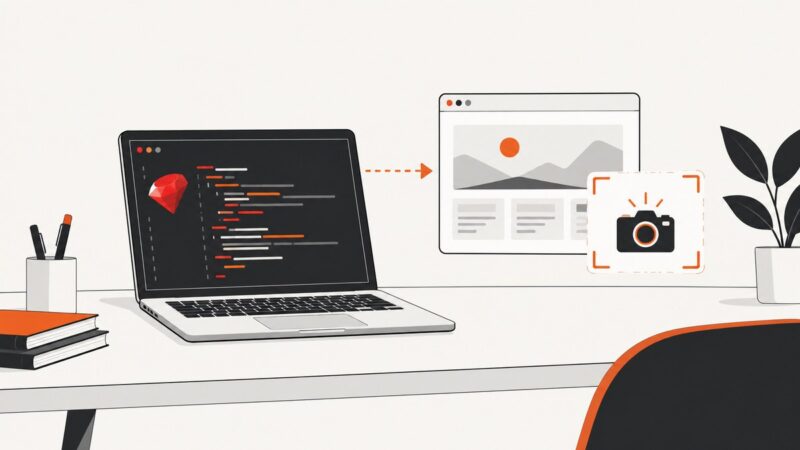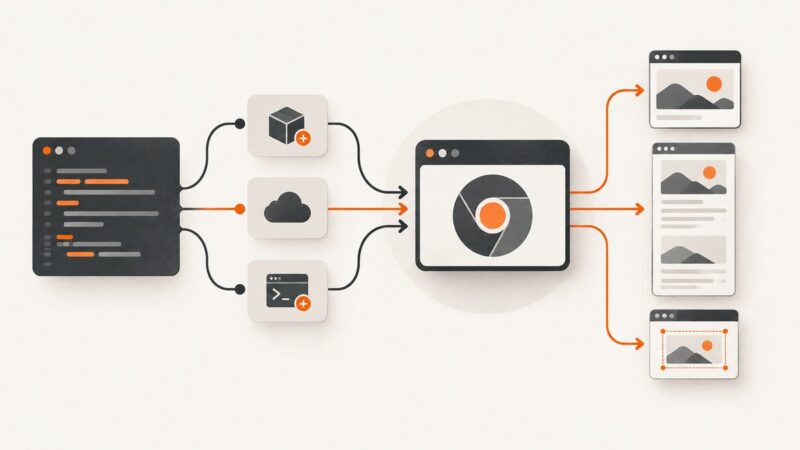
How to Take Mobile Website Screenshots with ASP.NET
Use Playwright for .NET to capture repeatable mobile screenshots from an ASP.NET site, with device presets, full-page output, troubleshooting, and an API alternative.
Use Playwright for .NET to capture repeatable mobile screenshots from an ASP.NET site, with device presets, full-page output, troubleshooting, and an API alternative.
Learn how to create and edit images in ChatGPT, then automate the same workflow with OpenAI’s Images and Responses APIs.
Learn how to capture many URLs with a screenshot API, handle queued jobs and partial failures, and save each image reliably.
Connect a web scraping API to an automation workflow with a native integration, authenticated HTTP request, or webhook, then map results and handle errors safely.
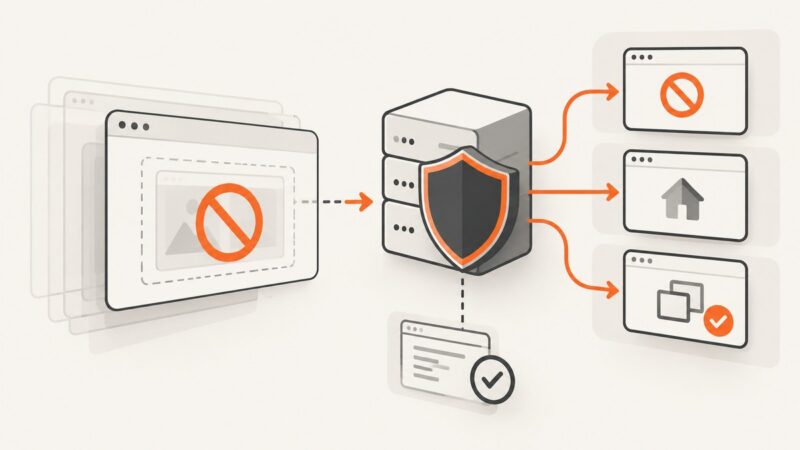
Add and verify X-Frame-Options in Nginx, choose DENY or SAMEORIGIN, and use CSP frame-ancestors for modern allowlists.
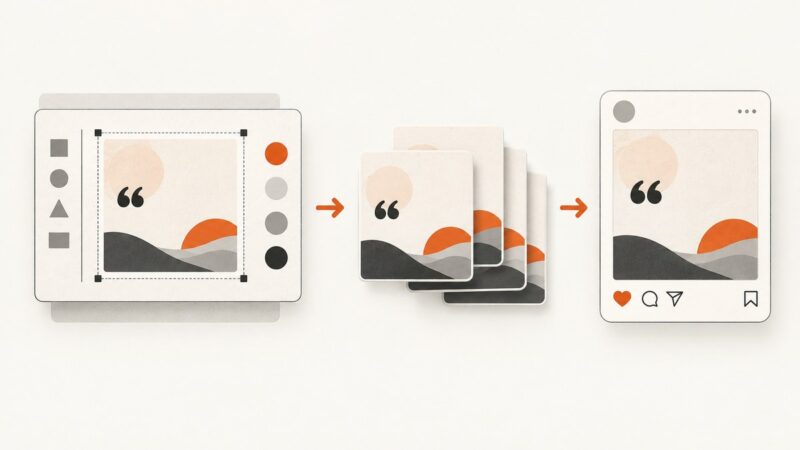
Build a repeatable quote-image workflow: prepare a reusable design, generate image files, and publish them through an Instagram-compatible path.
Use your browser’s simplified print view to remove page clutter before saving a PDF. Learn the desktop and mobile steps, layout controls, and limits.
Learn how to detect SPA rendering, find API data, automate Playwright browsers, wait reliably, troubleshoot failures, and validate extracted records.
Identify the screenshot API that failed, then fix extension grants, screen sharing prompts, CDP policy blocks, and Playwright setup.
Use Playwright to capture authorized private pages, choose the right screenshot options, and understand the network security precautions that matter.
Learn what HTML-to-SVG conversion really means, when to use SVG foreignObject, and how to render HTML as an image with browser code or an API.
Build a reliable lead pipeline with permitted web data, validation, AI scoring, CRM routing, and compliant follow-up.
Capture one rendered DOM element as an image with Playwright or Puppeteer, handle visibility and scrolling, or use a screenshot API to skip browser setup.
Learn what crawling anonymously can and cannot mean, then build a transparent crawler that respects site preferences, limits collection, and handles failures responsibly.
Capture reliable Next.js website screenshots with Playwright or Puppeteer, return them from API routes, and automate clean captures with ScreenshotNeo.
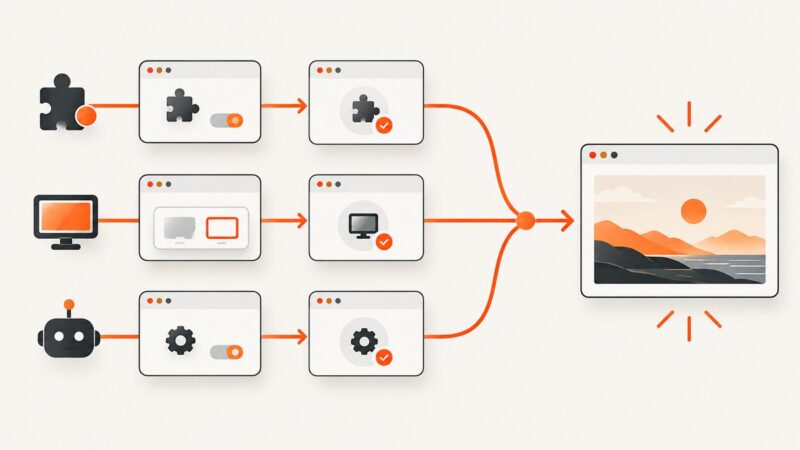
Block ad and tracker requests in Playwright, Puppeteer, and Chromium with narrow rules installed before navigation, then verify what the rules affect.
Use Ferrum and Chrome to capture website screenshots in Ruby, with full-page, element, format, timing, troubleshooting, and API options.
PHP needs a browser or rendering service to capture a website. Compare three PHP options, install the tools, and save viewport, full-page, or element screenshots.