Web Scraping With Selenium: A Beginner’s Guide
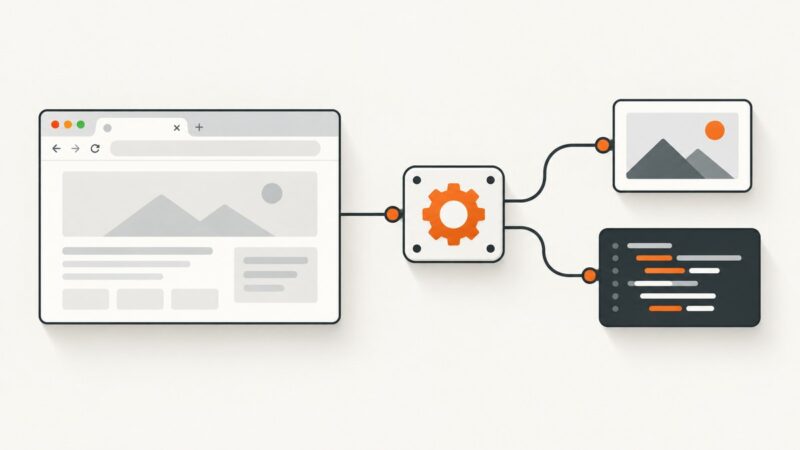
Learn Selenium WebDriver scraping from setup to reliable waits, selectors, dynamic pages, troubleshooting, and a browser-free ScreenshotNeo option.
Learn Selenium WebDriver scraping from setup to reliable waits, selectors, dynamic pages, troubleshooting, and a browser-free ScreenshotNeo option.
Learn how to capture, timestamp, hash, preserve, and verify website screenshots without overstating what a screenshot proves.
Deploy a reliable Puppeteer worker on Google Compute Engine: install Chrome, configure Linux dependencies, run it as a service, and troubleshoot failures.
Choose a PDF approach that fits your language and layout, then generate reports and invoices from structured data with runnable Python and JavaScript examples.
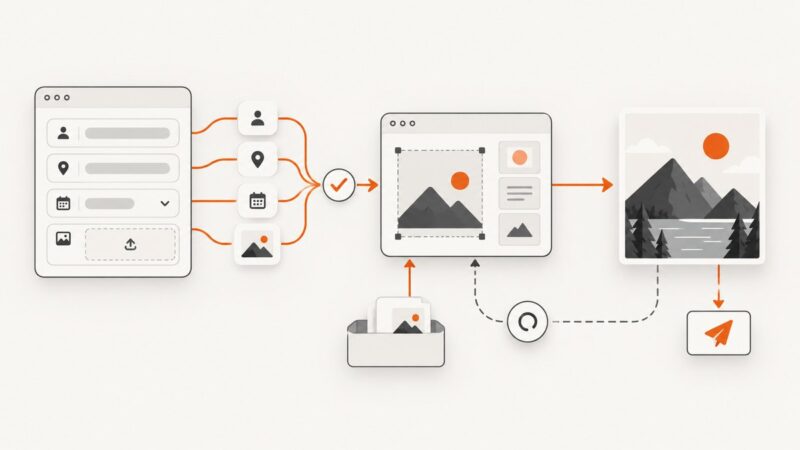
Turn form answers into personalized images with no-code workflows, templates, or custom code. Includes validation, uploads, delivery, retries, and a working example.
Build a clear, printable property sheet with website screenshots while checking image rights, map terms, and local MLS rules before sharing.
Build a reusable HTML/CSS card, render it to an image, and add Open Graph metadata so social platforms can fetch and preview it.
Build a repeatable process to find possible brand misuse, preserve dated evidence, and route reports to the right place without treating a lead as a legal finding.
Learn how to resize and compress photos, screenshots, and graphics with the right format, quality settings, responsive HTML, and practical code.
Install Playwright on Ubuntu EC2, choose managed Chromium or branded Chrome, lock down access, and troubleshoot headless browser jobs.
Create hundreds of personalized wedding invitations from a spreadsheet with Canva, Word, Avery, or Adobe Express—then proof and print without batch errors.
Use CSS box-shadow for element boxes and text-shadow for text. Learn the syntax, layering, inset effects, common fixes, and how to preview the result.
Record a browser flow in Chrome DevTools, export it as Puppeteer JavaScript, run it locally, and harden the script for reliable automation.
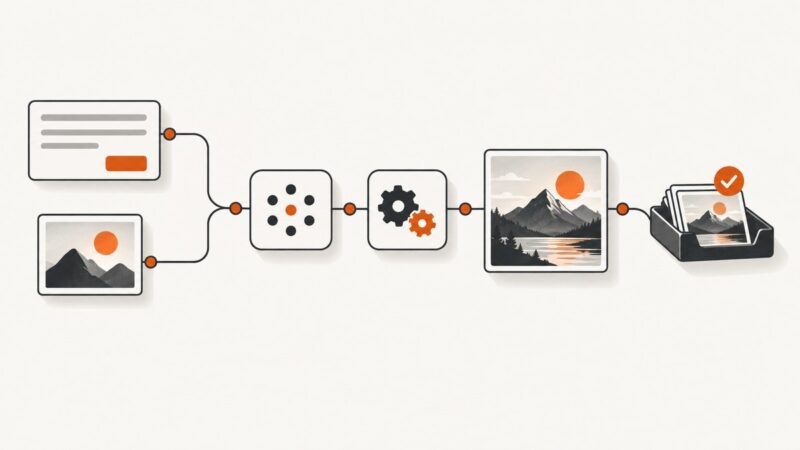
Connect a trigger, prompt, image generator, storage, and review step into a dependable no-code workflow—with practical guidance for edits, errors, and cost.
Build a workflow that spots engaging posts, turns their content into branded visuals, and publishes only after the render and approval checks pass.
Run Puppeteer inside a Chrome extension by connecting it to a tab with ExtensionTransport. Learn the setup, limits, testing options, and when a remote screenshot API is simpler.
Set text color at render time with Cloudinary or Bannerbear, handle per-record colors, validate input, and avoid common dynamic-image failures.
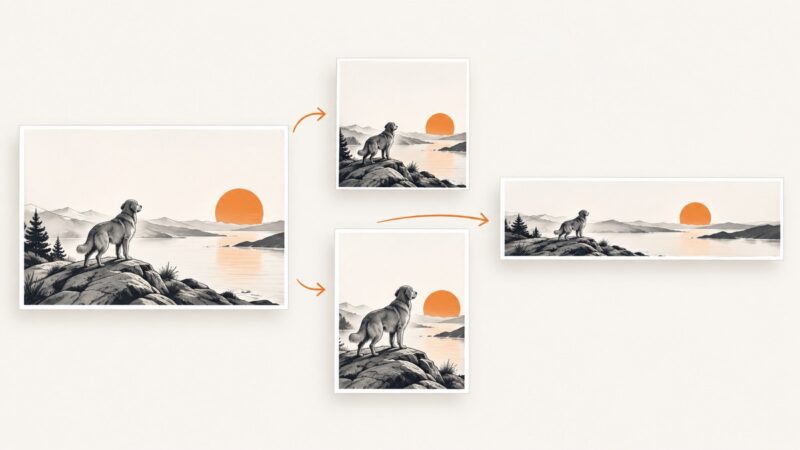
Learn how smart cropping chooses focal points, fits any aspect ratio, handles faces and objects, and ships reliable image variants.