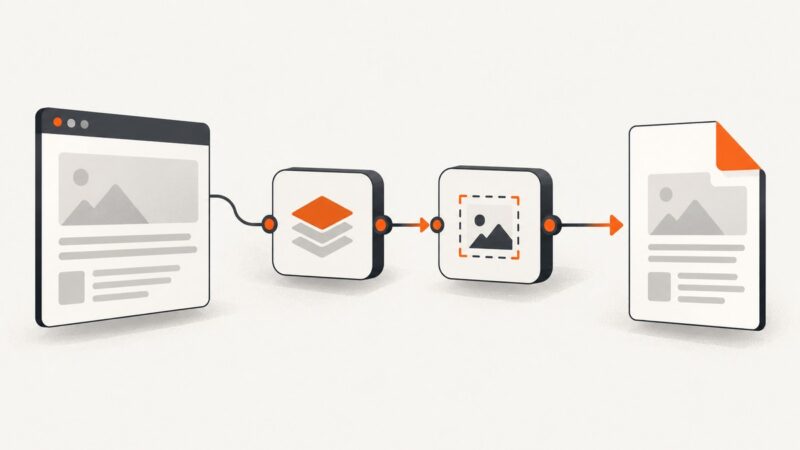
How to Fix jsPDF html() When html2canvas Is Not Loaded
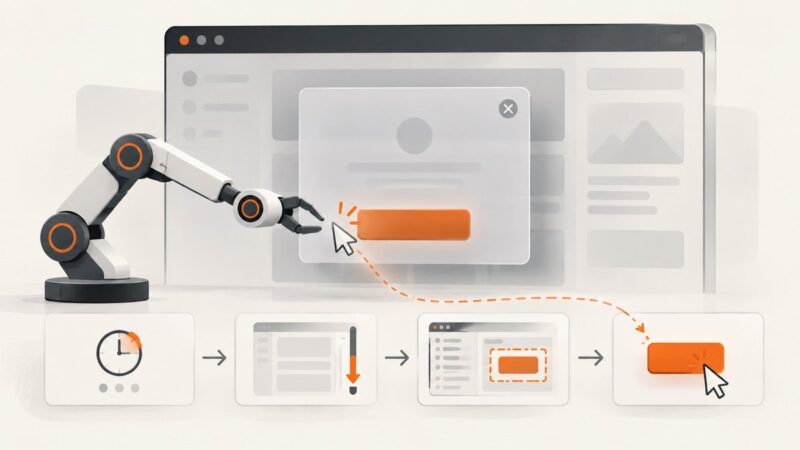
Fix jsPDF html() errors by loading html2canvas correctly, using the right script order, and resolving browser, CORS, and blank-canvas failures.
Fix jsPDF html() errors by loading html2canvas correctly, using the right script order, and resolving browser, CORS, and blank-canvas failures.
Fix html2canvas initialization errors with a practical checklist for timing, DOM elements, CORS images, iframes, canvas limits, and reliable alternatives.
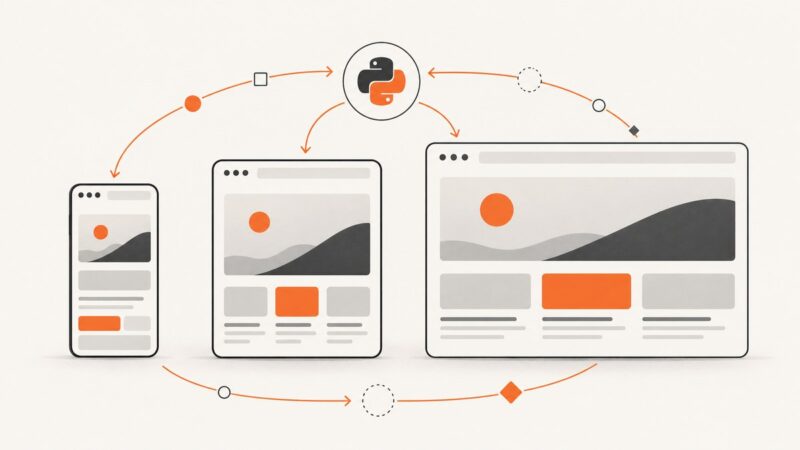
Use Selenium WebDriver to test responsive layouts at named mobile, tablet and desktop breakpoints, with waits, assertions and screenshot evidence.
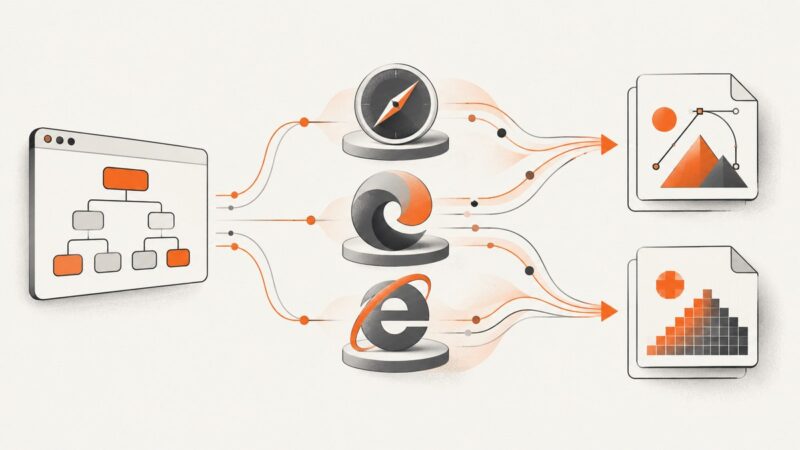
Fix dom2image browser failures: why IE and iOS Safari break, what Edge supports, and when to move rendering to a server.
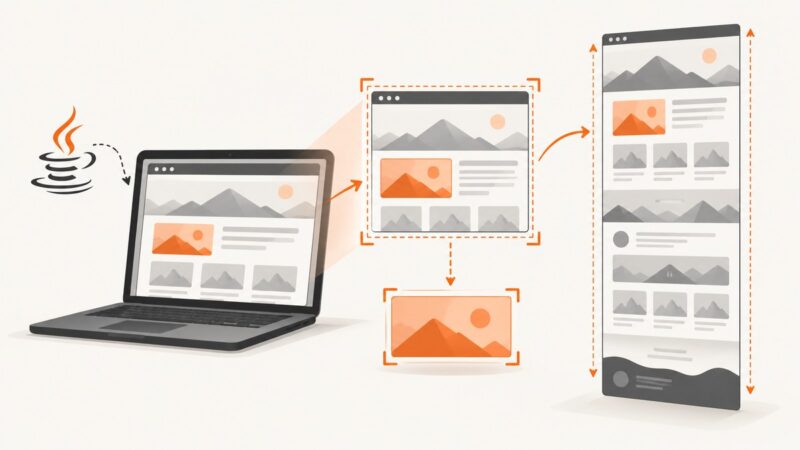
Fix Selenium Java screenshot size problems by separating capture scope, window geometry, viewport metrics, and image output representation.
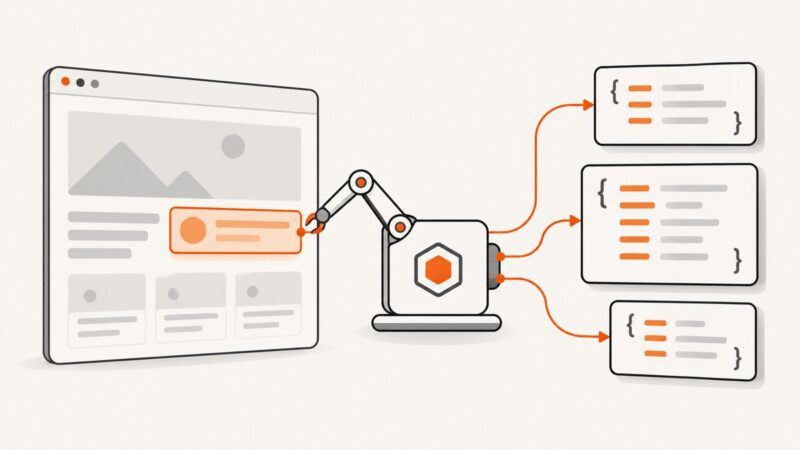
Learn how to log DOM elements from Puppeteer, return HTML and attributes to Node.js, forward browser console output, and avoid handle pitfalls.
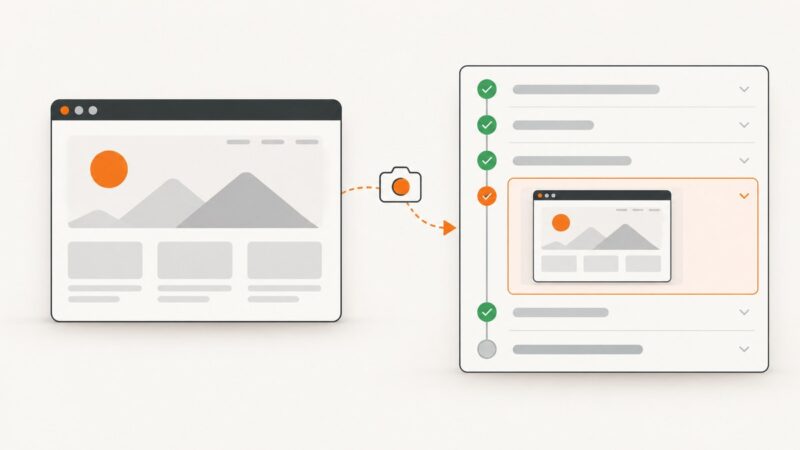
Attach SeleniumLibrary WebDriver screenshots to Robot Framework logs, save artifacts, capture failures automatically, and troubleshoot common errors.
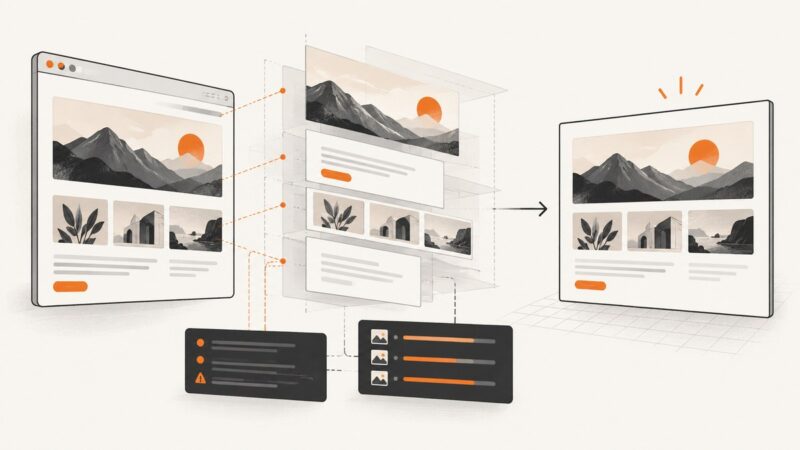
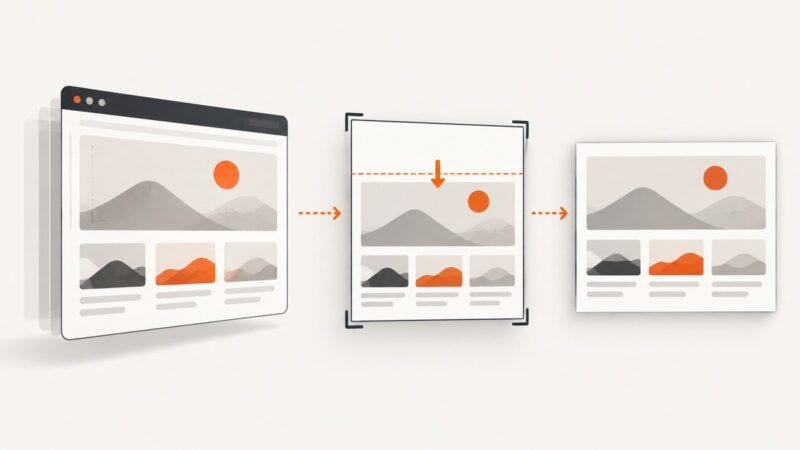
Find the real cause of a blank band in html2canvas captures and fix scroll offsets, element geometry, clipping, media queries, and canvas limits.
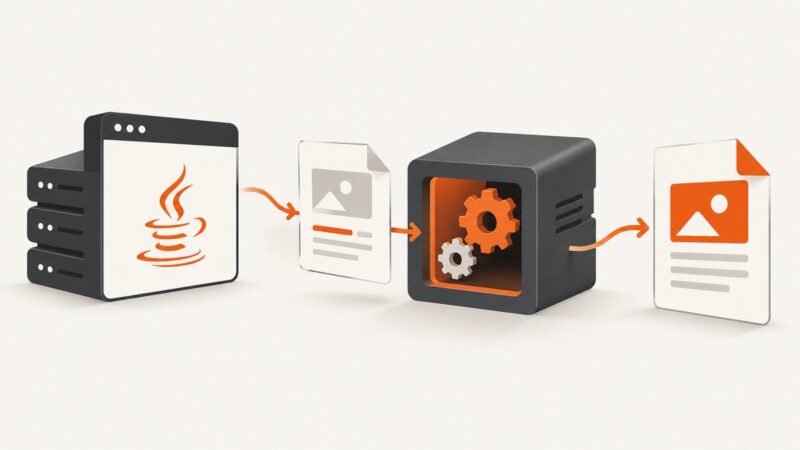
Install wkhtmltopdf, call it safely from Java, handle timeouts and concurrency, and evaluate its archived renderer before production use.
Diagnose Selenium Java click failures by exception, wait for the right state, remove obstructions, and verify the result with reliable code.
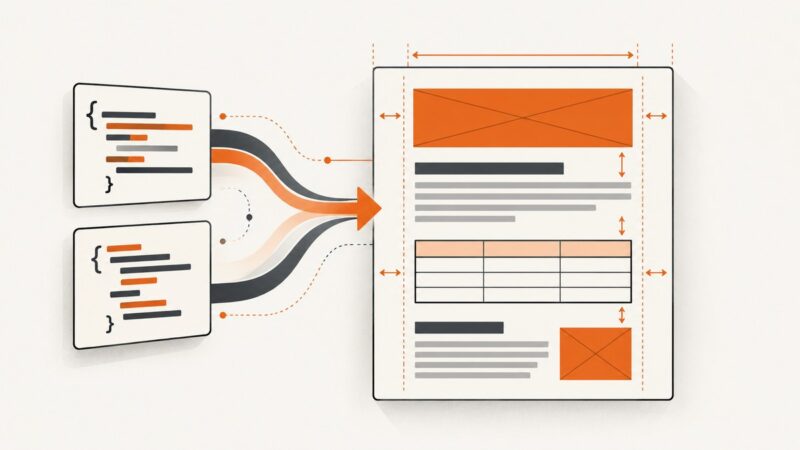
Preserve HTML widths, padding, and margins in DevExpress RichEditDocumentServer by mapping CSS to its document model and fixing import edge cases.
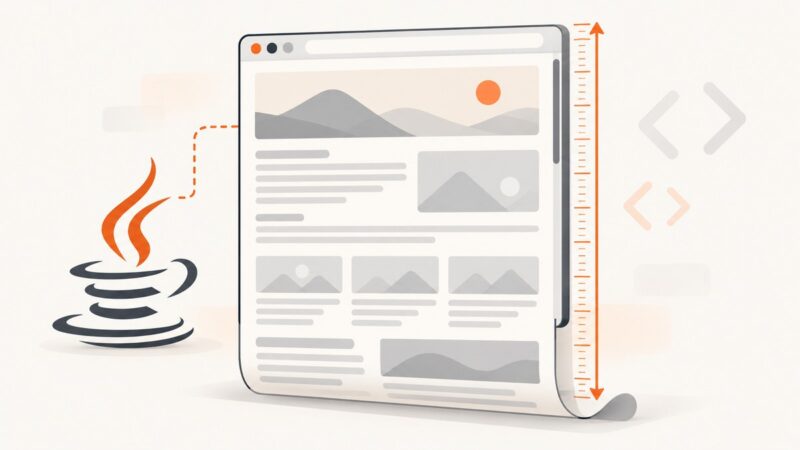
Read document.scrollingElement.scrollHeight with Selenium Java to measure full page content, handle dynamic pages, frames, and common height-property mistakes.
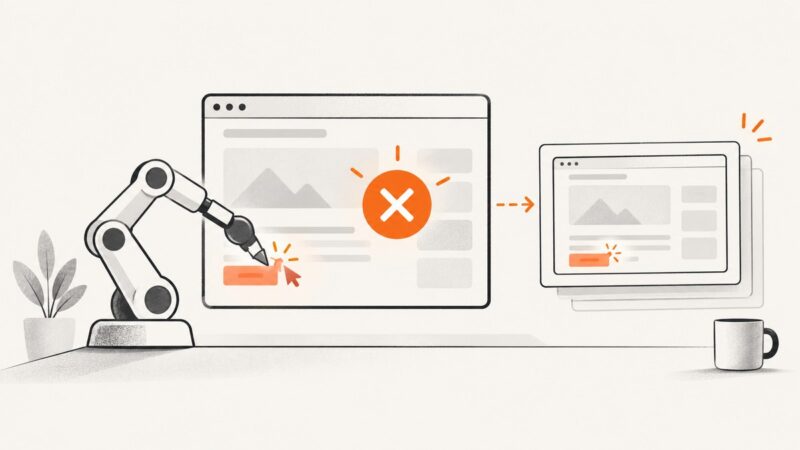
Fix Selenium clicks that miss the working area: measure the element, target its clickable child, use pointer offsets, and handle overlays safely.
Pin and verify a newer wkhtmltopdf release in CircleCI with Debian packages, custom images, architecture checks, and troubleshooting steps.
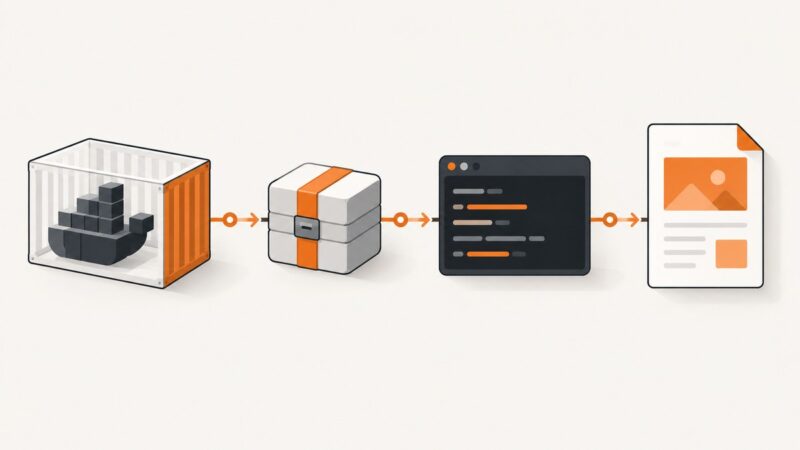
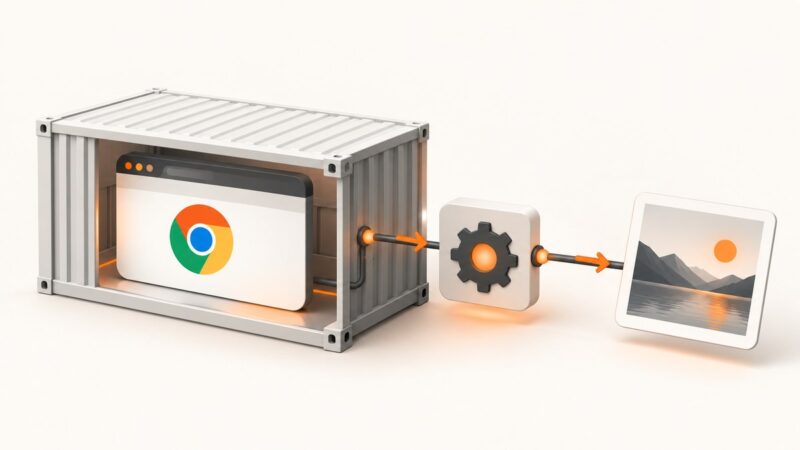
Run Selenium Chrome in Docker, capture reliable screenshots, set viewport size, troubleshoot crashes, and compare a managed ScreenshotNeo option.
Capture Selenium failure screenshots before teardown, preserve the original error, and automate reliable artifacts in Python and Java.
Fix Playwright failures and Azure Pipeline hangs with reproducible browser installs, bounded timeouts, CI-safe workers, and a diagnostic checklist.
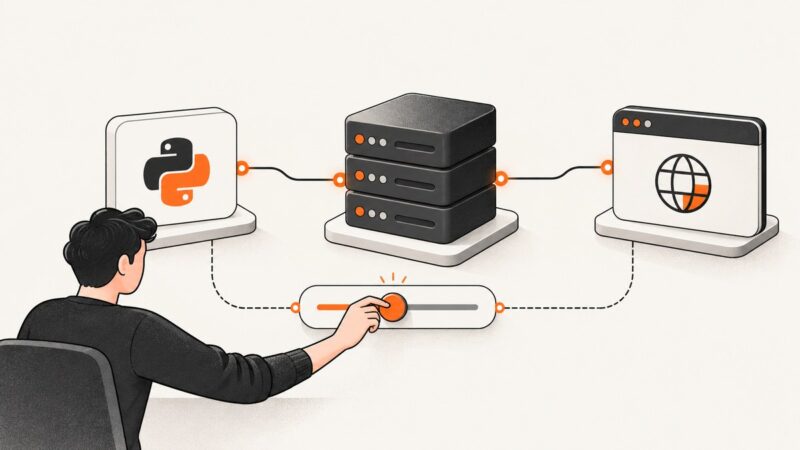
Increase Selenium’s remote HTTP timeout with ClientConfig, distinguish it from browser waits, and troubleshoot Grid, proxy, TLS, and node failures.