How to Upload Photos with Python Selenium
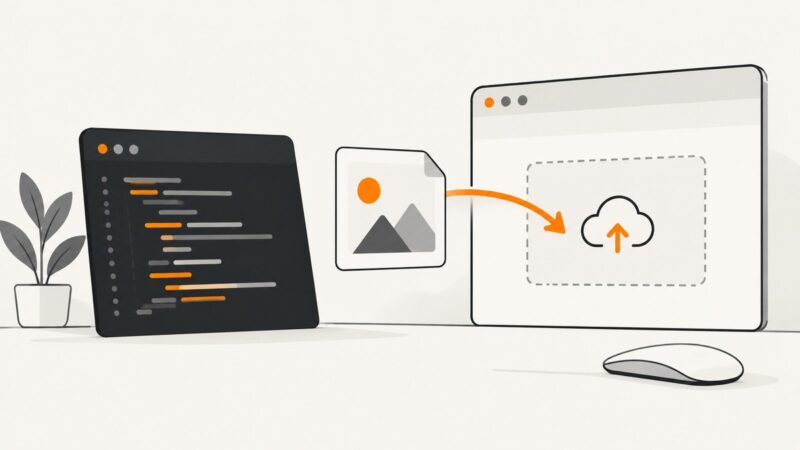
Upload photos with Python Selenium by sending an absolute path to an HTML file input, submitting the form, and verifying the result.
Upload photos with Python Selenium by sending an absolute path to an HTML file input, submitting the form, and verifying the result.
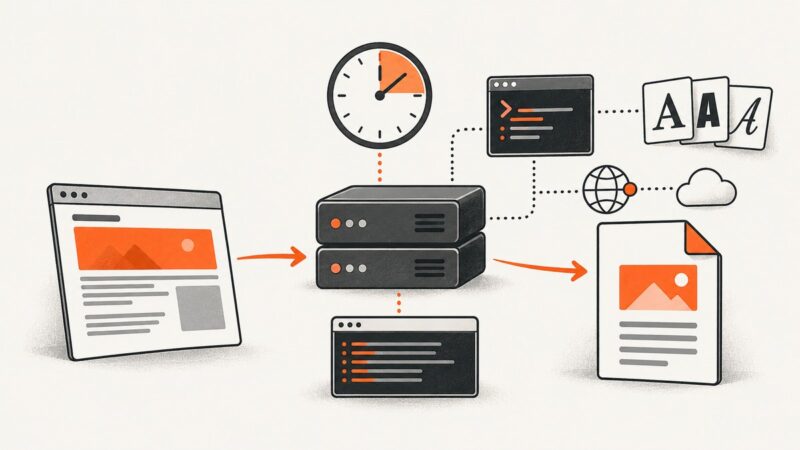
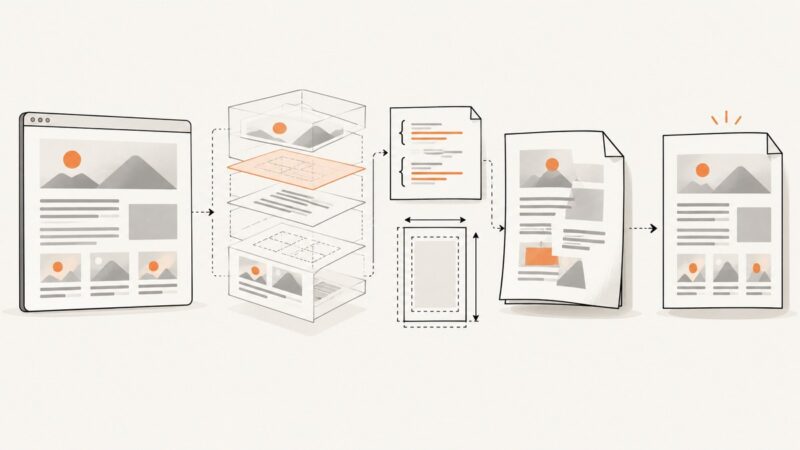
Make wkhtmltopdf dependable under cron with fixed paths, deterministic rendering, diagnostics, security boundaries, and safe output replacement.
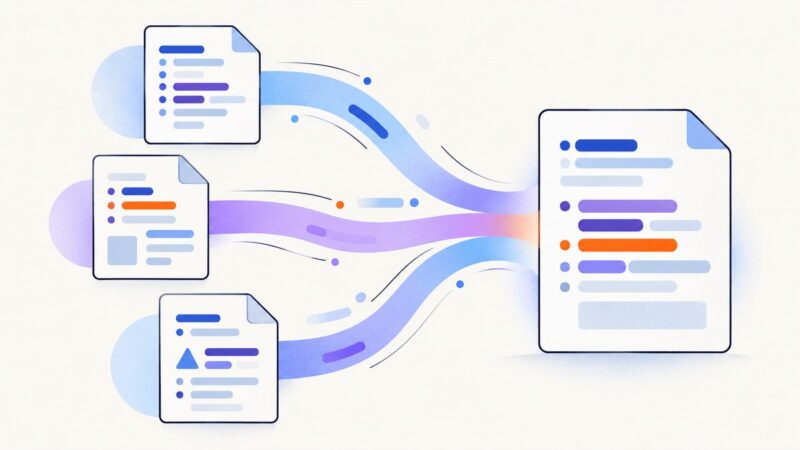
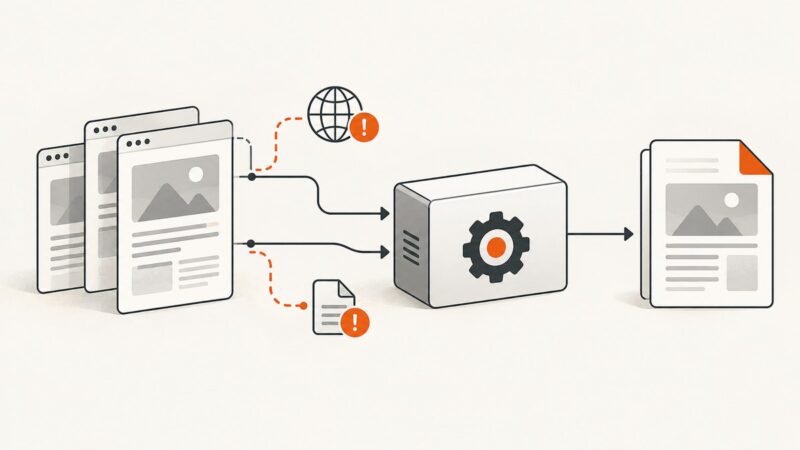
Parse multiple HTML files, merge their body content safely in C#, handle IDs, assets and scripts, then troubleshoot common composition errors.
Fix transparent Chromium windows by checking user privileges, removing --no-sandbox, matching ChromeDriver versions, and isolating headless and display issues.
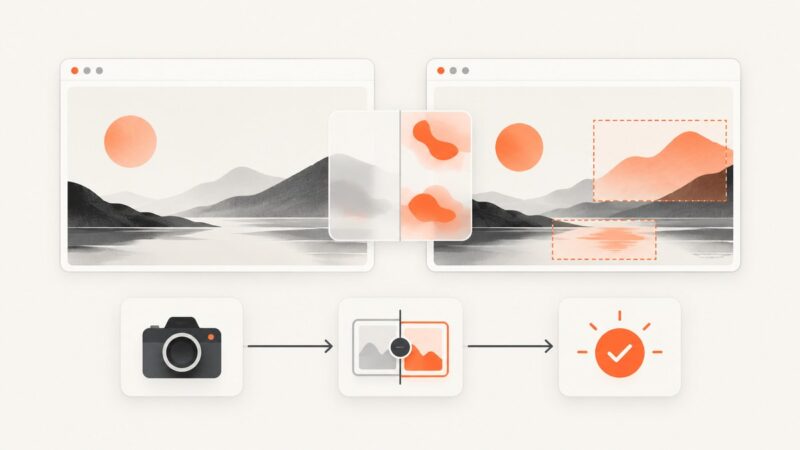
Use Edge’s built-in Screenshot tool to capture a webpage, a full page, or a selected area, then annotate, copy, or save the result.
Build reliable visual regression tests with Playwright: baselines, diff thresholds, noise control, CI review, troubleshooting, and ScreenshotNeo.
Fix chromedp PDF layout problems by checking page readiness, print CSS, Page.printToPDF options, and browser versions in a repeatable order.
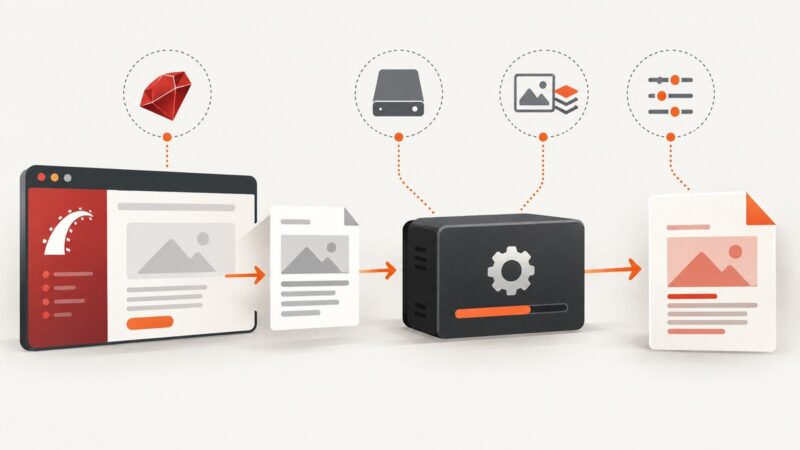
Fix Wicked PDF errors in Rails by checking the gem, wkhtmltopdf binary, paths, assets, renderer support, and runtime permissions in order.
Diagnose Selenium screenshot failures by checking the session, browser context, synchronization, driver support, and file output layer by layer.
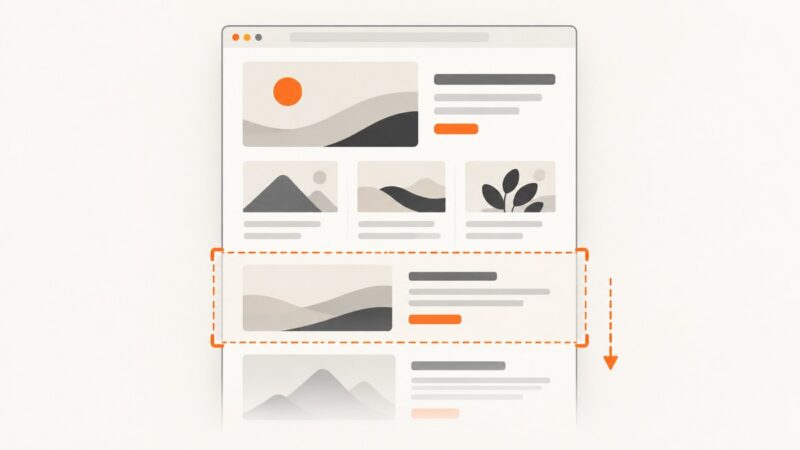
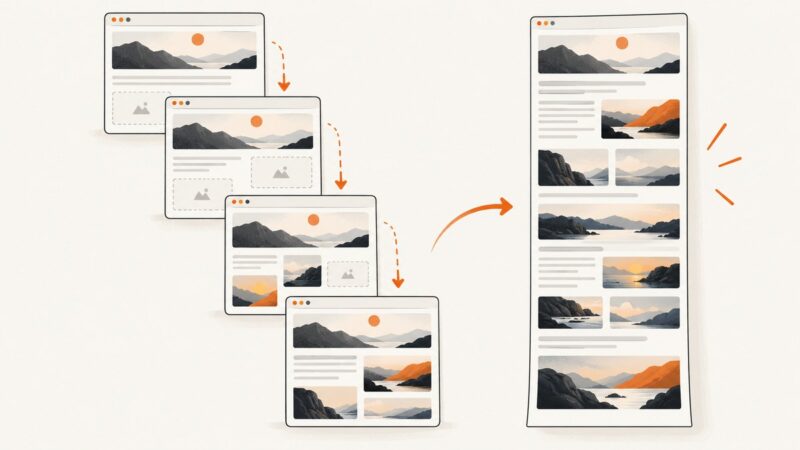
Full-page screenshots fail when capture mode, timing, lazy loading or layout changes are wrong. Diagnose each cause with reliable fixes.
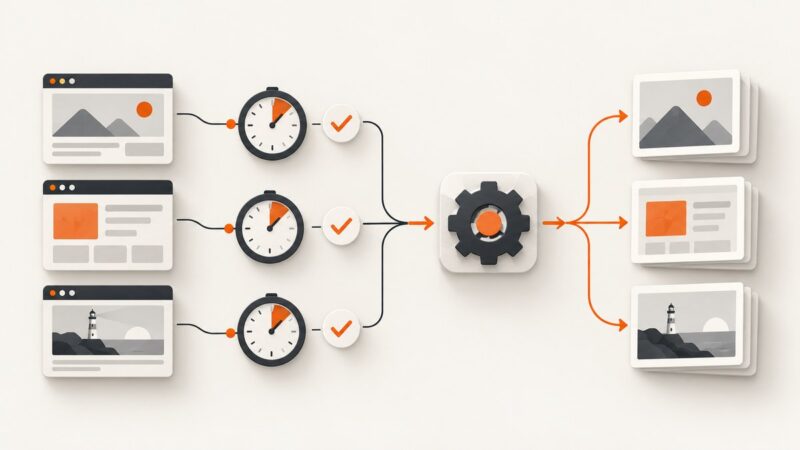
Identify the timeout layer, reduce capture scope, wait on real signals, and run reliable Playwright screenshot batches.
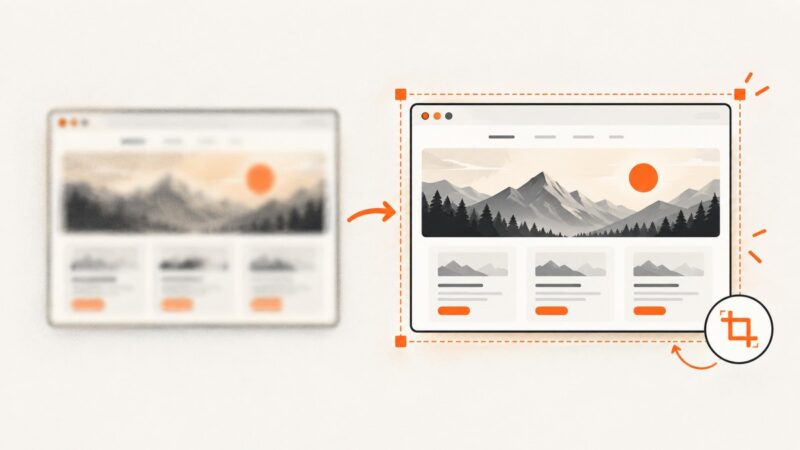
Make screenshots clearer: capture at the right size, crop clutter, preserve readable text, protect privacy, and automate clean captures with ScreenshotNeo.
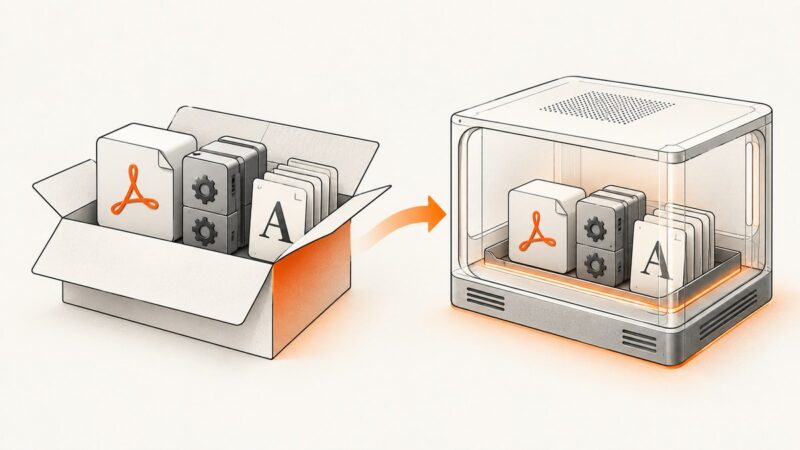
Package wkhtmltopdf with the right libraries, fonts, and runtime—or use a Lambda layer or container—without installing it system-wide.
Fix NReco GeneratePdfFromFiles errors by passing file paths or URLs, resolving external resources, and handling deployment issues.
KB50001330 is usually KB5001330. Learn why Internet Explorer created random PDF names and how to fix the workflow safely.
Make external and internal links clickable in pdfkit PDFs, diagnose missing annotations, and avoid common wkhtmltopdf mistakes.
Run headless Chromium from Go with Agouti on Lambda, package the browser safely, save screenshots, and understand the legacy caveats.
Fix Selenium StaleElementReferenceException by re-finding elements inside a bounded FluentWait and waiting for the state your next action needs.