How to Fix Selenium Python find_element_by_name Clicks That Do Nothing
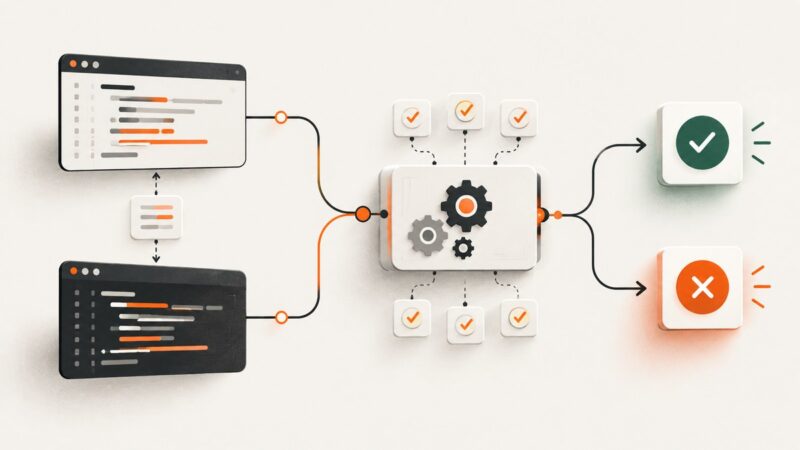
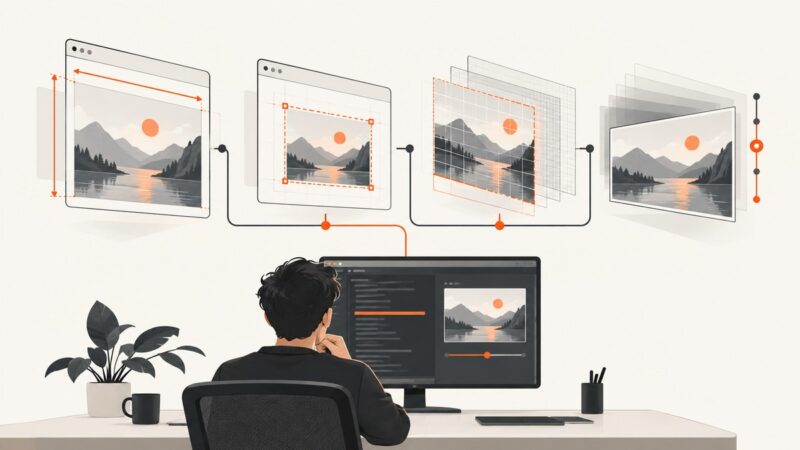
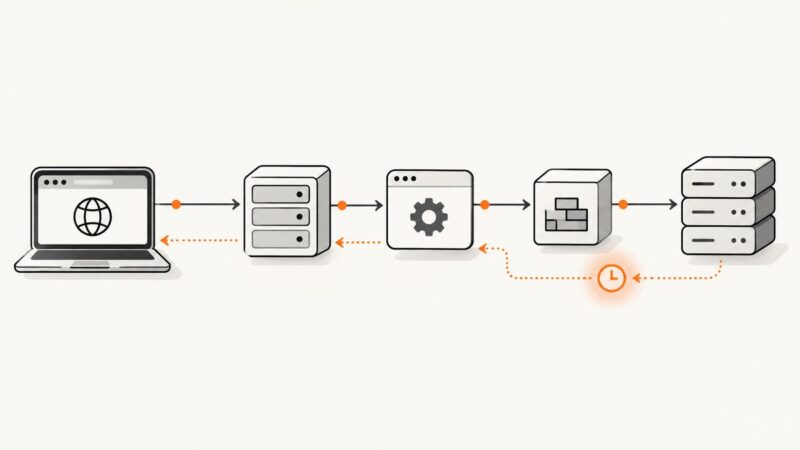
Replace legacy name lookups with Selenium’s documented By.NAME locator, then check readiness, page context, click interception, and the actual post-click result.
Replace legacy name lookups with Selenium’s documented By.NAME locator, then check readiness, page context, click interception, and the actual post-click result.
Learn how to plan, prioritize, automate, and evaluate regression tests so software changes do not break existing behavior.
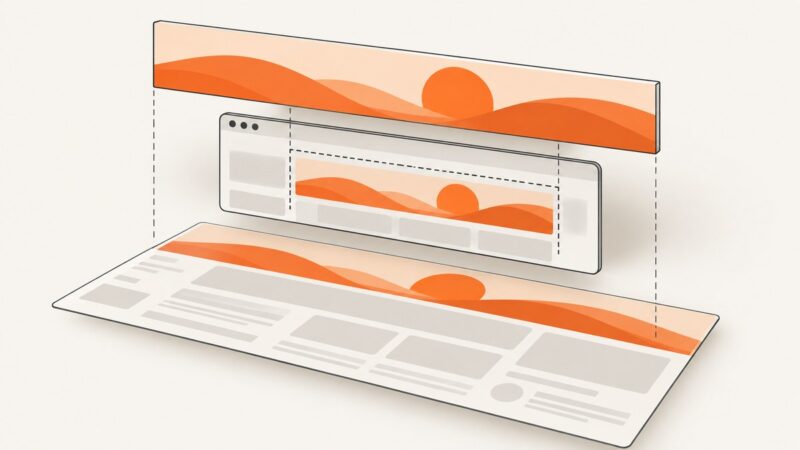
Capture a banner element, viewport, or full document with Selenium. Includes Python code, Chrome CDP, Firefox full-page capture, fixes, and ScreenshotNeo.
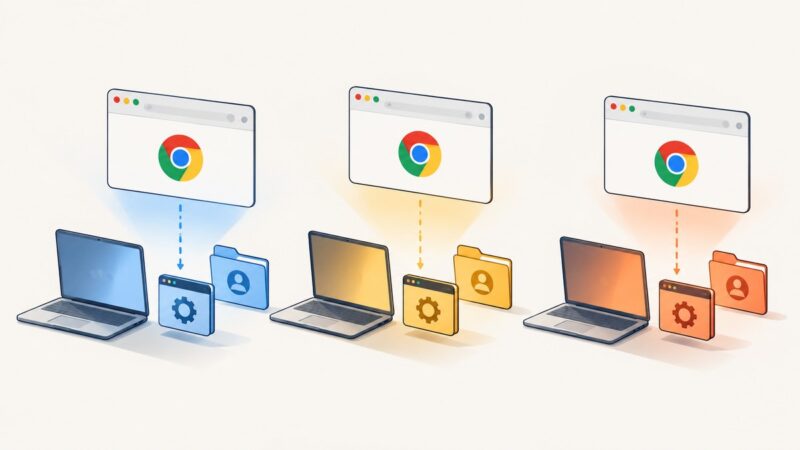
Run parallel Selenium Chrome sessions safely with isolated WebDrivers, unique profiles, compatible drivers, and a clear startup troubleshooting path.
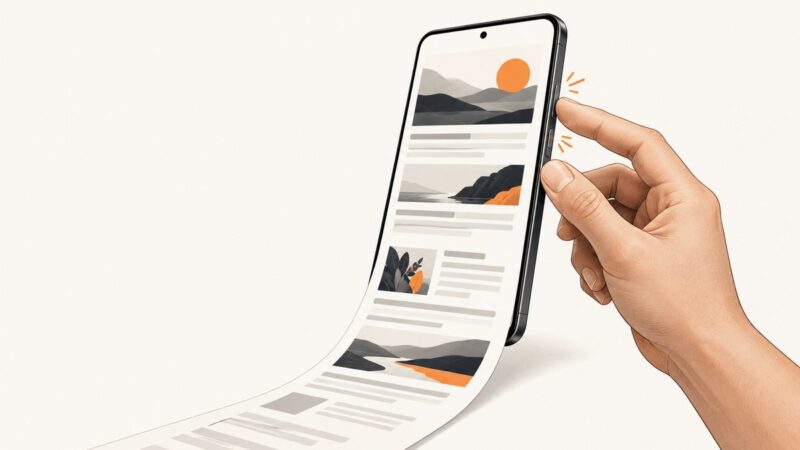
Press Power + Volume Down for a normal Android screenshot, or use Capture more and Chrome's Long screenshot for full pages.
Fix blurry, oversized, or wrongly sized Chromium headless screenshots by separating viewport, virtual screen, device scale factor, and capture timing.
Learn how to capture an X post on iPhone, Android, Windows, or Mac, when to copy its permanent link, and how to automate clean captures.
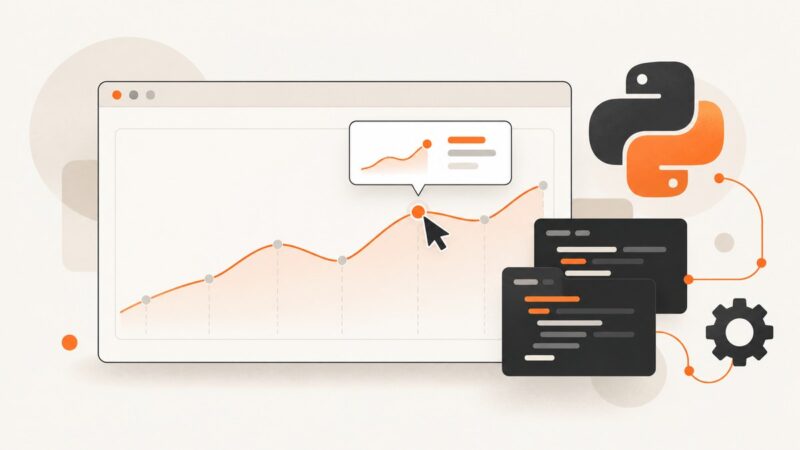
Learn how to reveal, wait for, and extract hover tooltips and popups with Selenium and Python, including dynamic pages, iframes, and troubleshooting.
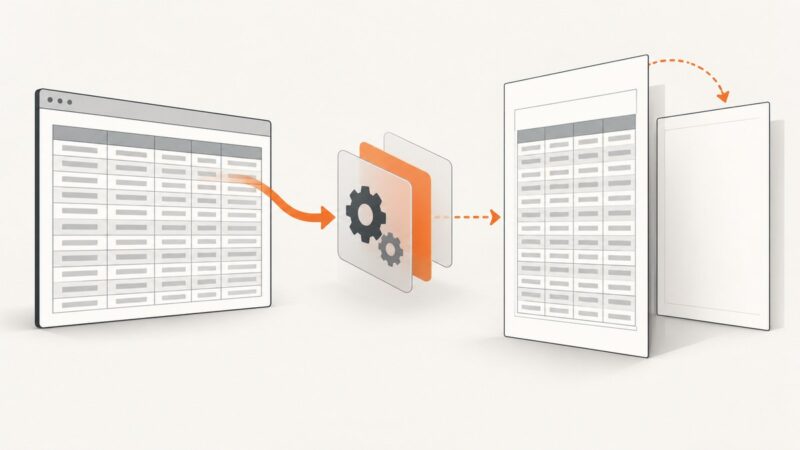
Stop mPDF from creating a blank first page before large HTML tables with pagination, sizing, CSS, and troubleshooting fixes.
What to do when AliExpress shows human verification in Selenium, how to stop safely, fix WebDriver issues, and choose an authorized access path.
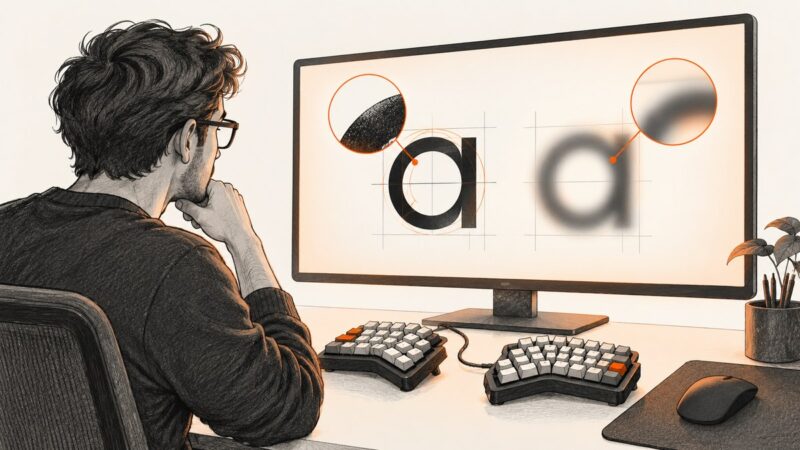
Diagnose blurry, fuzzy, or missing Chromium text around ErgoDox Oryx with platform-specific Windows and Linux steps.
Learn when to download an image URL or capture the browser view, with Selenium Python code for lazy loading, login cookies, and reliable files.
Build a Zap that captures a URL on a schedule or event, then stores, emails, or shares the screenshot with the right rendering controls.
Capture whole documents with legacy WebdriverCSS, understand driver limits, and use modern WebdriverIO or ScreenshotNeo when you need reliable full-page images.
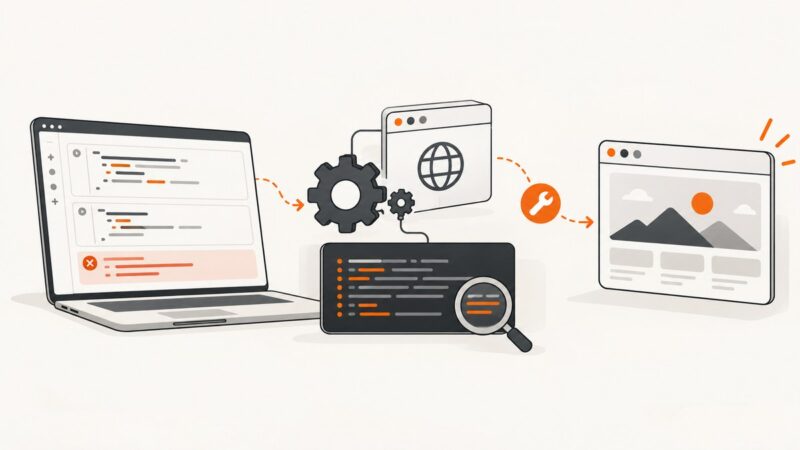
Identify which Selenium timeout fired, configure the right limit, synchronize dynamic pages, and diagnose Grid, proxy, driver, and CI delays.
Diagnose missing drivers, version mismatches, Selenium Manager failures, and broken Colab runtimes with a repeatable, current workflow.
Capture a screenshot with InternetExplorerDriver in Java, understand viewport limitations, configure IE correctly, and troubleshoot common failures.
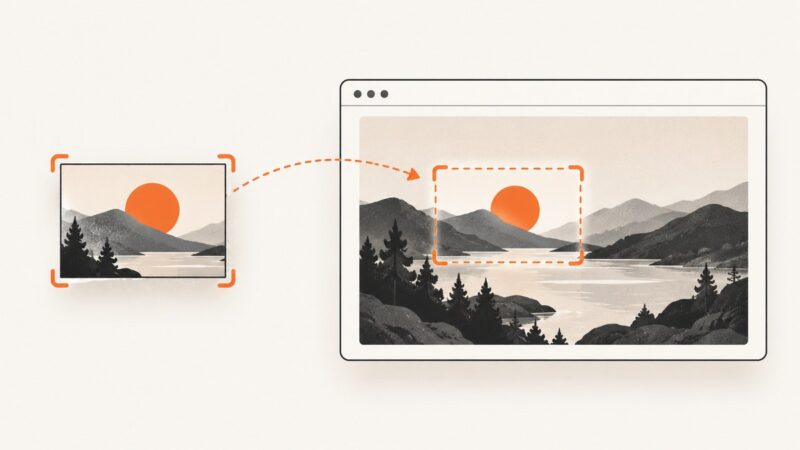
Use SikuliX Image.find or Region.find to detect one image inside another, tune similarity, handle failures, and automate reliable captures.